Beoordeel productmockups
Flux kan producten plaatsen in overtuigende studioscènes of meerdere referenties combineren tot één compositie. Controleer het uiteindelijke beeld voordat u een vermelding, campagne of cliëntpresentatie goedkeurt.




Sleep en zet neer of upload een afbeelding
JPG · JPEG · PNG · WEBP · max. 10 MB
Gedetecteerd en verwijderd · Rapporten zijn onafhankelijk verifieerbaar

Upload een afbeelding om te beginnen
Zet een bestand links neer of kies een van de voorbeeldafbeeldingen.
Probeer een van onze voorbeeldafbeeldingen
Bang dat de samenvatting verzonnen of stijf klinkt, zoals tekst van een groot taalmodel? Stuur hem met één klik naar de detector om originaliteit en betrouwbaarheid te controleren.



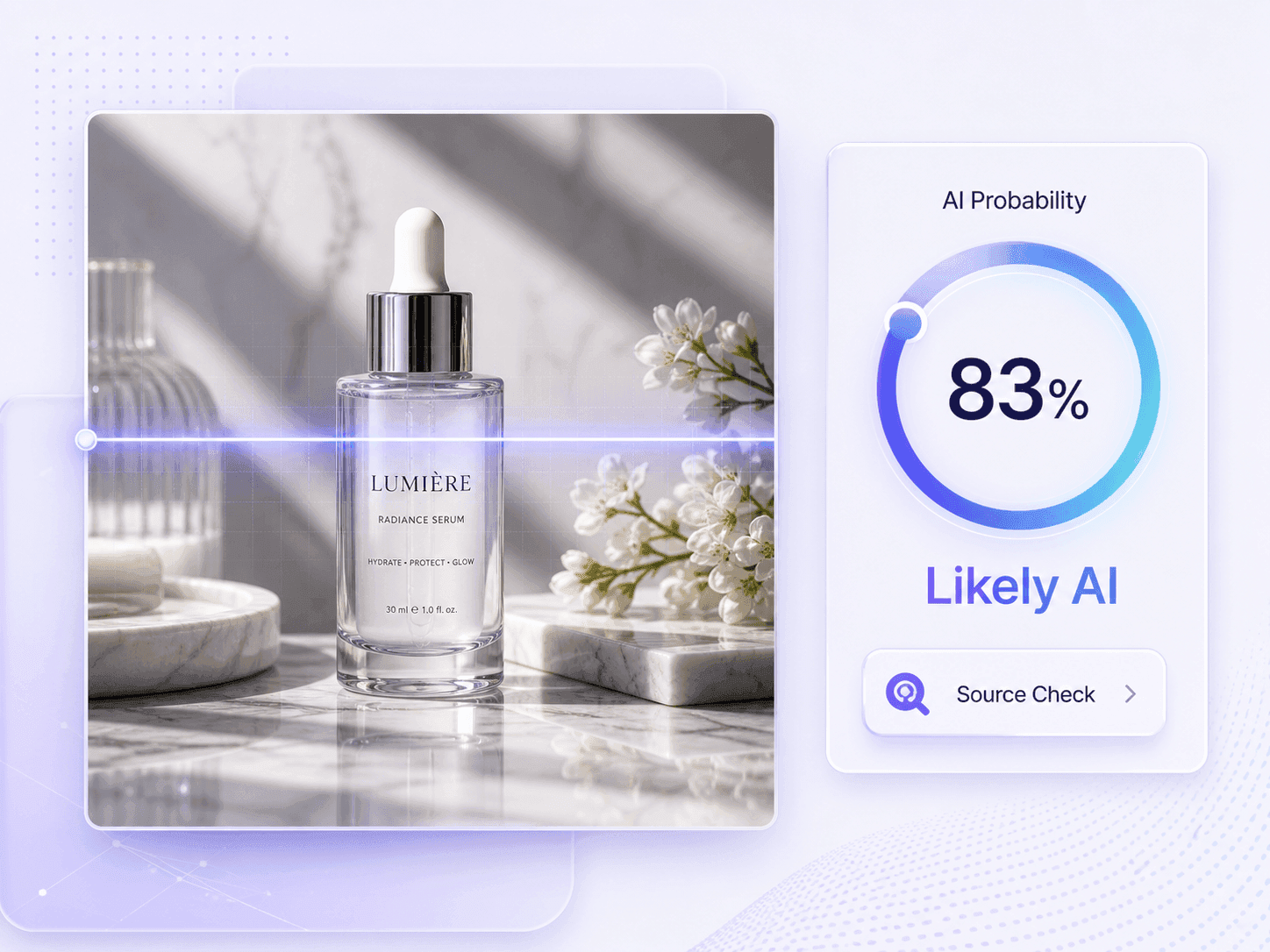
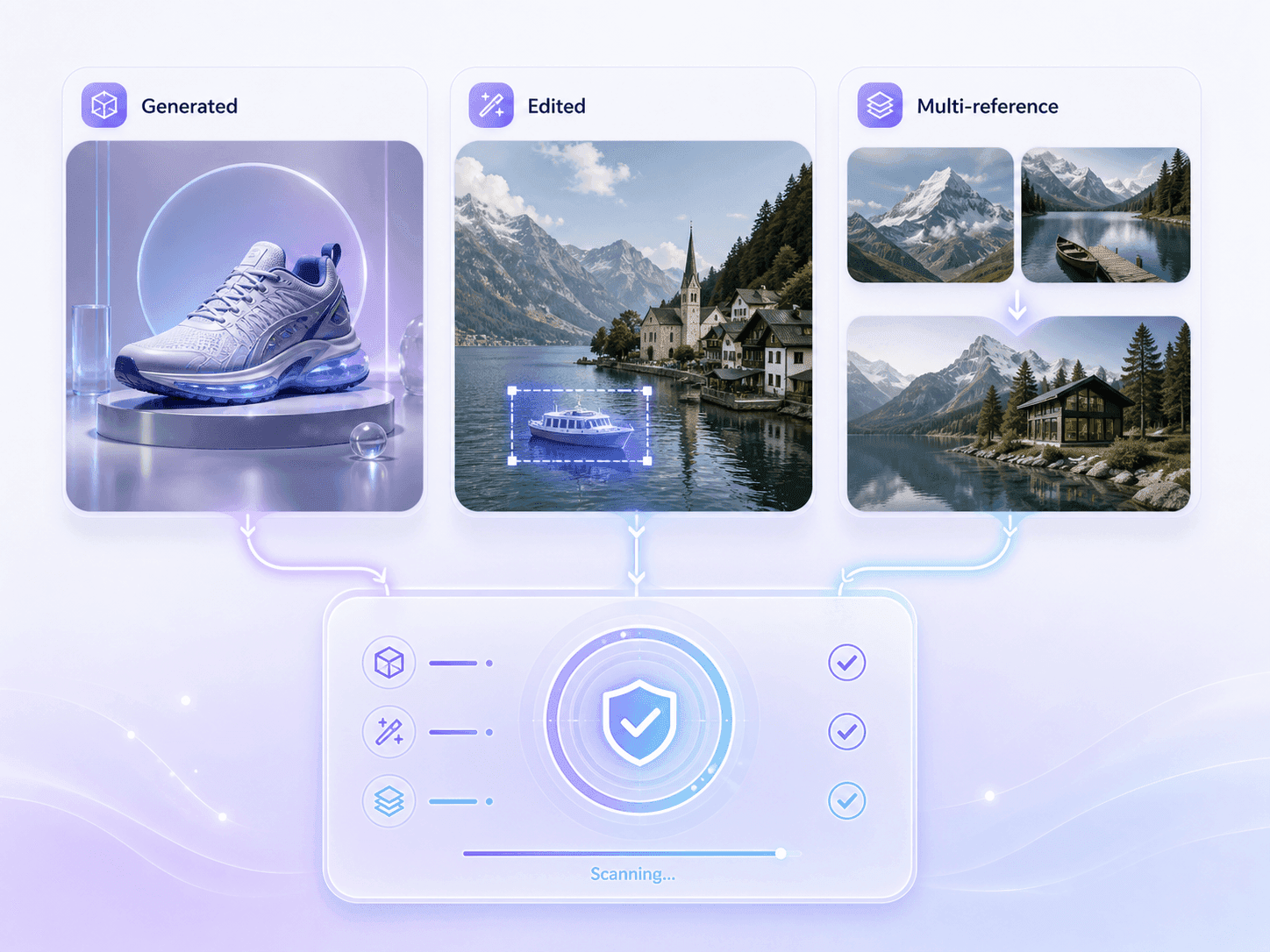
Klik op Afbeelding Kiezen of sleep de afbeelding die u vermoedt dat is gegenereerd of bewerkt met Flux. Upload indien mogelijk het daadwerkelijke bestand; schermafbeeldingen en herplaatsingen kunnen nog steeds worden gecontroleerd, maar ze kunnen minder herkomstinformatie bevatten.
Nadat de preview verschijnt, klik op Afbeelding Detecteren om de scan te starten. U hoeft FLUX.1, FLUX.2 of een bewerkingsworkflow niet te selecteren voordat de analyse begint.
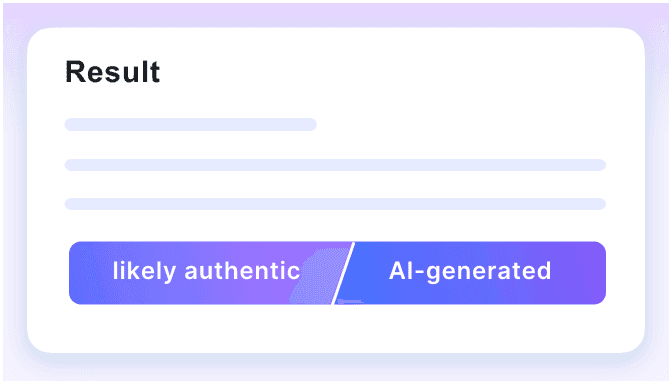
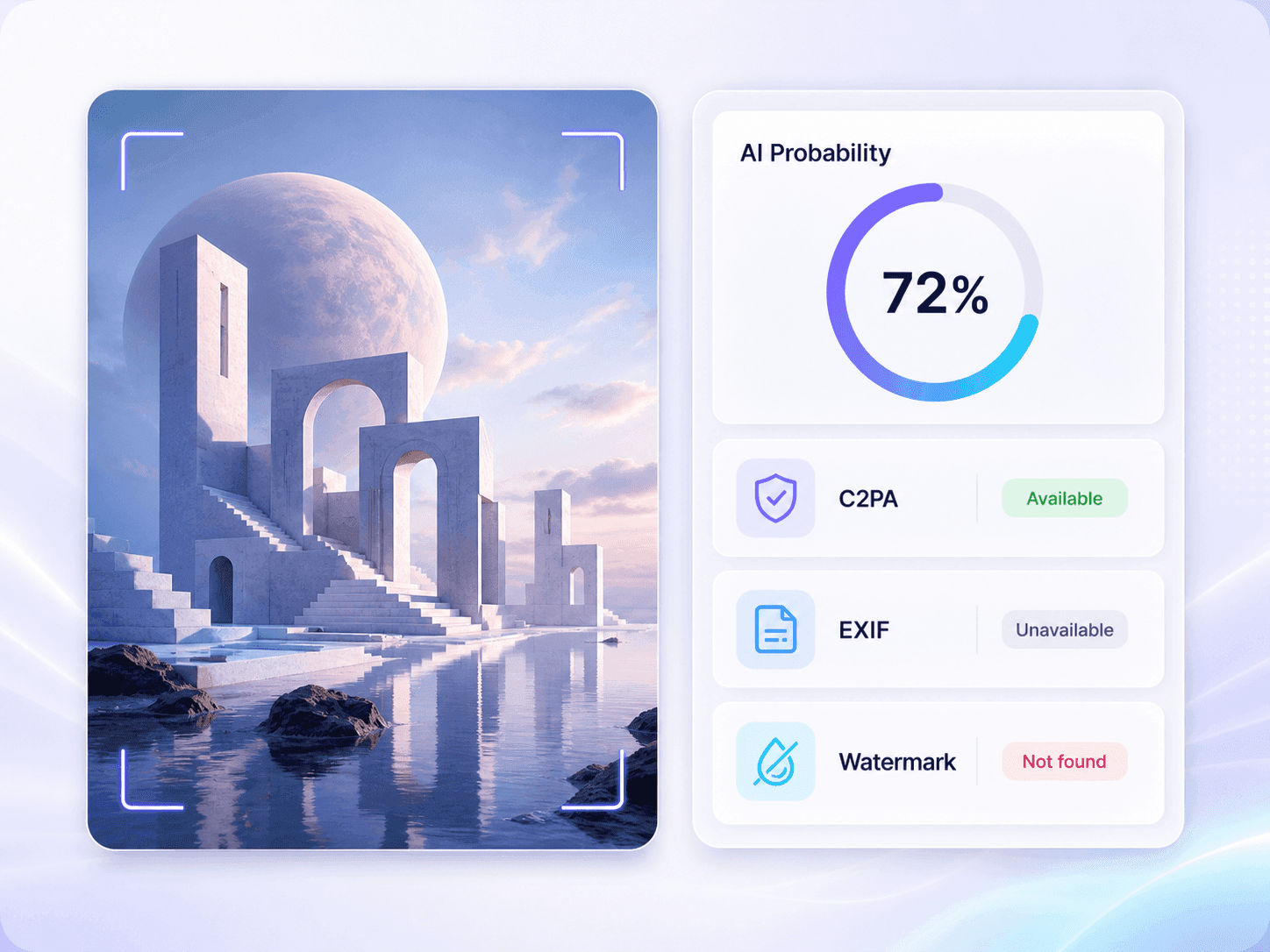
Bekijk de AI-waarschijnlijkheid en het uiteindelijke oordeel, controleer vervolgens eventuele beschikbare watermerken, C2PA, EXIF, afmetingen en bestandsdetails. Gebruik die signalen samen met de bron, het bijschrift en de geschiedenis van het originele bestand in plaats van het resultaat te behandelen als bewijs van Flux-auteurschap.
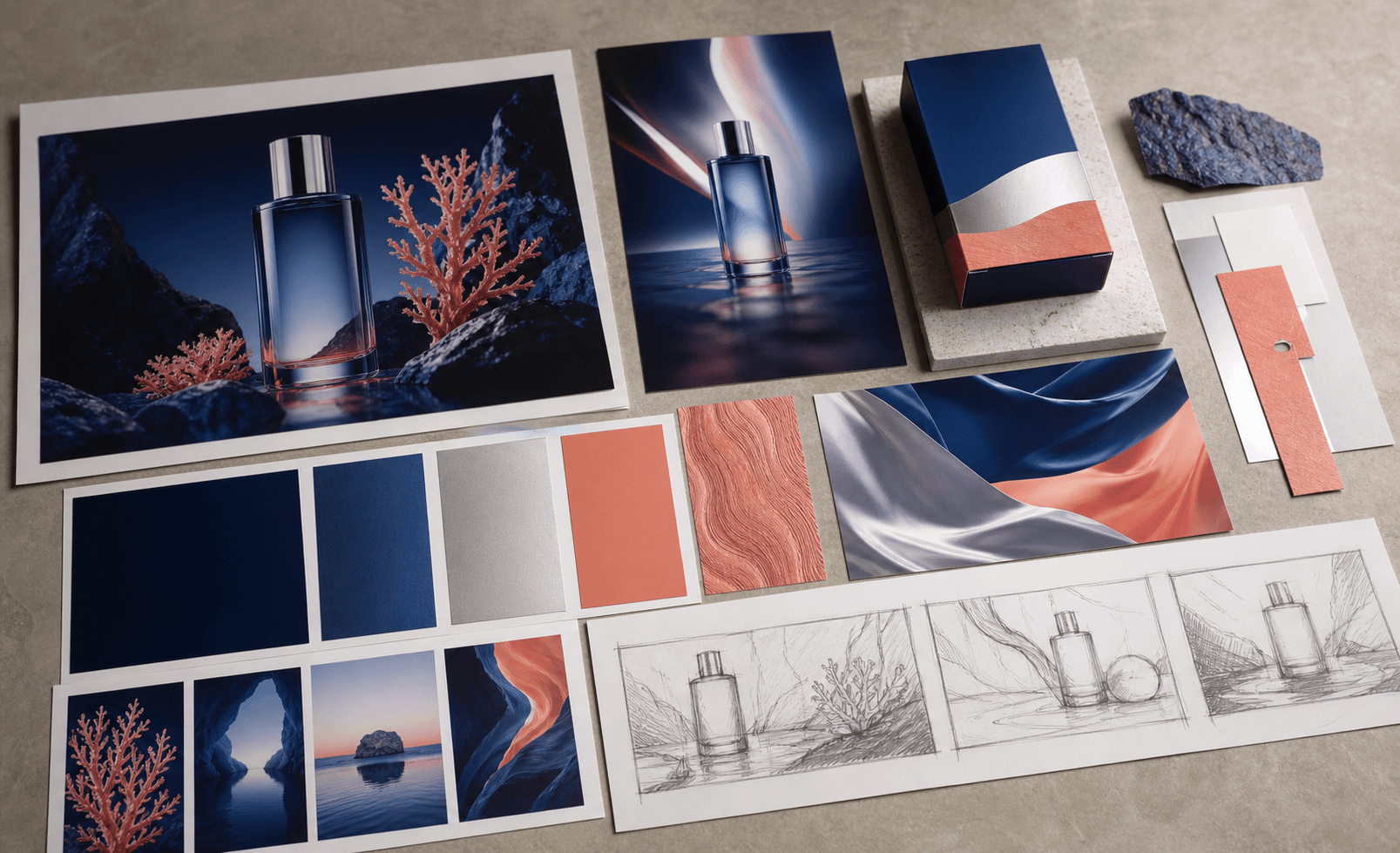
Flux kan producten plaatsen in overtuigende studioscènes of meerdere referenties combineren tot één compositie. Controleer het uiteindelijke beeld voordat u een vermelding, campagne of cliëntpresentatie goedkeurt.
Een gepolijste portretfoto kan eruitzien alsof deze door een camera is gemaakt, zelfs wanneer het gezicht, de kleding en de achtergrond samen zijn gegenereerd. Gebruik het resultaat als reden om een originele bron op te vragen wanneer identiteit van belang is.
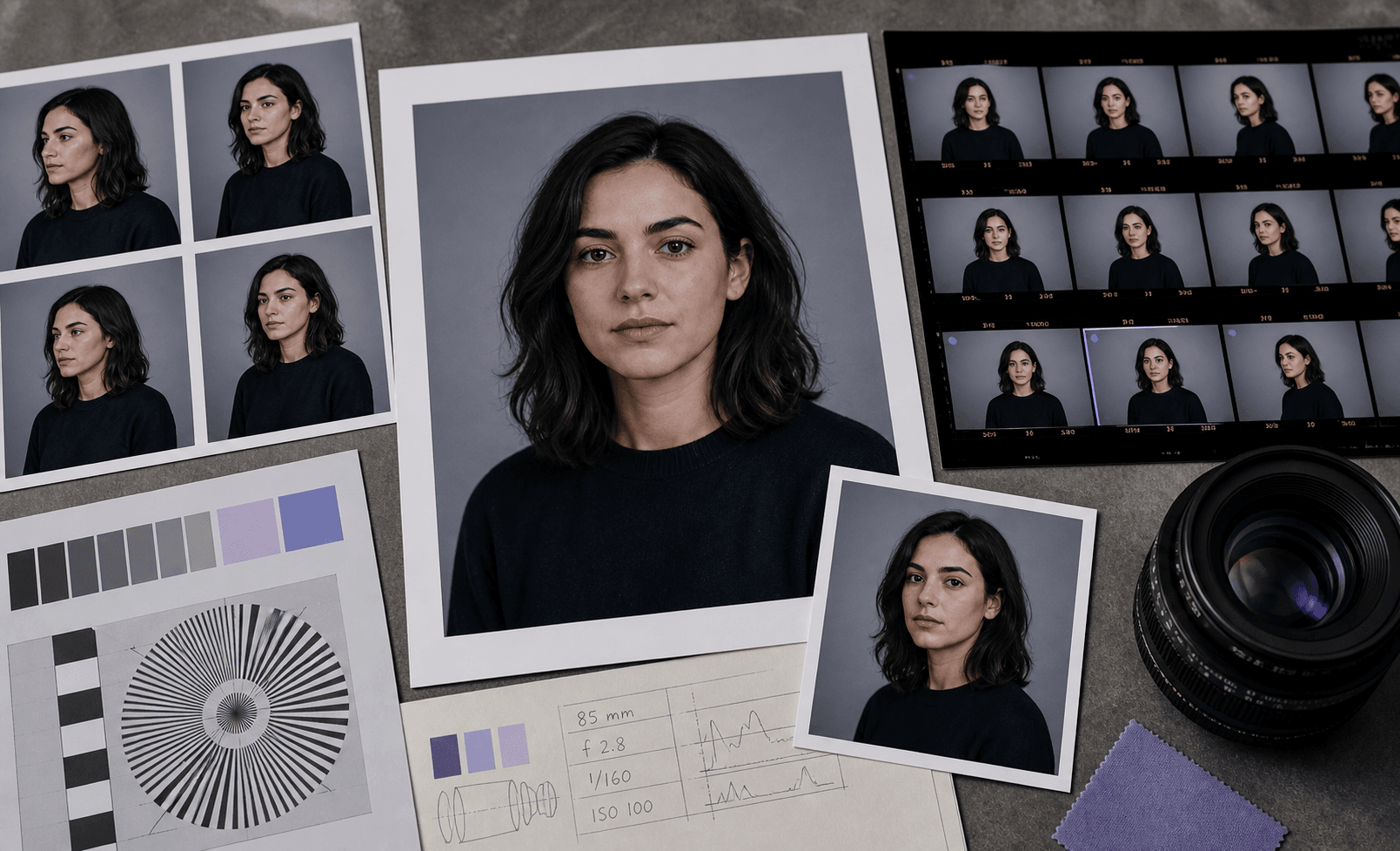
Creatieve teams gebruiken Flux voor snelle conceptontwikkeling en gecontroleerde visuele bewerkingen. Beoordeel pitchafbeeldingen en advertentieconcepten wanneer de briefing openbaarmaking vereist of referenties onderscheidt van de uiteindelijke fotografie.
FLUX.2 kan documentaire-achtige scènes creëren die lijken op evenement- of locatiefotografie. Wanneer een redactionele afbeelding geen fotograaf, opnamedatum of traceerbare eerste publicatie heeft, controleer deze dan voordat deze in een artikel, nieuwsbrief of openbaar rapport verschijnt.
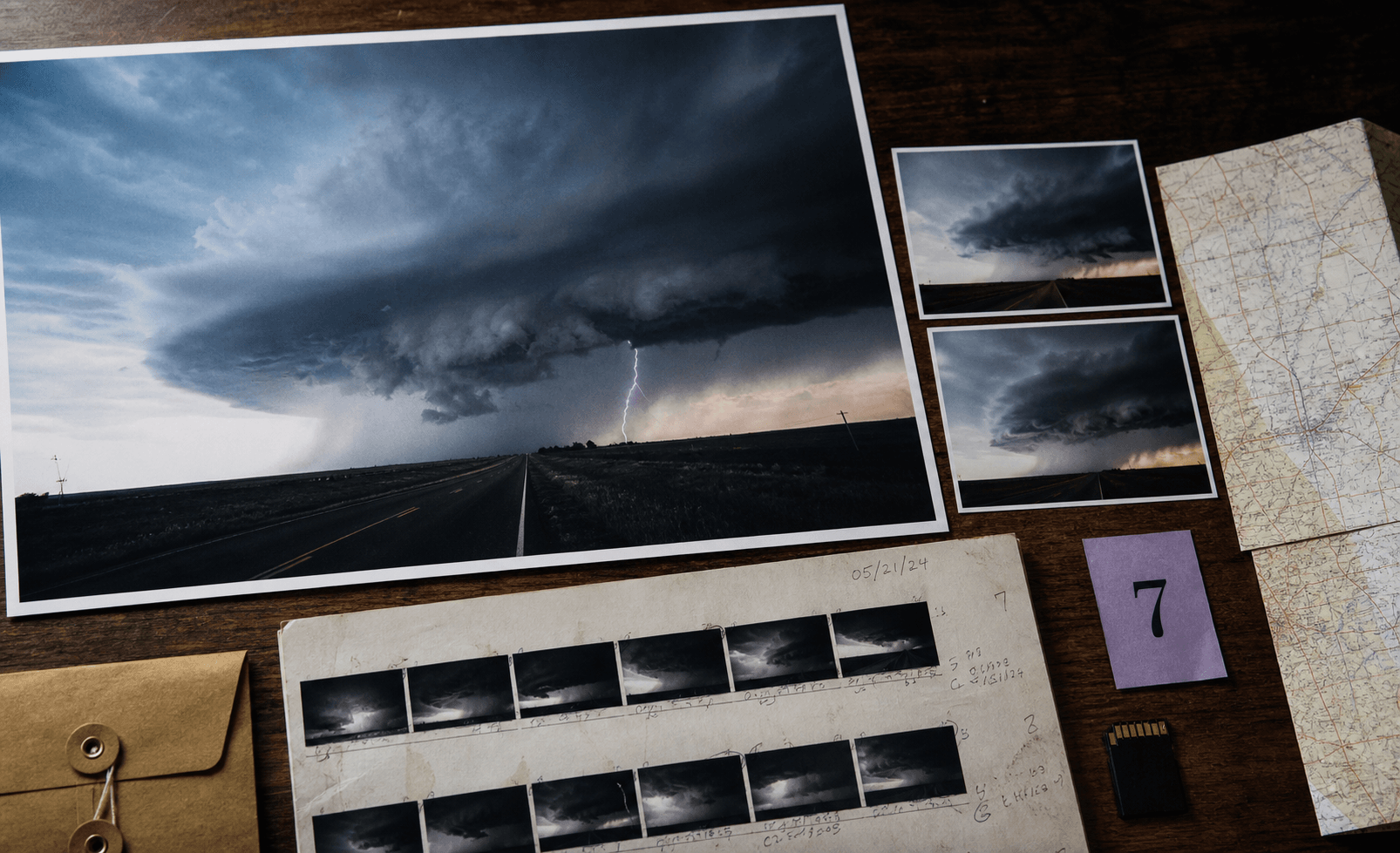
Wanneer een opdracht Flux of andere generatieve tools beperkt, inspecteer dan het geleverde kunstwerk en vergelijk het resultaat met schetsen, bronbestanden en de procesnotities van de maker. Dit is vooral nuttig wanneer Flux mogelijk is gebruikt voor generatie, referentiegebaseerde bewerking of compositing.
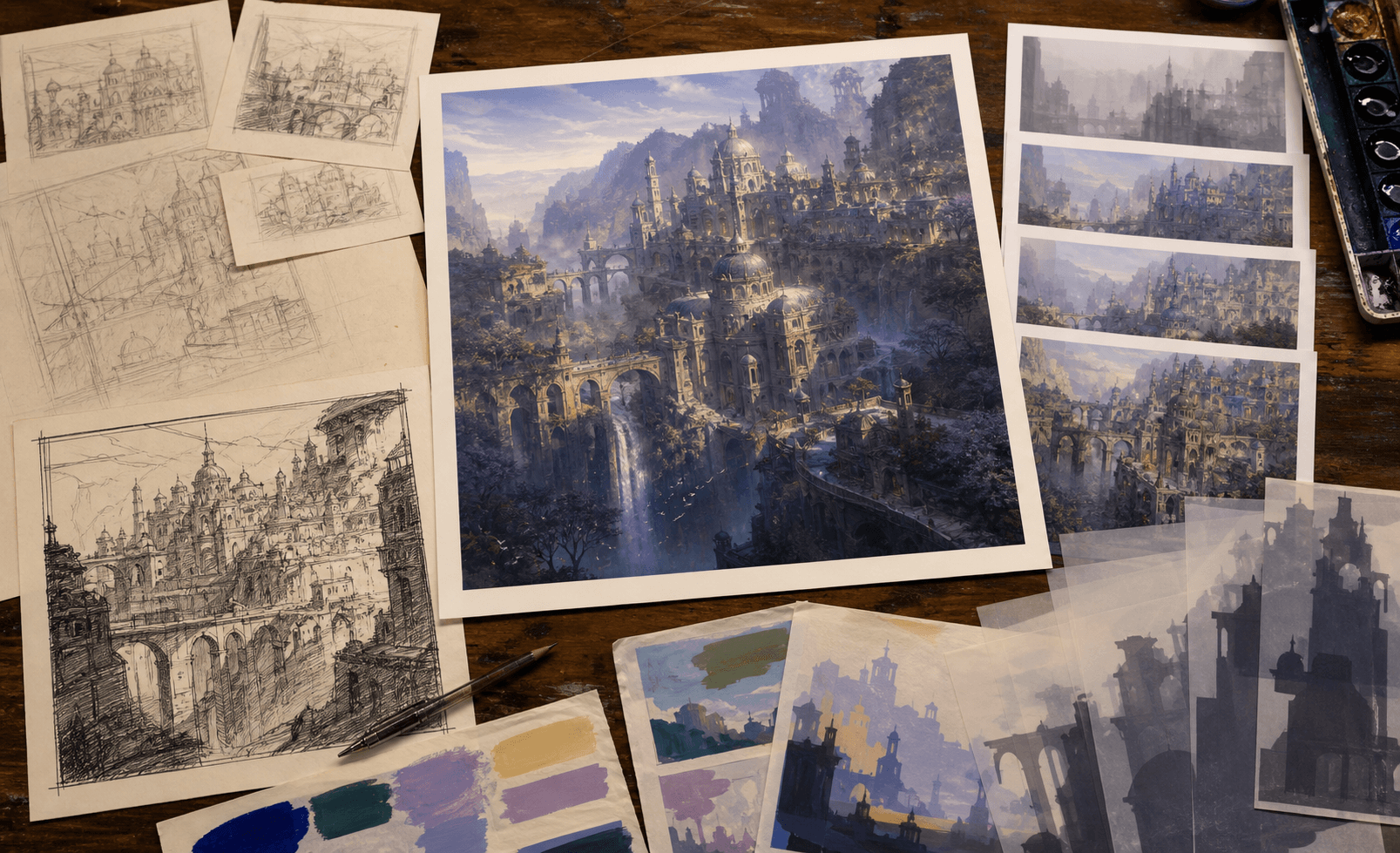
Een door Flux gegenereerde afbeelding kan door screenshots, uitsneden en gecomprimeerde herplaatsingen gaan voordat deze u bereikt. Voer de afbeeldingscontrole uit, zelfs als metadata ontbreekt, en spoor vervolgens de vroegst beschikbare upload op voordat u de bewering opnieuw deelt.
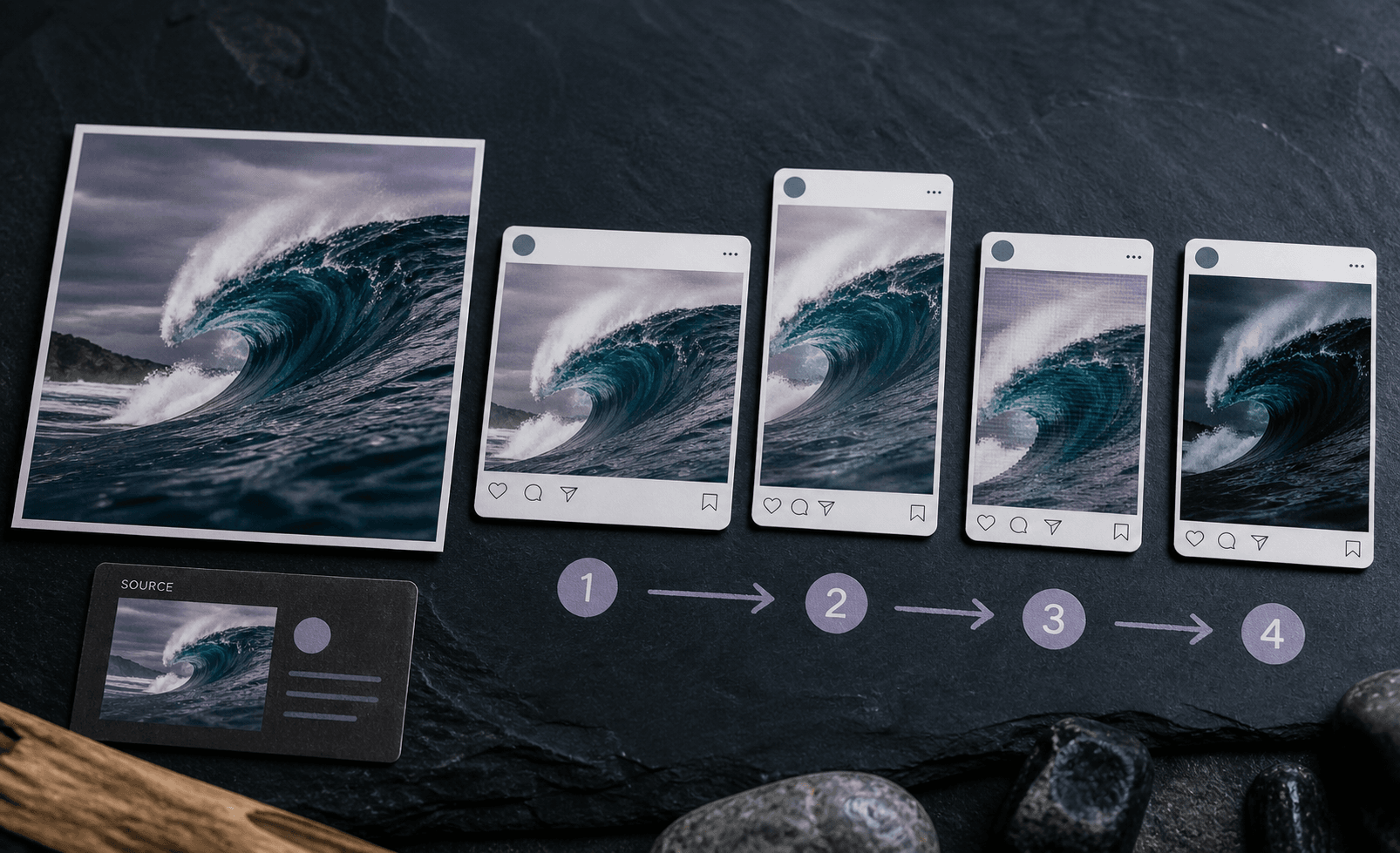
Flux-workflows kunnen complete afbeeldingen produceren, bestaande foto's bewerken, meerdere referenties combineren, tekst renderen en zeer fotorealistische beelden creëren. Screenshots en herplaatsingen kunnen ook worden gecontroleerd, zelfs wanneer hun originele metadata niet langer beschikbaar is.
Lynote beoordeelt de AI-waarschijnlijkheid op afbeeldingsniveau en alle beschikbare bestandsbewijzen. Het claimt geen exacte toeschrijving aan een specifiek Flux-model of bewerkingsmethode.

Fully Generated Flux Images

Flux-Edited Photos

Multi-Reference Outputs

Photorealistic Flux Visuals

Flux Images With Text or Labels

Screenshots and Reposted Flux Images
Fully Generated Flux Images
Flux-Edited Photos
Multi-Reference Outputs
Photorealistic Flux Visuals
Flux Images With Text or Labels
Screenshots and Reposted Flux Images

Analyseer verdachte Flux-beelden met begeleiding afgestemd op de generatie- en bewerkingsworkflows van FLUX.1 en FLUX.2, inclusief fotorealistische scènes en composities met meerdere referenties.

Zie hoe sterk de geüploade afbeelding neigt naar AI-generatie via een leesbare waarschijnlijkheid en oordeel in plaats van een onverklaarbare waarschuwing.

Controleer volledig gegenereerde afbeeldingen, evenals Flux-ondersteunde bewerkingen en composities met meerdere referenties. Het resultaat evalueert de complete afbeelding zonder te pretenderen elke bewerkte regio te lokaliseren.

Bekijk beschikbare watermerk-, C2PA-, EXIF-, afmetingen- en bestandsdetails naast het waarschijnlijkheidsresultaat. Ontbrekend bewijs wordt als niet beschikbaar getoond, niet als bewijs behandeld.

Geen aanmelding is nodig. Open de Flux afbeeldingscontroleur, upload de verdachte afbeelding en start de beoordeling zonder eerst een account aan te maken of een Flux-model te selecteren.

Gebruik gangbare afbeeldingsformaten zonder ze eerst te converteren. De controleur ondersteunt JPG-, PNG-, WebP- en HEIC-bestanden uit creatieve, redactionele, marktplaats- en sociale workflows.

De controleur blijft nuttig na herplaatsing. Beoordeel screenshots en gedeelde afbeeldingen, zelfs wanneer sociale platforms hun originele metadata hebben verwijderd, waarbij de resulterende bewijsgaten duidelijk worden geïdentificeerd.

Behandel de waarschijnlijkheid als een beoordelingssignaal, niet als bewijs van Flux-auteurschap. Deze duidelijke grens helpt u een betere beslissing te nemen zonder een schatting om te zetten in valse zekerheid.

Controleer referentiebeeldmateriaal dat verdacht wordt van Flux-generatie of -bewerking voordat u het in een eindproject opneemt, en vergelijk het resultaat daarna met de bronbestanden van de maker.

Controleer fotorealistische nieuwsafbeeldingen die verdacht worden van Flux-generatie vóór publicatie, en traceer daarna de oorspronkelijke upload, fotograaf en omringende context.

Controleer virale of opnieuw geplaatste afbeeldingen die mogelijk afkomstig zijn van een Flux-workflow, waarbij ontbrekende metadata wordt behandeld als een bewijsgat in plaats van als bewijs.

Controleer campagneconcepten, productmockups en in opdracht gemaakte visuals op Flux-gerelateerde AI-signalen voordat u bronbestanden opvraagt of klantgebruik goedkeurt.

Controleer fotorealistische productscènes en door verkopers ingediende visuals met een Flux AI-afbeeldingsdetector voordat u een vermelding, terugbetaling of advertentieclaim goedkeurt.

Controleer visuele opdrachten en projectafbeeldingen op mogelijke Flux-betrokkenheid, en bespreek het resultaat vervolgens met concepten, citaten en het procesverslag van de student.

Onafhankelijk journalist

Een foto verspreidde zich zonder bron, en het zag er bijna te perfect uit. Ik deed een controle voordat ik hem gebruikte. De score beantwoordde niet alles, maar het vertelde me dat ik moest blijven zoeken naar het origineel.

Creatief Directeur
Een van onze moodboards bevatte een paar gepolijste productscènes die er Flux-gemaakt uitzagen. De scan gaf ons een snelle manier om ze te markeren en het team te vragen welke afbeeldingen waren gegenereerd.

Community Moderator
We zien veel screenshots en reposts, dus de metadata is meestal verdwenen. Ik vind het fijn dat het rapport aangeeft wat er ontbreekt, in plaats van ontbrekende gegevens als bewijs te behandelen.

Digitaal Kunstenaar
Klanten sturen me vaak referentieafbeeldingen zonder bronvermelding. Als iets eruitziet als een Flux-render, controleer ik het voordat ik erop voortbouw. Dat kan later een ongemakkelijk gesprek besparen.

Compliance Officer
We hadden een ingediende campagneafbeelding die mogelijk door AI was bewerkt. Het rapport plaatste de score en bestandsdetails op één plek, wat het gemakkelijker maakte om te documenteren waarom we het originele bestand hadden opgevraagd.

Contentuitgever
Ik gebruik het als een tweede controle voor omslagafbeeldingen en productvisuals. Als het resultaat onzeker is, pauzeren we de upload en verifiëren we de bron in plaats van te gissen.
Heeft u vragen over onze Flux afbeeldingsdetector? Wij hebben de antwoorden.
Een Flux afbeeldingsdetector schat in of een geüploade afbeelding tekenen van AI-generatie of -bewerking vertoont. Lynote rapporteert een AI-waarschijnlijkheid op afbeeldingsniveau en toont alle beschikbare bestands- of herkomstbewijzen; het bewijst niet dat een specifiek Flux-model de afbeelding heeft gemaakt.
Ja, de tool kan verdachte FLUX.2-afbeeldingen controleren en een algemene AI-waarschijnlijkheidsscore geven. Het kan echter geen exacte toeschrijving aan het bronmodel of precieze lokalisatie van bewerkte gebieden binnen de afbeelding garanderen.
FLUX.2 ondersteunt geavanceerde beeldbewerking en workflows met meerdere referenties. Onze Flux afbeeldingsdetector beoordeelt de algehele AI-waarschijnlijkheid van de gehele afbeelding die u uploadt. Het geeft echter een waarschijnlijkheid op afbeeldingsniveau en kan de exacte bewerkte gebieden binnen de afbeelding niet aanwijzen of lokaliseren.
Nee, het kan de identificatie van specifieke versies zoals FLUX.1 of FLUX.2 niet garanderen. Het geeft een algemene waarschijnlijkheid op afbeeldingsniveau naast beschikbaar bestandsbewijs.
Nee, ontbrekende EXIF-gegevens bewijzen niet dat een afbeelding door AI is gegenereerd. Sociale mediaplatforms verwijderen deze metadata vaak automatisch tijdens uploads.
Ja, u kunt screenshots of opnieuw geplaatste bestanden controleren. Het maken van een screenshot of het doorsturen van een afbeelding verwijdert echter vaak de originele metadata. Het rapport zal de afbeeldingswaarschijnlijkheid onafhankelijk evalueren, waarbij eventueel niet-beschikbaar herkomstbewijs, zoals ontbrekende watermerken of C2PA-gegevens, wordt vermeld.
Upload de verdachte afbeelding en klik op Afbeelding detecteren. Lynote geeft een AI-waarschijnlijkheid en oordeel op afbeeldingsniveau, en toont vervolgens alle beschikbare watermerken, C2PA, EXIF, afmetingen en bestandsdetails die een bredere broncontrole kunnen ondersteunen.
Het rapport toont de algehele AI-waarschijnlijkheid en een definitief oordeel voor uw bestand. Het vermeldt ook alle beschikbare herkomstdetails, zoals onzichtbare watermerken, C2PA-referenties, EXIF-gegevens en algemene bestandsinformatie. Houd er rekening mee dat niet elk geüpload bestand deze metadata zal bevatten.
U kunt de meest voorkomende digitale afbeeldingsformaten uploaden voor analyse. De Flux afbeeldingscontrole ondersteunt momenteel JPG-, PNG-, WebP- en HEIC-bestanden.
Nee, de resultaten dienen als een waarschijnlijkheidssignaal in plaats van absoluut bewijs. Hoewel de tool zeer capabel is, kunnen er vals-positieven optreden. Combineer voor beslissingen met hoge inzet altijd de detectiescore met bronverificatie, contextuele aanwijzingen en uw eigen menselijke oordeel.
Ja. Een digitaal watermerk is slechts één mogelijk bewijstype, en veel gegenereerde of opnieuw geplaatste afbeeldingen bevatten er geen. De tool kan nog steeds een waarschijnlijkheid op afbeeldingsniveau retourneren, terwijl een ontbrekend watermerk wordt gerapporteerd als niet-beschikbaar bewijs in plaats van bewijs van authenticiteit.
Deze specifieke Flux AI-afbeeldingsdetector is ontworpen voor gebruikers die al vermoeden dat een bestand is gemaakt met Flux-modellen. De algemene AI Afbeeldingsdetector is beter geschikt voor het evalueren van afbeeldingen met onbekende herkomst of bij het controleren tegen meerdere verschillende afbeeldingsgeneratoren tegelijk.