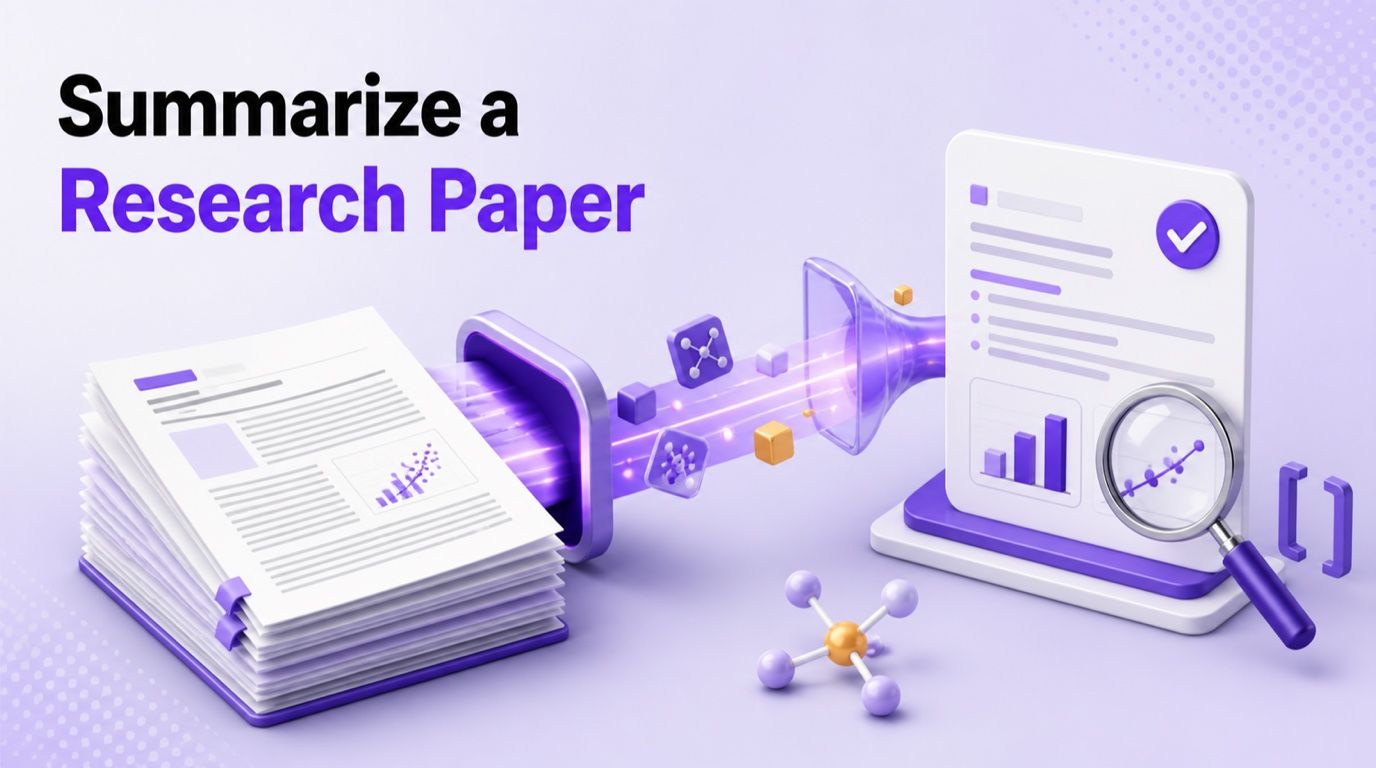
Gratis AI PDF Samenvatter

Sleep bestanden of blader

Voeg leermateriaal toe zodat de AI content kan extraheren en structureren.
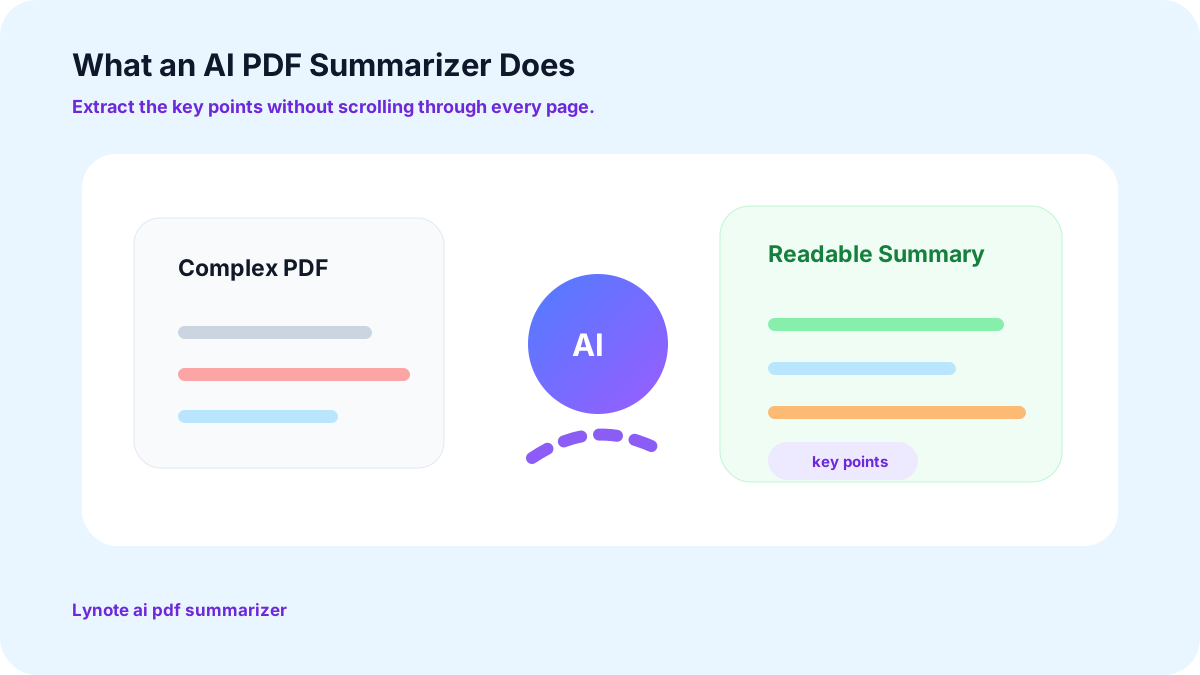
Wat is een AI PDF Samenvatter?
Alles wat je echt nodig hebt in een PDF AI Samenvatter

Moeiteloze Overzichten Van Deze Gratis AI PDF Samenvatter Tool
Geen aanmeldingen of downloads. Upload je bestand en ontvang je samenvatting binnen enkele seconden terug, in welk formaat je maar wilt.

Een Intuïtieve Interface voor Deze PDF Samenvatter AI
Focus op leren, niet op het uitzoeken van nieuwe tools. Of je nu een student, onderzoeker of professional bent, het ontwerp hier biedt je samengevatte inzichten zonder leercurve.

Veelzijdige Samenvattingen Van een Echte PDF AI Samenvatter
Kies hoe je je samenvatting wilt: opsommingstekens voor een snelle scan, belangrijke inzichten voor een beslissing, of een gedetailleerd overzicht met AI-chat voor een dieper begrip. Pas het aan elke behoefte aan.

AI Samenvatter PDF Tool Die Werkt op Elk Apparaat
Gebruik het op Windows, Mac, Linux, iOS of Android, wanneer je het nodig hebt, waar je ook werkt.

AI-gestuurde Inzichten Gebouwd om PDF's Samen te Vatten
Verfijn samenvattingen met AI-chat en krijg klikbare paginareferenties voor snelle toegang tot het bronmateriaal, perfect voor het navigeren door grote documenten en het verifiëren van informatie.

Veilig en Privé Elke Keer Dat Je PDF-bestanden Samenvat met AI
AVG-compliant, ISO/IEC-gecertificeerd en versleuteld tijdens transport, zodat uw bestanden en samenvattingen precies zo veilig en beveiligd blijven als u zou verwachten.
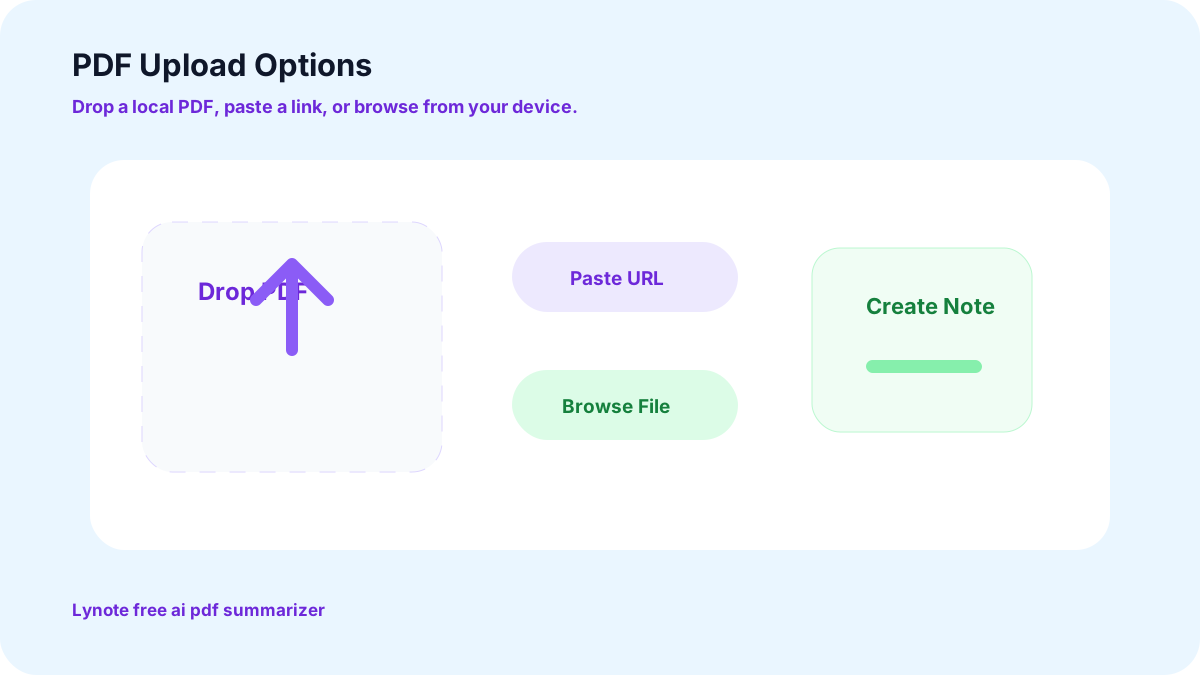
Sleep, laat vallen of plak een link in deze gratis AI PDF-samenvatter
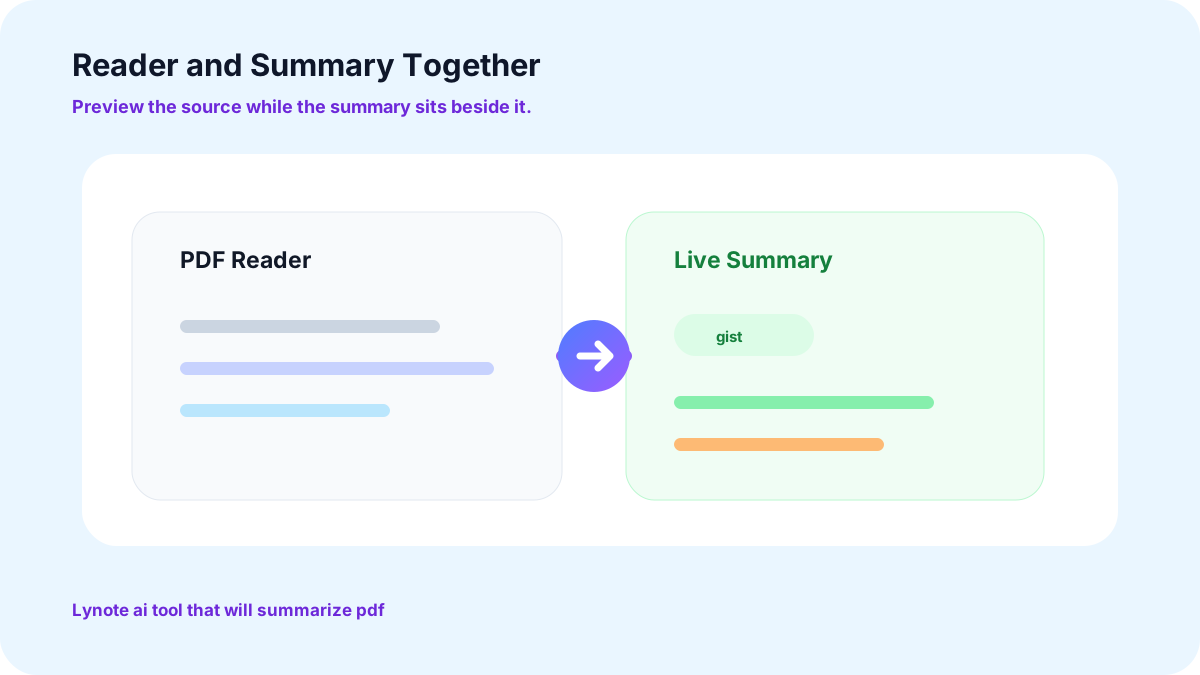
Een AI-tool die PDF-bestanden samenvat terwijl u leest
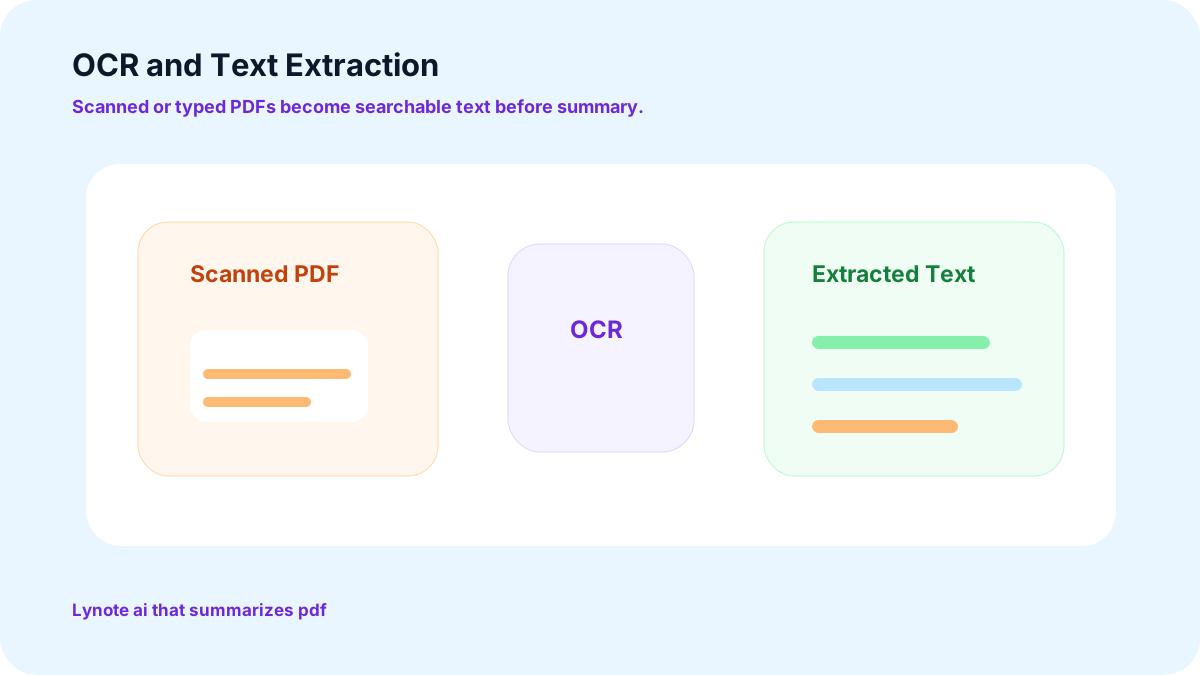
De PDF-extractor in deze AI die PDF-tekst samenvat
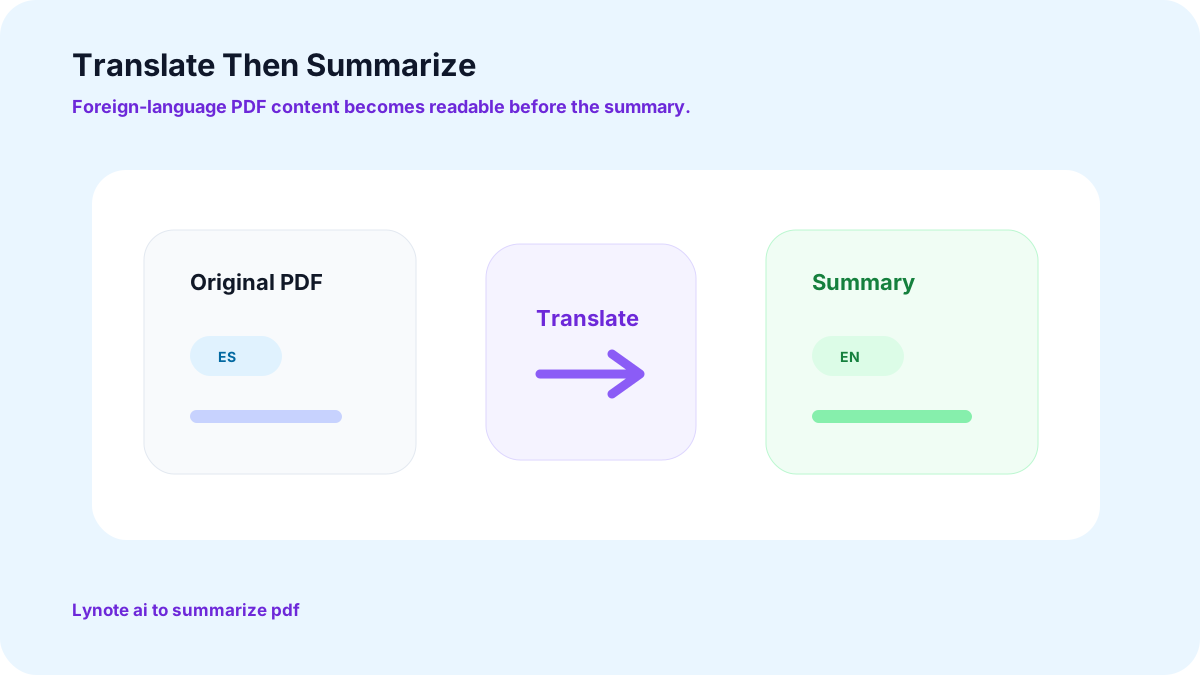
Eerst vertalen, dan AI gebruiken om PDF-inhoud samen te vatten
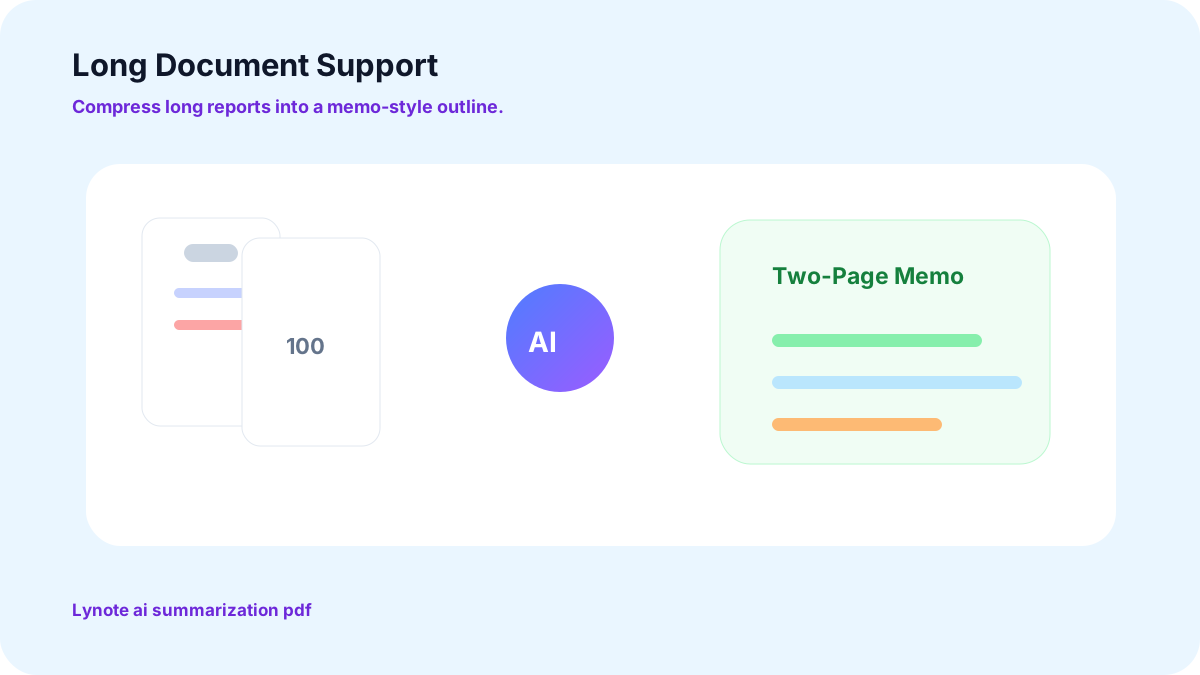
Ingebouwde AI-samenvatting voor lange documenten met PDF-ondersteuning
Rapporten van 100 pagina's of meer worden behandeld als een memo van twee pagina's. Lange documenten worden geretourneerd als samenvattingen, kernpunten en overzichten die u kunt gebruiken.
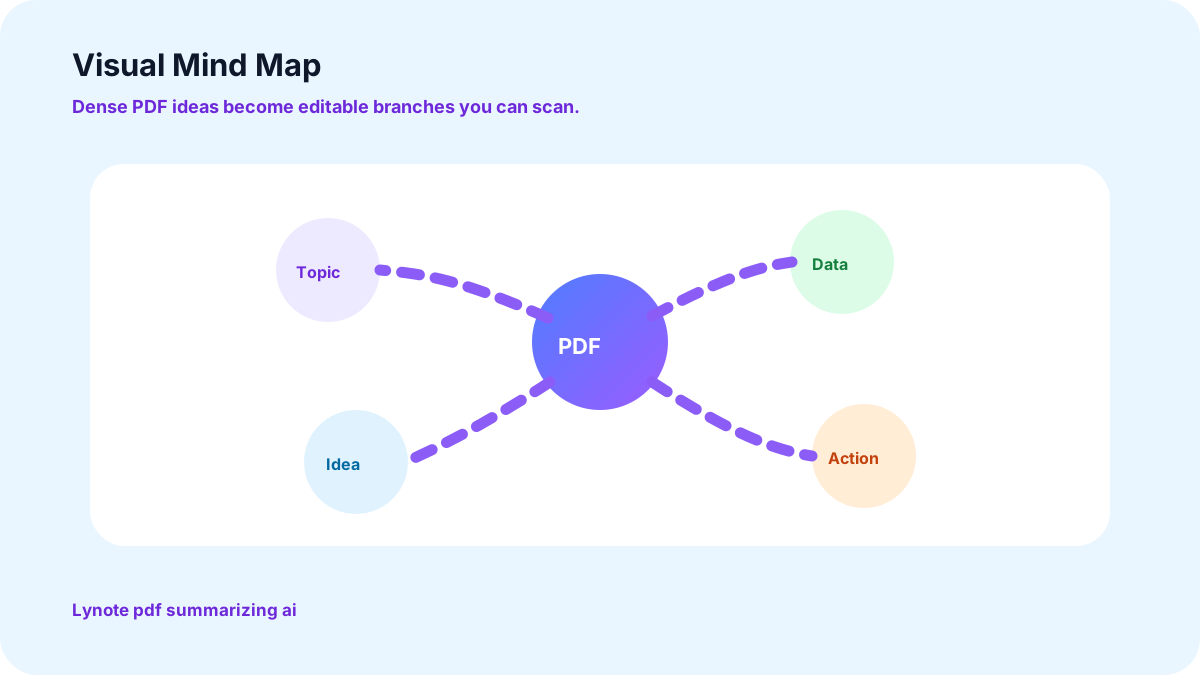
Een visuele kant aan deze PDF-samenvattende AI
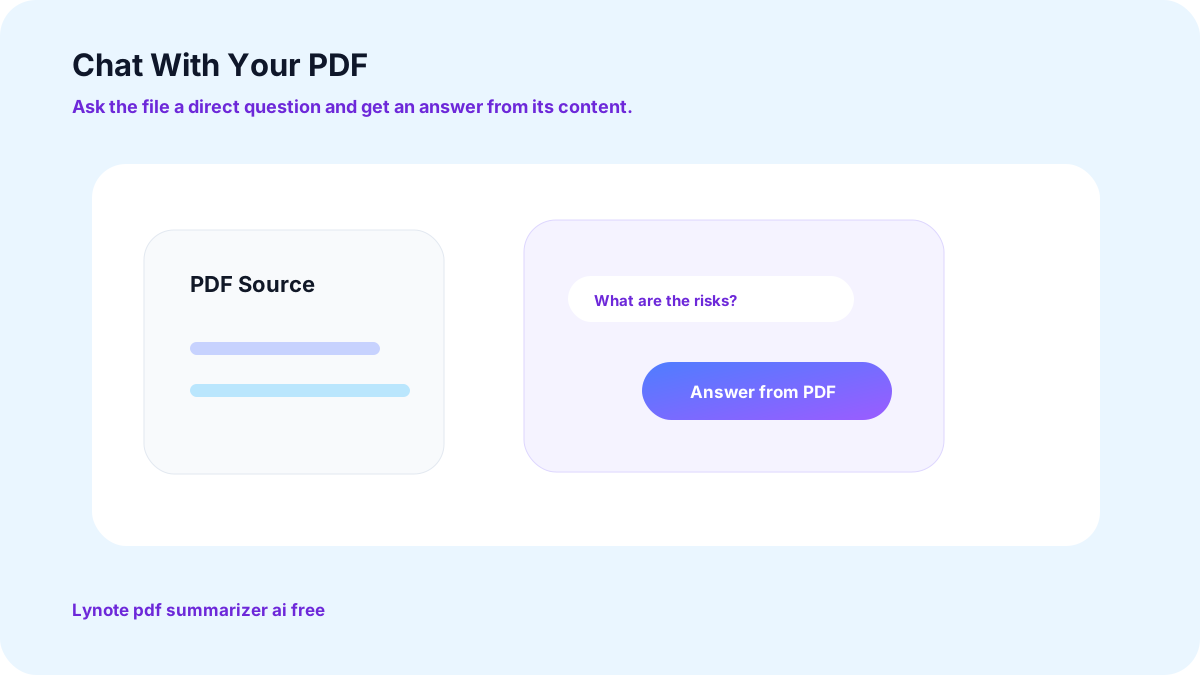
Chat met uw PDF via dit gratis PDF-samenvatter AI-abonnement
Stel vragen over het document, in plaats van erdoorheen te zoeken. Het reageert op de inhoud van het bestand dat u heeft geüpload.
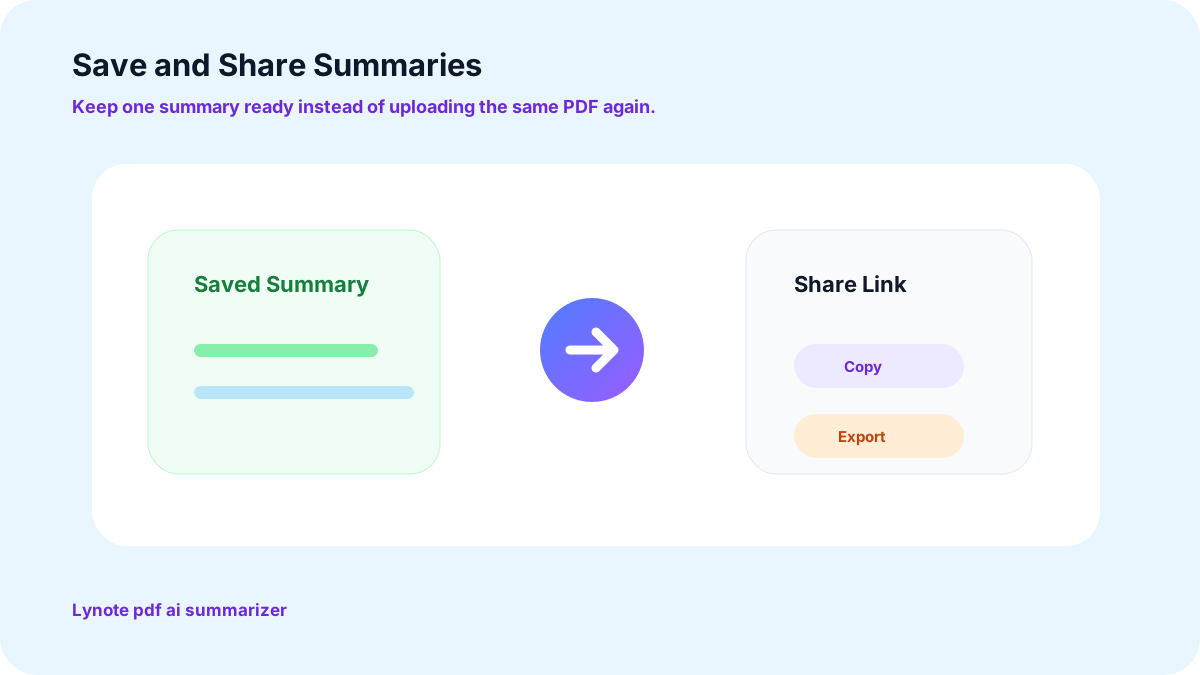
Sla samenvattingen van uw AI PDF-samenvatter op en deel ze
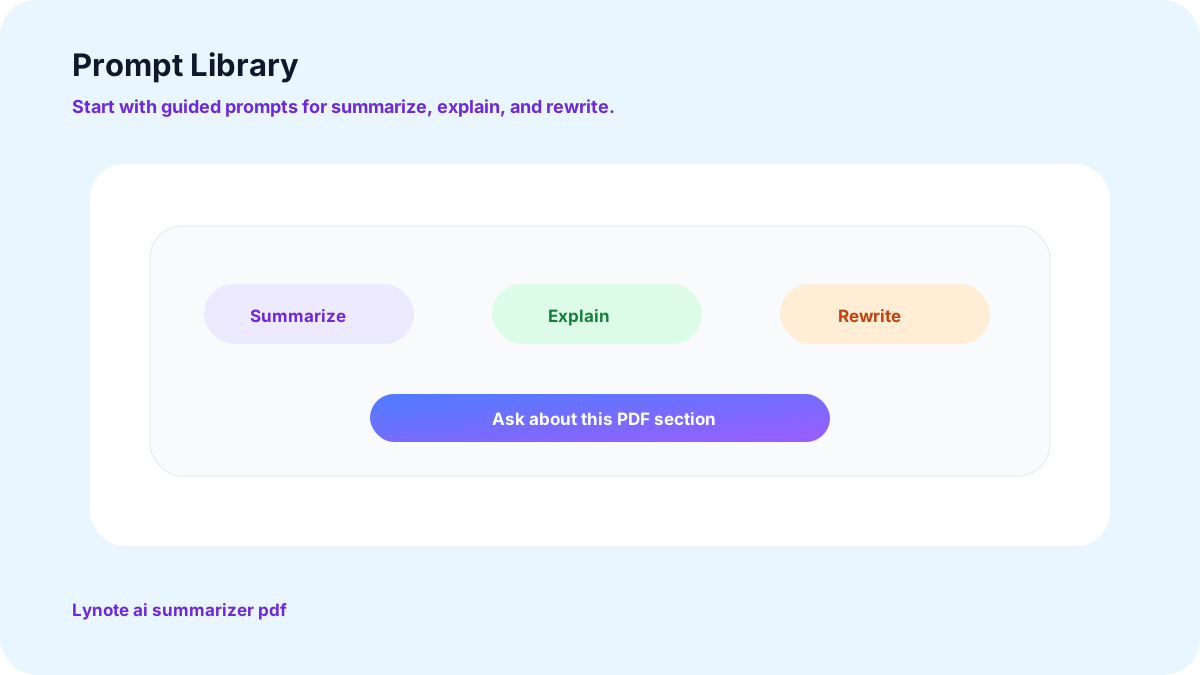
Een kant-en-klare promptbibliotheek voor deze AI PDF-samenvatterstool
Meer manieren waarop Lynote u helpt PDF's samen te vatten met AI
Vat PDF's samen met AI, snel en eenvoudig
Het is simpelweg niet haalbaar om een rapport van 100 pagina's handmatig door te nemen met een deadline. Lynote's AI PDF-samenvatter kan de belangrijkste punten van elk hoofdstuk, contract of document in slechts een paar klikken omzetten in beknopte notities, ideaal voor studenten, onderzoekers en iedereen die de essentie van een document wil begrijpen zonder elk woord volledig te lezen.
AI-gestuurde PDF-samenvattingen en chat, samen
Upload een bestand en ontvang een samenvatting van het document met de belangrijkste conclusies die automatisch zijn geëxtraheerd. Wilt u meer informatie over een sectie? De ingebouwde chat stelt u in staat om het document direct vragen te stellen, in plaats van zelf terug te scrollen door het document.
Vat meer samen dan alleen PDF-bestanden
PDF's worden op dezelfde manier samengevat als Word-documenten, Excel-spreadsheets, PowerPoint-presentaties en zelfs afbeeldingsbestanden.
Maak notities, hoofdstukken en studiegidsen met deze AI PDF-samenvatter
Binnen enkele seconden verschijnt een enkel hoofdstuk of een snelle studiegids als een duidelijk, beknopt overzicht, afgestemd op de inhoud van het materiaal.
Echte manieren waarop mensen deze AI PDF-samenvatter gebruiken

Samenvattingen van onderzoekspapers
Lees en vat academische papers snel samen, extraheer methodologie, belangrijkste resultaten en conclusies zonder alle citaten te lezen. Perfect voor literatuuronderzoek en marktonderzoek.

Samenvattingen van contractbeoordelingen
Identificeer de cruciale voorwaarden, bepalingen, termijnen en aansprakelijkheidsclausules van juridische documenten, en een eerste lezing van elk contract duurt minuten in plaats van een hele middag.
Hoe deze AI PDF-samenvatterstool te gebruiken, stap voor stap
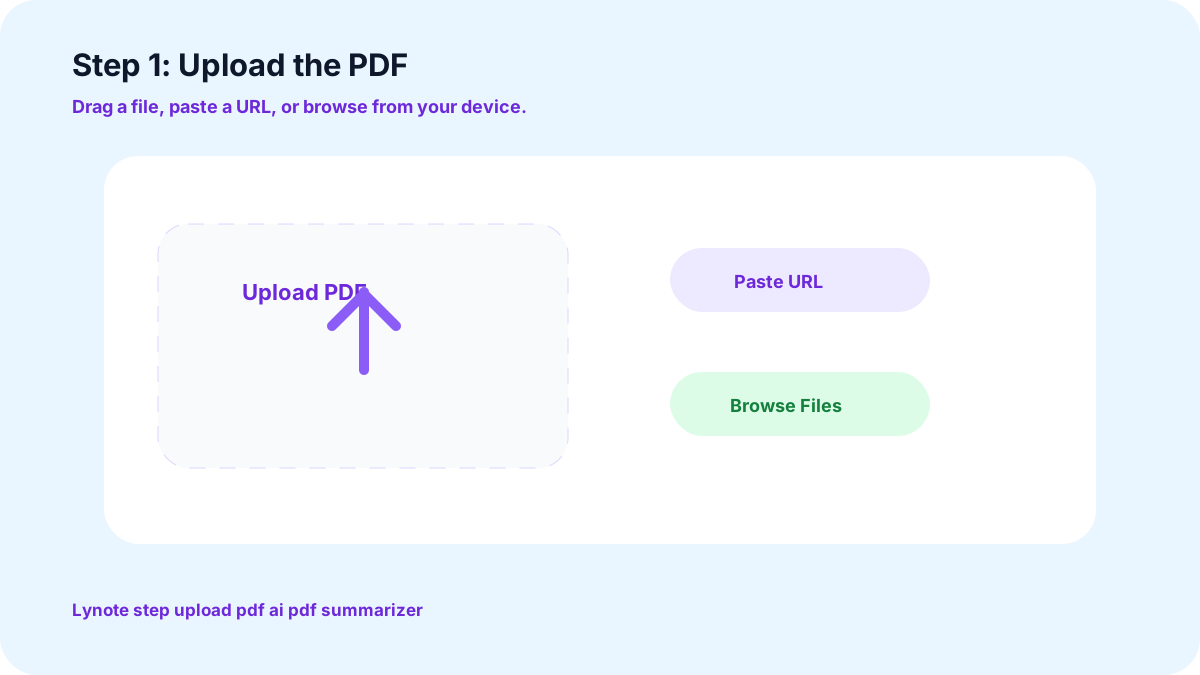
1. Upload de PDF
Sleep het bestand hierheen, plak een URL, of upload direct vanaf uw apparaat. Dit werkt ook met gescande documenten.
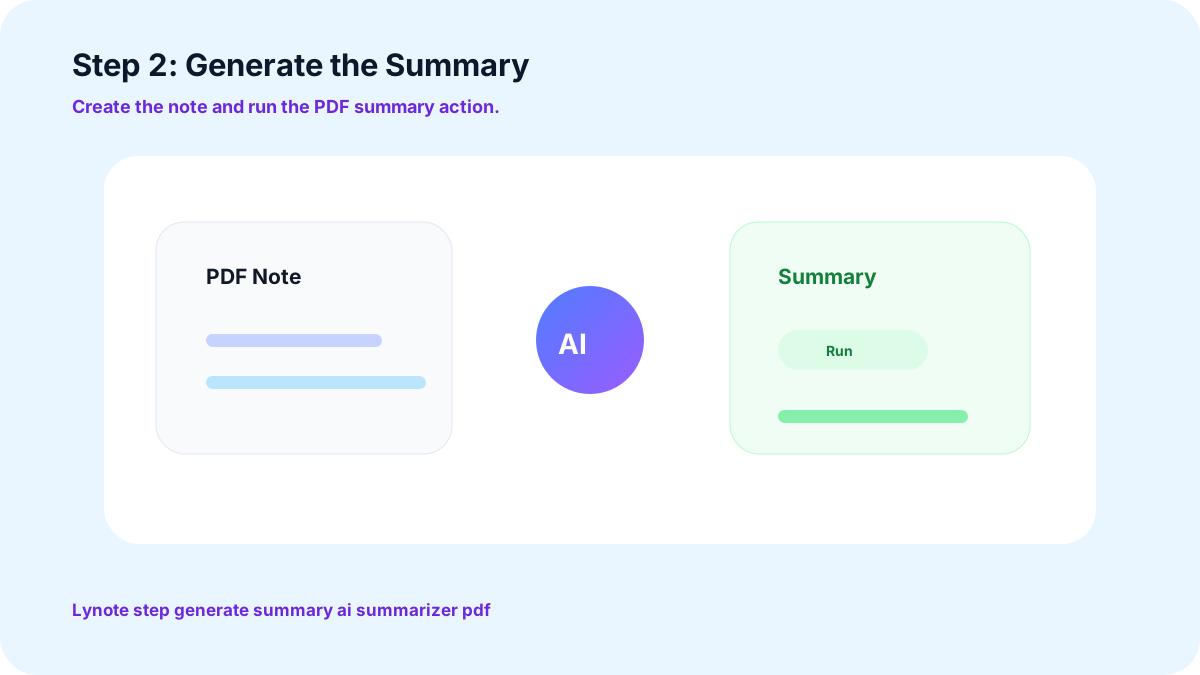
2. Genereer de samenvatting
Met één klik leest de engine het hele document en geeft de belangrijkste punten, een overzicht en een duidelijke samenvatting die u kunt gebruiken.
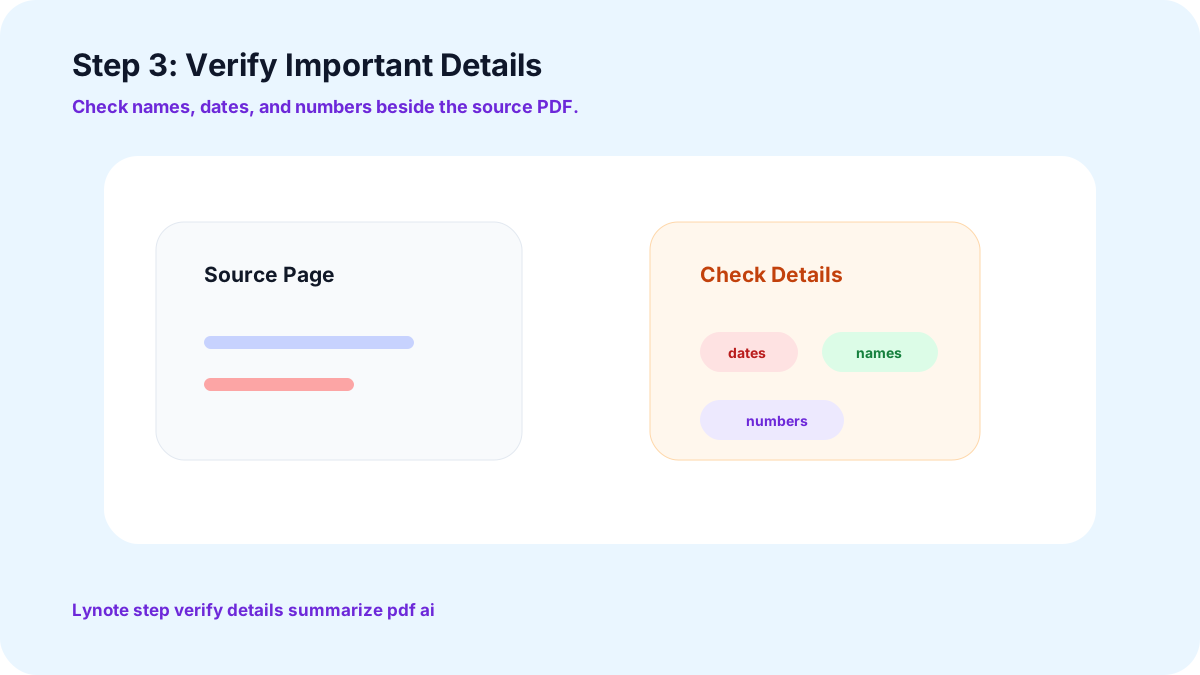
3. Controleer belangrijke details
Controleer namen, datums en nummers voordat u ze gebruikt waar het er echt toe doet.
Gebruikersrecensies voor deze AI PDF-samenvatter

Onderzoeker

Voorheen bracht ik middagen door met het lezen van lange onderzoeksrapporten, en nu krijg ik de methodologie en bevindingen binnen enkele minuten samengevat en kan ik verdergaan met de analyse.

Afgestudeerde student
De ingebouwde lezer en samenvattingen maken het doornemen van de stapel dichte lectuur elk semester beheersbaar.

Marketingmanager
Bestanden erin slepen of een URL plakken maakt dit zo eenvoudig dat ik het dagelijks gebruik, en de vertaalfunctie helpt ook bij onze internationale rapporten.

Docent
Vroeger kostte het veel voorbereidingstijd om de samenvatting van een lang rapport klaar te maken voor studenten om te lezen.

Ondernemer
De mindmap-functie verandert een dicht document in iets wat ik daadwerkelijk kan visualiseren en waarop ik kan handelen. Het is onderdeel geworden van hoe ik nieuwe voorstellen beoordeel.

Juridisch Analist
Het doornemen van omvangrijke contracten nam vroeger mijn hele dag in beslag. Het extraheren van de tekst en het eerst samenvatten van de belangrijkste clausules is een echte tijdsbesparing gebleken.
Medisch Professional
Ik lees veel onderzoek in andere talen dan Engels. De vertaalfunctie houdt me op de hoogte van wereldwijde studies zonder te hoeven wachten op een aparte vertaler.
Medisch Professional
Praten met een bestand in plaats van erdoorheen te zoeken, heeft het ophalen van patiëntstudiegegevens uit lange PDF's een stuk minder vervelend gemaakt.
Financieel Analist
De promptbibliotheek wijst me direct naar de secties van een financieel rapport die er echt toe doen, in plaats van dat ik elke keer moet raden waar ik moet beginnen.
Welkom bij uw nieuwe AI PDF Samenvatter
Stop met eindeloos scrollen door pagina's op zoek naar de kern. Upload een PDF naar Lynote en ontvang gratis de samenvatting die er echt toe doet, in minder dan een minuut.
Veelgestelde Vragen
Ja, dat kan. De extractor kan ook tekst uit gescande documenten extraheren, wat betekent dat ook op afbeeldingen gebaseerde PDF's correct worden samengevat.
Ja, lange rapporten en complete boeken worden op dezelfde manier opgesplitst als een korte memo, maar ze verliezen de belangrijkste punten niet.
Ja, u kunt het document een specifieke vraag stellen en een specifiek antwoord krijgen uit de daadwerkelijke inhoud van het document, geen algemeen antwoord.
Ja, alle Word-, Excel-, PowerPoint- en afbeeldingsbestanden worden met dezelfde engine samengevat.
Uw bestanden blijven privé en worden niet gedeeld of gebruikt om externe modellen te trainen. Ze zijn er alleen voor u om samen te vatten en te exporteren, niets meer.
Ja, er is geen account of betaling vereist. Upload een PDF en ontvang direct uw samenvatting, zonder verborgen limieten op uw eerste documenten.
Meer Lynote Tools voor PDF-samenvattingen, -beoordeling en -hergebruik








PDF Leesgidsen en Workflows voor Documentsamenvattingen
Ontdek Lynote-gidsen voor het comprimeren van lange documenten tot notities, het controleren van door AI geschreven tekst en het opzetten van soepelere leesworkflows vanuit PDF's, rapporten en studiebestanden.