

Compresser une image à 15 Mo

Déposez les images ici ou cliquez pour sélectionner
Max 50 Mo par fichier



Pourquoi choisir notre compresseur d'images de 15 Mo ?
Facilitez le téléchargement, le partage et la soumission de photos surdimensionnées sans les réduire plus que nécessaire.

Cible de 15 Mo simplifiée
Compressez une image à 15 Mo sans deviner les réglages du curseur. Choisissez une taille cible pratique et transformez les photos surdimensionnées en fichiers plus faciles à télécharger, envoyer par e-mail ou stocker.

Objectif de sortie inférieur à 15 Mo
Besoin de compresser une image à moins de 15 Mo pour un formulaire, un portail, une application ou un dossier partagé ? Lynote vous aide à réduire les fichiers image volumineux vers une taille de téléchargement plus sûre.

Aperçu avant d'enregistrer
Un fichier plus petit doit toujours être utilisable. Prévisualisez l'image compressée avant de la télécharger afin de pouvoir vérifier les visages, le texte, les couleurs, les détails du produit et les zones visuelles importantes.

Prise en charge JPG, PNG et WebP
Téléchargez les formats d'image courants directement depuis votre appareil. Lynote prend en charge JPEG/JPG, PNG et WebP, vous permettant ainsi de corriger la plupart des téléchargements d'images surdimensionnées en un seul flux de travail de navigateur.

Compression d'images volumineuses par lots
Si plusieurs photos dépassent la limite, téléchargez-les ensemble. La compression par lots vous aide à préparer plusieurs grandes images pour la même exigence de 15 Mo sans répéter chaque étape.

Utile pour les besoins de téléchargement d'images AVI
Si un portail vous demande de compresser une image à moins de 15 Mo pour une soumission d'image AVI ou un champ de téléchargement similaire, Lynote vous offre un moyen rapide de réduire la taille du fichier image avant de réessayer.

Aucune installation d'application
Compressez vos images en ligne depuis votre navigateur. Aucun logiciel de bureau à installer, aucun menu d'exportation compliqué et aucun outil de conception n'est requis.

Traitement sécurisé
Vos images sont traitées en toute sécurité et ne sont pas stockées de manière permanente. Utilisez Lynote pour vos photos personnelles, documents, photos de produits et images professionnelles en toute confiance.
Compresser une image à 15 Mo sans la réduire excessivement
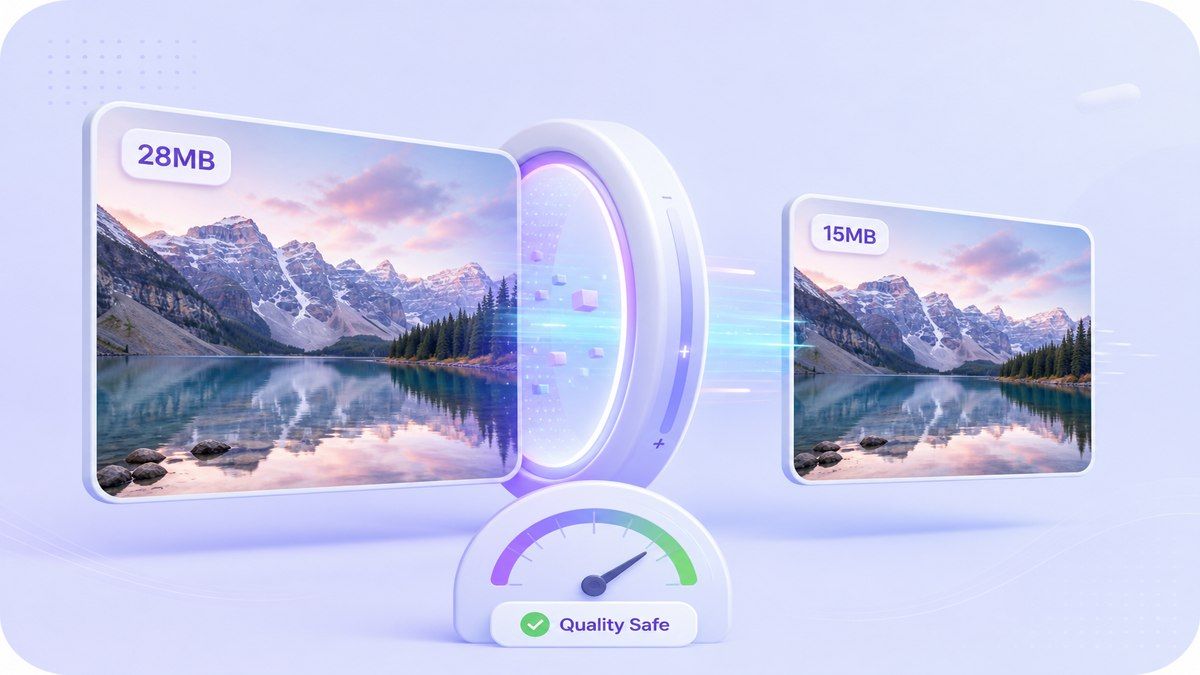
Réduire les grandes photos à moins de 15 Mo pour les téléchargements
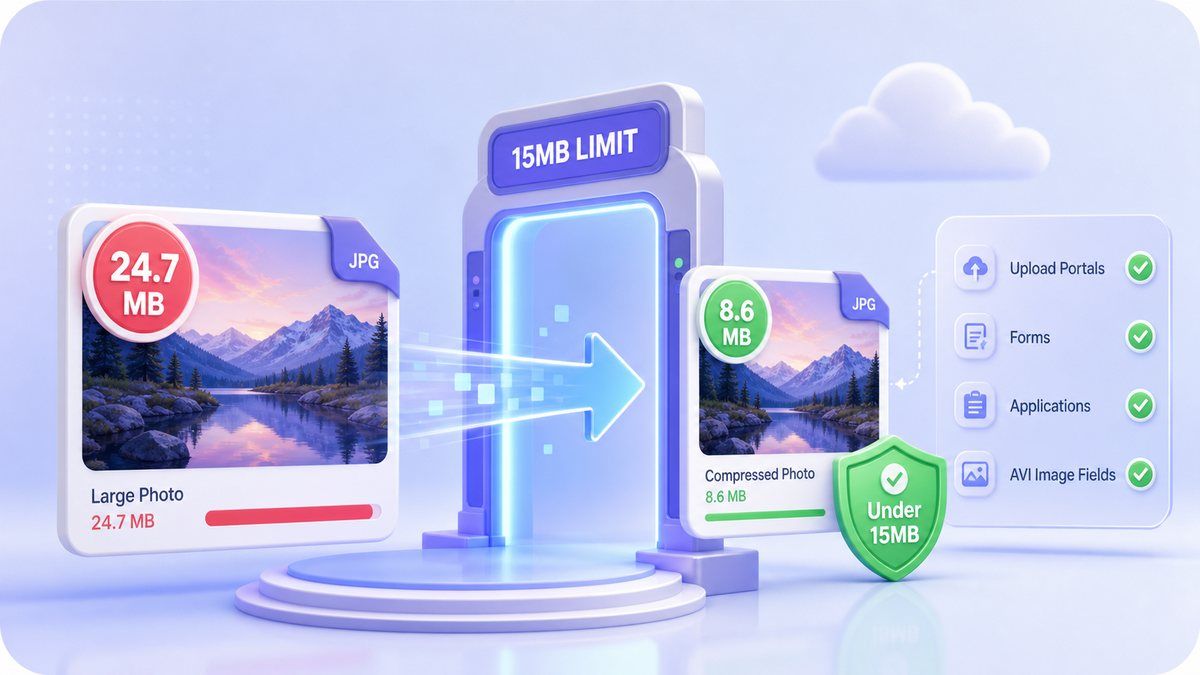
Prévisualiser la qualité avant de télécharger la version de 15 Mo
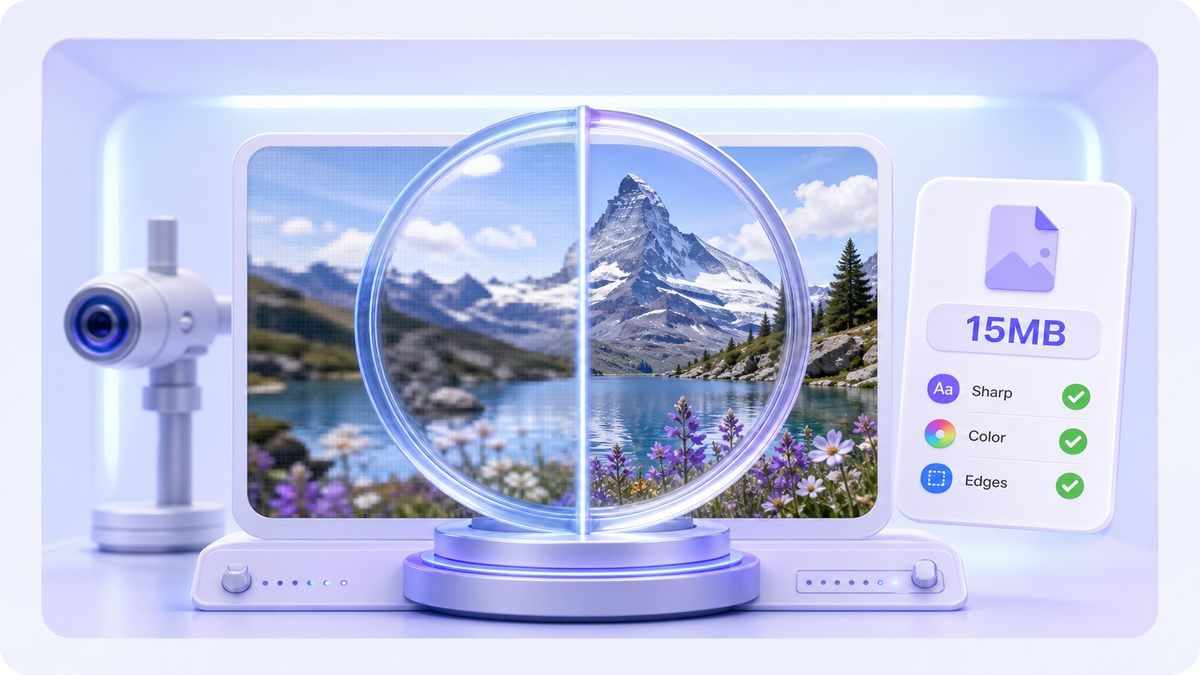
Comment compresser une image à 15 Mo en ligne
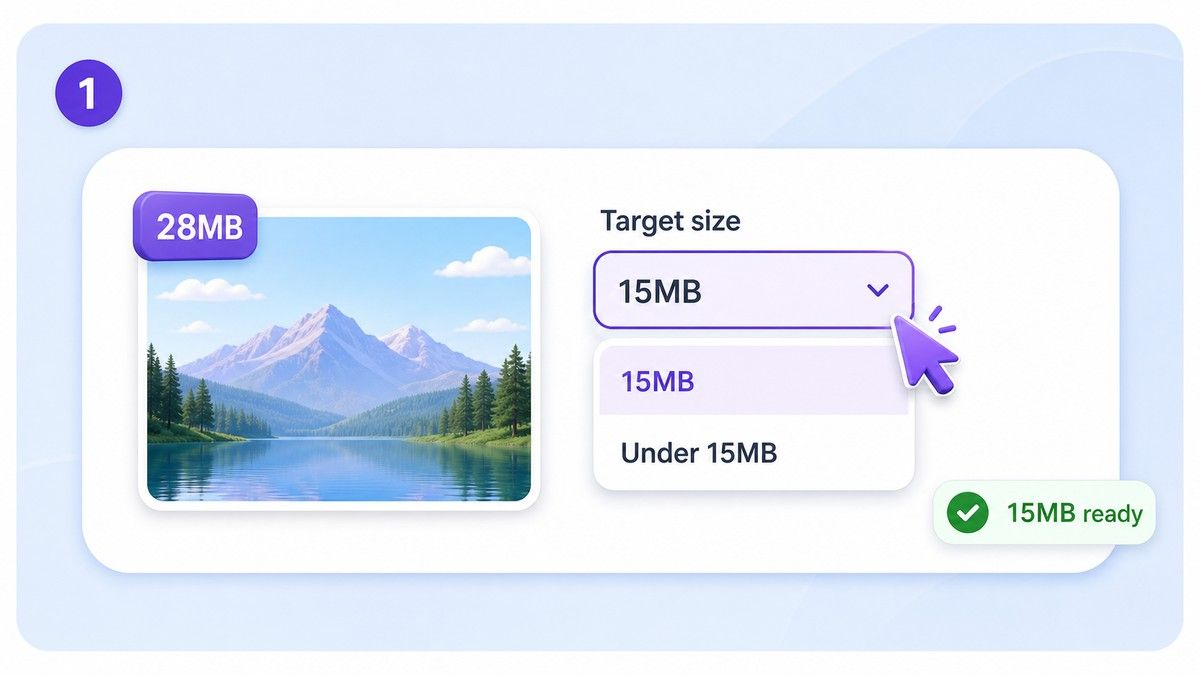
Étape 1. Choisissez la cible de 15 Mo
Sélectionnez une cible d'environ 15 Mo ou moins, selon l'exigence de téléchargement. Si le portail indique moins de 15 Mo, choisissez une cible légèrement plus petite pour éviter le rejet.
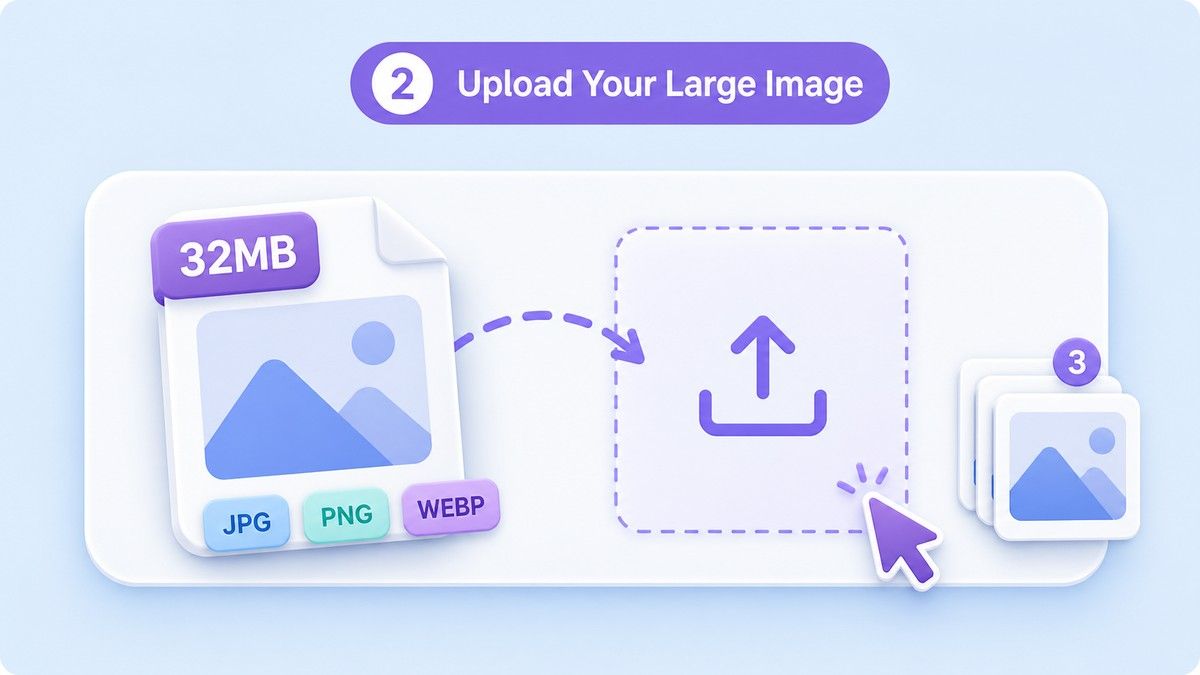
Étape 2. Téléchargez votre grande image
Faites glisser et déposez votre image JPG, PNG ou WebP dans Lynote. Vous pouvez télécharger une seule grande image ou traiter plusieurs images ensemble lorsque plusieurs fichiers nécessitent la même limite de taille.
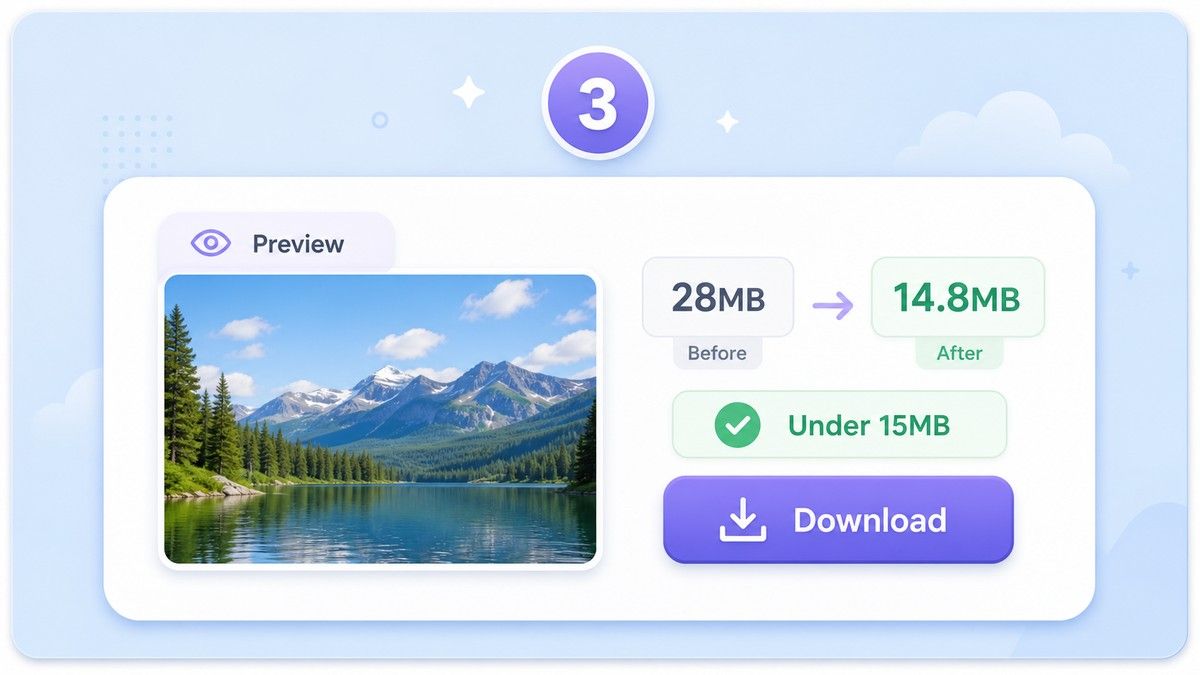
Étape 3. Prévisualiser et télécharger
Examinez le résultat compressé avant de l'enregistrer. Si l'image semble claire et que le fichier est inférieur à la limite, téléchargez-le et téléchargez la version plus petite là où vous en avez besoin.
À qui s'adresse ce compresseur d'images de 15 Mo ?

Téléchargements pour candidatures et visas
Préparez les photos, les scans de documents et les images requises lorsqu'un formulaire ou un portail rejette les fichiers de plus de 15 Mo.

Photographes et créateurs
Réduisez les grandes images exportées sans les rendre inutilement minuscules. Conservez plus de détails visuels tout en respectant une limite de téléchargement pratique.

Vendeurs e-commerce
Compressez les photos de produits à moins de 15 Mo avant de les télécharger sur les boutiques, catalogues, places de marché ou portails fournisseurs.

Équipes immobilières et de gestion de propriété
Facilitez le téléchargement et le partage de photos de pièces, d'images de bâtiments et de photos d'inspection en haute résolution.

Étudiants et chercheurs
Réduisez la taille des images pour les devoirs, les rapports, les portfolios, les soumissions académiques et les systèmes de candidature en ligne.

Équipes de bureau et administratives
Compressez les images volumineuses pour les pièces jointes d'e-mails, les formulaires RH, les dossiers internes, les dossiers partagés et les flux de travail documentaires.
Ce que les utilisateurs disent du compresseur d'images 15 Mo

Coordinatrice des candidatures

Notre portail rejette les images de plus de 15 Mo. Lynote facilite la compression de l'image, sa prévisualisation et sa soumission sans échec de téléchargement.

Photographe de produits
Je ne veux pas toujours de fichiers minuscules. Pour les aperçus clients, compresser à 15 Mo offre un meilleur équilibre entre la taille et la qualité de l'image.

Vendeuse e-commerce
Certaines photos de produits de mon appareil photo sont énormes. Lynote m'aide à les faire passer sous la limite de téléchargement tout en conservant la clarté des détails du produit.

Assistant immobilier
Nous téléchargeons beaucoup de photos de propriétés. La compression par lots permet de gagner du temps lorsque plusieurs images doivent faire moins de 15 Mo.

Étudiante en master
Je l'ai utilisé pour une soumission de recherche qui avait des limites d'image strictes. L'aperçu m'a aidé à m'assurer que le texte de l'image restait lisible.

Responsable de bureau
Les grandes photos de téléphone ralentissaient nos formulaires internes. Maintenant, nous les compressons en ligne avant de les joindre.
Questions Fréquemment Posées
Réponses concernant la compression d'images à 15 Mo, les limites de téléchargement, les champs d'image AVI, la qualité, les formats et le traitement par lots.
Téléchargez votre image sur Lynote, choisissez une taille cible d'environ 15 Mo, prévisualisez le résultat et téléchargez le fichier plus petit. Si votre système de téléchargement exige moins de 15 Mo, choisissez une cible légèrement inférieure.
Oui. Lynote aide à réduire les fichiers JPG, PNG et WebP volumineux vers une sortie inférieure à 15 Mo, en fonction de la taille, des dimensions et des détails visuels de l'image originale.
Oui, si votre champ de téléchargement ou votre règle de soumission mentionne une exigence d'image AVI et rejette les fichiers de plus de 15 Mo, vous pouvez utiliser Lynote pour réduire le fichier image avant de le télécharger à nouveau. AVI est généralement un format vidéo, alors suivez toujours le format exact demandé par votre portail.
Toute compression peut affecter les détails si la cible est trop petite. Lynote se concentre sur une compression soucieuse de la qualité et vous offre un aperçu afin que vous puissiez vérifier si la version de 15 Mo reste nette.
Lynote prend en charge les formats courants tels que JPG, PNG et WebP. Cela couvre la plupart des photos de téléphone, captures d'écran, images web et graphiques exportés.
Oui. Vous pouvez télécharger plusieurs images par lots et les compresser ensemble. C'est utile lorsque plusieurs fichiers doivent respecter la même règle de téléchargement de 15 Mo.
Oui, vous pouvez utiliser Lynote en ligne sans installer de logiciel supplémentaire. Téléchargez votre image, compressez-la, prévisualisez le résultat et téléchargez le fichier plus petit.


