

Gratis AI-detector & AI-checker voor academische essays




AI-detector voor academische essays
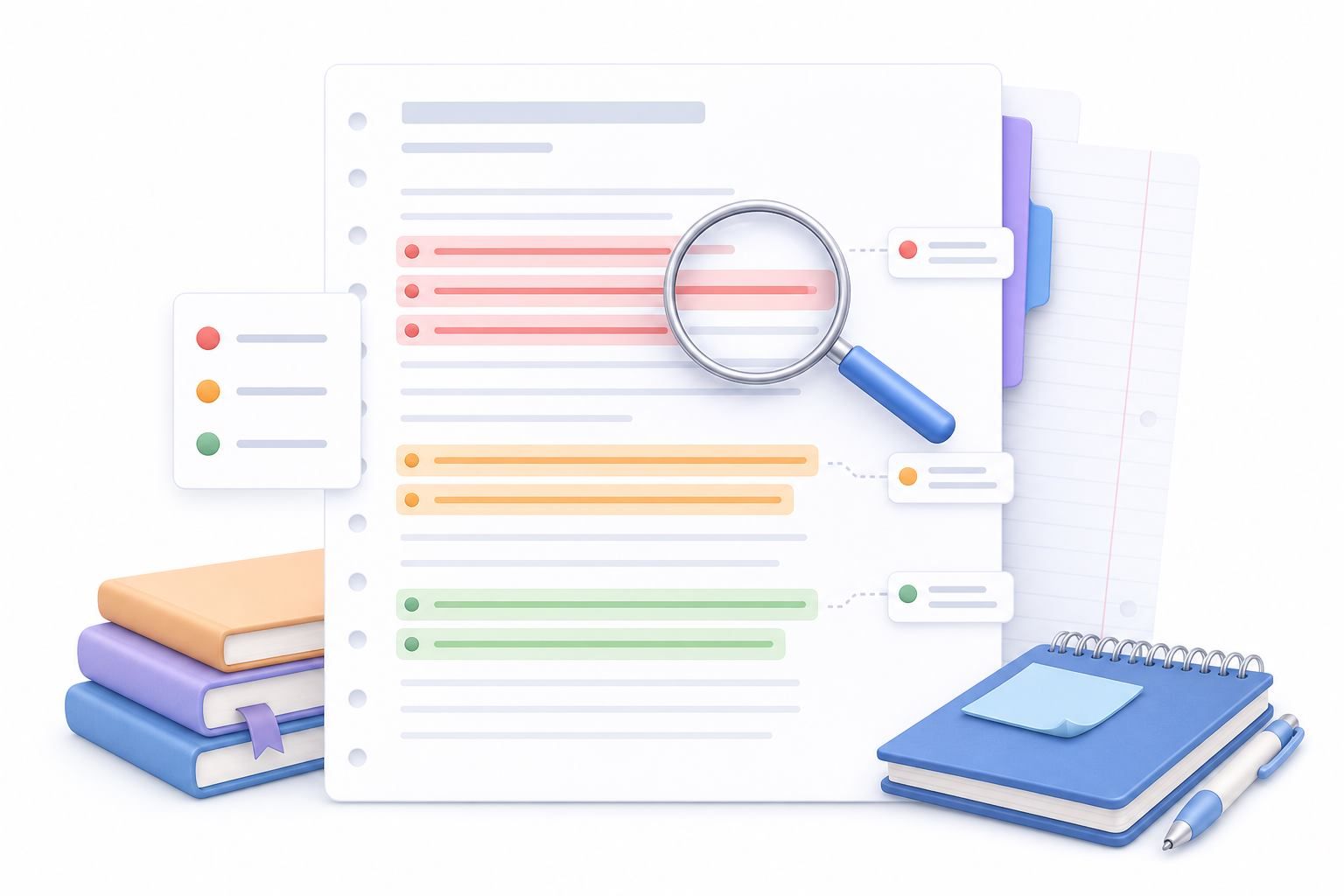
AI-beoordeling op zinsniveau voor academische essays
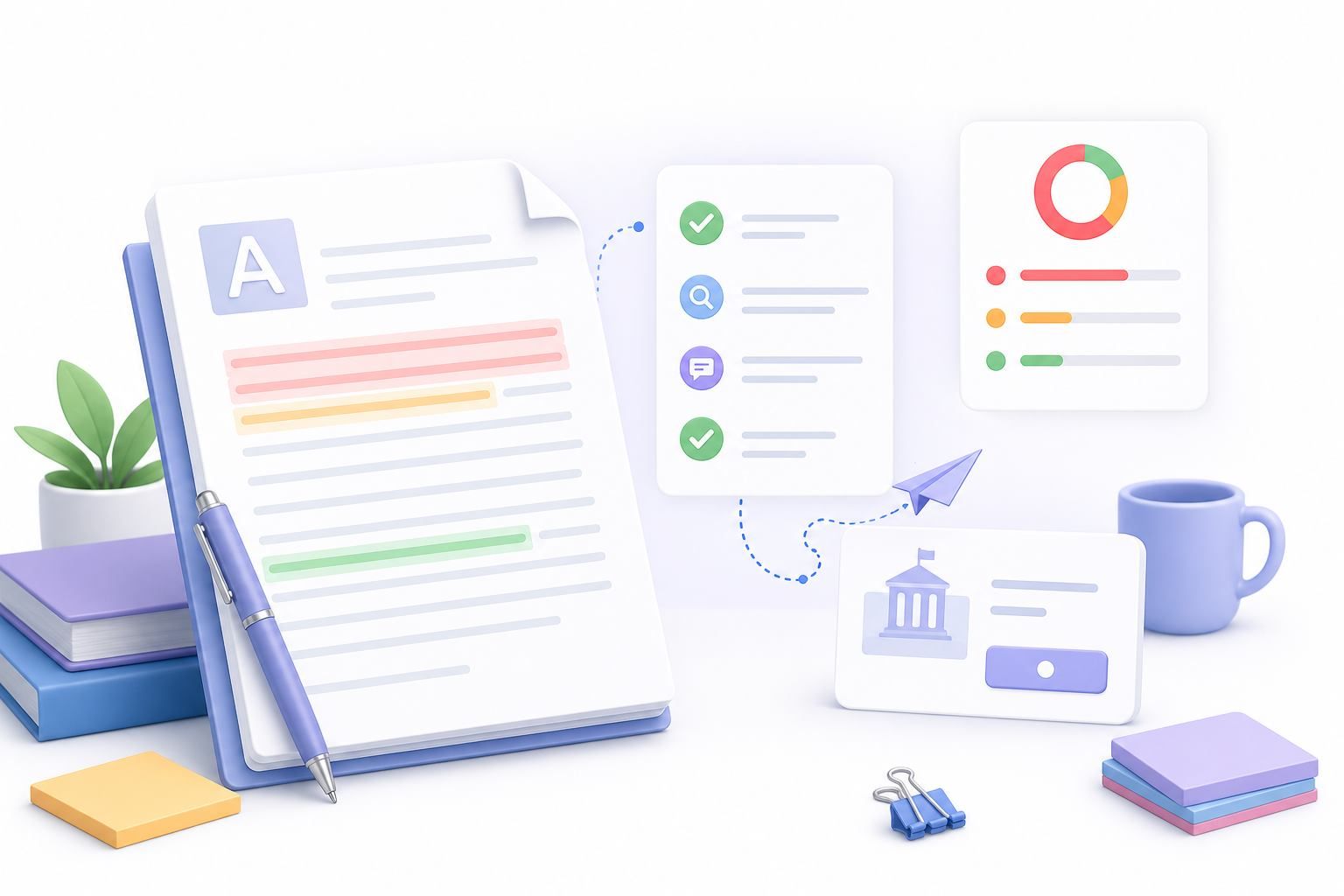
Schrijfcontrole vóór indiening
Waarom Lynote gebruiken als AI-checker voor academische essays

Ontworpen voor academische essays
Controleer persoonlijke verklaringen, klasopdrachten en academische concepten op AI-achtige schrijfpatronen die nader onderzoek vereisen.

AI-, gemengde en menselijke signalen
Zie een driedelig resultaat in plaats van één onverklaarde score, zodat u kunt begrijpen hoe verschillende delen van het concept worden geclassificeerd.

Markeringen op zinsniveau
Inspecteer specifieke zinnen die er door AI gegenereerd, gemengd of menselijk geschreven uitzien, en beslis vervolgens waar de formulering, bronvermelding of voorbeelden verbetering behoeven.

Beoordeling van ChatGPT, Claude en Gemini
Gebruik Lynote om veelvoorkomende AI-schrijfpatronen te beoordelen die geassocieerd worden met grote taalmodellen, waarbij de resultaten worden behandeld als signalen, niet als bewijs van auteurschap.

Plakken of concepten uploaden
Plak een kort essay in de detector of upload een ondersteund PDF-, DOCX- of TXT-bestand wanneer u een langer academisch concept wilt beoordelen.

Handig voor revisiegesprekken
Studenten, docenten en instructeurs kunnen het rapport gebruiken om duidelijkheid, originaliteit, citatiekwaliteit en stem te bespreken, zonder een detector als het definitieve oordeel te beschouwen.
Gebruiksscenario's voor academisch schrijven

Essays en opdrachten voor de klas
Beoordeel wekelijkse papers, discussiebijdragen en thuisopdrachten op AI-achtige secties vóór de definitieve bewerking.
Beoordeel wekelijkse papers, discussiebijdragen en thuisopdrachten op AI-achtige secties vóór de definitieve bewerking.

Afstudeer- en onderzoeksconcepten
Controleer literatuuroverzichten, thesis hoofdstukken en onderzoekssamenvattingen op passages die overdreven generiek of machinaal geschreven kunnen klinken.
Controleer literatuuroverzichten, thesis hoofdstukken en onderzoekssamenvattingen op passages die overdreven generiek of machinaal geschreven kunnen klinken.

Toelatingsessays voor de universiteit
Inspecteer persoonlijke verklaringen op secties die meer individuele stem, concrete voorbeelden en authentieke reflectie nodig hebben.
Inspecteer persoonlijke verklaringen op secties die meer individuele stem, concrete voorbeelden en authentieke reflectie nodig hebben.

Beoordelingen Schrijfcentrum
Gebruik signalen op zinsniveau als gespreksstarter bij het helpen van studenten met het herzien van structuur, duidelijkheid, brongebruik en toon.
Gebruik signalen op zinsniveau als gespreksstarter bij het helpen van studenten met het herzien van structuur, duidelijkheid, brongebruik en toon.
Hoe een universitair essay op AI te controleren
Plak of upload uw concept
Open Lynote AI Detector en plak uw essaytekst, of upload een ondersteund PDF-, DOCX- of TXT-bestand wanneer u een langer concept wilt beoordelen.


Klik op AI Detecteren
Start de scan zodat Lynote schrijfpatronen kan analyseren en AI-gegenereerde, gemengde en menselijk geschreven signalen voor het concept kan teruggeven.
Gemarkeerde zinnen beoordelen
Gebruik de gemarkeerde regels om te inspecteren waar het essay meer specifieke bewijzen, duidelijkere citaten, persoonlijke details of een natuurlijkere academische stem nodig heeft.

Plak of upload uw concept
Open Lynote AI Detector en plak uw essaytekst, of upload een ondersteund PDF-, DOCX- of TXT-bestand wanneer u een langer concept wilt beoordelen.
Klik op AI Detecteren
Start de scan zodat Lynote schrijfpatronen kan analyseren en AI-gegenereerde, gemengde en menselijk geschreven signalen voor het concept kan teruggeven.
Gemarkeerde zinnen beoordelen
Gebruik de gemarkeerde regels om te inspecteren waar het essay meer specifieke bewijzen, duidelijkere citaten, persoonlijke details of een natuurlijkere academische stem nodig heeft.
Wie kan deze AI-detector voor hoger onderwijs gebruiken?

Studenten
Controleer je eigen essays op AI-achtige patronen en gebruik de resultaten om te herzien op duidelijkheid, specificiteit en origineel denken.

Hoogleraren en docenten
Gebruik Lynote als één beoordelingssignaal bij het bespreken van schrijfkwaliteit, consistentie van concepten en mogelijke AI-betrokkenheid met studenten.

Academische ondersteuningsteams
Ondersteun eerlijke, zorgvuldige gesprekken over studentenschrijfwerk zonder te vertrouwen op een detector als enige bewijsbron.

ESL- en internationale studenten
Beoordeel formele of zwaar bewerkte Engelse concepten die repetitief, generiek of ongewoon uniform van toon kunnen klinken.

Docentassistenten
Screen concepten op gebieden die een nadere lezing verdienen, en richt vervolgens feedback op bewijs, structuur en bronkwaliteit.

Promovendi
Beoordeel lange academische secties vóór feedback van de begeleider en identificeer passages die sterkere auteurschapssignalen nodig hebben.
Wat universitaire gebruikers zeggen over Lynote

Bachelorstudent

Ik gebruikte Lynote voordat ik een onderzoeksessay indiende en vond een paar alinea's die te gepolijst klonken. De markeringen hielpen me het concept in mijn eigen stem te herzien in plaats van te raden wat ik moest aanpassen.

Docent academisch schrijven
Lynote geeft mijn studenten een duidelijker startpunt voor revisie. Het rapport toont gemengde signalen en gemarkeerde passages, zodat feedbackgesprekken gericht blijven op schrijfkwaliteit.

Tutor schrijfcentrum
Wanneer studenten zorgen over AI-detectie aanbrengen, helpt Lynote ons het concept regel voor regel te beoordelen. Het maakt het gemakkelijker om duidelijkheid, citatiegebruik en stemconsistentie te bespreken.

Coach voor toelatingsessays
Bij persoonlijke verklaringen kan generieke formulering een sterk verhaal vlak laten aanvoelen. Lynote helpt me om te gladde secties te herkennen, zodat studenten specifiekere, persoonlijke details kunnen toevoegen.

Afgestudeerd onderzoeksassistent
Ik gebruik Lynote wanneer lange literatuuroverzichten ongelijkmatig beginnen aan te voelen. Het helpt me op te merken waar ik originele analyse moet toevoegen of bronnen natuurlijker moet verbinden.

Academisch schrijver (ESL)
Lynote is nuttig wanneer mijn formele Engels repetitief of te uniform klinkt. De feedback helpt me te herzien voor een natuurlijker ritme, terwijl de academische betekenis duidelijk blijft.
Humaniseer college-essays met een menselijke stem
Als de Lynote college-detector veel AI-inhoud detecteert, gebruik dan de AI-humanizer om je essay te humaniseren naar een veel natuurlijkere menselijke stem.
Veelgestelde vragen over AI-detectoren voor hogescholen
Antwoorden op veelgestelde vragen over AI-checkers, college-essays en verantwoordelijke beoordeling.
Hogescholen kunnen verschillende tools gebruiken, waaronder integraties met leerplatforms, plagiaatcontrolesystemen of interne beoordelingsprocessen. Er is geen enkele AI-detector die door elke hogeschool wordt gebruikt, en de resultaten van detectoren worden meestal overwogen naast context, concepten, citaten en het oordeel van de docent.
Veel hogescholen en docenten gebruiken een vorm van AI-schrijfbeoordeling, maar beleid varieert per school, afdeling en cursus. Een detector kan patronen markeren voor nadere beoordeling, maar mag niet worden behandeld als definitief bewijs dat een student AI heeft gebruikt.
Sommige hogescholen controleren essays, aanvragen of klasopdrachten op AI-achtig schrijven wanneer er een beleidsreden of een zorg over auteurschap is. Lynote helpt je eerst je eigen concept te beoordelen door AI-, gemengde en menselijk geschreven signalen op zinsniveau te tonen.
Hogescholen kunnen kijken naar schrijfstijl, conceptgeschiedenis, brongebruik, geschiktheid voor de opdracht, mondelinge follow-up en AI-detectorsignalen. Een grondige beoordeling combineert meestal meerdere vormen van bewijs in plaats van te vertrouwen op één score.
Ja. AI-detectoren kunnen vals-positieven en vals-negatieven produceren, vooral bij formeel academisch schrijven, bewerkte ESL-concepten, sjabloonachtige proza of zwaar herziene tekst. Gebruik Lynote als een beoordelingssignaal en inspecteer de gemarkeerde zinnen voordat u een conclusie trekt.
Nee. Lynote is een AI-schrijfbeoordelingstool die je helpt AI-achtige patronen te inspecteren in ondersteunde tekst- of documentuploads. Het is geen vervanging voor het officiële inleveringssysteem of het academische integriteitsproces van een school.
Ja. U kunt Lynote gebruiken om universitaire essays, schoolopdrachten, conceptaanvragen en academische teksten te beoordelen. Het beste gebruik is revisiegericht: controleer de gemarkeerde regels en verbeter vervolgens de helderheid, bewijsvoering, citaten en persoonlijke stem.
Lees de gemarkeerde zinnen zorgvuldig. Voeg specifieke voorbeelden toe, leg uw redenering uit, verbeter citaten waar nodig en zorg ervoor dat het concept uw eigen argument en schrijfproces weerspiegelt. Vertrouw niet alleen op een detectiescore.
Andere AI-tools die u mogelijk nodig heeft om AI-tekst te detecteren en inhoud menselijker te maken


Meer kennis over AI-detectie, humanisering en inhoudsauthenticiteit
Zoek de nieuwste kennis over het controleren van AI-tekst, essay-humanisering en inhoudsdetectie wanneer het u van pas komt.


