logo
menu

Free AI Speech Humanizer Online

Humanize AI-written speeches, talks, and voiceover scripts into natural wording online. Paste your draft and get speaker-ready text for real delivery.

콘텐츠

텍스트 붙여넣기⌘V또는 클릭
문서 업로드TXT.DOCX.PDF
예시 사용해 보기:
Human + AI
Claude
ChatGPT
0 단어

결과

인간화된 결과가 여기에 표시됩니다. 시작하려면 왼쪽 상자에 AI 생성 텍스트를 붙여넣으세요.

즉시 AI 탐지 결과결과 대기 중
GGPTZero
BBrandwell
WWinston AI
SSapling
CCrossplag
CCopyleaks
WWriter
ZZeroGPT
SScribbr
TTurnitin
0 단어

최근 기록

100%
Free Online
80+
Languages Supported
4.9
Average User Rating

Why Choose Our AI Speech Humanizer?

Natural Spoken Rhythm

Natural Spoken Rhythm

Lynote shortens stiff AI phrasing, varies sentence length, and adds natural pauses so your speech feels easier to read aloud.

Keep Your Message Intact

Keep Your Message Intact

Keep your original message intact by preserving essential names, facts, and event details while making the overall language conversational.

100% Free Online

100% Free Online

Start humanizing a speech draft online immediately without turning this into a paid-only workflow.

One-Click Speech Rewrite

One-Click Speech Rewrite

Paste or upload your written speech draft, click Humanize, and review a cleaner script you can practice right away.

80+ Speech Languages

80+ Speech Languages

Get multilingual support for speeches, presentations, and speaking notes in natural wording across more than 80 languages.

Smoother Talking-Point Transitions

Smoother Talking-Point Transitions

Create smoother talking-point transitions by replacing robotic phrases with natural bridges that real speakers use between ideas.

Speaker-Ready Output

Speaker-Ready Output

Generate speaker-ready output that helps you look up, pause naturally, and connect with listeners instead of reading rigid paragraphs.

Private Draft Handling

Private Draft Handling

Keep unreleased remarks, personal stories, and business updates private while you refine your delivery.

What Is an AI Speech Humanizer?

What Is an AI Speech Humanizer?

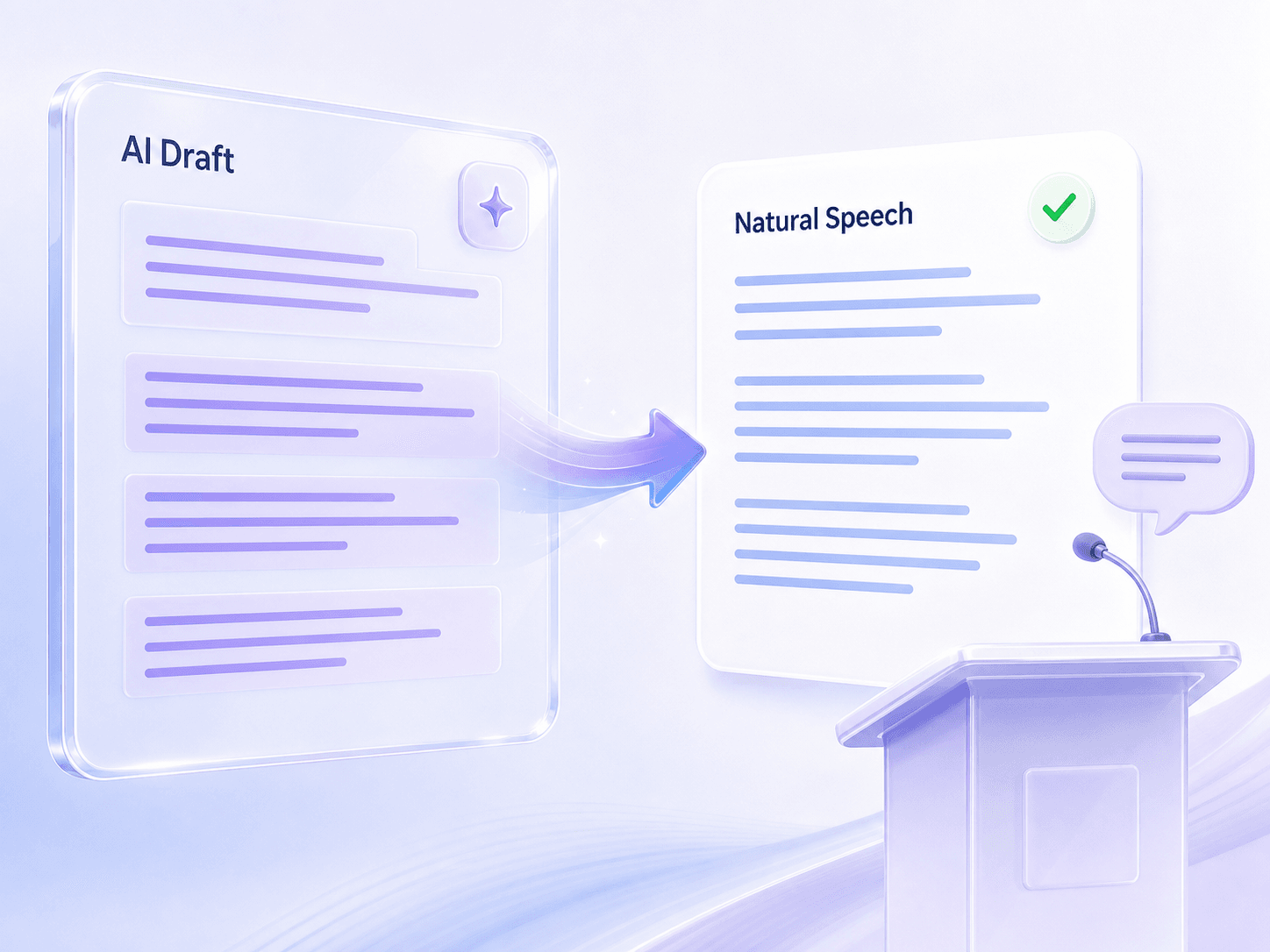
A free AI speech humanizer rewrites AI-generated speech text, presentation notes, and spoken scripts so they sound natural aloud. It edits the written draft, not audio, helping you turn stiff paragraphs into conversational remarks for real delivery.
    Humanize AI Speech for Real Delivery

    Humanize AI Speech for Real Delivery

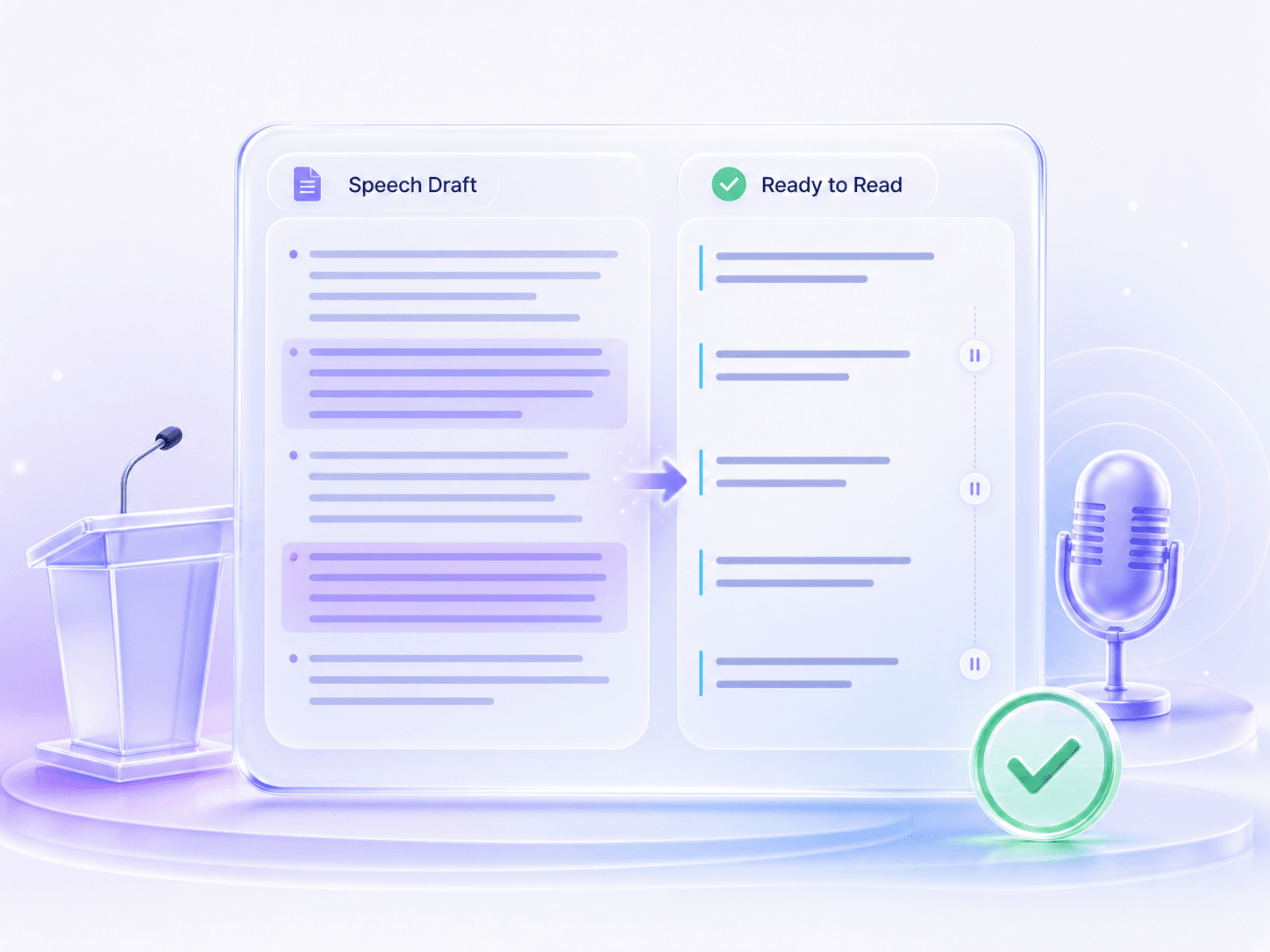
    AI often produces text that looks fine on paper but feels awkward once you read it aloud. Lynote reshapes long sentences, flat transitions, and overly formal wording into a script with better pacing, clearer emphasis, and listener-friendly flow.
      Match the Speech to the Occasion

      Match the Speech to the Occasion

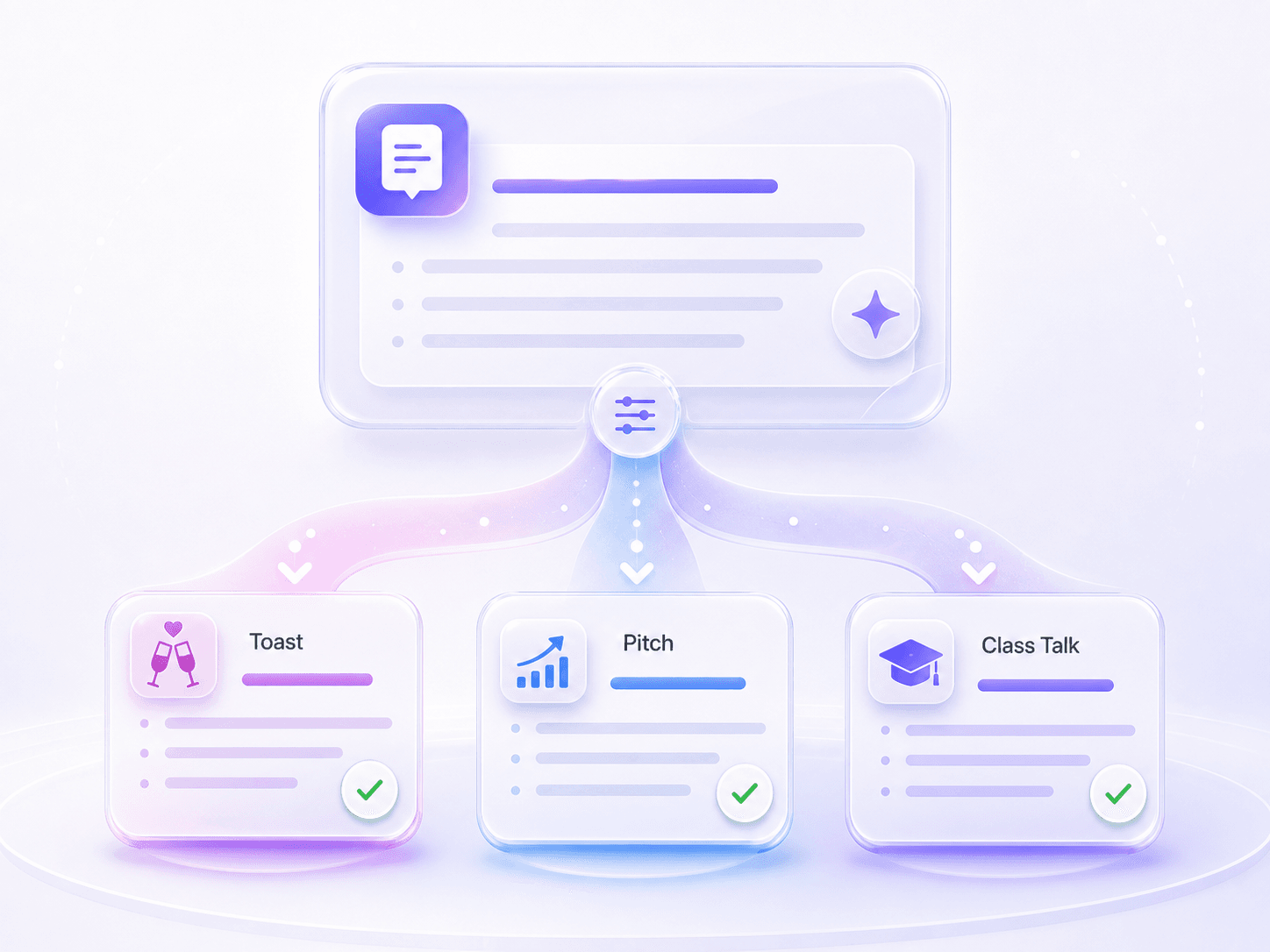
      A wedding toast, classroom presentation, and sales pitch do not need the same voice. Lynote keeps the facts and main message while making the wording fit the moment, so the final speech feels appropriate for the room instead of generic.

        How to Humanize AI Speech

        Paste Your Speech Draft
        1단계

        Paste Your Speech Draft

        Paste or upload your written speech text, presentation remarks, a toast, or a voiceover script into the input box.

        Click Humanize
        2단계

        Click Humanize

        Click the Humanize button so Lynote can rewrite the speech text. The tool instantly adjusts the wording for a natural spoken rhythm and clearer listener flow.

        Review and Practice the Result
        3단계

        Review and Practice the Result

        Read the rewritten output aloud to check the pacing. Restore any specific personal details if needed, then copy the speaker-ready version for your event.

        Humanize AI Speech for Real Moments

        Academic Presentations

        Academic Presentations

        Turn an AI-written class presentation into remarks that sound natural when spoken, keeping your academic points clear.

        Polish Keynote Speeches

        Polish Keynote Speeches

        Refine keynote openings, meeting updates, and conference talks before stepping on stage so your delivery feels authentic.

        Personalize Wedding Toasts

        Personalize Wedding Toasts

        Make AI-drafted toasts warmer and more personal. Remove generic phrasing so your speech resonates with the audience.

        Humanize Investor Pitches

        Humanize Investor Pitches

        Rewrite pitch scripts so investors hear a compelling story instead of rigid slide-deck language during your presentation.

        Rewrite Video Voiceovers

        Rewrite Video Voiceovers

        Adjust voiceover scripts so your narration feels conversational, engaging, and easy for viewers to follow.

        Prepare Event Remarks

        Prepare Event Remarks

        Craft introductions, transitions, and closing remarks that sound present in the room rather than stiffly memorized.

        Who Should Use This AI Speech Humanizer?

        Students

        Students

        Turn an AI-written class presentation into natural remarks that are easier to read aloud and less likely to sound memorized.

        Presenters

        Presenters

        Polish keynote openings, meeting updates, and conference talks so your script supports a clear, confident delivery.

        Wedding Speakers

        Wedding Speakers

        Make AI-drafted toasts warmer and less generic while keeping the personal stories that make the speech yours.

        Founders

        Founders

        Humanize pitch scripts so investors hear a clear, engaging story instead of rigid, robotic slide-deck language.

        Video Creators

        Video Creators

        Rewrite voiceover scripts so your narration feels conversational. Avoid stumbling over long, unnatural sentences while recording.

        Event Hosts

        Event Hosts

        Prepare introductions, transitions, and closing remarks that sound present in the room, helping you connect with the audience.

        What Our Users Say

        Tariq Hassan
        Tariq Hassan

        Student Presenter

        starstarstarstarstar

        "My class presentation sounded like an essay at first. After rewriting it here, the sentences were shorter, the pauses felt more natural, and I could actually practice it without stumbling."

        Javier Fernandez
        Javier Fernandez

        Wedding Speaker

        starstarstarstarstar

        "I used it on a best-man toast that felt too polished and generic. The rewrite kept my stories in place but made the wording warmer and easier to say out loud."

        Kenji Sato
        Kenji Sato

        Startup Founder

        starstarstarstarstar

        "Our pitch script had the right points but the transitions felt stiff. Lynote helped the problem, product, and traction sections move together like one talk."

        Marcus Johnson
        Marcus Johnson

        Video Creator

        starstarstarstarstar

        "I use it when a voiceover draft has long sentences that look fine but feel awkward in recording. The rewrite usually gives me cleaner lines to read."

        Elena Rostova
        Elena Rostova

        Event Host

        starstarstarstarstar

        "I had opening remarks for a panel, but they sounded too formal. The rewritten version kept the schedule details and made the welcome feel more relaxed."

        Mateo Vargas
        Mateo Vargas

        Teacher

        starstarstarstarstar

        "I used it on a bilingual classroom speech. It helped smooth out the phrasing so the talk was easier for students to follow when read aloud."

        Frequently Asked Questions

        An AI speech humanizer is a text transformation tool that rewrites artificial-sounding speech drafts into natural, conversational language. It adjusts the tone, pacing, and vocabulary of your script so that when you read it aloud, it sounds authentic and engaging to your audience.

        Paste your draft or upload a supported document such as a DOCX, PDF, or TXT file. Click Humanize, then review the rewritten speech text before you practice or copy it.

        No, it only processes written text. It rewrites your speech scripts to sound more conversational, but it does not generate or alter actual audio files.

        Yes, you can use the basic features for free. The free tier allows you to process up to 600 words per request.

        No, you do not need to create an account. You can start humanizing your speech drafts immediately without signing up for basic usage.

        Yes. You can use it for written speech drafts such as wedding toasts, class presentations, meeting remarks, pitch scripts, and video voiceover copy.

        Lynote is designed to preserve your core message, names, facts, and examples while improving flow. You should still review the final version before using it in a live setting.

        Yes. It replaces repetitive AI phrasing with more conversational wording, shorter lines, and smoother transitions so the script feels easier to speak.

        The AI speech humanizer supports over 80 languages, including English, Spanish, French, and German. You can rewrite AI-generated scripts into natural-sounding speeches for global audiences.

        No tool can guarantee a perfect speech for every audience or occasion. Use the rewritten version as a stronger draft, then adjust any personal details, jokes, or emphasis before delivery.

        More Tools for Humanizing AI Writing

        Explore related Lynote tools for turning AI drafts into natural scripts, emails, articles, and checking AI risk before you share.