logo
menu

Free Email Humanizer: Make AI Emails Sound Human

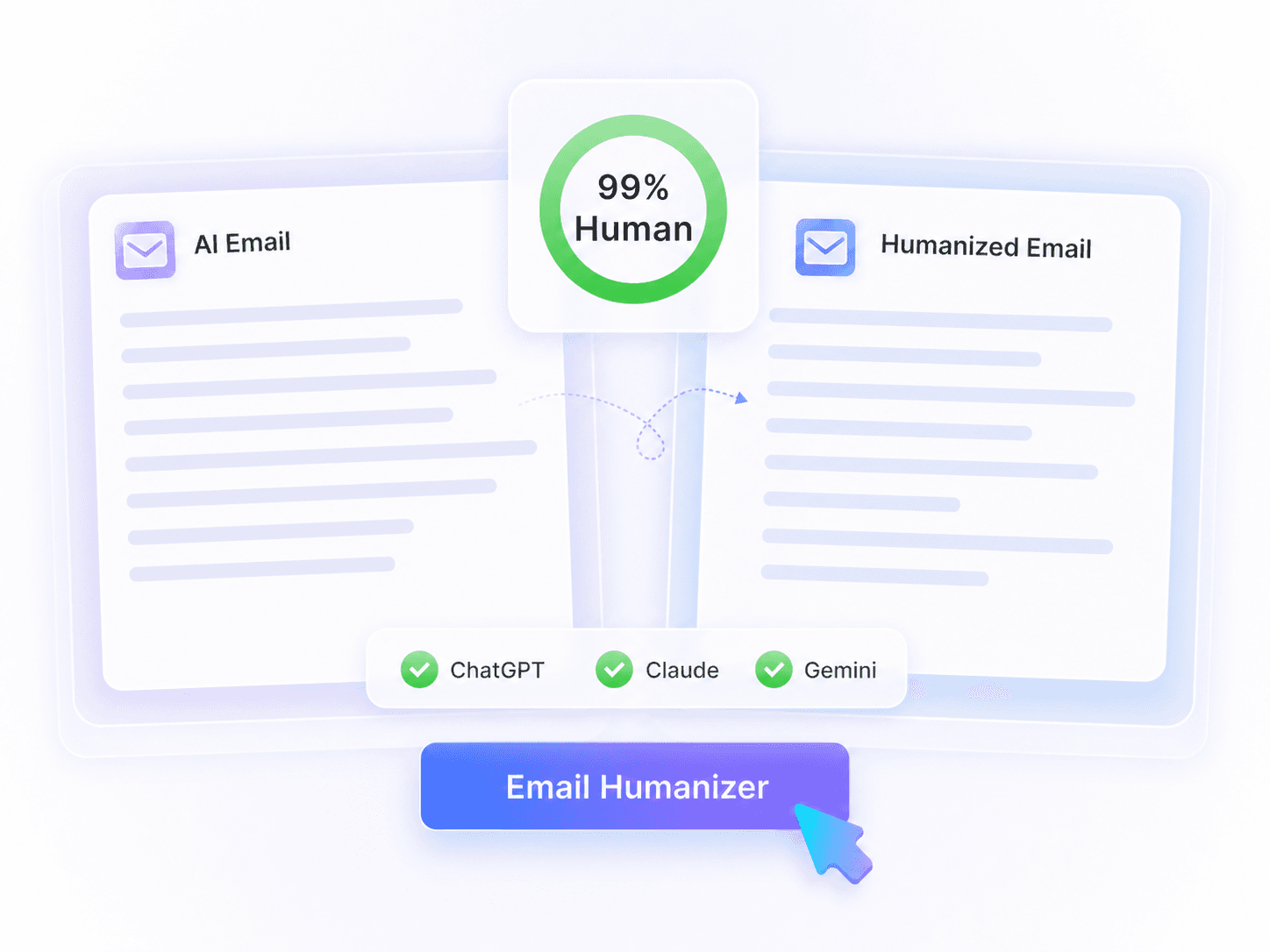
Turn robotic AI drafts into natural, readable messages. Our free email humanizer preserves your core meaning and professional tone.

Inhalt

Text einfügen⌘Voder klicken
Dokument hochladenTXT.DOCX.PDF
Beispiel testen:
Human + AI
Claude
ChatGPT
0 Wörter

Ergebnis

Ihr humanisiertes Ergebnis erscheint hier. Fügen Sie zunächst Ihren KI-generierten Text in das linke Feld ein.

Sofortiges KI-ErkennungsergebnisWarten auf Ergebnis
GGPTZero
BBrandwell
WWinston AI
SSapling
CCrossplag
CCopyleaks
WWriter
ZZeroGPT
SScribbr
TTurnitin
0 Wörter

Letzte Aktivitäten

300K+
Emails Humanized
99%
Humanize Rate
4.9
Average User Rating

Why Choose Our Free Email Humanizer?

Fix Stiff Openings

Fix Stiff Openings

Replace stiff openings, empty pleasantries, and over-formal closers with natural phrasing to make your daily correspondence sound authentic.

Preserve Crucial Facts

Preserve Crucial Facts

Protect your sender names, important links, project deadlines, and crucial calls to action while the text is rewritten.

Multi-Language Support

Multi-Language Support

Process drafts in over 80 languages. It is ideal for global client communication and helps non-native English speakers write confidently.

Direct File Uploads

Direct File Uploads

Upload your .pdf, .doc, .docx, or .txt files directly to humanize email drafts and newsletter copy without copying and pasting.

Free to Use

Free to Use

You can humanize AI email drafts online for free to see the results before deciding if you need more usage.

Break Repetitive Rhythm

Break Repetitive Rhythm

Break the repetitive rhythm and generic transitions of AI-generated text to ensure your marketing emails read smoothly.

Add Genuine Empathy

Add Genuine Empathy

Refine mechanical customer support replies and apologies so they sound genuinely empathetic and considerate rather than robotic.

No Sign-Up Required

No Sign-Up Required

Start refining your drafts immediately. No account or sign-up is required for basic usage on the platform.

What Is an AI Email Humanizer?

What Is an AI Email Humanizer?

An AI email humanizer is an online writing tool that transforms stiff, automated drafts into natural correspondence. It uses context-aware rewriting to improve naturalness rather than relying on simple synonym spinning. Your final message reads like it was written by a real person while keeping your original intent intact.
    Humanize the Whole Email, Not Isolated Phrases

    Humanize the Whole Email, Not Isolated Phrases

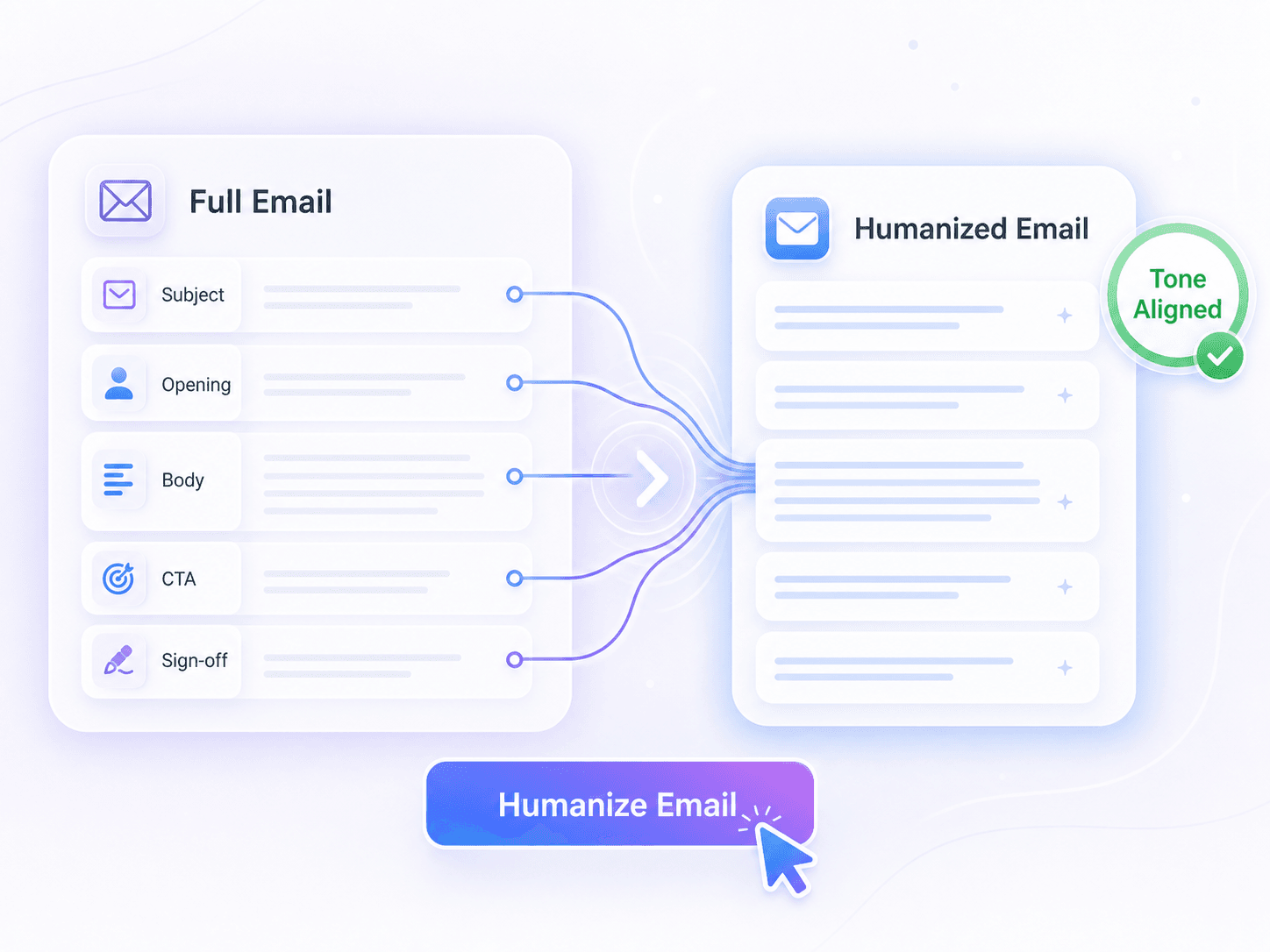
    AI-generated messages often feel disjointed when different sections do not flow together naturally. This tool reads your greeting, body paragraphs, request, and sign-off as one connected piece of context. By analyzing the entire draft, it improves the overall flow and maintains a consistent tone from start to finish.
      Professional Without the Template Tone

      Professional Without the Template Tone

      Business correspondence needs to sound professional without relying on obvious template phrasing and padded sentences. The rewrite removes generic transitions and overly polished wording that make messages feel artificial. You get a clean, direct result that remains appropriate for clients, coworkers, and customer support interactions.

        How to Use the Email Humanizer

        Paste Your Email Draft
        Schritt 1

        Paste Your Email Draft

        Start by pasting your AI-generated text directly into the input box. Alternatively, you can upload a .pdf, .doc, .docx, or .txt file containing your draft.

        Humanize the Email
        Schritt 2

        Humanize the Email

        Click the Humanize button to begin the transformation process. The tool rewrites your text to improve phrasing, rhythm, and flow while keeping your original message clear.

        Review and Copy the Result
        Schritt 3

        Review and Copy the Result

        Check the output to verify your names, facts, links, deadlines, and calls to action are correct. Once the revised text reads naturally, copy it to your clipboard.

        Perfect for Every Email Use Case

        Marketing Campaign Outreach

        Marketing Campaign Outreach

        Use an ai humanizer for marketing emails to rewrite campaign copy and cold outreach drafts into engaging, natural messages.

        Client Follow-Ups

        Client Follow-Ups

        Make your follow-up messages sound authentic and personal after a meeting, avoiding robotic or pushy sales language.

        Support Ticket Replies

        Support Ticket Replies

        Draft empathetic ticket responses and apologies that sound like a real human resolving the issue, not an automated system.

        Freelance Pitches

        Freelance Pitches

        Polish client pitches and project update drafts to ensure a professional yet conversational tone that builds trust.

        Job Application Emails

        Job Application Emails

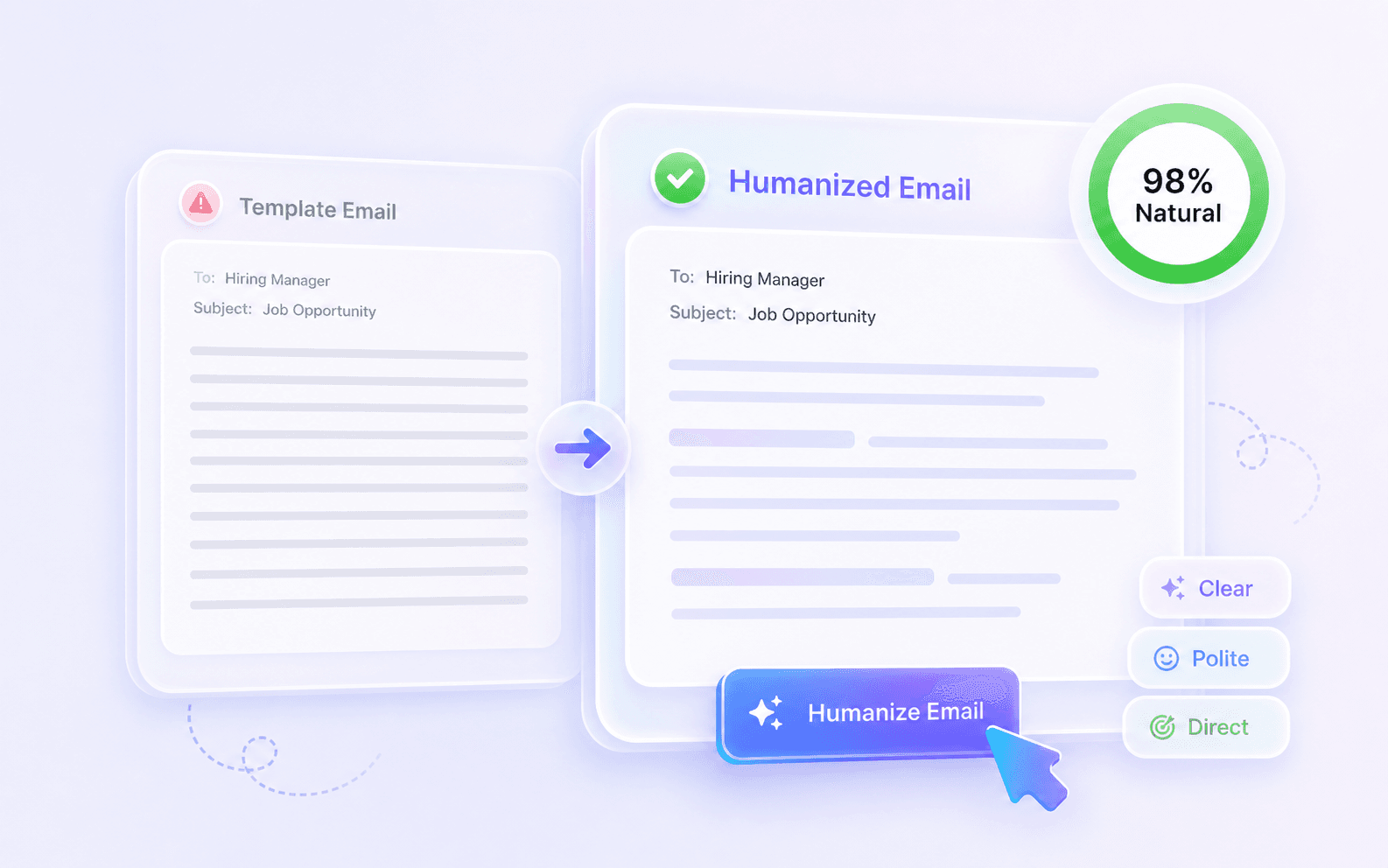
        Humanize email cover letters and interview requests to leave a strong, personable impression on hiring managers.

        Global Work Emails

        Global Work Emails

        Ensure your cross-border work emails sound natural by smoothing out awkward phrasing while keeping your original intent clear.

        Who Needs an AI Email Humanizer?

        Email Marketers

        Email Marketers

        Transform stiff newsletter drafts into engaging campaigns. This free email humanizer helps you connect with subscribers using a natural tone.

        Sales Representatives

        Sales Representatives

        Convert AI-generated cold outreach into authentic conversation starters. Keep your value proposition clear while dropping the generic sales rhythm.

        Support Agents

        Support Agents

        Rewrite robotic macro replies into empathetic responses. Maintain company policies and deadlines while showing genuine care for the customer.

        Freelancers

        Freelancers

        Refine your project updates and negotiation emails. Communicate progress clearly without sounding overly formal or reliant on templates.

        Job Seekers

        Job Seekers

        Make your introductory messages to recruiters sound confident and human. Strip away the repetitive politeness from AI-assisted application drafts.

        Non-Native Professionals

        Non-Native Professionals

        Write clear, natural-sounding messages to international colleagues. Fix awkward transitions in your daily correspondence while preserving your core request.

        What Our Users Say

        Mateo Vargas
        Mateo Vargas

        Sales Executive

        starstarstarstarstar

        "This tool eliminates stiff openings, empty pleasantries, and over-formal closers. I pasted a DOCX follow-up draft, and it made the message sound like a real conversation."

        Julian Hayes
        Julian Hayes

        Email Marketing Manager

        starstarstarstarstar

        "It rewrites the greeting, body, request, and CTA as one connected email. I uploaded a TXT campaign draft and it removed all template phrasing while keeping the offer intact."

        Kenji Sato
        Kenji Sato

        Customer Support

        starstarstarstarstar

        "I love how it preserves sender facts, names, links, and deadlines. I ran a PDF ticket reply through it, and my troubleshooting links stayed in the right places."

        Tariq Adebayo
        Tariq Adebayo

        Job Seeker

        starstarstarstarstar

        "It managed to humanize AI email text naturally for my hiring manager outreach while keeping all my specific portfolio links and technical terms completely intact."

        Clara Dupont
        Clara Dupont

        Project Manager

        starstarstarstarstar

        "I humanized a meeting request without needing an account. No sign-up required for basic usage means I can fix quick messages instantly before sending them out."

        Nia Adebayo
        Nia Adebayo

        Freelance Writer

        starstarstarstarstar

        "It makes professional emails sound personal and direct without becoming too casual. I used it to smooth out a stiff client newsletter introduction in a DOCX draft, and it kept the links and promotional offer in place."

        Frequently Asked Questions

        An AI email humanizer is a tool that rewrites robotic or stiff AI-generated drafts into natural, conversational messages. It removes repetitive phrasing and empty pleasantries while preserving your original intent, facts, and call to action, ensuring your outreach sounds like it was written by a real person.

        The tool uses context-aware AI to understand the core message of your draft rather than just swapping synonyms. It restructures sentences to improve flow and tone while keeping key details like names, dates, links, and your specific request visible in the revised email.

        Yes, you can paste text directly or upload documents in PDF, DOC, DOCX, or TXT formats for instant humanization.

        The free version includes a per-request word allowance, and the current limit is shown inside the tool before you run it. For longer email drafts, newsletters, or document uploads, review the on-screen limit or upgrade when you need more capacity.

        No, you do not need an account to use the basic features and humanize email drafts instantly.

        Lynote is designed for private work documents and client-facing drafts. Avoid sharing sensitive information you do not need to rewrite, and review Lynote's current privacy policy for the latest details on data handling.

        Yes, the tool supports over 80 languages, allowing you to rewrite non-native drafts into natural phrasing for global recipients.

        The humanizer is designed to keep your specific facts, hyperlinks, subject lines, and original call to action visible while improving tone and flow. You should still review important details before sending.

        Unlike basic spinners that just replace words with synonyms, our AI humanizer for marketing emails and personal outreach completely restructures sentences. It adjusts rhythm, removes robotic transitions, and applies a natural tone based on the context of your message.

        Yes, the tool maintains your original paragraph breaks and document structure, ensuring the final output is ready to copy and send.

        More AI Writing Tools

        Explore more Lynote tools for humanizing AI drafts, checking AI risk, and polishing content before you send or publish it.