

Extrair Texto de PDFs e Documentos Digitalizados

Arraste arquivos ou navegue

Adicione materiais de estudo para que a IA extraia e organize o conteúdo.



Por Que Usar o Lynote para Extrair Texto de PDF?

Funciona para PDFs Digitais e Digitalizados
Extraia texto de PDFs selecionáveis e use OCR quando o arquivo for baseado em imagem ou digitalizado.

Obtenha Saída Copiável
Transforme páginas bloqueadas ou difíceis de copiar em texto editável para anotações, rascunhos, resumos ou tradução.

Economize Redigitação Manual
Evite redigitar páginas de relatórios, livros, formulários e materiais de aula quando o texto pode ser lido automaticamente.

Revise os Resultados do OCR
Verifique nomes, números, tabelas, fórmulas e formatação incomum, pois a qualidade do OCR depende da digitalização original.

Prepare o Texto para Outras Tarefas de IA
Uma vez extraído, use o texto para resumir, traduzir, estudar ou fazer perguntas.

Lide com Documentos Longos
Processe PDFs de várias páginas mais rápido do que copiar página por página.
PDFs Digitais Geralmente São Mais Limpos

Scans Precisam de Melhor Qualidade de Origem
Use o Texto Extraído com Cuidado
Como Extrair Texto de PDF com IA
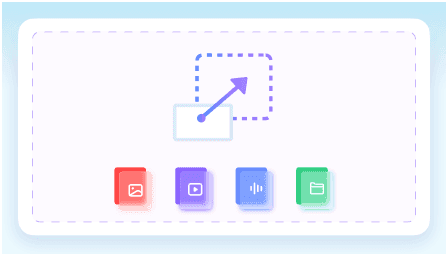
Carregue o PDF
Use a versão mais nítida do arquivo. Para digitalizações, escolha uma cópia de alta resolução, se possível.
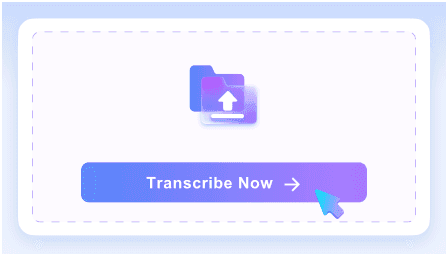
Execute a Extração de Texto
Deixe o Lynote ler o documento e converter o texto legível em saída editável.
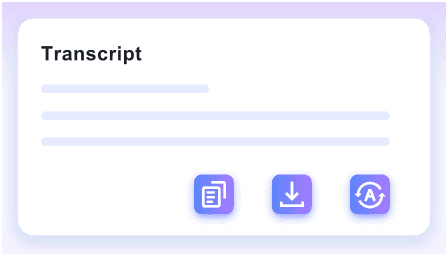
Revise o Resultado
Verifique detalhes importantes e, em seguida, copie o texto para notas, resumos, traduções ou outros fluxos de trabalho.
Quem Deve Usar Este Extrator de Texto de PDF?

Estudantes
Extraia passagens de livros didáticos, notas e trechos de pesquisa para estudo.

Pesquisadores
Extraia texto de artigos, relatórios e arquivos antes de resumir ou comparar fontes.

Equipes de Negócios
Extraia texto de PDFs, propostas, manuais e formulários para reutilização.

Tradutores
Converta PDFs digitalizados em texto antes de traduzir.

Escritores
Transforme PDFs de referência em notas editáveis.

Usuários Comuns
Copie texto de PDFs baixados sem redigitar manualmente.
O Que Nossos Usuários Dizem

Consultor Jurídico

"Usei-o para extrair texto de um pacote de arrendamento de 48 páginas e obtive cláusulas limpas que pude revisar linha por linha. A redação permaneceu precisa o suficiente para edições de contrato e notas internas."

Pesquisador Acadêmico
"Trabalho com periódicos PDF internacionais, e esta ferramenta lidou com artigos em espanhol, alemão e coreano em um único projeto. Extrair texto de fontes PDF em mais de 130 idiomas me poupou de trocar de ferramenta entre os artigos."

Estudante de Pós-Graduação
"Tive que extrair notas de um livro didático em PDF de 200 páginas antes de um seminário. Isso foi cerca de 10 vezes mais rápido do que copiar seções à mão e me deu texto utilizável em uma única passagem."

Gerente de Operações
"Nossa equipe processa dezenas de faturas em PDF toda semana, e o fluxo em lote fez uma diferença real. Extraímos texto de uma pasta inteira de uma vez, em vez de abrir cada fatura uma por uma."

Tradutora Freelancer
"Eu precisava de texto editável de um manual de equipamentos em PDF de 62 páginas para um projeto de tradução. Uma vez que o texto foi extraído, pude pesquisar termos repetidos e reutilizá-los em diferentes seções."

Redatora Técnica
"Eu só precisava extrair texto de uma folha de especificações em PDF e não queria criar uma conta primeiro. Poder iniciar a extração básica sem precisar se cadastrar foi uma grande vantagem para tarefas rápidas."
Perguntas Frequentes
Respostas para perguntas comuns antes de usar esta ferramenta.
Sim, se o OCR conseguir ler as páginas digitalizadas claramente. Digitalizações de baixa qualidade podem precisar de limpeza primeiro.
OCR significa reconhecimento óptico de caracteres. Ele converte texto dentro de imagens ou páginas digitalizadas em caracteres editáveis.
Nem sempre. Verifique nomes, números, tabelas, fórmulas e layouts incomuns antes de confiar no resultado.
Você pode copiá-lo, resumi-lo, traduzi-lo, pesquisá-lo ou usá-lo como notas para outro fluxo de trabalho.


