

JPEG을 20MB로 압축

여기에 이미지를 끌어다 놓거나 클릭하여 선택하세요
파일당 최대 50MB



왜 저희 JPEG 20MB 압축기를 선택해야 할까요?
업로드 제한에 맞춰 너무 큰 JPEG 및 JPG 사진을 줄이면서도 대용량 사진의 세부 사항을 실용적으로 유지합니다.

JPEG 전용 업로드 해결
사진이 양식, 포털, 이메일 또는 공유 폴더에 너무 클 때 JPEG을 20MB로 압축하세요. Lynote는 너무 큰 JPEG 파일을 작은 KB 출력으로 강제 변환하지 않고도 파일 크기를 줄이는 데 도움을 줍니다.

20MB 미만 목표 제어
엄격한 업로드 규칙 때문에 JPEG을 20MB 미만으로 압축해야 하나요? 20MB에 가깝거나 약간 낮은 실용적인 목표를 선택한 다음, 제출하기 더 쉬운 파일을 다운로드하세요.

품질 저하 없는 JPEG 압축
JPEG 사진에는 종종 얼굴, 제품 세부 정보, 풍경 또는 문서 텍스트가 포함됩니다. Lynote는 실제 업로드 상황에서 최종 이미지가 시각적으로 유용하도록 유지하면서 파일 크기를 줄이는 데 도움을 줍니다.

다운로드 전 미리보기
맹목적으로 다운로드하지 마세요. 압축된 JPEG을 미리 보고, 중요한 세부 사항을 확인하고, 더 작은 버전을 저장하기 전에 파일이 충분히 선명한지 확인하세요.

JPEG 일괄 처리
제한을 초과하는 여러 개의 대용량 JPEG 사진이 있으신가요? 한 번에 업로드하여 동일한 20MB 요구 사항에 맞춰 여러 파일을 한 번에 준비하세요.

JPG 및 JPEG 모두 지원
파일 확장자가 .jpg이든 .jpeg이든, Lynote는 사람들이 실제로 업로드하는 일반적인 사진 형식을 지원합니다. 필요할 경우 PNG 또는 WebP도 사용할 수 있습니다.

디자인 소프트웨어 필요 없음
포토샵, 미리보기 내보내기 설정, 데스크톱 압축 도구가 필요 없습니다. 브라우저에서 Lynote를 열고 이미지를 업로드하면 더 작은 JPEG 파일을 얻을 수 있습니다.

안전한 온라인 처리
이미지는 안전하게 처리되며 영구적으로 저장되지 않습니다. 업무용 사진, 지원서 이미지, 제품 사진, 개인 파일 등에 안심하고 사용하세요.
고해상도 사진 업로드를 위해 JPEG를 20MB로 압축
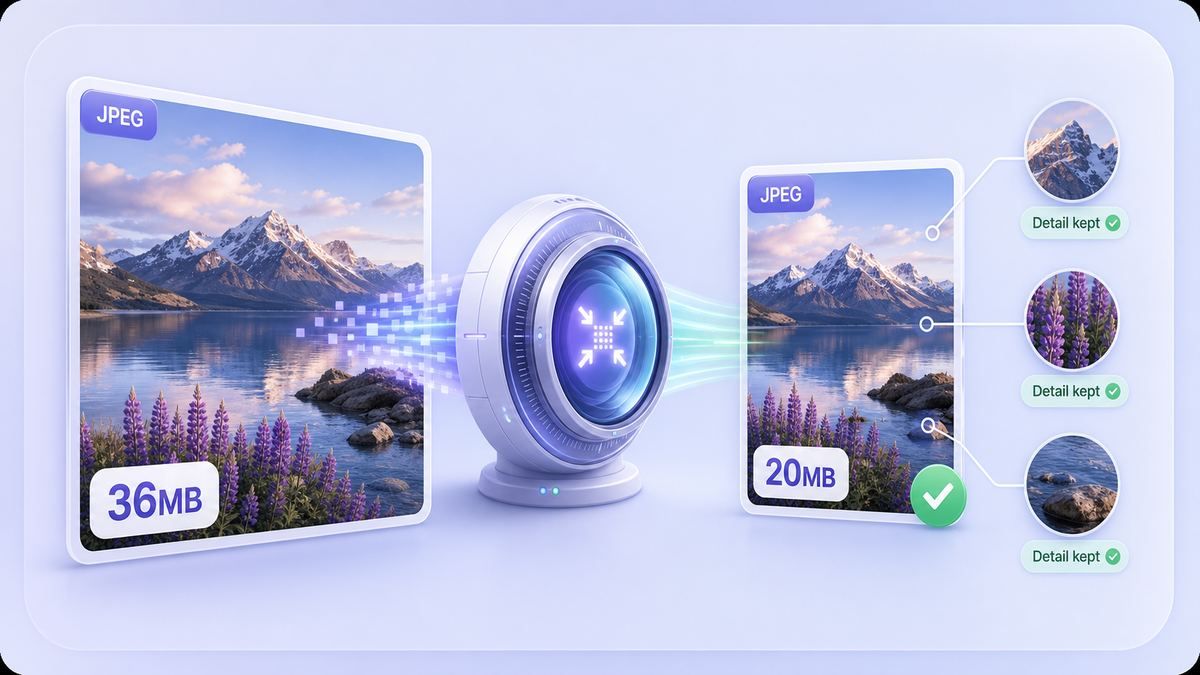
추측 없이 JPEG 파일을 20MB 미만으로 유지
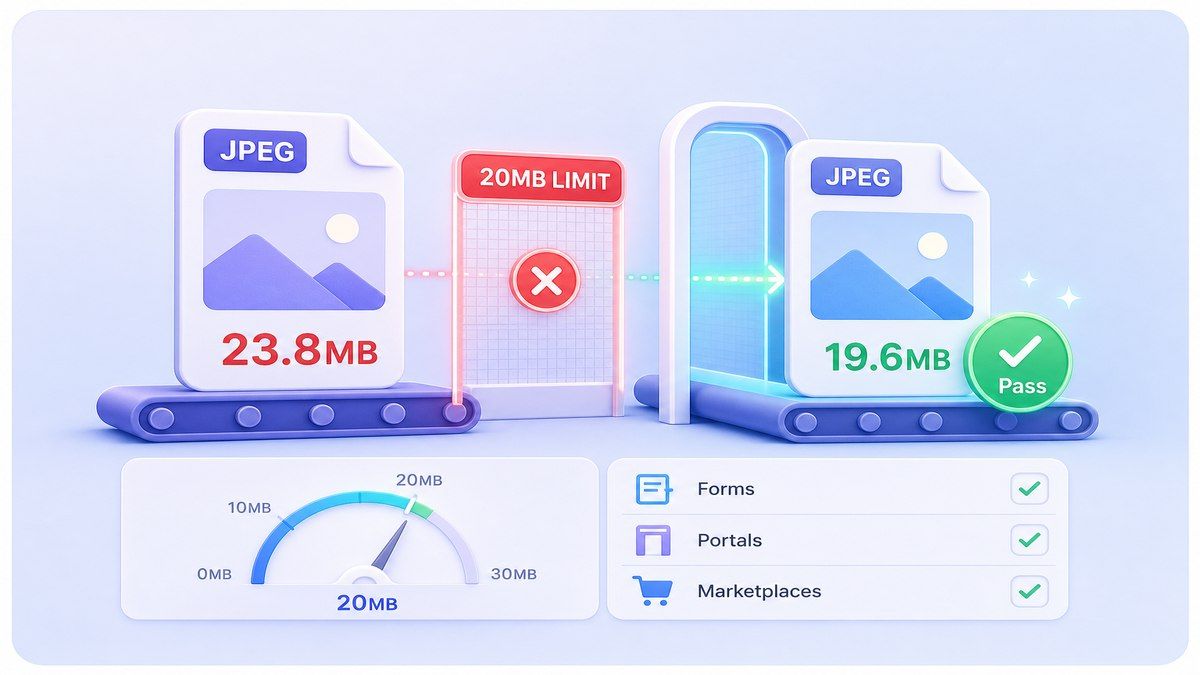
JPEG를 20MB로 변환하여 실용적인 크기 목표로 설정
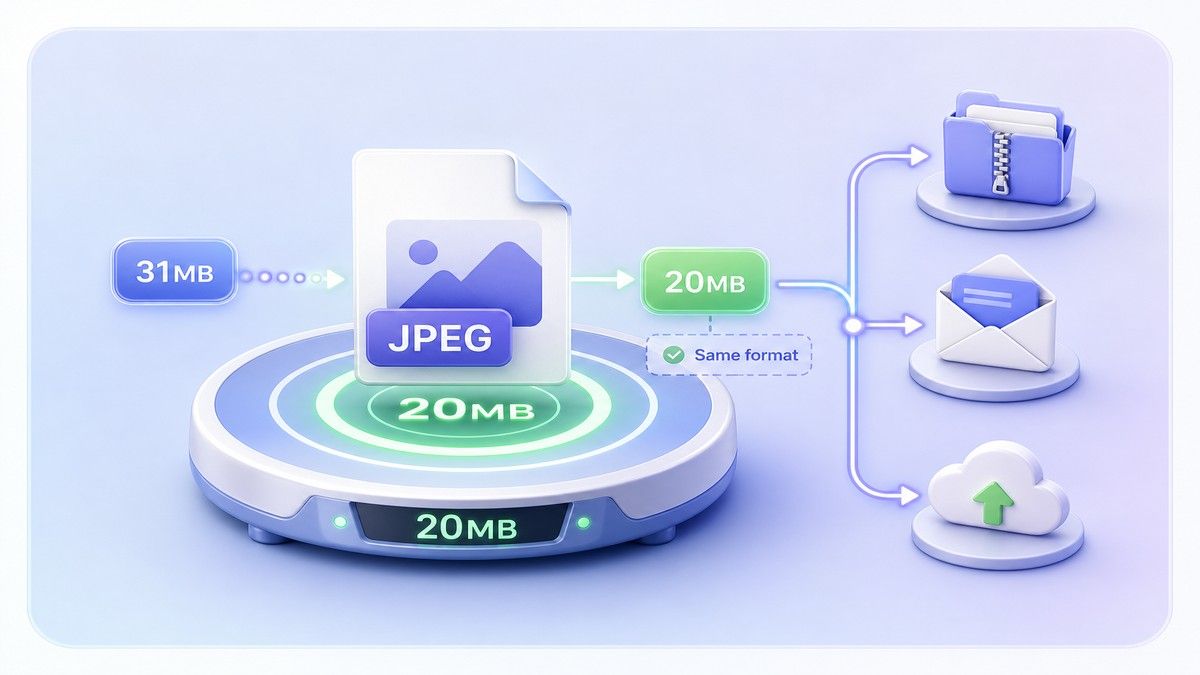
온라인에서 JPEG를 20MB로 압축하는 방법
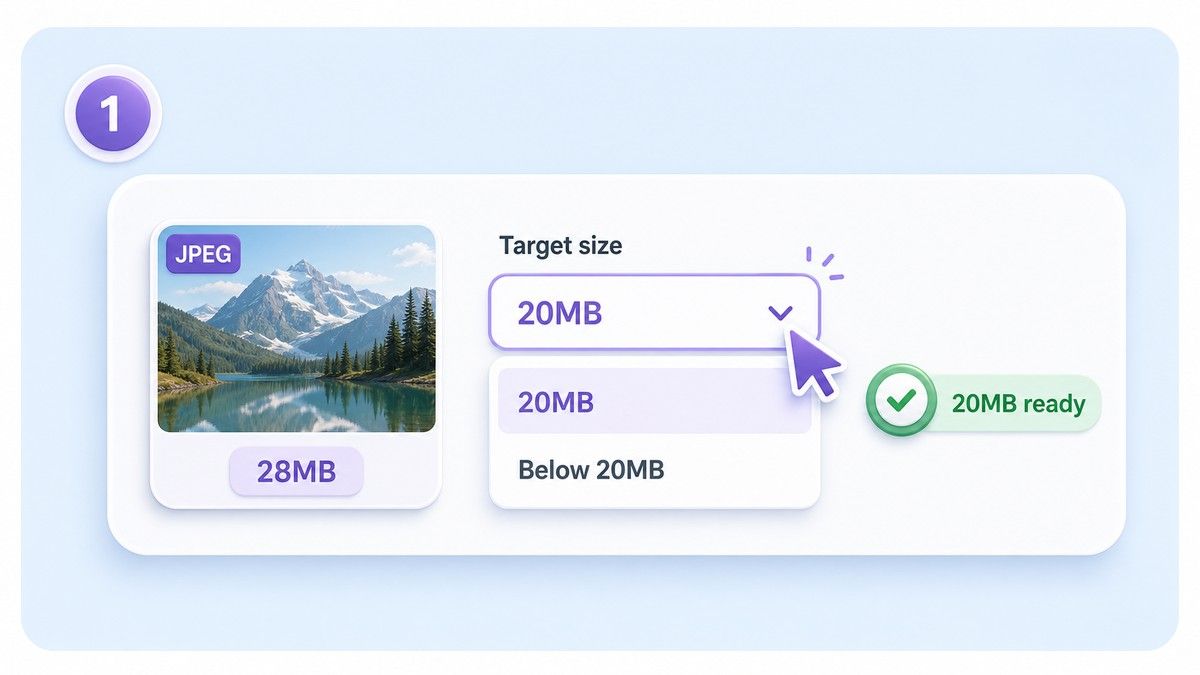
1단계. 20MB 목표 선택
업로드 시스템이 20MB 미만의 파일을 요구하는 경우, 20MB 정도 또는 그보다 약간 작은 목표를 선택하세요. 이는 작은 크기 차이로 인한 업로드 실패를 방지하는 데 도움이 됩니다.
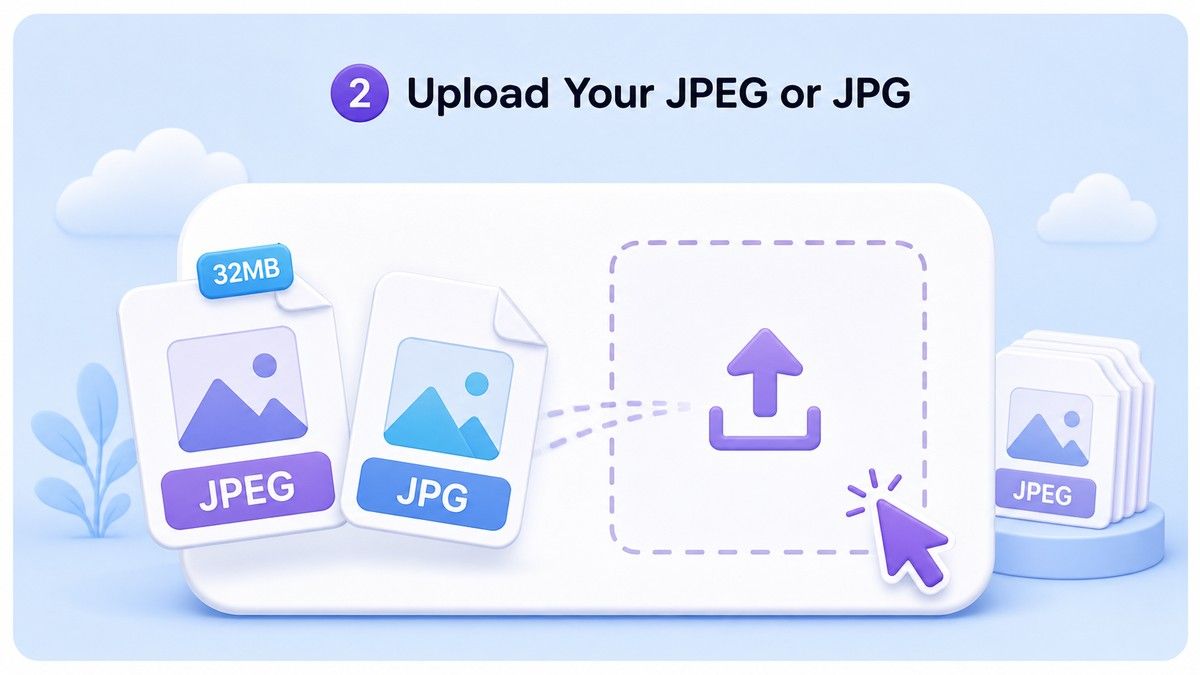
2단계. JPEG 또는 JPG 업로드
큰 JPEG/JPG 이미지를 Lynote로 드래그 앤 드롭하세요. 일괄적으로 동일한 크기 제한이 필요한 경우, 사진 한 장을 업로드하거나 여러 개의 큰 JPEG 파일을 함께 처리할 수 있습니다.
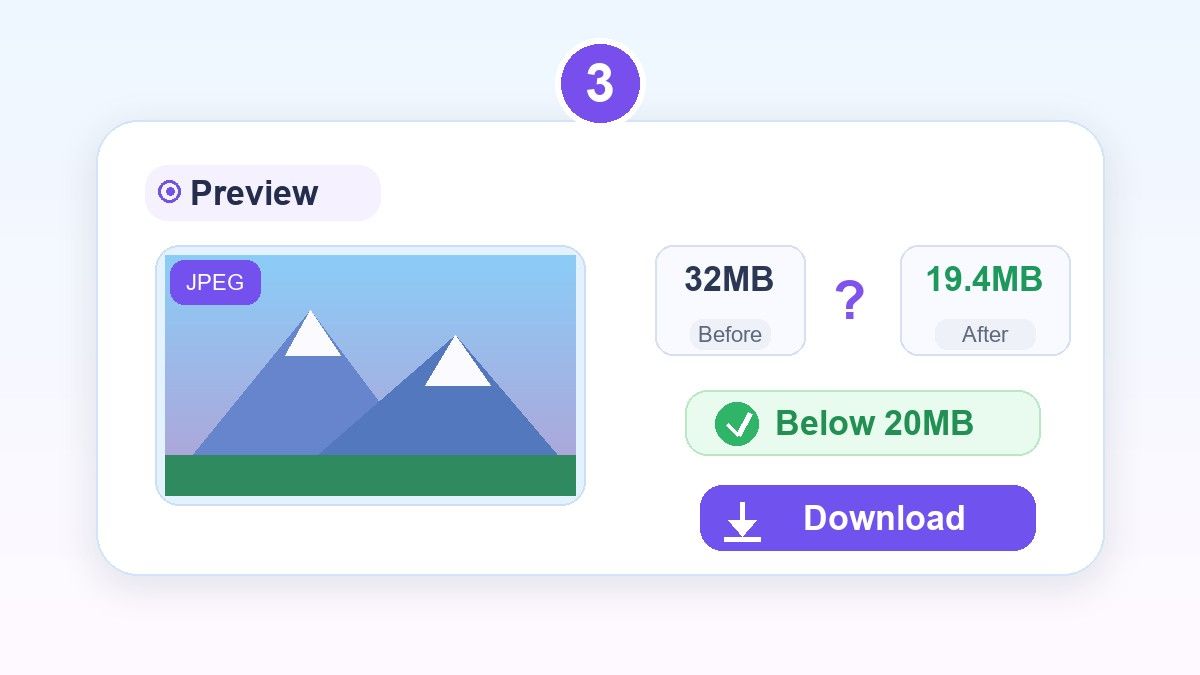
3단계. 미리보기 및 다운로드
압축된 JPEG를 저장하기 전에 검토하세요. 이미지가 여전히 선명하고 파일이 제한 용량 미만이라면, 다운로드하여 필요한 곳에 더 작은 버전을 업로드하세요.
이 JPEG 20MB 압축기는 누구를 위한 것인가요?

사진작가 및 크리에이터
클라이언트 검토, 포트폴리오 공유 또는 콘텐츠 승인을 위한 충분한 시각적 디테일을 유지하면서 내보낸 JPEG 미리보기 크기를 줄입니다.

지원서 및 포털 업로드
파일 크기 제한이 있는 지원 시스템, 비자 포털, 학교 양식, 비즈니스 포털 및 기타 업로드 페이지를 위한 JPEG 사진을 준비하세요.

전자상거래 판매자
마켓플레이스, 카탈로그, 제품 목록 또는 공급업체 시스템에 업로드하기 전에 제품 JPEG를 20MB 미만으로 압축하세요.

부동산 및 자산 관리팀
고해상도 부동산 사진을 작고 디테일이 낮은 파일로 만들지 않고도 더 쉽게 제출, 공유 및 정리할 수 있습니다.

마케팅 및 콘텐츠 팀
너무 큰 JPEG 파일을 거부하는 시스템을 위해 캠페인 사진, 웹사이트 시각 자료, 블로그 그래픽 및 소셜 미디어를 준비하세요.

일반 휴대폰 사용자
원본 JPEG 파일이 너무 클 때, 휴대폰으로 찍은 큰 사진을 더 쉽게 이메일로 보내고, 저장하고, 업로드하고, 공유할 수 있습니다.
JPEG 20MB 압축기에 대한 사용자 의견

마켓플레이스 판매자

제 제품 사진이 업로드 제한을 약간 초과했습니다. Lynote 덕분에 JPEG 파일을 20MB 미만으로 압축하고도 제 목록에 충분히 선명한 디테일을 유지할 수 있었습니다.

사진작가
저는 종종 작은 파일이 아닌 큰 미리보기가 필요합니다. JPEG를 약 20MB로 압축하면 클라이언트에게 전달하기에 좋은 균형을 이룹니다.

입학 담당 보조
지원자들이 항상 엄청나게 큰 휴대폰 사진을 보냅니다. Lynote 덕분에 JPEG 파일을 포털에 업로드하기 전에 쉽게 줄일 수 있습니다.

부동산 코디네이터
저희 부동산 이미지는 고해상도이며 종종 너무 큽니다. 일괄 압축을 통해 전체적인 모습을 잃지 않으면서 파일을 더 빠르게 준비할 수 있습니다.

콘텐츠 관리자
저는 JPEG를 CMS에 추가하기 전에 Lynote를 사용합니다. 미리보기 단계 덕분에 과도하게 압축된 것처럼 보이는 사진을 업로드하는 것을 피할 수 있습니다.

사무 관리자
JPEG을 20MB 파일 크기 목표로 변환하는 간단한 방법이 필요했습니다. 이 도구는 모든 사람에게 내보내기 설정을 설명하는 것보다 쉽습니다.
자주 묻는 질문
JPEG 파일을 20MB로 압축하는 방법, 20MB 미만 목표, JPG 지원, 품질 및 일괄 처리에 대한 답변입니다.
Lynote에 JPEG 또는 JPG 파일을 업로드하고, 약 20MB의 목표 크기를 선택한 다음, 결과를 미리 보고 압축된 이미지를 다운로드하세요. 플랫폼에서 20MB 미만을 요구하는 경우, 약간 더 낮은 목표를 선택하세요.
네. Lynote는 원본 파일 크기, 치수 및 이미지 세부 정보에 따라 대용량 JPEG 파일을 20MB 미만으로 줄이는 데 도움을 줍니다.
일반적으로 아닙니다. 이 맥락에서 JPEG를 20MB로 변환한다는 것은 JPEG 파일의 크기를 20MB에 가깝게 줄이거나 압축하면서 이미지 파일 형식을 유지하는 것을 의미합니다.
어떤 JPEG 압축이든 너무 과도하게 적용하면 디테일에 영향을 줄 수 있습니다. Lynote는 미리 보기를 제공하므로 다운로드하기 전에 압축된 이미지가 여전히 보기 좋은지 확인할 수 있습니다.
네. JPG와 JPEG는 동일한 사진 형식 계열에 일반적으로 사용되는 이름입니다. Lynote는 .jpg 및 .jpeg 파일 모두를 지원합니다.
네. 여러 개의 대용량 JPEG 이미지를 한꺼번에 업로드하여 압축할 수 있습니다. 이는 여러 파일이 동일한 20MB 규칙을 충족해야 할 때 유용합니다.
네, Lynote를 사용하면 데스크톱 소프트웨어를 설치할 필요 없이 온라인에서 JPEG 파일을 압축할 수 있습니다. 브라우저에서 직접 더 작은 이미지를 업로드하고 미리 보고 다운로드하세요.


