

Comprimi Immagine a 10MB

Trascina le immagini qui o clicca per selezionare
Max 50 MB per file



Perché Scegliere il Nostro Compressore di Immagini da 10MB?

Raggiungi un Limite di Caricamento di 10MB
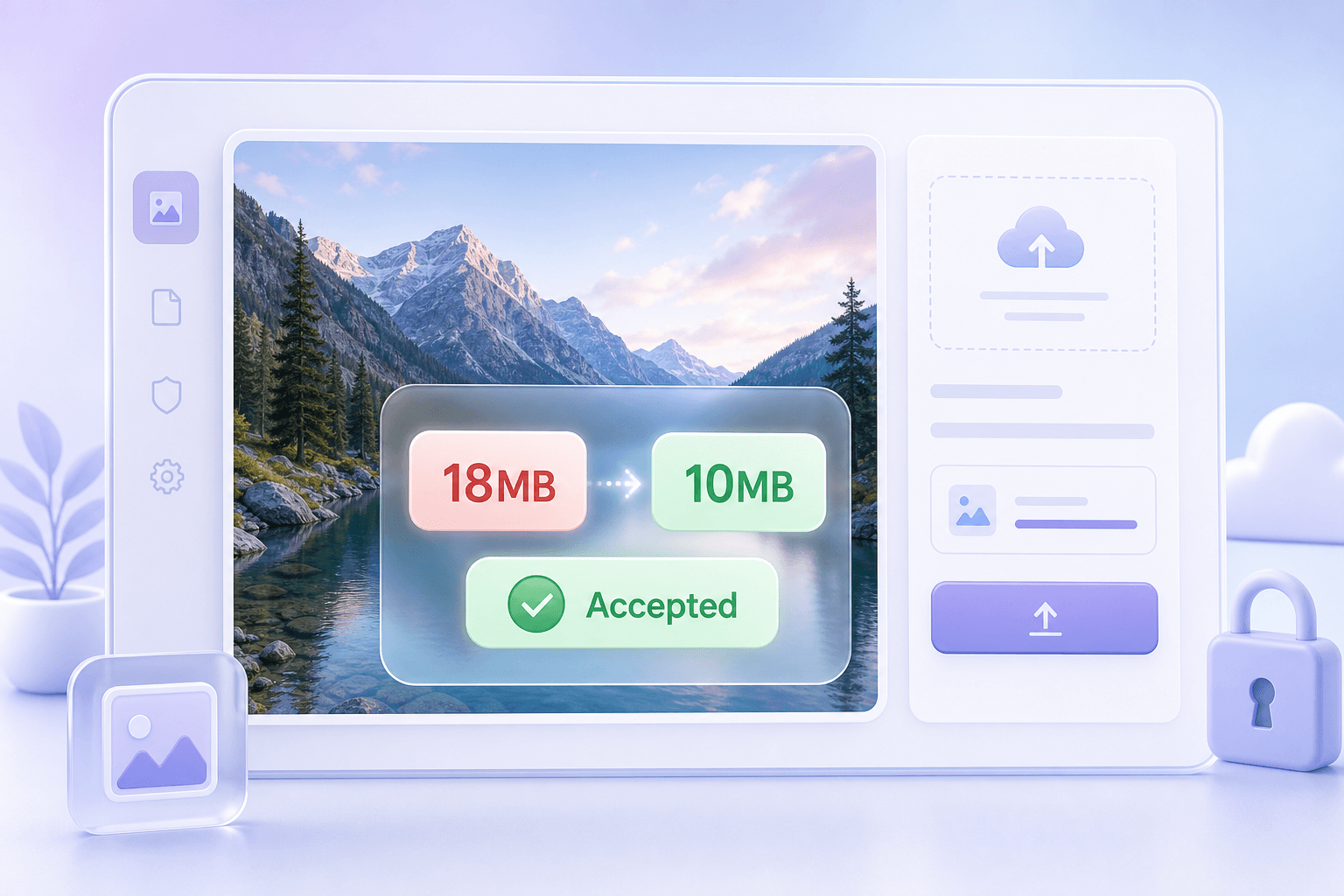
Comprimi l'immagine a 10MB quando un sito web, un modulo, un portale o una piattaforma rifiuta file più grandi. Lynote ti aiuta a mirare a una dimensione pratica invece di procedere per tentativi con esportazioni ripetute.

Mantieni le Foto Abbastanza Chiare da Usare
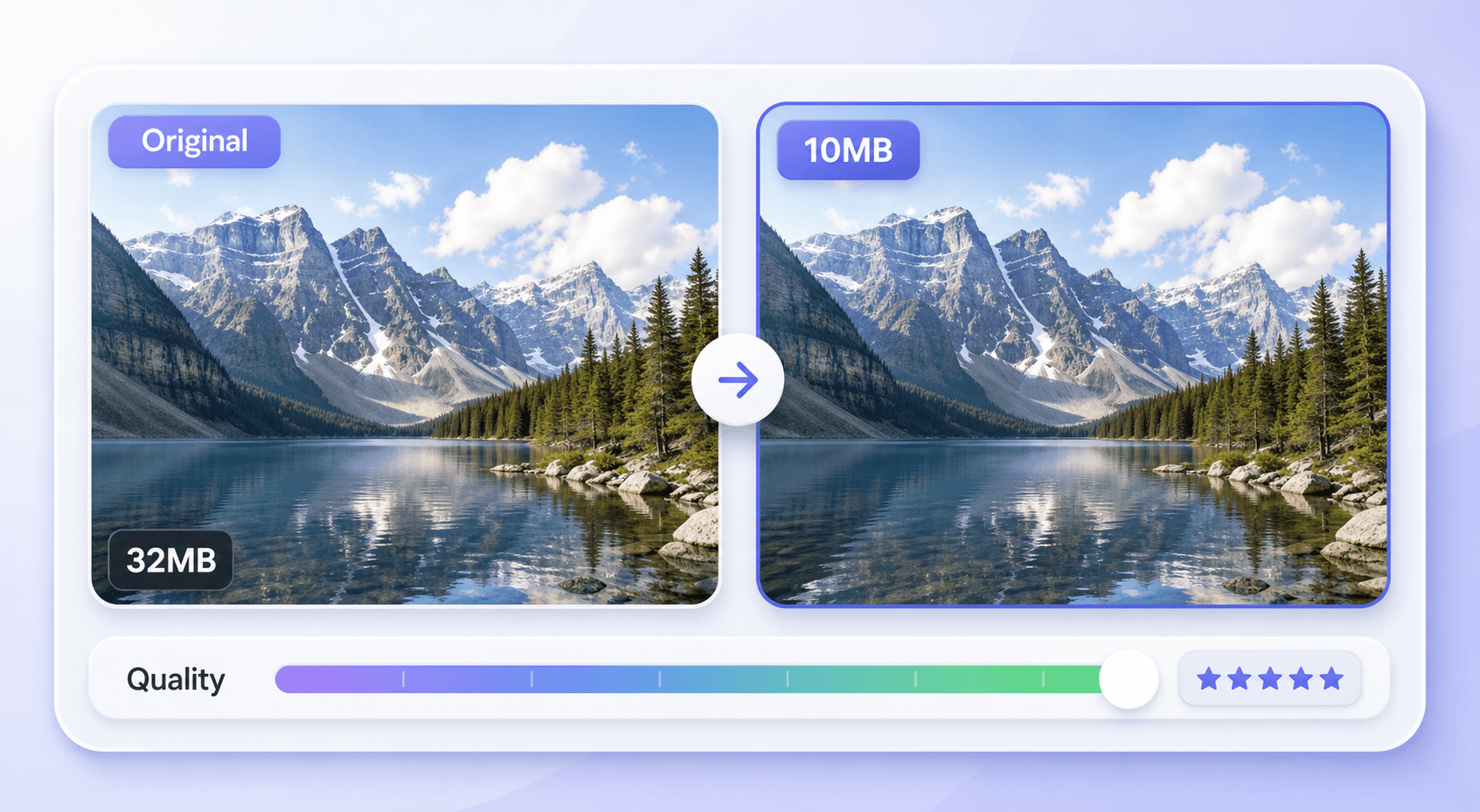
Un obiettivo di 10MB offre più spazio rispetto ai piccoli limiti in KB, permettendoti di ridurre le dimensioni del file mantenendo visibili i dettagli importanti. È utile per foto, scansioni, immagini del profilo e grafici per portfolio.

Comprimi Più Immagini Più Velocemente
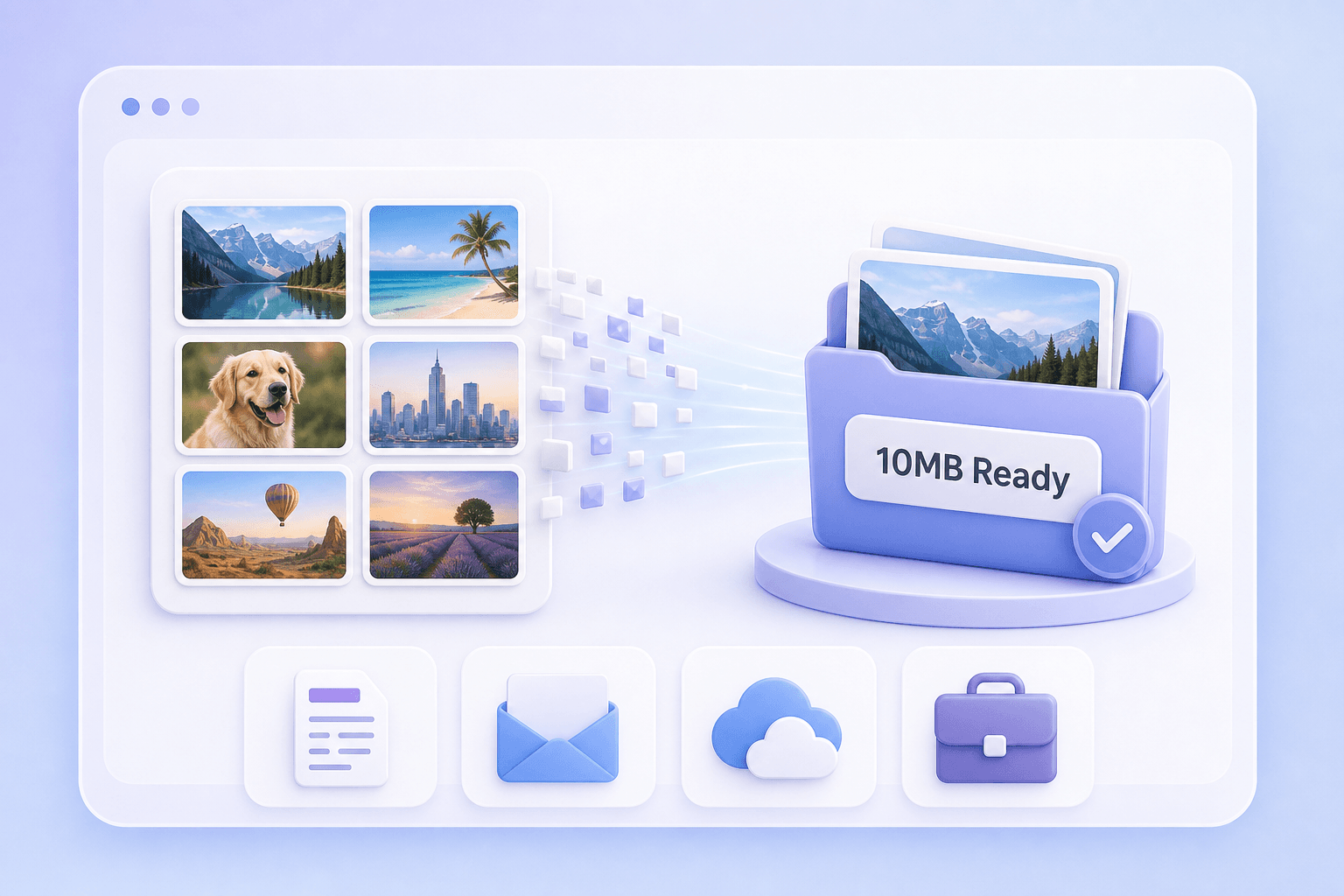
Quando devi comprimere immagini a 10MB per un lotto di caricamenti, Lynote ti aiuta a gestire i file in un unico flusso di lavoro semplice. Risparmia tempo rispetto alla modifica manuale di ogni immagine.

Funziona per i Caricamenti di Immagini Comuni
Usalo quando hai bisogno di risultati di compressione immagine a 10MB per applicazioni, moduli account, ticket di supporto, gallerie online e allegati di documenti. Il flusso di lavoro rimane semplice: carica, comprimi, scarica.

Ottimo per File JPG, PNG e Foto
Che l'originale sia una foto del telefono, un design esportato, uno screenshot o un JPG di grandi dimensioni, Lynote aiuta a ridurre le dimensioni del file a un intervallo più adatto al caricamento.

Evita di Comprimere Eccessivamente la Tua Immagine
Comprimi l'immagine sotto i 10MB senza forzarla automaticamente a una dimensione inutilmente piccola. Questo aiuta a evitare dettagli sfocati, bordi a blocchi e colori sbiaditi.

Online e Gratuito da Usare
Usa il compressore nel tuo browser senza installare software desktop. È un'opzione rapida quando devi comprimere un'immagine a 10MB online.

Flusso di Lavoro di Download Semplice
Dopo la compressione, rivedi il risultato e scarica il file ottimizzato. Usalo per moduli, email, piattaforme, archiviazione o condivisione.
Comprimi Immagini Sotto i 10MB per Caricamenti con Limiti Stringenti
Mantieni Più Dettagli Rispetto a File di Destinazione di Piccole Dimensioni
Compressione Rapida a 10MB per File di Uso Quotidiano
Come Comprimere un'Immagine a 10MB Online
Passaggio 1. Carica la Tua Immagine
Scegli un file immagine JPG, JPEG, PNG o supportato di grandi dimensioni dal tuo dispositivo. Questo funziona bene per foto del telefono, screenshot, immagini scansionate, design esportati e elementi visivi del portfolio.
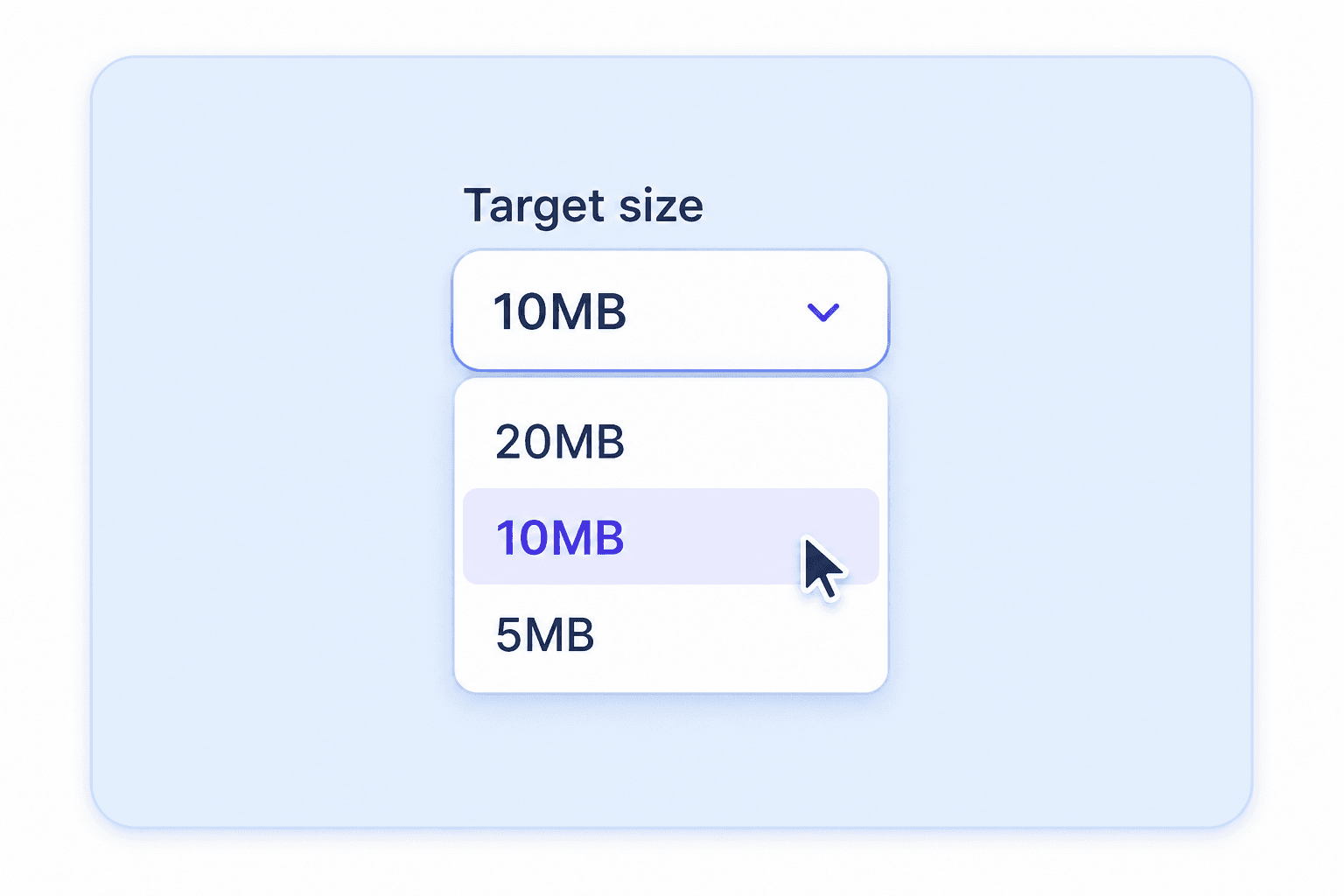
Passaggio 2. Scegli 10MB come Dimensione Target
Imposta la dimensione target a 10MB o un limite vicino. Questo aiuta quando devi comprimere un'immagine sotto i 10MB per un sito web, un modulo, un allegato email o un portale di caricamento.
Passaggio 3. Comprimi e Scarica
Esegui la compressione, rivedi le dimensioni del file più piccole e scarica l'immagine ottimizzata. Usa il risultato compresso per caricamenti, condivisione, archiviazione online, applicazioni o documenti.
A Chi è Rivolto Questo Compressore di Immagini da 10MB?

Candidati di Lavoro
Comprimi foto per candidature, scansioni di documenti d'identità, certificati o immagini del portfolio sotto i 10MB prima di caricarli sui portali di lavoro.

Studenti
Riduci immagini di classe di grandi dimensioni, grafici di progetti, note scansionate e allegati di compiti per piattaforme scolastiche.

Fotografi
Crea file di anteprima più piccoli per la condivisione con i clienti mantenendo abbastanza dettagli per una revisione rapida.

Designer
Comprimi mockup esportati, screenshot e bozze visive per adattarsi ai limiti della piattaforma senza farli apparire eccessivamente degradati.

Proprietari di Siti Web
Prepara immagini ottimizzate per l'upload per moduli CMS, grafiche per blog, visual di prodotti e documentazione di supporto.

Utenti Comuni
Comprimi foto del telefono, screenshot e immagini personali quando una piattaforma segnala che il file è troppo grande.
Cosa Dicono del Nostro Compressore di Immagini da 10MB

Studente

"Ho usato Lynote per comprimere un'immagine a 10MB per un portale scolastico. Il file è stato caricato senza che l'immagine apparisse sfocata."

Candidato
"Il mio modulo di candidatura ha rifiutato una foto troppo grande, così l'ho compressa sotto i 10MB con Lynote e l'ho caricata subito."

Designer
"L'obiettivo di 10MB è utile per i mockup. Posso mantenere l'immagine abbastanza chiara per la revisione rimanendo sotto il limite di caricamento."

Fotografo
"Lo uso quando ho bisogno di immagini di anteprima più piccole per i clienti. È più veloce che esportare di nuovo la stessa foto dal software di editing."

Content Manager
"Lynote mi aiuta a comprimere le immagini a 10MB per i caricamenti del blog e i documenti di supporto senza rallentare il flusso di lavoro."

Consulente Remoto
"Quando una piattaforma richiede un'immagine sotto i 10MB, uso Lynote per ridimensionare rapidamente il file e scaricare il risultato."
Domande Frequenti
Hai ancora domande sulla compressione di immagini online? Ecco le risposte.
Carica la tua immagine su Lynote, scegli una dimensione target compatibile con 10MB, avvia la compressione e scarica il file ottimizzato. Funziona direttamente nel tuo browser.
Sì. Lynote ti permette di comprimere immagini a 10MB gratuitamente online, così puoi ridurre file di grandi dimensioni per caricamenti, moduli, condivisione e archiviazione.
Sì. Se una piattaforma richiede un'immagine sotto i 10MB, scegli una dimensione target intorno ai 10MB o leggermente inferiore prima di scaricare il risultato compresso.
La compressione può alterare la qualità del file, ma un target di 10MB di solito offre più margine per preservare i dettagli rispetto a limiti molto piccoli in KB. Visualizza sempre l'anteprima del risultato prima di utilizzarlo.
Puoi usare Lynote per file immagine comuni come JPG, JPEG, PNG e altri formati immagine supportati, a seconda del file che carichi.
Sì, 10MB è un limite pratico comune per portali, moduli e flussi di lavoro di condivisione. Mantiene il file gestibile preservando più qualità rispetto a target più piccoli.
Sì. Lynote funziona nel tuo browser, quindi puoi caricare e comprimere un'immagine di grandi dimensioni dal tuo telefono, tablet o computer.
Un target di 10MB è migliore per limiti di caricamento più severi, mentre 20MB è utile quando vuoi mantenere un file più grande e con maggiori dettagli. Scegli il limite richiesto dalla tua piattaforma.


