Бесплатный инструмент для гуманизации электронных писем: сделайте AI-письма более человечными
Контент
Результат

Ваш очеловеченный результат появится здесь. Чтобы начать, вставьте текст, созданный ИИ, в поле слева.



Почему стоит выбрать наш бесплатный инструмент для гуманизации писем?

Исправление жестких открытий
Замените жесткие открытия, пустые вежливости и чрезмерно формальные закрытия на естественные формулировки, чтобы ваша повседневная переписка звучала аутентично.

Сохранение важных фактов
Защитите имена отправителей, важные ссылки, сроки проектов и ключевые призывы к действию, пока текст переписывается.

Поддержка нескольких языков
Обрабатывайте черновики на более чем 80 языках. Это идеально подходит для глобальной коммуникации с клиентами и помогает не носителям английского языка писать уверенно.

Прямые загрузки файлов
Загружайте ваши файлы .pdf, .doc, .docx или .txt напрямую, чтобы гуманизировать черновики писем и тексты новостных рассылок без копирования и вставки.

Бесплатно в использовании
Вы можете гуманизировать черновики AI-писем онлайн бесплатно, чтобы увидеть результаты, прежде чем решать, нужно ли вам больше использования.

Разрыв повторяющегося ритма
Разорвите повторяющийся ритм и общие переходы AI-сгенерированного текста, чтобы ваши маркетинговые письма читались плавно.

Добавьте искреннюю эмпатию
Уточните механические ответы службы поддержки клиентов и извинения, чтобы они звучали искренне и внимательно, а не механически.

Регистрация не требуется
Начните уточнять ваши черновики немедленно. Для базового использования на платформе не требуется учетная запись или регистрация.
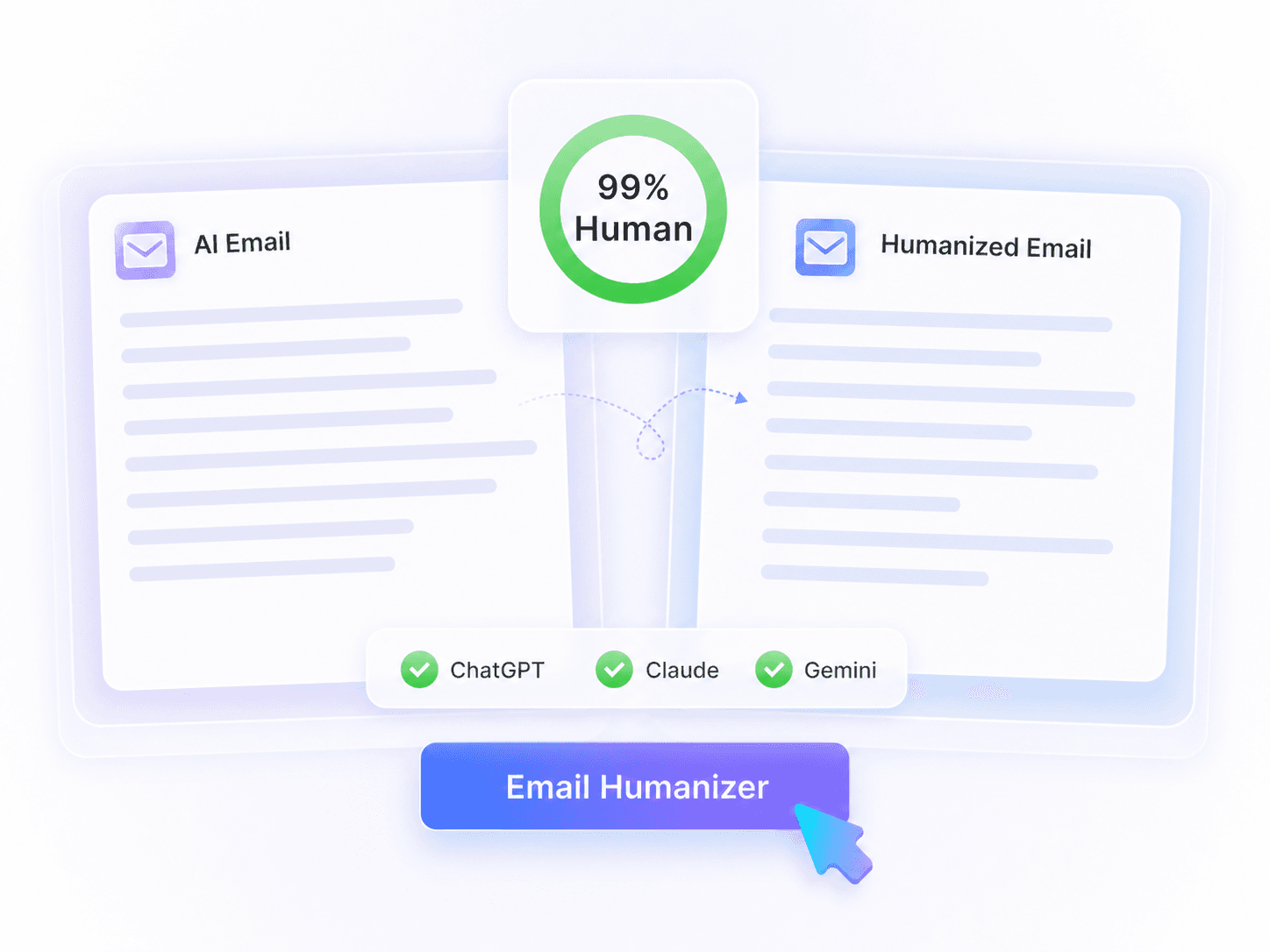
Что такое инструмент для гуманизации электронных писем на основе AI?
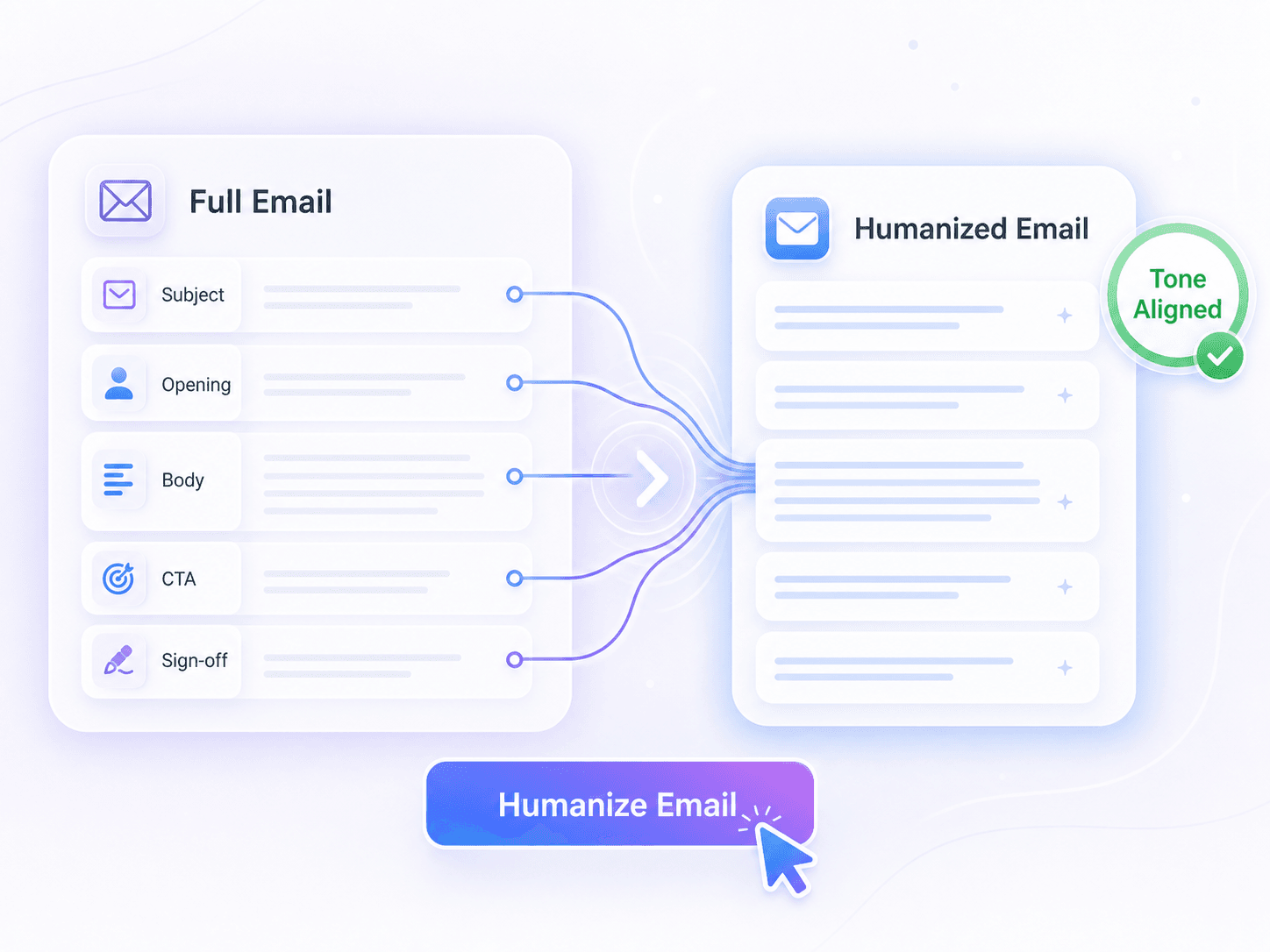
Гуманизируйте все письмо, а не изолированные фразы
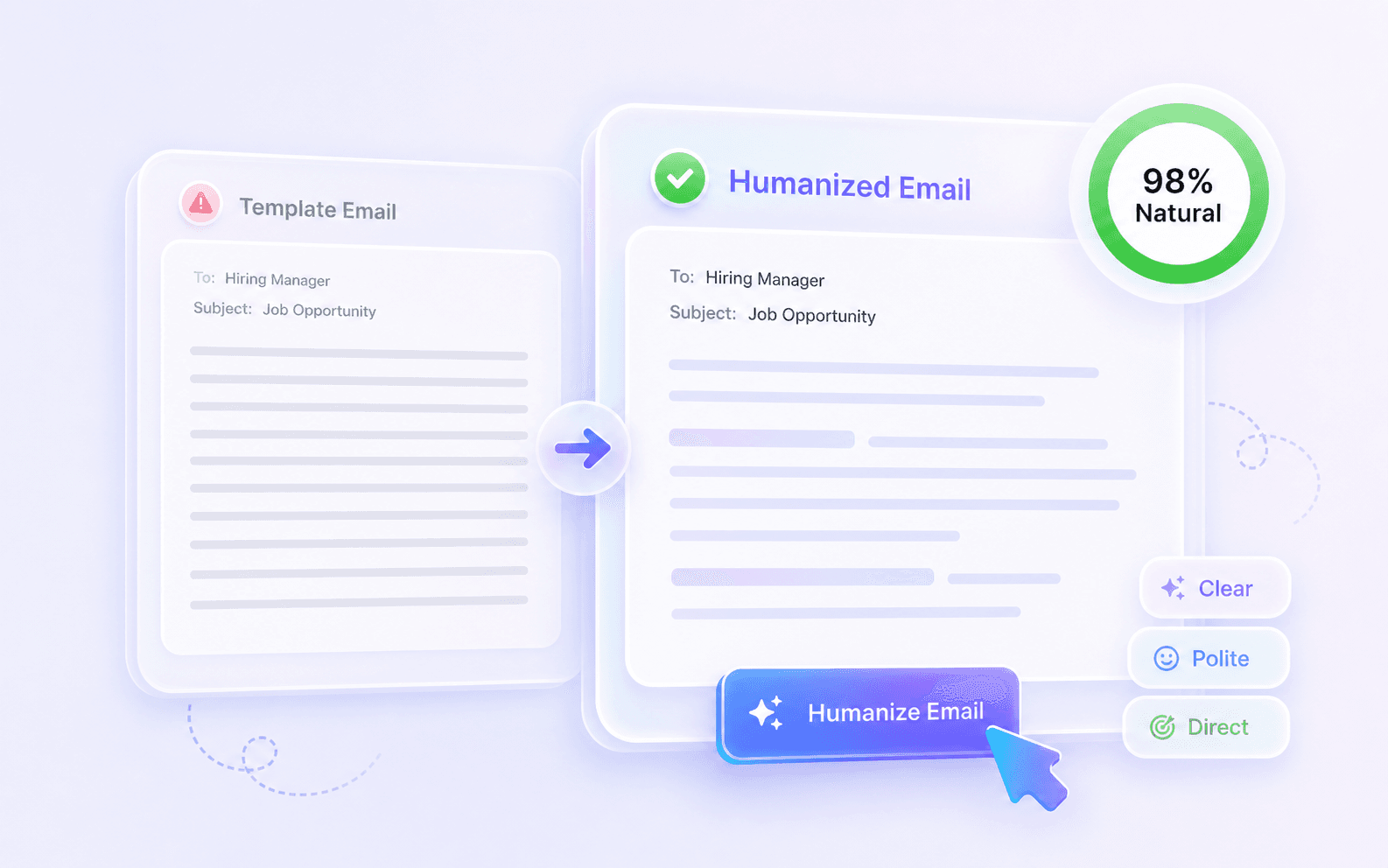
Профессионально, без шаблонного тона
Как использовать инструмент для гуманизации писем

Вставьте черновик вашего письма
Начните с вставки вашего текста, созданного ИИ, прямо в поле ввода. В качестве альтернативы вы можете загрузить файл .pdf, .doc, .docx или .txt, содержащий ваш черновик.


Гуманизируйте письмо
Нажмите кнопку «Гуманизировать», чтобы начать процесс преобразования. Инструмент переписывает ваш текст, улучшая формулировки, ритм и поток, при этом сохраняя ваше оригинальное сообщение ясным.

Просмотрите и скопируйте результат
Проверьте результат, чтобы убедиться, что ваши имена, факты, ссылки, сроки и призывы к действию верны. Как только переработанный текст будет звучать естественно, скопируйте его в буфер обмена.
Идеально для любого случая использования писем

Рассылка маркетинговых кампаний
Используйте инструмент гуманизации для маркетинговых писем, чтобы переписать тексты кампаний и черновики холодных обращений в увлекательные, естественные сообщения.
Используйте инструмент гуманизации для маркетинговых писем, чтобы переписать тексты кампаний и черновики холодных обращений в увлекательные, естественные сообщения.

Последующие сообщения клиентам
Сделайте ваши сообщения для последующих контактов звучащими аутентично и персонально после встречи, избегая механического или настойчивого языка продаж.
Сделайте ваши сообщения для последующих контактов звучащими аутентично и персонально после встречи, избегая механического или настойчивого языка продаж.

Ответы на запросы в службу поддержки
Составьте сопереживающие ответы на запросы и извинения, которые звучат как реальные люди, решающие проблему, а не автоматизированная система.
Составьте сопереживающие ответы на запросы и извинения, которые звучат как реальные люди, решающие проблему, а не автоматизированная система.

Предложения фрилансеров
Отшлифуйте предложения клиентам и черновики обновлений проектов, чтобы обеспечить профессиональный, но разговорный тон, который вызывает доверие.
Отшлифуйте предложения клиентам и черновики обновлений проектов, чтобы обеспечить профессиональный, но разговорный тон, который вызывает доверие.
Письма с заявками на работу
Гуманизируйте сопроводительные письма и запросы на интервью, чтобы произвести сильное, личное впечатление на менеджеров по найму.
Гуманизируйте сопроводительные письма и запросы на интервью, чтобы произвести сильное, личное впечатление на менеджеров по найму.
Глобальные рабочие письма
Убедитесь, что ваши межнациональные рабочие письма звучат естественно, сглаживая неловкие формулировки, при этом сохраняя ваше оригинальное намерение ясным.
Убедитесь, что ваши межнациональные рабочие письма звучат естественно, сглаживая неловкие формулировки, при этом сохраняя ваше оригинальное намерение ясным.
Кому нужен инструмент для гуманизации электронных писем?

Маркетологи по электронной почте
Преобразуйте жесткие черновики новостных рассылок в увлекательные кампании. Этот бесплатный инструмент для гуманизации писем поможет вам установить связь с подписчиками, используя естественный тон.

Торговые представители
Преобразуйте холодные обращения, созданные ИИ, в аутентичные начальные фразы для разговора. Сохраняйте ваше ценностное предложение ясным, избегая общих ритмов продаж.

Агенты поддержки
Перепишите механические макроответы в сочувственные ответы. Соблюдайте корпоративные политики и сроки, проявляя искреннюю заботу о клиенте.

Фрилансеры
Улучшите свои обновления по проектам и письма для переговоров. Четко сообщайте о ходе работы, не звуча слишком формально или полагаясь на шаблоны.

Соискатели
Сделайте свои вступительные сообщения рекрутерам уверенными и человечными. Уберите повторяющуюся вежливость из черновиков заявок с помощью ИИ.

Носители других языков
Пишите ясные, естественно звучащие сообщения международным коллегам. Исправьте неловкие переходы в вашей повседневной переписке, сохраняя основную просьбу.
Что говорят наши пользователи

Sales Executive

"This tool eliminates stiff openings, empty pleasantries, and over-formal closers. I pasted a DOCX follow-up draft, and it made the message sound like a real conversation."

Email Marketing Manager
"It rewrites the greeting, body, request, and CTA as one connected email. I uploaded a TXT campaign draft and it removed all template phrasing while keeping the offer intact."

Customer Support
"I love how it preserves sender facts, names, links, and deadlines. I ran a PDF ticket reply through it, and my troubleshooting links stayed in the right places."

Job Seeker
"It managed to humanize AI email text naturally for my hiring manager outreach while keeping all my specific portfolio links and technical terms completely intact."

Project Manager
"I humanized a meeting request without needing an account. No sign-up required for basic usage means I can fix quick messages instantly before sending them out."

Freelance Writer
"It makes professional emails sound personal and direct without becoming too casual. I used it to smooth out a stiff client newsletter introduction in a DOCX draft, and it kept the links and promotional offer in place."
Часто задаваемые вопросы
Инструмент для гуманизации электронных писем на основе ИИ — это средство, которое переписывает механические или жесткие черновики, созданные ИИ, в естественные, разговорные сообщения. Он убирает повторяющиеся фразы и пустые вежливости, сохраняя ваш первоначальный замысел, факты и призыв к действию, обеспечивая, чтобы ваше обращение звучало так, как будто его написал реальный человек.
Инструмент использует контекстно-осведомленный ИИ, чтобы понять основное сообщение вашего черновика, а не просто заменяет синонимы. Он перестраивает предложения для улучшения потока и тона, сохраняя ключевые детали, такие как имена, даты, ссылки и вашу конкретную просьбу, видимыми в переработанном письме.
Да, вы можете вставить текст напрямую или загрузить документы в форматах PDF, DOC, DOCX или TXT для мгновенной гуманизации.
Бесплатная версия включает лимит слов на запрос, и текущий лимит отображается в инструменте перед его использованием. Для более длинных черновиков электронных писем, информационных бюллетеней или загрузок документов проверьте лимит на экране или обновите, когда вам потребуется больше возможностей.
Нет, вам не нужно создавать учетную запись, чтобы использовать основные функции и мгновенно гуманизировать черновики электронных писем.
Lynote предназначен для частных рабочих документов и черновиков, ориентированных на клиентов. Избегайте обмена конфиденциальной информацией, которую вам не нужно переписывать, и ознакомьтесь с текущей политикой конфиденциальности Lynote для получения последних сведений о обработке данных.
Да, инструмент поддерживает более 80 языков, позволяя вам переписывать черновики на неродном языке в естественные формулировки для глобальных получателей.
Инструмент для гуманизации предназначен для сохранения ваших конкретных фактов, гиперссылок, тем и оригинального призыва к действию, оставаясь при этом в рамках улучшенного тона и потока. Вам все равно следует проверять важные детали перед отправкой.
В отличие от базовых спиннеров, которые просто заменяют слова синонимами, наш инструмент гуманизации ИИ для маркетинговых писем и личных обращений полностью перестраивает предложения. Он регулирует ритм, убирает механические переходы и применяет естественный тон, основываясь на контексте вашего сообщения.
Да, инструмент сохраняет ваши оригинальные разрывы абзацев и структуру документа, обеспечивая готовый к отправке финальный результат.