

ИИ-суммаризатор текста для длинных статей и заметок

Перетащите файлы или выберите

Добавьте учебные материалы, чтобы AI мог извлечь и структурировать содержимое.



Почему стоит использовать ИИ-суммаризатор текста Lynote?

Быстрый первый просмотр
Превратите длинный отрывок в более короткое резюме, прежде чем решить, что заслуживает полного прочтения.

Структурированный вывод
Получите более четкие ключевые моменты вместо расплывчатого абзаца, скрывающего основную идею.

Работает для многих типов текста
Используйте его для статей, заметок, эссе, отчетов, стенограмм и скопированных разделов документов.

Резюме, удобные для просмотра
Используйте результат в качестве вспомогательного средства для чтения, затем сверьте важные факты с исходным текстом.

Сценарии использования для учебы и работы
Суммируйте конспекты лекций, протоколы совещаний, отрывки исследований и внутренние документы.

Аккаунт не требуется
Начните быстрое суммирование текста без создания учетной записи.

Конфиденциально и безопасно
Ваши данные остаются вашими. Загруженный контент обрабатывается безопасно и никогда не используется для обучения наших ИИ-моделей.
Summarize Text Without Losing the Main Point
Извлеките основные идеи
Превратите заметки в обзорный лист
Используйте резюме осторожно
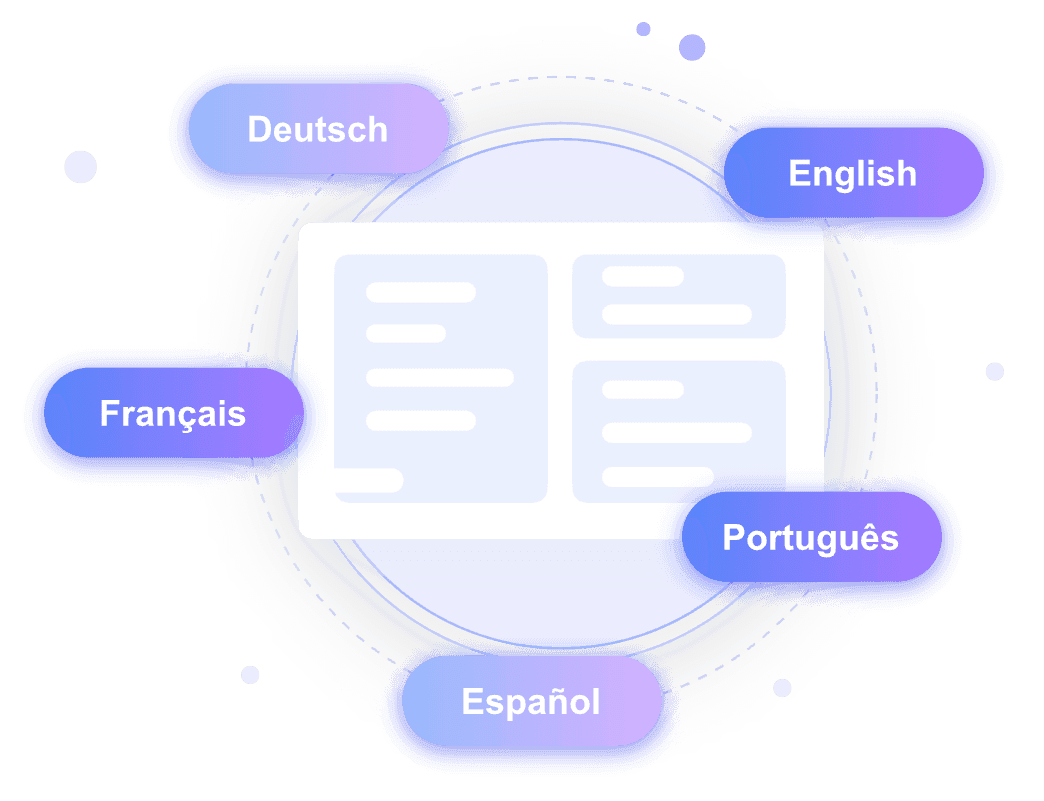
Переход от текста к документам
Как суммировать текст с помощью ИИ
Вставьте текст
Добавьте статью, заметки, раздел эссе или отрывок из отчета, который вы хотите сократить.
Сгенерируйте резюме
Позвольте Lynote извлечь основные идеи и организовать их в читаемый результат.
Проверьте оригинал
Проверьте факты, имена, числа и цитаты, прежде чем использовать резюме в своей работе.
Для кого предназначен этот суммаризатор текста?

Студенты
Суммируйте статьи, конспекты лекций, эссе и учебные материалы.

Исследователи
Создайте первый обзор перед более глубоким чтением.

Писатели
Сокращайте черновики и исходные материалы до ключевых моментов.

Профессионалы
Суммируйте отчеты, электронные письма и длинные заметки.

Учителя
Подготовьте быстрые вспомогательные материалы для чтения и конспекты уроков.

Для повседневного чтения
Понимайте длинный контент быстрее, не упуская важные идеи.
Что говорят наши пользователи

Студент колледжа

"Раньше на конспектирование главы учебника объемом 40 страниц уходили часы. Этот суммаризатор текста на базе ИИ мгновенно создает структурированные маркированные списки и заголовки, делая мои учебные занятия гораздо более продуктивными."

Постдокторант
"Мне часто приходится просматривать множество источников. Возможность объединить пять PDF-файлов с литературой в один связный обзор с помощью этого ИИ, который суммирует текст, невероятно полезна."

Контент-стратег
"Вставка URL-адресов блогов конкурентов для быстрого извлечения информации — это спасение. Он напрямую обрабатывает PDF, DOCX файлы и веб-страницы, позволяя мне использовать ИИ для суммирования текста для моих кампаний."

Журналист-расследователь
"Мгновенный перевод испанских пресс-релизов — огромное преимущество. Этот инструмент обрабатывает документы на более чем 100 языках, анализируя международные источники новостей без потери ключевых фактов."

Операционный менеджер
"Безопасная обработка конфиденциальных внутренних служебных записок — мой главный приоритет. Я ценю, что обучение модели ИИ на загруженных файлах не производится, что обеспечивает полную конфиденциальность наших корпоративных данных."

Бизнес-аналитик
"Задавать вопросы по плотному текстовому отчету за третий квартал непосредственно в инструменте — это гениально. Функция последующего чата позволяет мне глубже изучить результаты суммирования текста ИИ."
Часто задаваемые вопросы
Ответы на распространенные вопросы перед использованием этого инструмента.
Это инструмент, который превращает длинный текст в более короткую версию, сфокусированную на основных идеях.
Да. Вставьте текст статьи и сгенерируйте краткое изложение, затем сверьте важные детали с оригиналом.
Для PDF-файлов используйте суммаризатор PDF или рабочий процесс с документами, чтобы файл мог быть обработан более чисто.
Нет. Используйте резюме как вспомогательные средства для чтения и проверяйте факты, цифры и цитаты, прежде чем полагаться на них.


