

Bildgröße minimieren

Bilder hierher ziehen oder klicken zum Auswählen
Max. 50 MB pro Datei



Warum unseren Bildgrößen-Minimierer wählen?
Machen Sie Fotos leichter für Upload-Limits, Webseiten, E-Mails und den täglichen Austausch, ohne zusätzliche Software installieren zu müssen.

Bereit für Upload-Limits
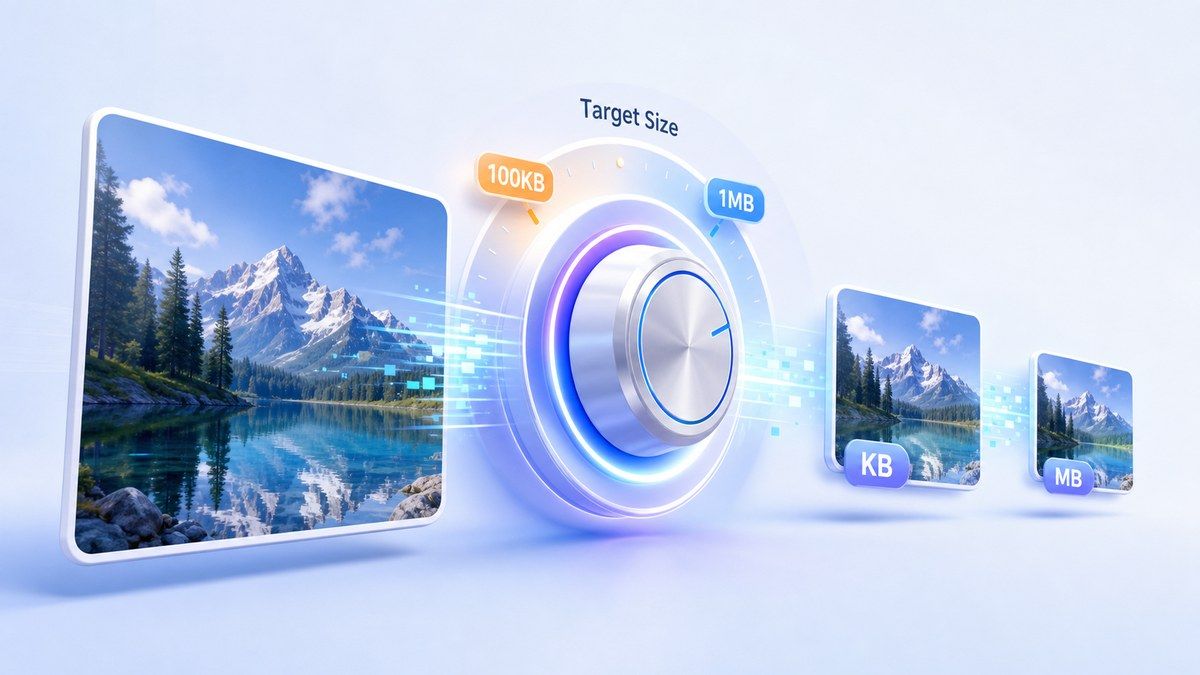
Minimieren Sie die Bildgröße, indem Sie die Dateigröße wählen, die Sie tatsächlich benötigen. Wählen Sie gängige KB- oder MB-Ziele für Formulare, Portale, E-Mails, Webseiten und soziale Plattformen.

JPG-Fotofreundlich
Nutzen Sie Lynote als Foto-Minimierer für JPEG- und JPG-Dateien, wenn Kamerafotos zu groß sind. Reduzieren Sie die Fotogröße online, ohne aufwendige Bearbeitungssoftware öffnen zu müssen.

KB- und MB-Kontrolle
Müssen Sie die Bild-KB oder Foto-MB minimieren? Wählen Sie ein kleineres Ziel und lassen Sie Lynote eine leichtere Datei vorbereiten, die einfacher hochzuladen, anzuhängen oder zu teilen ist.

Vorschau vor dem Download
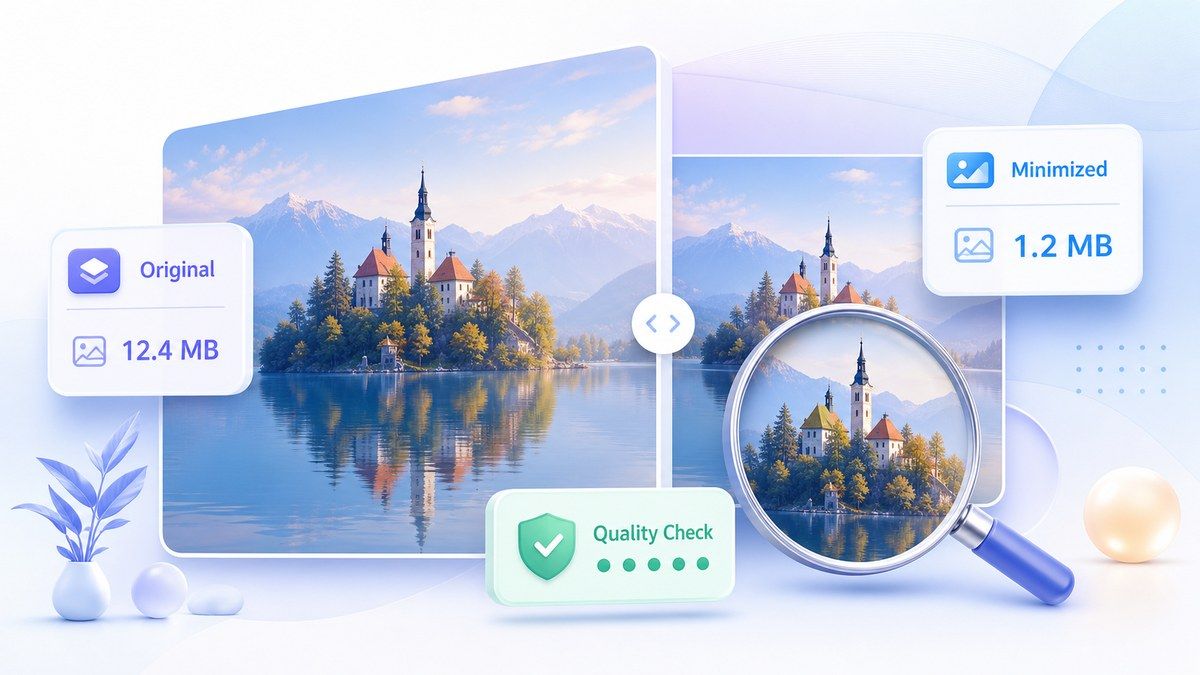
Überprüfen Sie das minimierte Bild, bevor Sie es speichern. Vergleichen Sie das Original und das optimierte Ergebnis, um eine Balance zwischen kleinerer Dateigröße und klarer visueller Qualität zu finden.

Stapelweise Foto-Minimierung
Minimieren Sie mehrere Bilder gleichzeitig, anstatt die gleiche Aufgabe einzeln zu wiederholen. Dies ist nützlich für Produktfotos, Website-Bilder, Eventbilder und Social-Media-Assets.

Funktioniert online überall
Nutzen Sie den Bildgrößen-Minimierer online direkt in Ihrem Browser. Minimieren Sie Bilder online vom Desktop, Tablet oder Mobilgerät, ohne zusätzliche Apps installieren zu müssen.

Webfreundliche Ausgabe
Bilder für Webseiten, Blogs, Angebote und Landingpages minimieren. Kleinere Bilder können dazu beitragen, dass Seiten schneller geladen werden, während die Optik für Besucher ansprechend bleibt.

Sicher und vertraulich
Ihre hochgeladenen Bilder werden sicher verarbeitet und nicht dauerhaft gespeichert. Nutzen Sie den Online-Bildminimierer für alltägliche Bilder mit mehr Sicherheit.
Bildgröße auf ein praktisches KB- oder MB-Ziel minimieren
Das kleinere Bild vor dem Speichern in der Vorschau ansehen
Fotos, Bilder und Web-Bilder stapelweise minimieren

So minimieren Sie die Bildgröße online
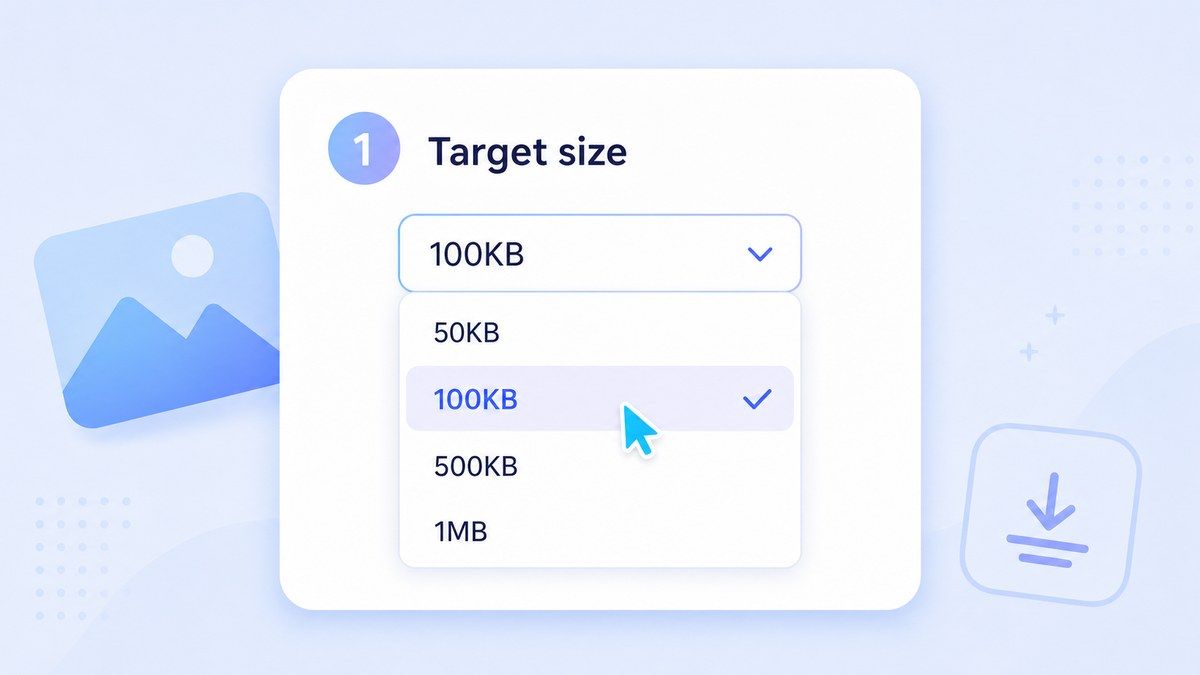
Schritt 1. Zielgröße wählen
Wählen Sie die gewünschte KB- oder MB-Größe, z. B. ein kleineres KB-Ziel für Formulare oder ein größeres MB-Ziel für Web und E-Mail. Dies hilft Lynote, das Bild auf Ihre tatsächliche Upload-Anforderung zu minimieren.
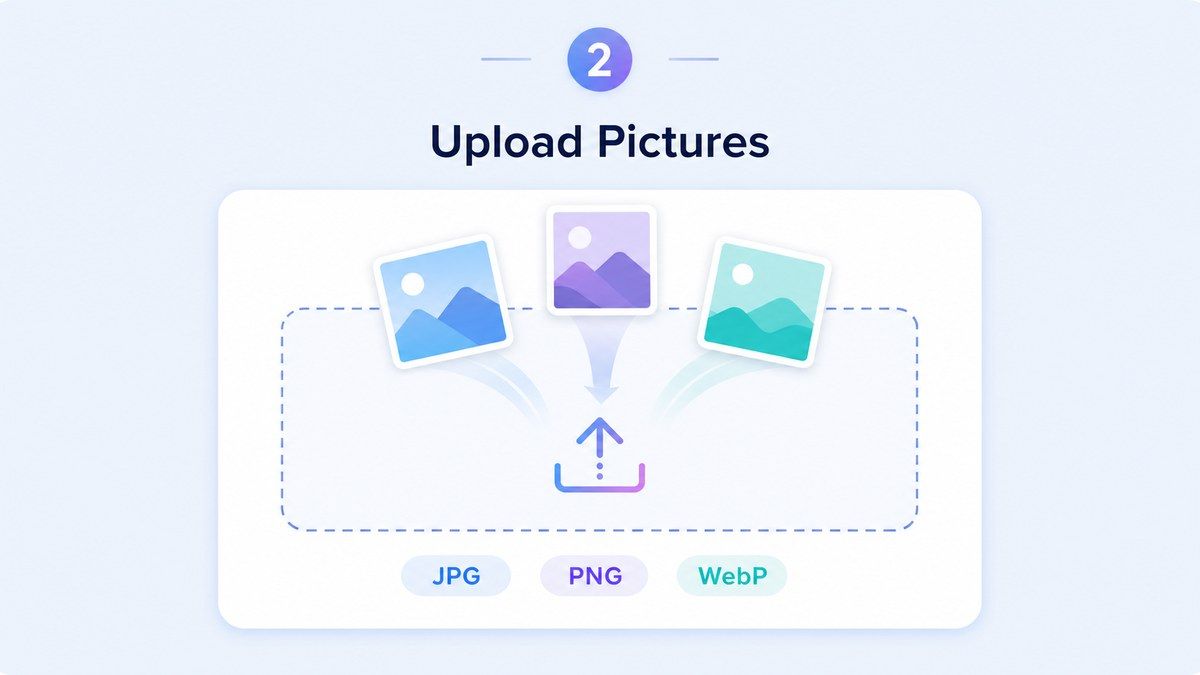
Schritt 2. Ihre Bilder hochladen
Ziehen Sie Ihre Bilder per Drag & Drop oder klicken Sie, um Dateien von Ihrem Gerät auszuwählen. Lynote unterstützt gängige Formate wie JPEG/JPG, PNG und WebP, mit einem Upload-Limit von 50 MB pro Datei.
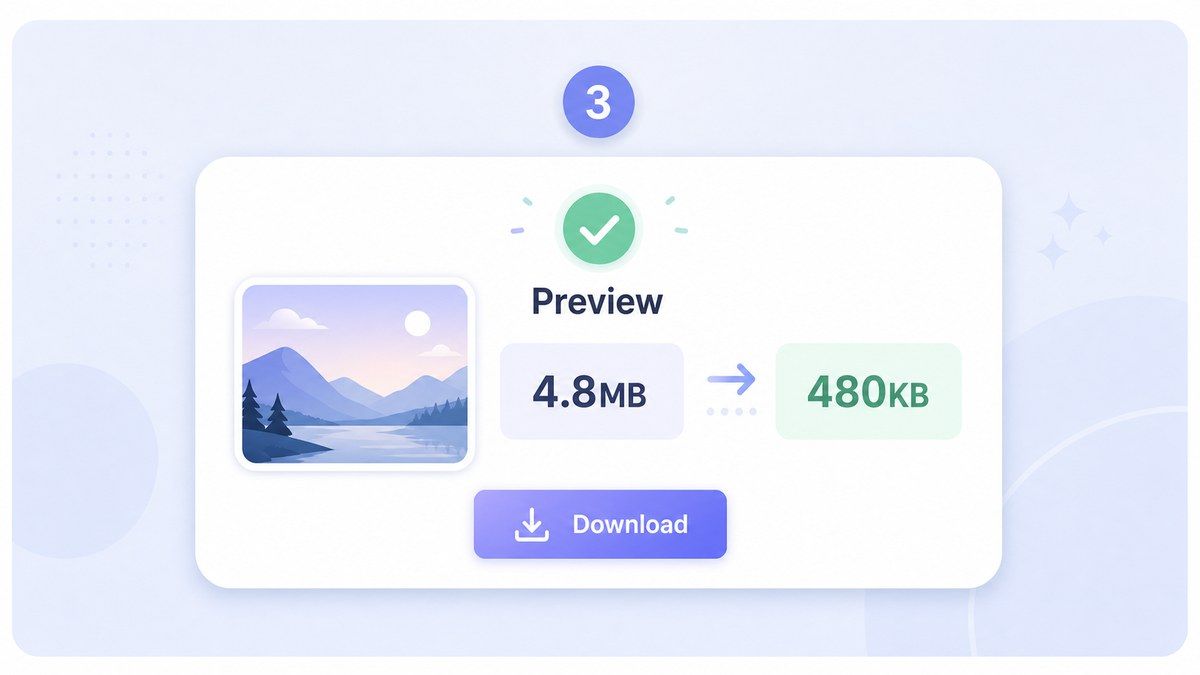
Schritt 3. Vorschau und Download
Nach der Verarbeitung sehen Sie sich das minimierte Bild in der Vorschau an und vergleichen das Ergebnis. Laden Sie die optimierte Datei herunter, wenn Größe und visuelle Qualität stimmen.
Für wen ist dieser Bildminimierer gedacht?

Studenten und Bewerber
Minimieren Sie die Fotogröße für Bewerbungsportale, Ausweisformulare, Aufgaben und Schulsysteme mit strengen Upload-Limits.

Webseitenbetreiber
Minimieren Sie die Bildgröße online, bevor Sie Seiten, Blogbeiträge, Banner und Galeriebilder veröffentlichen, die schneller geladen werden müssen.

E-Commerce-Verkäufer
Nutzen Sie den Fotogrößen-Minimierer für Produktfotos, die den Marktplatz-Limits entsprechen müssen, ohne unordentlich oder überkomprimiert auszusehen.

Social Media Manager
Bildgröße online minimieren, bevor Beiträge geplant, Kampagnen hochgeladen oder leichtere visuelle Inhalte für mehrere Plattformen vorbereitet werden.

Büro- und Verwaltungsteams
Bilddateigröße für E-Mail-Anhänge, Berichte, interne Formulare, HR-Dokumente und freigegebene Ordner minimieren.

Alltägliche Fotobenutzer
Ein Bild von Ihrem Telefon, Ihrer Kamera oder Ihrem Computer minimieren, damit es einfacher zu senden, zu speichern, hochzuladen oder zu organisieren ist.
Was Benutzer über den Lynote Bildminimierer sagen

Online-Shop-Betreiberin

Ich nutze Lynote, um die JPG-Fotogröße zu minimieren, bevor ich Produktfotos hochlade. Die Dateien sind leichter, und die Bilder sehen in meinem Shop immer noch sauber aus.

Webdesigner
Die Vorschau ist das Beste daran. Ich kann Bilder für Webseiten minimieren und das Ergebnis überprüfen, bevor ich etwas herunterlade.

Studentin im Aufbaustudium
Mein Universitätsformular hat mein Foto abgelehnt, weil die Datei zu groß war. Lynote hat mir geholfen, die Fotogröße in KB zu minimieren und es schnell einzureichen.

Marketingkoordinator
Ich minimiere Kampagnenbilder im Stapel, bevor ich sie an das Team sende. Das spart Zeit und macht unsere freigegebenen Ordner einfacher zu verwalten.

Social Media Managerin
Ich nutze diesen kostenlosen Online-Bildminimierer, wann immer Handyfotos zu groß für Planungstools sind. Er ist einfach und schnell.

Freiberuflicher Entwickler
Für Kunden-Websites muss ich oft die Größe von Bilddateien minimieren, ohne dass die Seite billig aussieht. Dieses Tool erleichtert diesen Arbeitsablauf.
Häufig gestellte Fragen
Antworten zum Minimieren der Bildgröße, zu KB- und MB-Zielen für Fotos, JPG-Unterstützung, Stapel-Uploads, Qualität und Datenschutz.
Wählen Sie eine Zieldateigröße, laden Sie Ihr Bild hoch, sehen Sie sich das optimierte Ergebnis an und laden Sie das kleinere Bild herunter. Lynote funktioniert direkt in Ihrem Browser.
Ja. Sie können Lynote als Bildminimierer in KB verwenden und kleinere Ziele für Formulare, Profile, Anwendungen und Upload-Portale wählen.
Ja. Wenn Ihr Bild mehrere MB groß ist, können Sie die Bild-MB oder Foto-MB minimieren, um die Datei einfacher per E-Mail zu versenden, hochzuladen oder zu speichern.
Lynote unterstützt gängige Bildformate wie JPEG/JPG, PNG und WebP. Sie können Fotos online minimieren, ohne die Dateien vorher konvertieren zu müssen.
Sie können die Bildgröße reduzieren und das Ergebnis für die meisten alltäglichen Anwendungen visuell klar halten. Stärkere Komprimierung kann Details reduzieren, daher sehen Sie sich das Ergebnis vor dem Herunterladen an.
Ja. Lynote unterstützt die Stapelminimierung, sodass Sie mehrere Bilder gleichzeitig hochladen und minimieren können, anstatt jedes Bild einzeln zu verarbeiten.
Ja, Sie können die Fotogröße für gängige Bildkomprimierungsaufgaben kostenlos online minimieren. Es funktioniert in Ihrem Browser, ohne dass eine Softwareinstallation erforderlich ist.


