

JPEG-Kompressor

Bilder hierher ziehen oder klicken zum Auswählen
Max. 50 MB pro Datei



Warum unseren JPEG-Kompressor wählen?

Kostenloser JPEG-Kompressor Online
Nutzen Sie Lynote als kostenlosen JPEG-Kompressor, wenn Sie die JPG-Dateigröße schnell reduzieren müssen. Keine Softwareinstallation, keine komplizierte Einrichtung und kein zusätzliches Bearbeitungstool erforderlich.

Gemacht für JPEG- und JPG-Dateien
Diese Seite konzentriert sich auf die JPEG-Bildkomprimierung, nicht auf die allgemeine Dateibereinigung. Sie wurde für JPEG-Fotos, JPG-Bilder, Website-Bilder, Produktfotos und uploadbereite Bilddateien entwickelt.

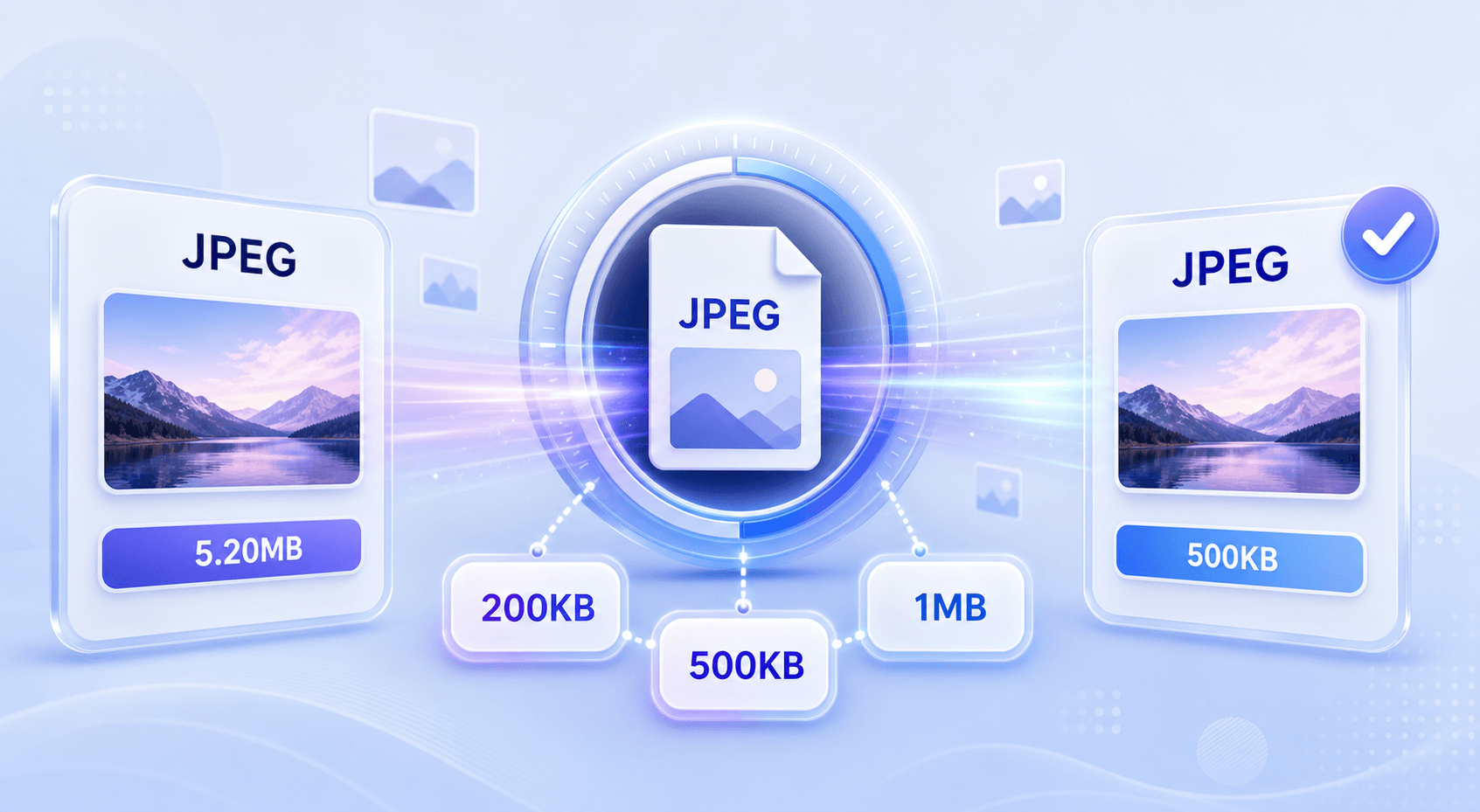
Ziel 200 KB oder 500 KB
Benötigen Sie einen JPEG-Kompressor für 200 KB oder einen JPEG-Kompressor für 500 KB? Wählen Sie eine Zielgröße und komprimieren Sie das Bild auf das benötigte Upload-Limit.

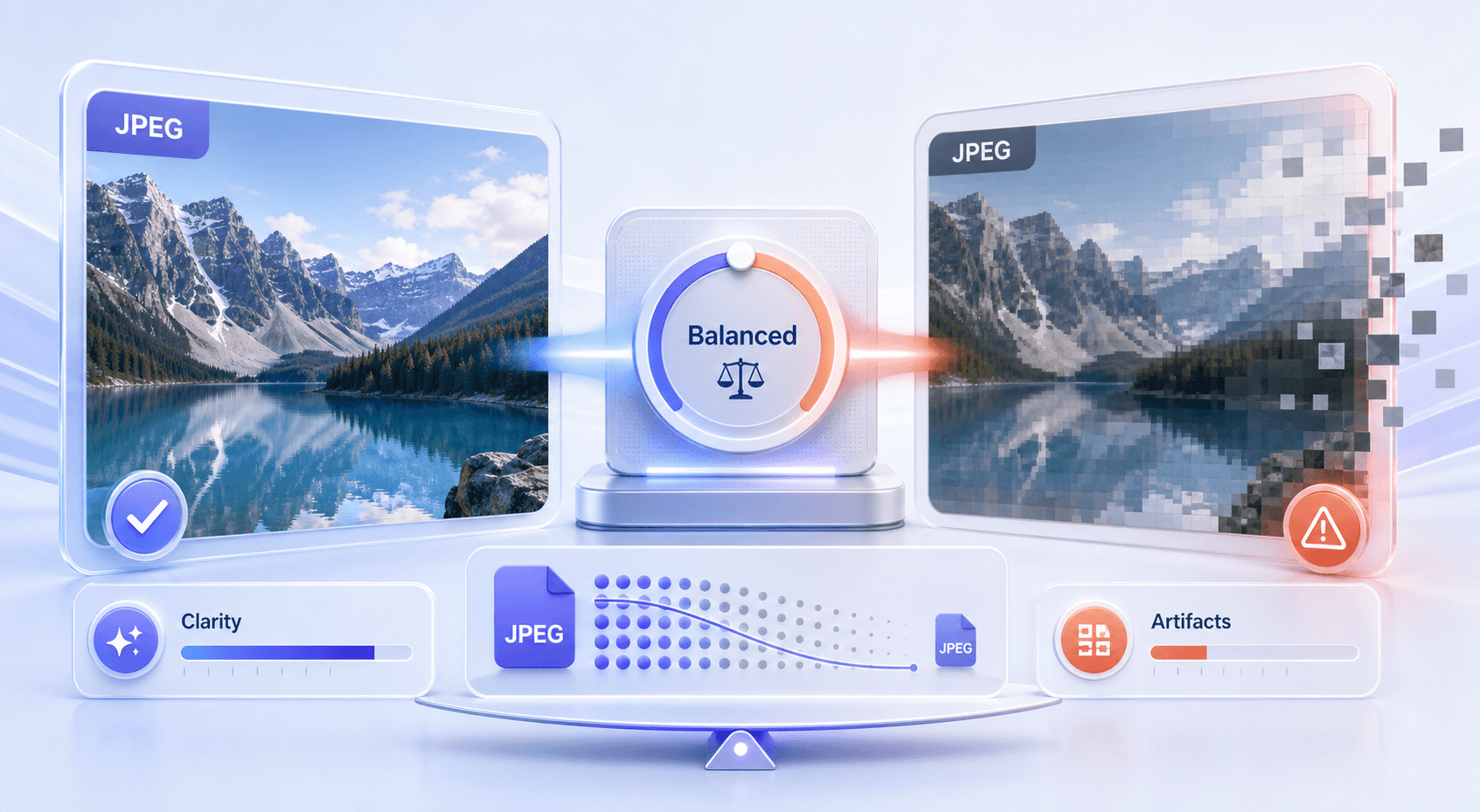
Besser als zufällige Komprimierung
Ein schlechter JPEG-Kompressor kann Fotos unscharf, verrauscht oder blockig aussehen lassen. Lynote hilft Ihnen, die Dateigröße zu reduzieren und gleichzeitig das Ergebnis für die Anzeige und Freigabe praktikabel zu halten.

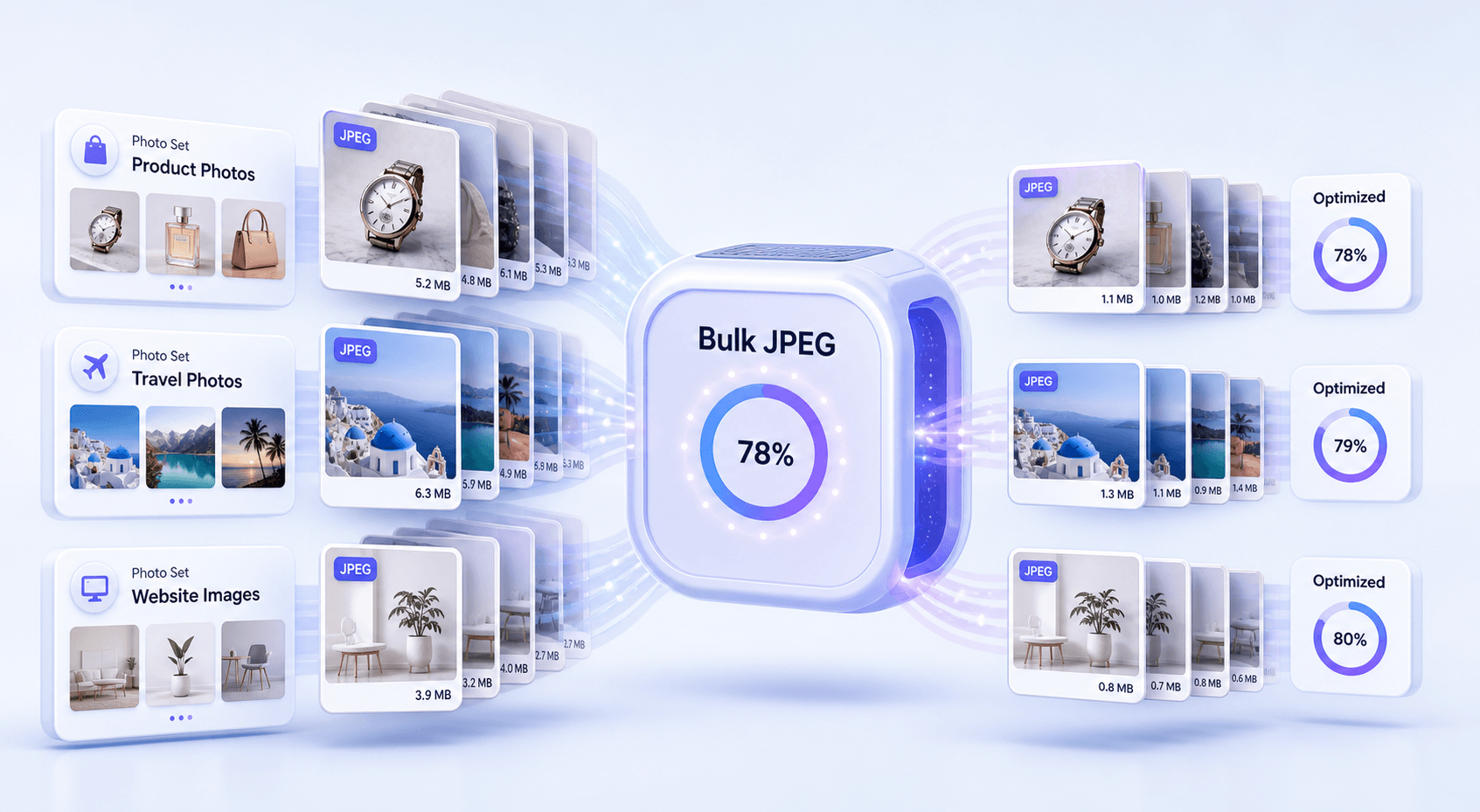
Massen-JPEG-Kompressor
Komprimieren Sie mehrere JPEG-Dateien in einem Arbeitsablauf. Dies ist nützlich für Website-Ordner, Produktfotos, Schul-Uploads, Kundenbilder und Social-Media-Assets.

Erweiterte JPEG-Größenkontrolle
Nutzen Sie das Tool als erweiterten JPEG-Kompressor, wenn Sie mehr Kontrolle als eine Ein-Klick-Verkleinerung benötigen. Passen Sie die Zielgröße an, damit die Ausgabe genau Ihren Dateianforderungen entspricht.

Schneller browserbasierter Arbeitsablauf
Öffnen Sie den Online-JPEG-Kompressor, laden Sie Ihre Datei hoch, komprimieren Sie sie und laden Sie sie herunter. Er funktioniert in Ihrem Browser ohne Desktop-App.

Nützlich für tatsächliche Upload-Limits
Große JPEG-Dateien können bei Formularen, Bewerbungen, E-Mail-Anhängen, CMS-Uploads und Marktplatz-Angeboten Probleme verursachen. Lynote hilft Ihnen, JPEG-Dateien zu verkleinern, bevor Sie sie einreichen.
JPEG-Größenkomprimierung für exakte Upload-Limits
Stapel-JPEG-Kompressor für Fotosets
Schlechte JPEG-Komprimierungsergebnisse vermeiden
So komprimieren Sie JPEG-Bilder online kostenlos
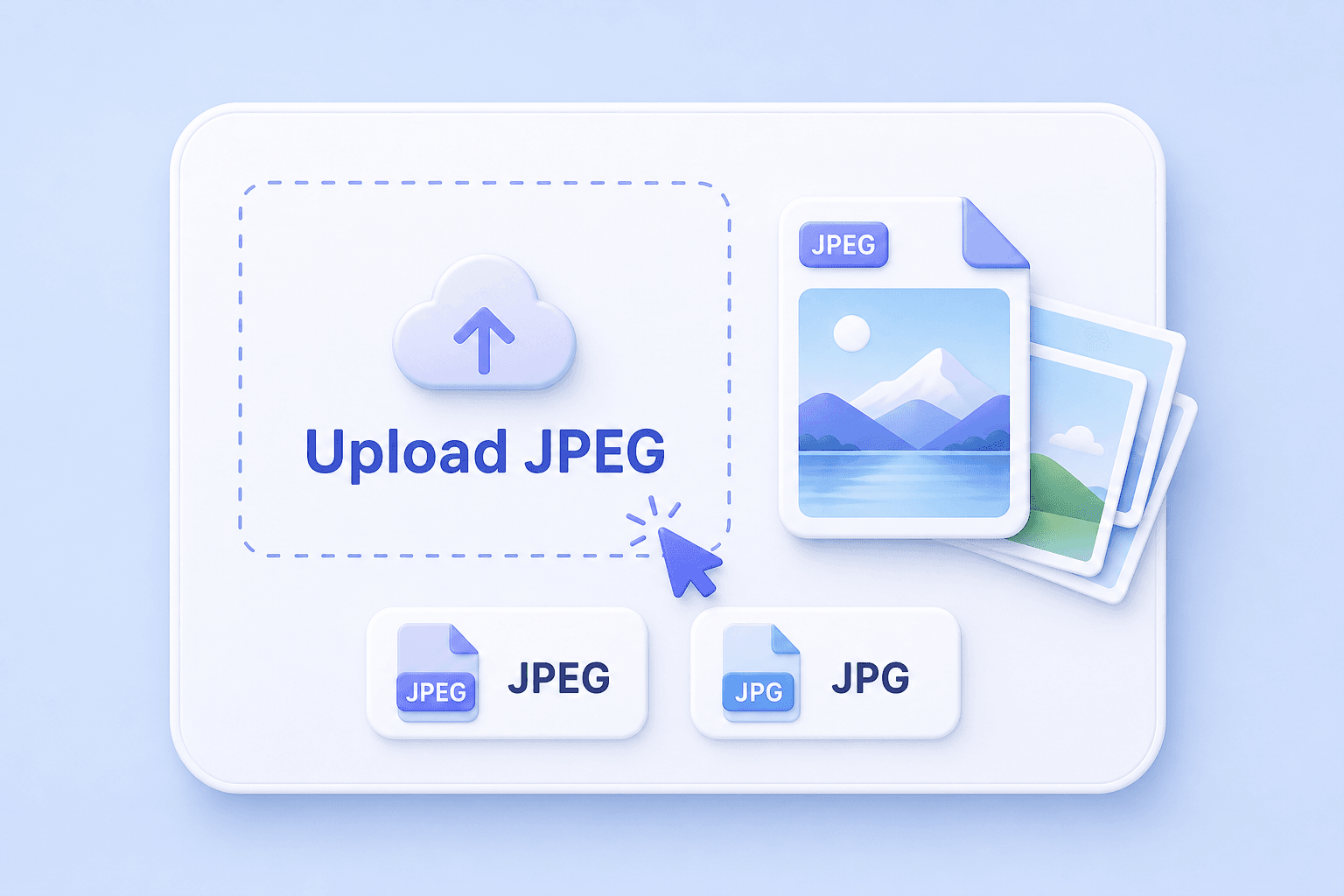
Schritt 1. Laden Sie Ihre JPEG- oder JPG-Datei hoch
Wählen Sie ein JPEG-Bild von Ihrem Gerät oder laden Sie mehrere JPG-Dateien für die Stapelkomprimierung hoch. Sie können es für Fotos, Screenshots, Produktbilder, Profilbilder und Website-Grafiken verwenden.
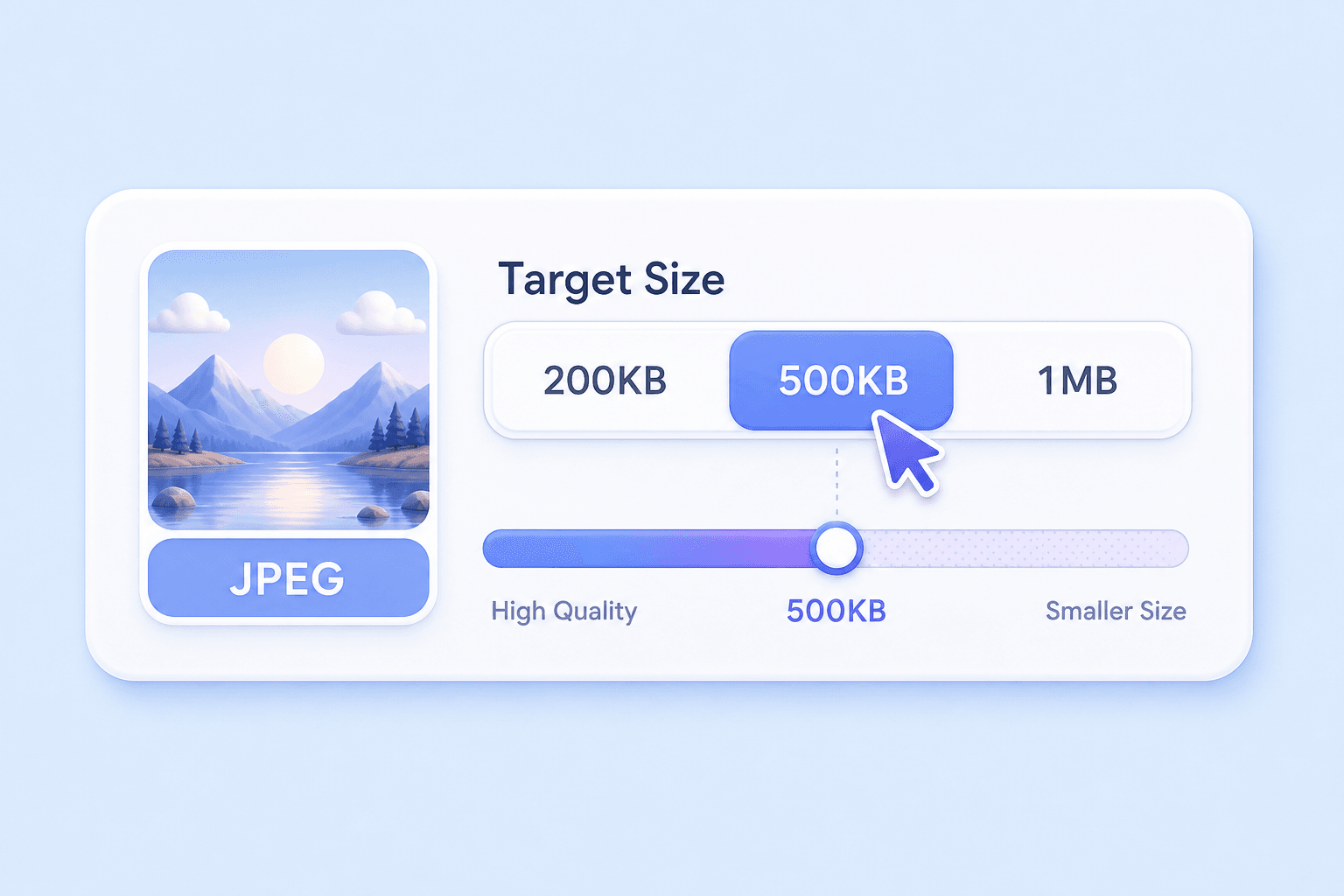
Schritt 2. Wählen Sie eine Zielgröße
Wählen Sie eine Zielgröße, wenn Sie einen JPEG-Kompressor für 200 KB, einen JPEG-Kompressor für 500 KB oder ein anderes uploadfreundliches Limit benötigen. Wenn Sie keine strengen Anforderungen haben, verwenden Sie eine ausgewogene Komprimierungseinstellung.
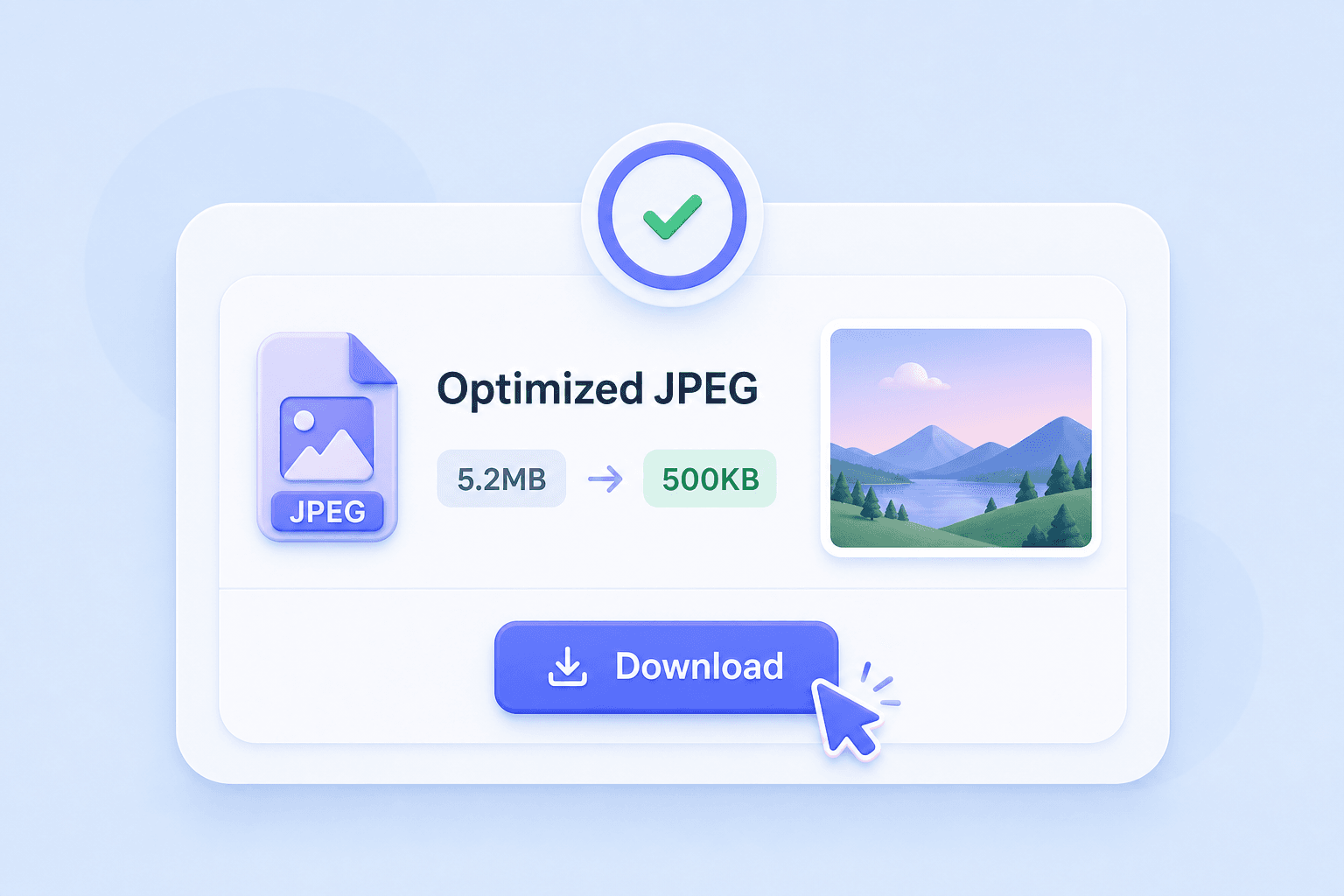
Schritt 3. Komprimieren und Herunterladen
Führen Sie die JPEG-Komprimierung aus, überprüfen Sie die kleinere Dateigröße und laden Sie das optimierte Bild herunter. Verwenden Sie das Ergebnis für E-Mails, Websites, Online-Formulare, soziale Medien oder Datei-Uploads.
Für wen ist dieser JPEG-Kompressor?

Website-Betreiber
Komprimieren Sie JPEG-Bilder, bevor Sie sie auf Blogs, Landing Pages, Galerien und Produktseiten hochladen.

E-Commerce-Verkäufer
Reduzieren Sie die Größe von JPEG-Produktfotos für Marktplätze, Online-Shops, Kataloge und schnelleres Laden von Seiten.

Studierende
Verkleinern Sie JPEG-Bilder für Schulportale, Ausweisfotos, Projektdateien und Aufgaben-Uploads.

Fotografen
Erstellen Sie kleinere JPEG-Kopien für Vorschauen, schnelles Teilen, Kundenprüfung und Online-Lieferung.

Vermarkter
Kampagnenbilder, Newsletter-Grafiken, Werbemittel und Social-Media-Visuals vor der Veröffentlichung komprimieren.

Alltägliche Nutzer
JPEG-Fotos für E-Mail-Anhänge, Messaging-Apps, Profilbilder, Anwendungen und Speicherplatz verkleinern.
Was Leute über unseren JPEG-Kompressor sagen

Content Manager

"Lynote hilft mir, JPEG-Bilder zu komprimieren, bevor ich sie in Blogbeiträge einfüge. Die Dateien werden kleiner, ohne dass die Fotos unscharf aussehen."

Online-Verkäufer
"Ich nutze es als JPEG-Fotokompressor für Produktbilder. Die Stapelkomprimierung spart Zeit, wenn ich meinen Shop aktualisiere."

Studentin
"Mein Schulportal hat strenge Upload-Limits. Lynote macht es einfach, JPEG-Dateien zu komprimieren, bevor ich Formulare einreiche."

Webdesigner
"Es ist nützlich, wenn ich kleinere JPEG-Assets für eine Website benötige, aber die Bilder trotzdem sauber aussehen sollen."

Marketingspezialistin
"Ich komprimiere JPEG-Kampagnenbilder, bevor ich sie per E-Mail versende. Der Workflow ist einfach und schnell."

Freelancer
"Lynote ist mein schneller Online-JPEG-Kompressor, wenn ein Kunde übergroße JPG-Dateien sendet, die geteilt oder hochgeladen werden müssen."
Häufig gestellte Fragen
Haben Sie noch Fragen zur Online-Bildkomprimierung? Hier sind die Antworten.
Ein JPEG-Kompressor reduziert die Dateigröße von JPEG- oder JPG-Bildern. Er hilft dabei, Fotos einfacher hochzuladen, per E-Mail zu versenden, zu speichern oder auf Websites zu verwenden.
Ja. Lynote funktioniert als kostenloser Online-JPEG-Kompressor. Laden Sie ein JPEG-Bild hoch, reduzieren Sie die Dateigröße und laden Sie das komprimierte Ergebnis herunter.
Ja. Wenn Sie einen JPEG-Kompressor für 200 KB benötigen, wählen Sie vor der Komprimierung eine Zielgröße nahe 200 KB. Das Endergebnis kann von der ursprünglichen Bildgröße und den Details abhängen.
Ja. Lynote kann helfen, JPEG-Bilder auf etwa 500 KB für Formulare, Websites, E-Mails und Upload-Limits zu komprimieren.
Ein JPEG-Bildkompressor konzentriert sich auf JPG/JPEG-Dateien und deren Umgang mit Qualität, Details und Dateigröße. Ein allgemeiner Bildkompressor unterstützt möglicherweise mehr Formate, erklärt aber JPEG-spezifische Anforderungen möglicherweise nicht so klar.
Starke JPEG-Komprimierung kann die Qualität beeinträchtigen, insbesondere bei detaillierten Fotos. Lynote wurde entwickelt, um ein Gleichgewicht zwischen kleinerer Dateigröße und klaren visuellen Ergebnissen zu finden.
Ja. Lynote kann als Stapel-JPEG-Kompressor fungieren, sodass Sie mehrere JPEG-Dateien in einem Arbeitsablauf reduzieren können.
Ein schlechter JPEG-Kompressor kann Bilder überkomprimieren, blockartige Artefakte erzeugen, Details verwischen oder zu viel visuelle Qualität entfernen. Ein besserer Arbeitsablauf ermöglicht es Ihnen, die Dateigröße zu steuern und gleichzeitig zu prüfen, ob das Ergebnis noch brauchbar ist.
Ja. JPEG und JPG beziehen sich normalerweise auf dasselbe Bildformat. Lynote kann mit gängigen JPG/JPEG-Bilddateien arbeiten.
Der beste Online-JPEG-Kompressor sollte schnell, einfach, kostenlos auszuprobieren sein, Ziel-Dateigrößen unterstützen und Bilder für Ihren Anwendungsfall klar genug halten. Lynote wurde für eine schnelle Online-JPEG-Komprimierung ohne komplizierte Einstellungen entwickelt.


