

Kostenloser Anschreiben-Humanisierer
Inhalt
Ergebnis

Ihr humanisiertes Ergebnis erscheint hier. Fügen Sie zunächst Ihren KI-generierten Text in das linke Feld ein.



Warum Sie unseren Anschreiben-Humanisierer wählen sollten

Entwürfe direkt hochladen
Überspringen Sie das Kopieren und Einfügen, indem Sie Ihre Anschreiben-Entwürfe im .pdf-, .docx-, .doc- oder .txt-Format direkt hochladen, um sie sofort zu humanisieren.

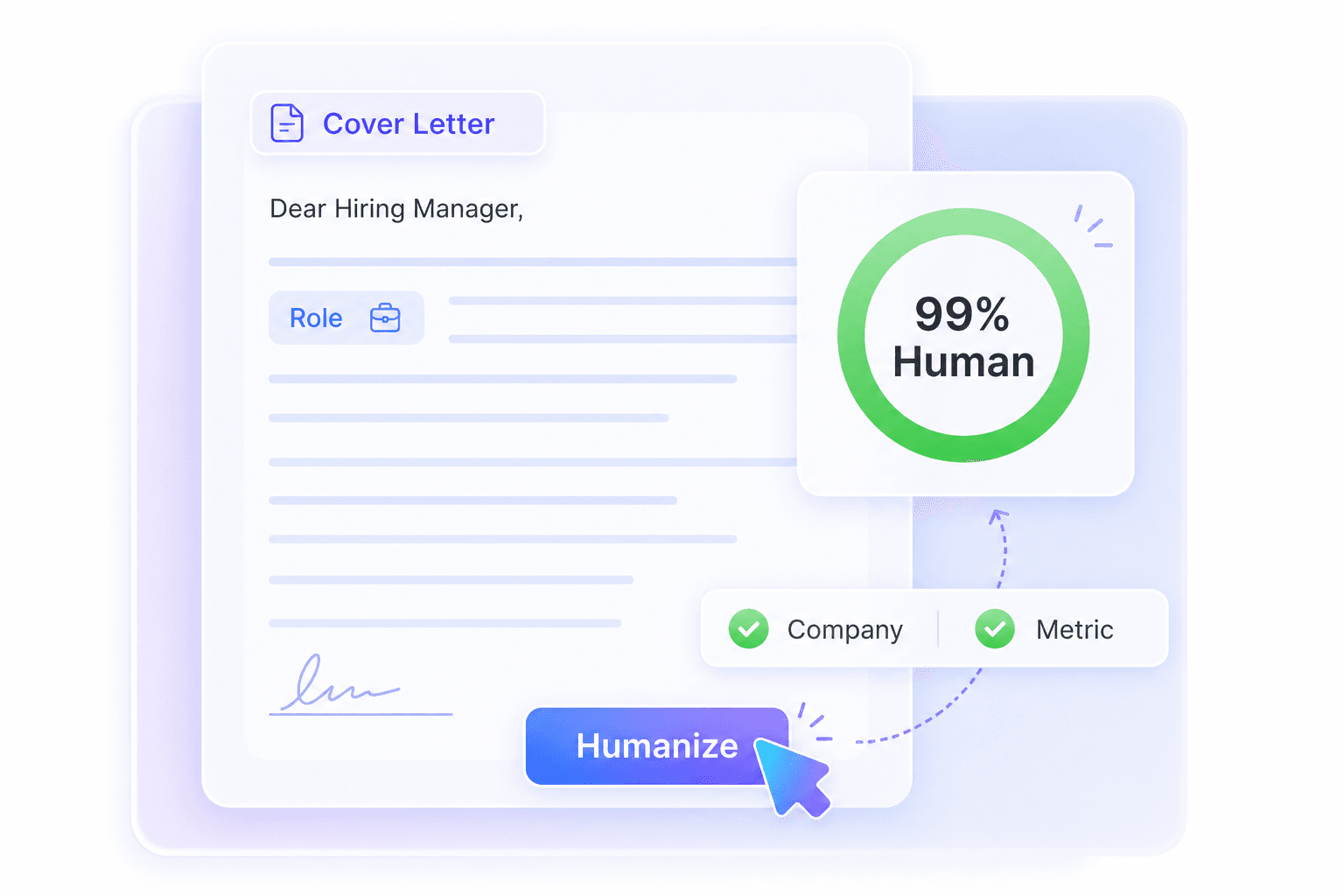
Karrierefakten bewahren
Bewahren Sie Ihre Karrierefakten. Kontextsensitives Umschreiben bewahrt exakte Berufsbezeichnungen, Namen von Zielunternehmen und messbare Erfolge, während der Ton korrigiert wird.

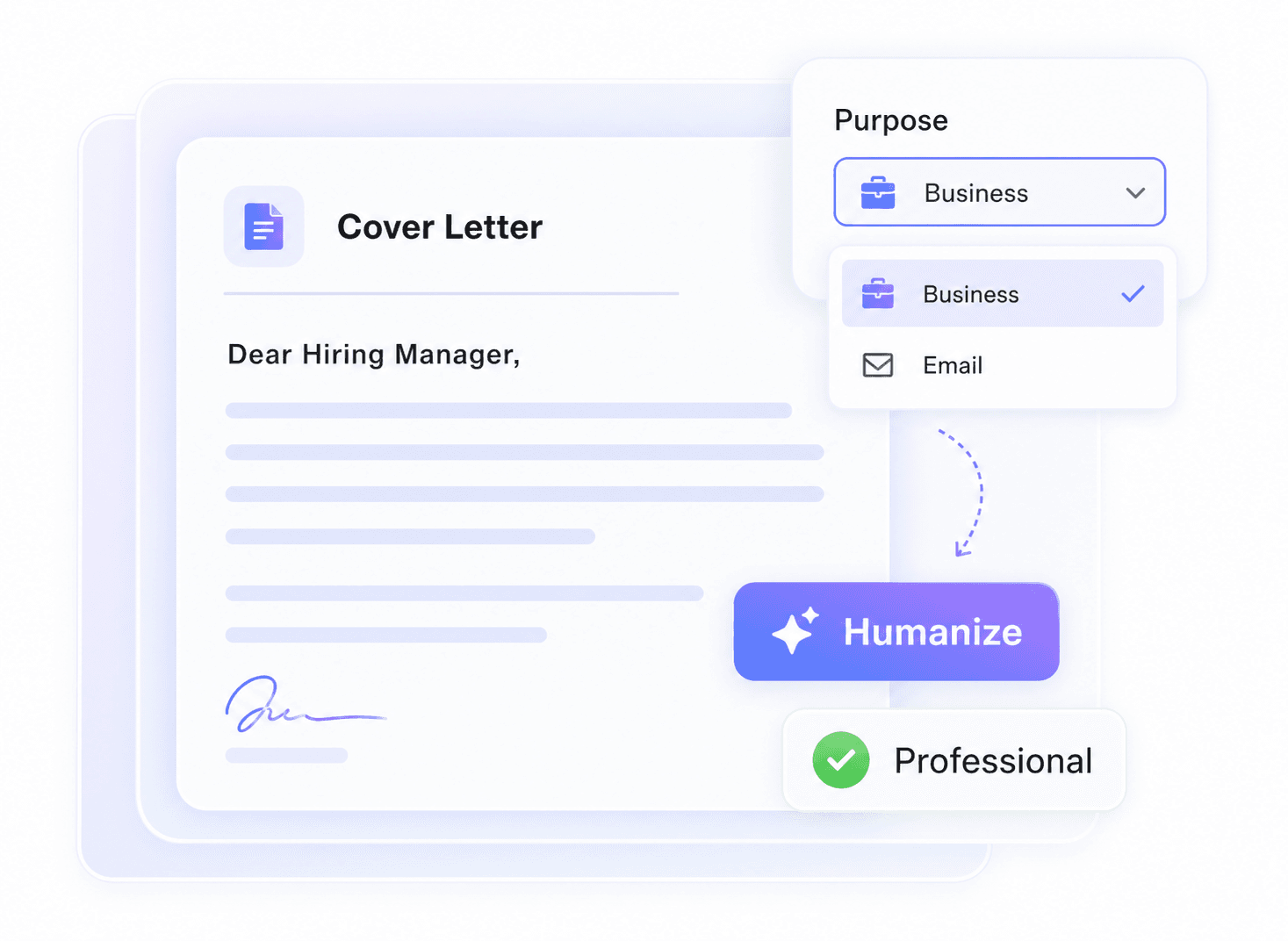
Professionelle Tonkontrolle
Verwenden Sie die Auswahl „Zweck“, um „Geschäftlich“ oder „E-Mail“ zu wählen, damit Ihre Bewerbung professionell und selbstbewusst klingt, anstatt generisch.

Mehrsprachige Unterstützung
Unsere mehrsprachige Unterstützung deckt über 80 Sprachen ab und hilft internationalen Bewerbern, übersetzte Anschreiben für globale Stellenangebote zu humanisieren.

Für einseitige Anschreiben entwickelt
Das kostenlose Anfragelimit von 600 Wörtern passt zu vielen standardmäßigen einseitigen Anschreiben-Entwürfen, sodass Sie eine fokussierte Bewerbung polieren können, ohne sie in kleine Teile aufzuteilen.

Vorab-Prüfungen
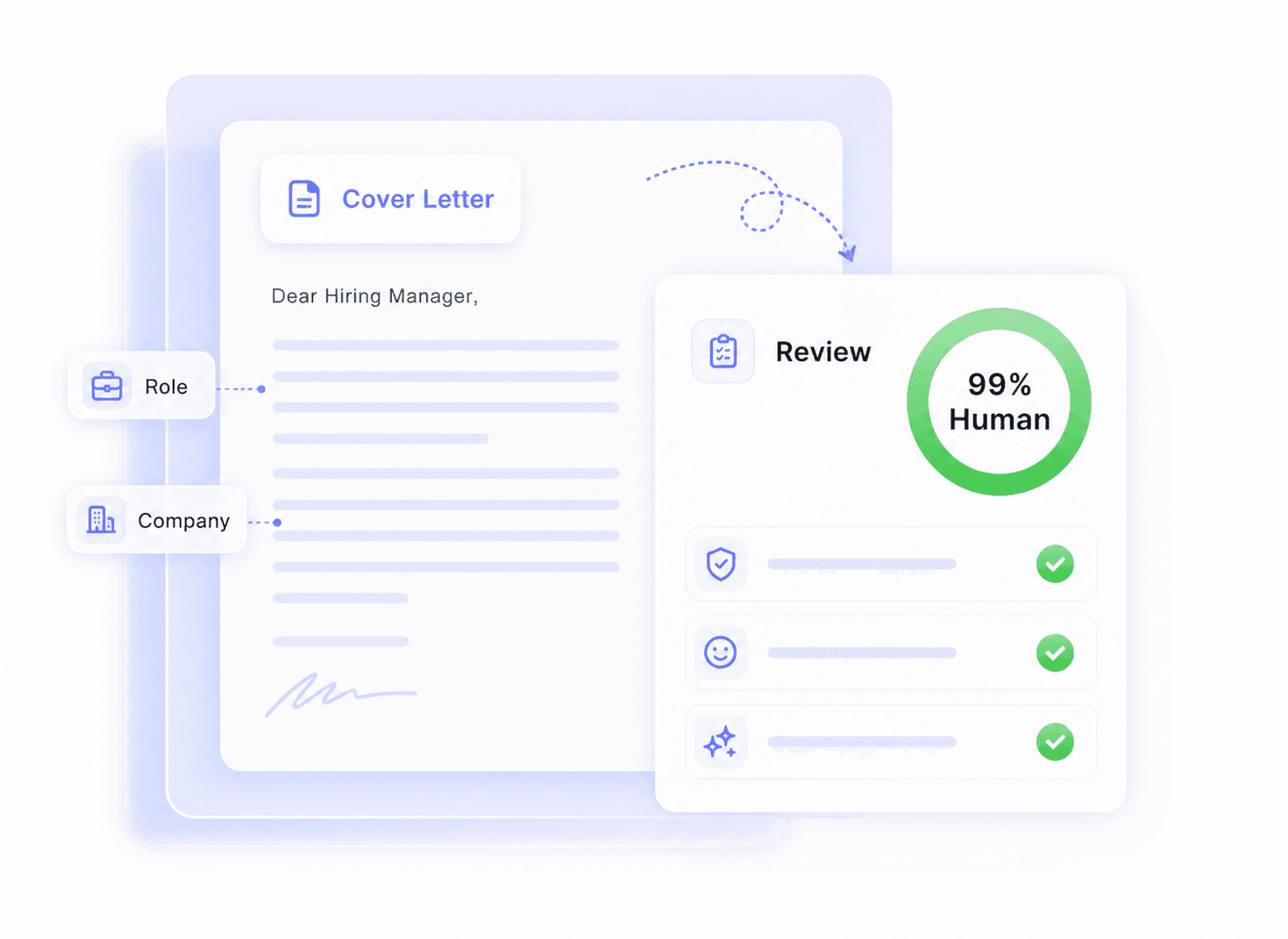
Führen Sie eine Vorab-Prüfung mit dem Sofort-Authentizitätsbericht durch und überprüfen Sie dann jeden Text, der möglicherweise noch zu KI-ähnlich klingt, bevor Sie sich bewerben.

Roboterhafte Klischees entfernen
Roboterhafte Klischees sofort entfernen. Eliminieren Sie automatisch sich wiederholende KI-Übergänge und den übermäßig dramatischen Enthusiasmus, den Personalvermittler leicht erkennen.

Sichere Datenverarbeitung
Eine sichere Verarbeitung hilft, sensible Bewerbungsdetails wie Ihre Kontaktinformationen, Firmennamen, Rollenhistorie und Erfolge zu schützen.
Was ist ein Humanizer für Anschreiben?
Passen Sie das Anschreiben dem Zweck der Bewerbung an
Sofortiger Authentizitätsbericht für Jobsuchende
Anschreiben-Entwürfe in 3 Schritten humanisieren

Fügen Sie Ihr Anschreiben ein
Fügen Sie zunächst Ihren KI-generierten Text direkt in den Editor ein. Alternativ können Sie eine .pdf-, .doc-, .docx- oder .txt-Datei hochladen, um den Vorgang zu starten.


Anschreiben humanisieren
Wählen Sie einen Zweck wie „Business“ oder „E-Mail“, wenn der Ton zu einem professionellen Einstellung Kontext passen soll, und klicken Sie dann auf die Schaltfläche „Humanisieren“.

Überprüfen und personalisieren
Überprüfen Sie das umgeschriebene Ergebnis zusammen mit dem Sofortigen Authentizitätsbericht. Überprüfen Sie den Firmennamen, die Berufsbezeichnung, Daten, Kennzahlen und die persönliche Motivation, bevor Sie den endgültigen Entwurf kopieren.
Spezifische Abschnitte des Anschreibens humanisieren

Der Einstieg
Ersetzen Sie generische KI-Einleitungen durch eine natürliche, selbstbewusste Einführung, die erklärt, warum diese Rolle und dieses Unternehmen tatsächlich zu Ihrem Hintergrund passen.
Ersetzen Sie generische KI-Einleitungen durch eine natürliche, selbstbewusste Einführung, die erklärt, warum diese Rolle und dieses Unternehmen tatsächlich zu Ihrem Hintergrund passen.

Erfahrungsabschnitte
Lassen Sie Erfahrungsabschnitte authentisch klingen, während genaue Berufsbezeichnungen, Daten, Tools, Ergebnisse und messbare Erfolge intakt bleiben.
Lassen Sie Erfahrungsabschnitte authentisch klingen, während genaue Berufsbezeichnungen, Daten, Tools, Ergebnisse und messbare Erfolge intakt bleiben.

Karriereübergänge
Erklären Sie eine Karrierelücke, einen Beförderungsweg oder einen Branchenwechsel mit einer klaren menschlichen Stimme, anstatt sich auf roboterhafte Übergangsphrasen zu verlassen.
Erklären Sie eine Karrierelücke, einen Beförderungsweg oder einen Branchenwechsel mit einer klaren menschlichen Stimme, anstatt sich auf roboterhafte Übergangsphrasen zu verlassen.

Unternehmensmotivation
Verwandeln Sie vage Begeisterung in spezifisches Interesse an der Rolle, dem Team, dem Produkt, der Mission oder der Unternehmenskultur, ohne übermäßig dramatisch zu klingen.
Verwandeln Sie vage Begeisterung in spezifisches Interesse an der Rolle, dem Team, dem Produkt, der Mission oder der Unternehmenskultur, ohne übermäßig dramatisch zu klingen.
Fähigkeitsübersicht
Integrieren Sie die erforderlichen Job-Keywords nahtlos in das Anschreiben, sodass Ihre Fähigkeiten als Belege und nicht wie eine kopierte Checkliste aus der Stellenausschreibung wirken.
Integrieren Sie die erforderlichen Job-Keywords nahtlos in das Anschreiben, sodass Ihre Fähigkeiten als Belege und nicht wie eine kopierte Checkliste aus der Stellenausschreibung wirken.
Der abschließende Call to Action
Erstellen Sie einen selbstbewussten, respektvollen Abschluss, der den nächsten Schritt einleitet, ohne aufdringlich, übertrieben oder wie aus einer Vorlage kopiert zu wirken.
Erstellen Sie einen selbstbewussten, respektvollen Abschluss, der den nächsten Schritt einleitet, ohne aufdringlich, übertrieben oder wie aus einer Vorlage kopiert zu wirken.
Wer nutzt diesen Anschreiben-Humanizer?

Berufseinsteiger
Verwandeln Sie steife, akademische KI-Entwürfe in zugängliche Bewerbungen für Einsteigerpositionen, die Ihre Universitätsprojekte direkt Personalvermittlern präsentieren.

Quereinsteiger
Die Verwendung eines KI-Humanizers für Anschreiben-Entwürfe hilft Ihnen, übertragbare Fähigkeiten beim Wechsel in eine neue Branche reibungslos zu erklären.

Nicht-Muttersprachler
Humanisieren Sie KI-Anschreiben-Entwürfe, um flüssige englische Formulierungen zu erzielen, während Ihr persönlicher Hintergrund intakt bleibt.

Führungskräfte
Verfeinern Sie hochrangige Bewerbungen, damit Ihre Führungserfahrung maßgeblich und direkt klingt und flauschige, KI-generierte Füllwörter vermieden werden.

Freiberufler
Präsentieren Sie Ihre Beratungsleistungen auf natürliche Weise, ohne wie eine roboterhafte Marketingvorlage auf potenzielle Neukunden zu wirken.

Tech-Profis
Übersetzen Sie komplexe technische Fähigkeiten in lesbare Absätze, die das HR-Screening bestehen, bevor sie den technischen Personalverantwortlichen erreichen.
Was unsere Nutzer sagen

Vertriebsleiter

„Ich habe meinen 400-Wörter-Entwurf in diesen Anschreiben-Humanizer eingefügt, und er hat meine genauen Umsatzkennzahlen und den Namen des Zielunternehmens perfekt intakt gelassen."

Softwareentwickler
„Die Möglichkeit, meine .docx-Datei direkt hochzuladen, hat mir Zeit gespart. Er hat meine KI-generierte Bewerbung umgeschrieben, ohne die ursprüngliche Dokumentformatierung zu beeinträchtigen."

Marketingspezialist
"Die Einstellung 'Geschäftszweck' ist fantastisch. Sie hat den übermäßig enthusiastischen KI-Ton in meiner Bewerbung korrigiert und mir ein ausgefeiltes, professionelles Ergebnis geliefert, das ich sofort versenden kann."

Internationaler Bewerber
"Ich musste ein für eine Stelle in Deutschland übersetztes Anschreiben 'humanisieren'. Die Unterstützung von über 80 Sprachen bedeutete, dass ich meinen Entwurf so verfeinern konnte, dass er natürlich klingt."

Frischer Absolvent
"Der Authentizitätsbericht gab mir ein weiteres Überprüfungssignal, bevor ich meine Bewerbung für eine Einstiegsposition einreichte. Er half mir, Formulierungen zu erkennen, die immer noch roboterhaft klangen."

Projektmanager
"Dieses Tool entfernte die repetitiven KI-Übergänge und den roboterhaften Enthusiasmus aus meinem DOCX-Anschreiben-Entwurf. Es eliminierte Klischees wie 'Zusammenfassend lässt sich sagen', während meine Projektmanagement-Erfahrung intakt blieb."
Häufig gestellte Fragen
Ein Anschreiben-Humanizer ist ein Online-Tool, das roboterhafte, KI-generierte Bewerbungen umschreibt, damit sie natürlich und persönlich klingen. Es entfernt gängige KI-Klischees, während Ihre tatsächlichen Fähigkeiten intakt bleiben.
Das Tool verwendet kontextbezogenes Umschreiben anstelle von einfachem Synonym-Austausch. Es wurde entwickelt, um spezifische Berufsbezeichnungen, Daten, Firmennamen und messbare Erfolge zu erhalten, aber Sie sollten wichtige Fakten vor dem Absenden dennoch überprüfen.
Ja, Sie können PDF-, DOC-, DOCX- oder TXT-Dateien direkt hochladen. Das Tool extrahiert den Text aus Ihrem Dokument, sodass Sie ein KI-Anschreiben humanisieren können, ohne es kopieren und einfügen zu müssen.
Ja, die kostenlose Version erlaubt bis zu 600 Wörter pro Anfrage. Da eine Standardbewerbung typischerweise zwischen 250 und 400 Wörtern liegt, deckt dieses Limit problemlos ein ganzes Dokument ab.
Das Tool verarbeitet reinen Text, um sich auf den Schreibstil und die natürliche Sprache zu konzentrieren. Sie müssen spezifische Formatierungen wie Fettdruck oder benutzerdefinierte Kopfzeilenlayouts erneut anwenden, nachdem Sie die Ausgabe wieder in Ihr Dokument eingefügt haben.
Ja. Nach dem Umschreiben Ihres Textes liefert das Tool einen sofortigen Authentizitätsbericht. Diese Funktion prognostiziert, wie Ihre Bewerbung bei großen Detektoren wie GPTZero, Copyleaks und Originality abschneiden könnte, sollte aber eher als Überprüfungssignal denn als Garantie betrachtet werden.
Ja, das Tool unterstützt über 80 Sprachen. Sie können einen KI-generierten Entwurf auf Französisch, Spanisch oder anderen unterstützten Sprachen einfügen, und es wird den Text so umschreiben, dass er für Muttersprachler natürlich klingt.
Standard-KI-Autoren fallen oft in vorhersehbare Muster und formale Formulierungen zurück. Ein spezialisierter Humanisierer konzentriert sich darauf, einen bestehenden Entwurf zu überarbeiten, Klischees zu reduzieren und die Bewerbung nah an Ihrer echten Erfahrung und Stimme zu halten.
Lynote verarbeitet Ihren Entwurf sicher. Da Anschreiben persönliche Details enthalten können, überprüfen Sie immer sensible Informationen, bevor Sie ein Bewerbungsdokument hochladen oder teilen.
Der Überarbeitungsprozess dauert in der Regel nur wenige Sekunden. Sobald Sie auf „Humanisieren“ klicken, erhalten Sie einen natürlich klingenden Entwurf und Authentizitäts-Feedback zur Überprüfung.


