

UnAI My Text Gratis Sin Registrarse
Contenido
Resultado

Tu resultado humanizado aparecerá aquí. Para empezar, pega tu texto generado por IA en el cuadro de la izquierda.



¿Por qué elegir nuestro humanizador de texto Unai?

Carga directa de documentos
En lugar de pegar todo manualmente, sube tus archivos .pdf, .doc, .docx o .txt directamente a la herramienta.

Más de 80 idiomas compatibles
Los hablantes no nativos pueden procesar con IA un texto en más de 80 idiomas para que suene natural para audiencias de todo el mundo.

De uso gratuito
Procesa tu contenido sin coste alguno cuando necesites eliminar la IA de este texto para tus proyectos.

No es necesario registrarse.
Empieza a trabajar sin crear una cuenta ni registrarte. Puedes usar unAI Text gratis sin necesidad de registrarte.

Rompe los patrones robóticos
Rompe con los patrones robóticos eliminando las frases repetitivas y las estructuras predecibles de la IA, y devuelve a tu contenido un flujo humano natural.

Reescritura rápida de texto
Obtén tu texto sin IA gratis con un flujo de reescritura rápido diseñado para ediciones rápidas y secciones cortas de borrador.

Adaptable a cualquier tono
Adáptate a cualquier tono, ya sea que necesites un tono informal para las redes sociales o un estilo profesional para los correos electrónicos de negocios.

Privacidad de datos completa
Tus datos permanecen privados cuando eliminas tu texto de la IA. Nunca guardamos documentos para el entrenamiento del modelo.
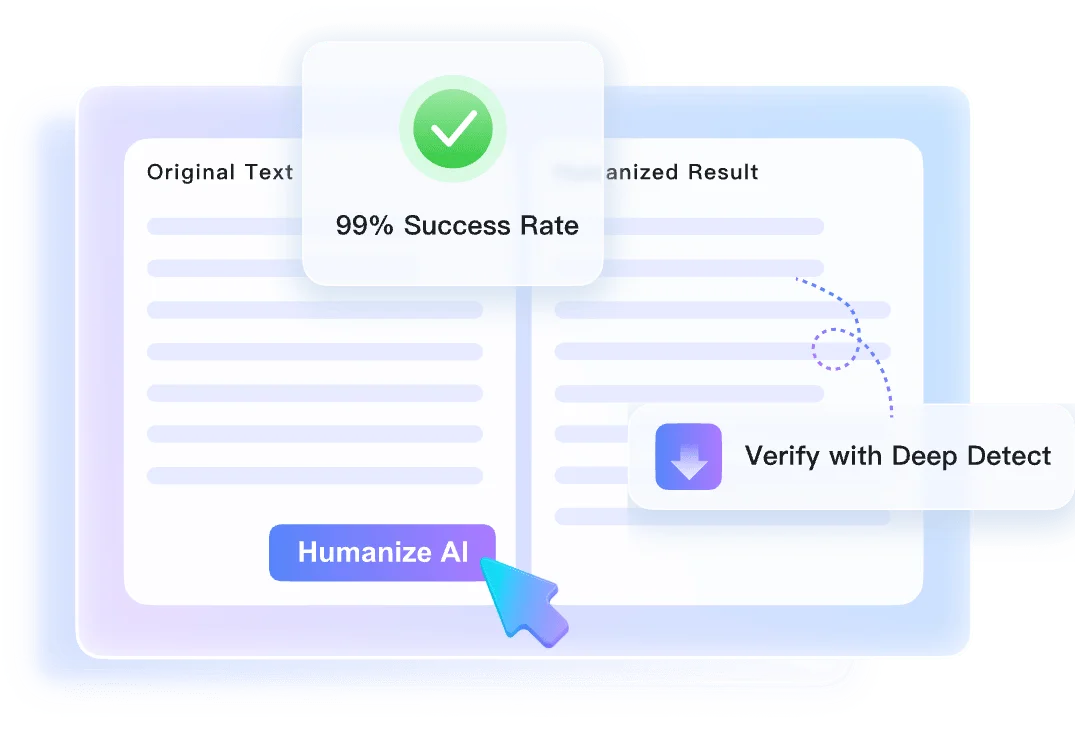
Conserva el significado con la reescritura sensible al contexto.
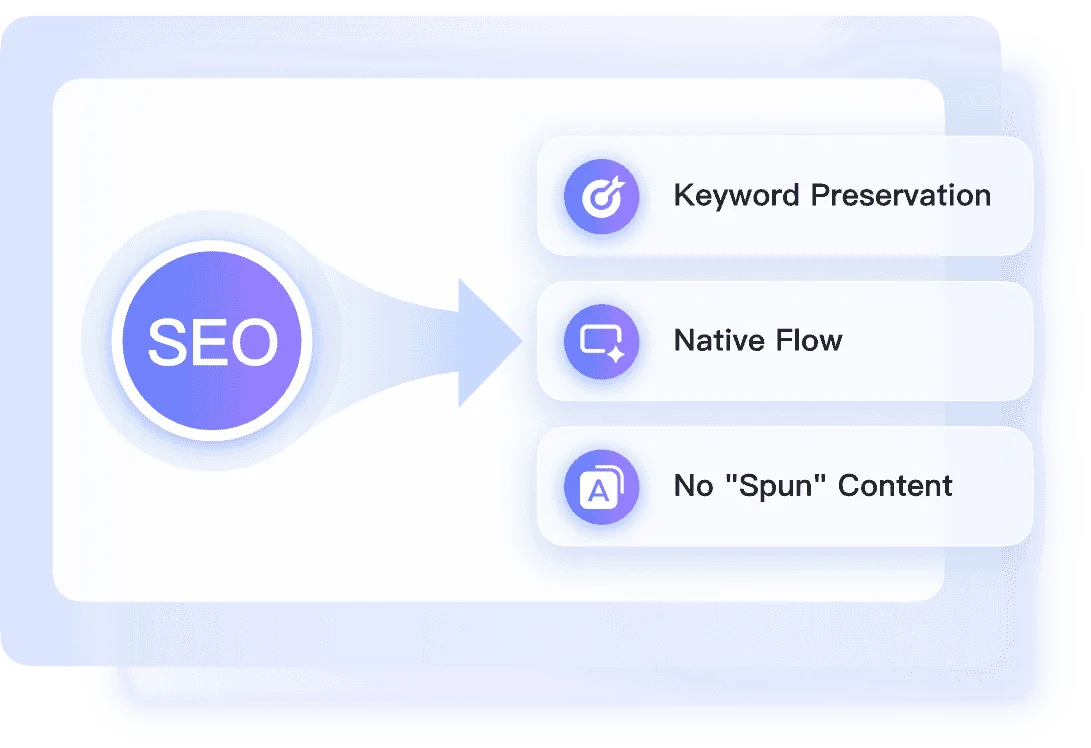
Elija la profundidad de reescritura de Unai adecuada
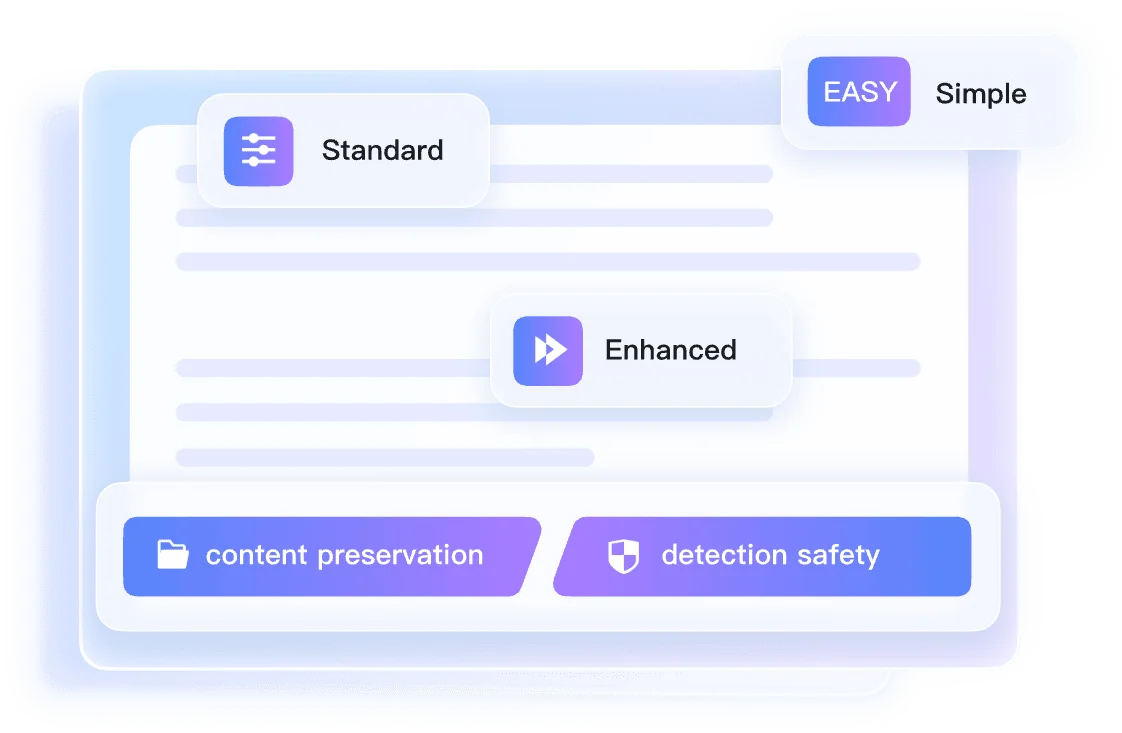
Revisión de las señales de texto de Unai después de la reescritura
Cómo aplicar Unai a mi texto en tres pasos

Paso 1. Pegar texto o cargar documento
Copia el borrador generado por la IA y pégalo en el cuadro de texto. También puedes subir un archivo de documento compatible directamente desde tu ordenador para empezar.


Paso 2. Seleccione un modo de humanización.
Abre el menú desplegable de configuración que se encuentra encima del cuadro de texto. Elige Simple, Equilibrado o Mejorado, según cómo quieras que la herramienta gestione tu escritura.

Paso 3. Haga clic en Humanizar.
Haz clic en el botón «Humanizar» para iniciar el proceso de transformación. Una vez finalizado, revisa el resultado final junto con el informe de autenticidad para comprobarlo.
Perfecto para proyectos de texto rápidos con Unai.

Texto publicitario
Utiliza nuestro generador de texto Unai para perfeccionar publicaciones de blog genéricas, transformando borradores robóticos en artículos atractivos que conecten con tu audiencia.
Utiliza nuestro generador de texto Unai para perfeccionar publicaciones de blog genéricas, transformando borradores robóticos en artículos atractivos que conecten con tu audiencia.

Ensayos académicos
Aprende a usar unai en el texto de tus borradores de ensayos para lograr una fluidez natural antes de revisar tus trabajos académicos.
Aprende a usar unai en el texto de tus borradores de ensayos para lograr una fluidez natural antes de revisar tus trabajos académicos.

Correos electrónicos de trabajo
Obtén el procesamiento de texto gratuito de Unai para tus correos electrónicos redactados, eliminando frases incómodas de la comunicación diaria en el trabajo.
Obtén el procesamiento de texto gratuito de Unai para tus correos electrónicos redactados, eliminando frases incómodas de la comunicación diaria en el trabajo.

Artículos de freelance
Utiliza las búsquedas gratuitas de texto de Unai para pulir los borradores de tus clientes, mantener tu propio estilo y evitar la redacción rígida propia de la IA.
Utiliza las búsquedas gratuitas de texto de Unai para pulir los borradores de tus clientes, mantener tu propio estilo y evitar la redacción rígida propia de la IA.
¿Quién debería usar este humanizador de texto de Unai?

Especialistas en marketing de contenidos
Utilice la función de texto gratuito de Unai para transformar borradores rígidos de IA en textos de marketing más claros para páginas de destino, correos electrónicos y publicaciones en redes sociales.

Estudiantes universitarios
Utiliza los borradores de ensayo de Unai para lograr una mayor fluidez antes de la corrección, manteniendo la coherencia entre tu argumento y tu estilo personal.

Hablantes no nativos
Unai redactó correos electrónicos para que sonaran naturales para los compañeros, eliminando los patrones robóticos de la correspondencia sin ninguna complicación.

Escritores independientes
Los artículos de Unai se adaptan a los requisitos de tono del cliente, lo que permite obtener propuestas de freelance más claras y sin la redacción rígida propia de la IA.

Especialistas en SEO
Redacta textos web de forma que sean fáciles de leer para los visitantes, manteniendo tus páginas de destino atractivas y, al mismo tiempo, conservando la relevancia en los motores de búsqueda.

Profesionales de negocios
Unai informa que su objetivo es eliminar la jerga corporativa engorrosa de la IA, presentando sus memorandos internos y actualizaciones trimestrales de forma clara a las partes interesadas.
Lo que dicen nuestros usuarios

Especialista en marketing de contenidos

"Necesitaba unificar el texto para una entrada genérica del blog de ChatGPT. El modo equilibrado mejoró el ritmo sin eliminar mis ejemplos."

Estudiante universitario
"El acceso gratuito me resulta útil cuando necesito eliminar la IA del texto en las secciones de ensayos. Copié un párrafo extenso sobre historia desde un archivo DOCX y la lectura fluyó mejor."

Hablante no nativo
"Escribo a clientes en el extranjero y la compatibilidad con más de 80 idiomas me resulta muy útil. La usé para editar un correo electrónico redactado en español y eliminar frases poco acertadas."

Escritor independiente
"Subir mis archivos .docx directamente me ahorra tiempo de edición. Arrastro mi documento a unai ai text y luego reviso el borrador del artículo freelance, que ya está más limpio."

Especialista en SEO
"El informe de autenticidad instantánea proporciona puntuaciones de Copyleaks previstas tras el procesamiento. Me ayuda a unificar este texto para nuestras páginas de destino antes de la revisión final."

Profesional de negocios
"Tenía un plazo de entrega muy ajustado y necesitaba editar el texto de un informe trimestral en formato PDF, que era bastante engorroso. El proceso sin necesidad de registrarse me ayudó a avanzar más rápido."
Preguntas frecuentes
Aquí encontrará respuestas prácticas sobre búsquedas de texto gratuitas sin IA, cargas de archivos, profundidad de reescritura y privacidad.
Transformar un texto generado por IA significa reescribir el contenido generado por máquina para que suene más natural y humano. El proceso elimina frases robóticas, estructuras de oraciones repetitivas y patrones predecibles, manteniendo el significado original.
No, no necesitas una cuenta. Puedes usar nuestro generador de texto unAI sin registrarte ni proporcionar una dirección de correo electrónico.
Sí. Además de pegar texto directamente, puedes subir archivos .pdf, .doc, .docx y .txt para reescribirlos rápidamente.
En el plan gratuito, puedes procesar hasta 600 palabras por solicitud. Si tienes un documento más largo, divídelo en secciones más pequeñas.
El modo simple realiza ediciones ligeras, el modo equilibrado reestructura el flujo de las oraciones y el modo mejorado realiza una reescritura más profunda. Elige el nivel que mejor se adapte a cómo la IA redacta tu borrador.
Sí. Nuestro motor de reescritura sensible al contexto está diseñado para preservar su mensaje y los hechos principales, al tiempo que actualiza el tono para que suene más humano.
Sí, la herramienta admite más de 80 idiomas. Puedes procesar texto con IA en español, francés, alemán y otros idiomas sin alterar su significado original.
No. Tu privacidad está protegida. No guardamos tus borradores privados y los documentos que subes nunca se utilizan para entrenar nuestros modelos de IA.
Sí, el uso básico es gratuito. Puedes usar unAI para enviar textos sin cargo hasta un límite de 600 palabras por solicitud, sin cargos ocultos.
Las secciones cortas pegadas suelen aparecer en segundos. Los documentos más largos pueden tardar más, y el informe de autenticidad aparece junto con el borrador reescrito.