

Traducir inglés a árabe




¿Por qué elegir nuestro traductor de inglés a árabe?
Traduce árabe e inglés con un contexto más claro, soporte para escritura de derecha a izquierda y un flujo de trabajo diseñado para un uso real.

Escritura árabe que se lee correctamente
Traduce la escritura de inglés a árabe con una salida diseñada para el flujo de derecha a izquierda, el ritmo de las oraciones y la estructura natural del árabe.

Traducción bidireccional de árabe
Usa Lynote para la traducción de inglés a árabe, de árabe a inglés o para verificaciones rápidas en ambas direcciones.

Útil para nombres, cartas y palabras
Traduce letras del inglés al árabe, verifica nombres árabes en inglés o traduce palabras del inglés al árabe para uso diario.

Mejor contexto para el árabe formal
Maneja traducciones profesionales de inglés a árabe para correos electrónicos, anuncios, notas de estudio y mensajes de negocios con un tono más claro.

Árabe a inglés, más fácil
Pega texto en árabe para entender mensajes, documentos, publicaciones y pasajes cortos en inglés sin cambiar de herramienta.

Soporte para traducción de documentos
Usa Lynote cuando necesites traducir documentos del árabe al inglés o quieras traducir contenido de documentos del inglés al árabe.

Flujo de trabajo online sencillo
Traduce del inglés al árabe o del árabe al inglés directamente en tu navegador sin configuración adicional.

Traduce del inglés al árabe con un flujo RTL legible
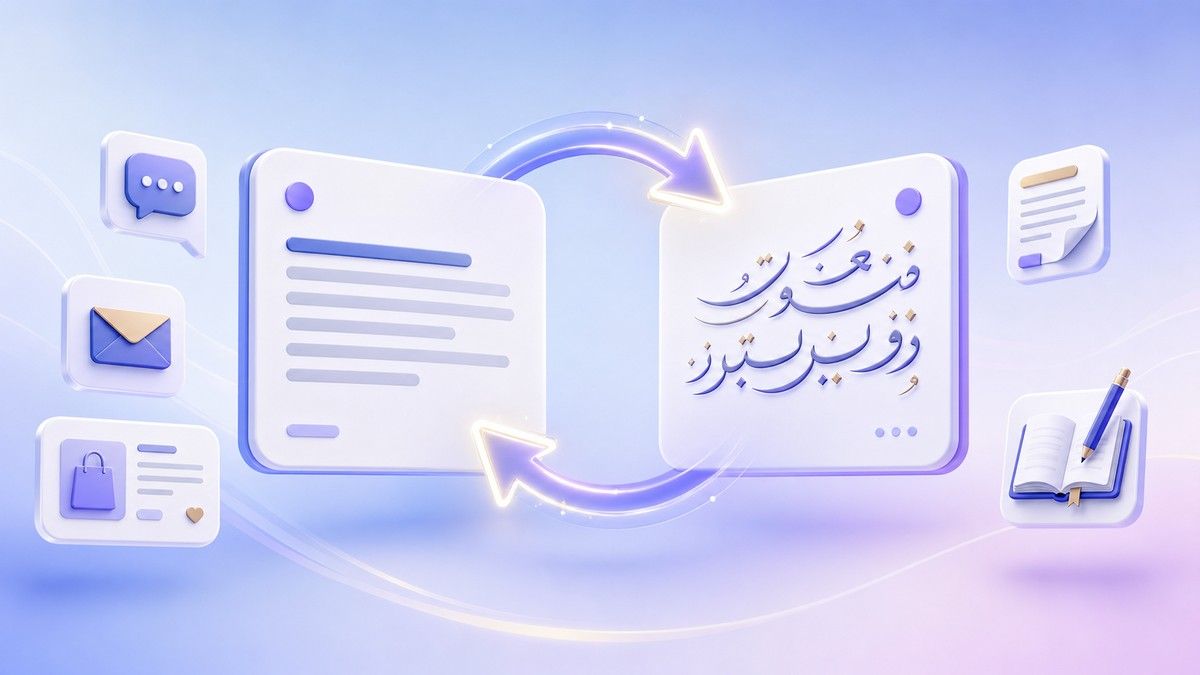
Alternar entre traducción al árabe y al inglés

Traducir nombres, letras, texto y documentos en árabe
¿Cómo traducir del inglés al árabe en línea?
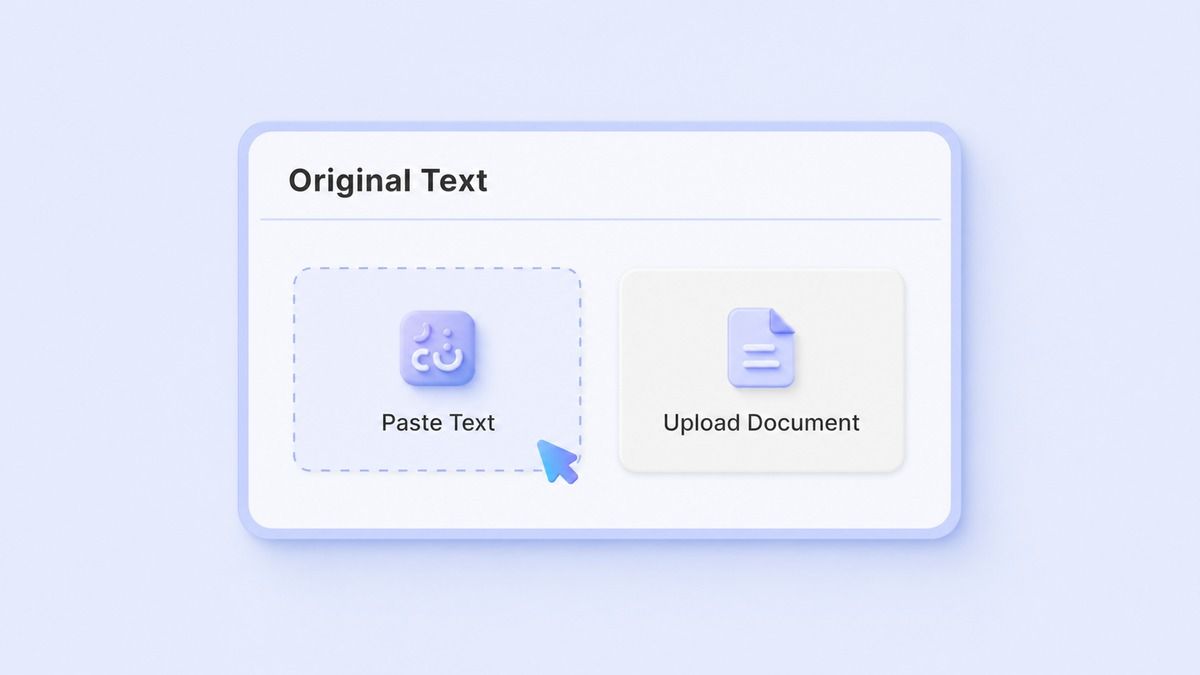
Paso 1. Pega texto en inglés o árabe
Pega texto en inglés, texto en árabe, nombres, letras, palabras, oraciones o contenido de documentos copiados en Lynote. Puedes usarlo para tareas de traducción del inglés al árabe, tareas de traducción del árabe al inglés o para verificar frases rápidamente.

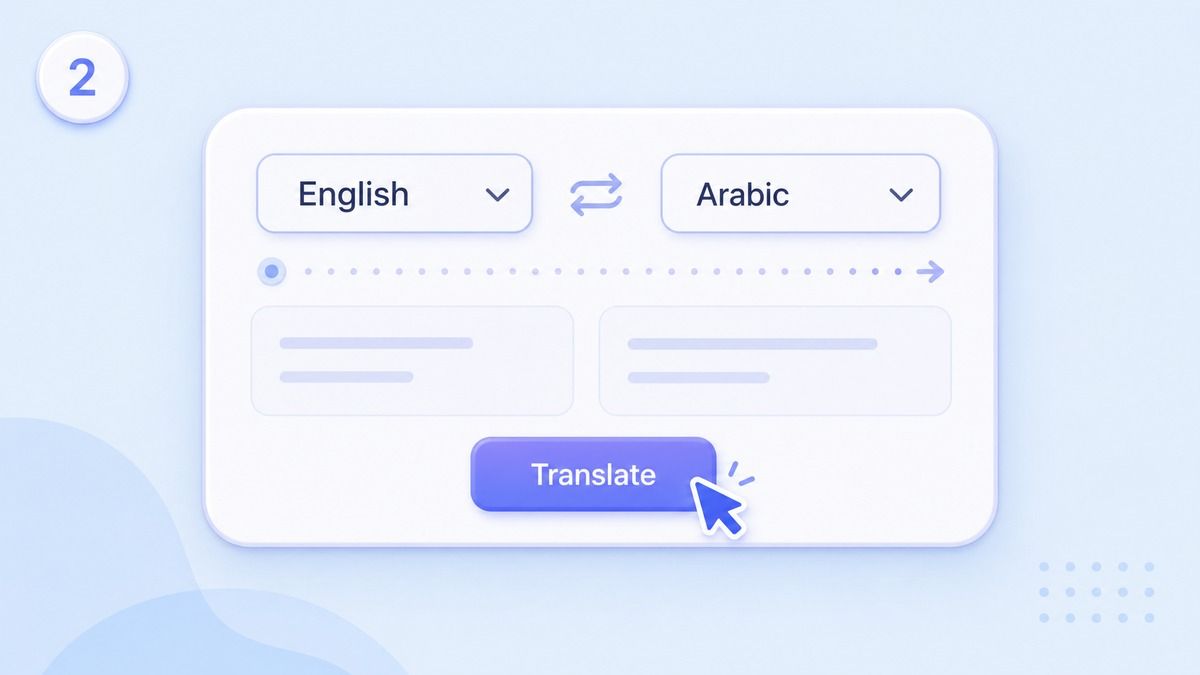
Paso 2. Elige la salida en árabe o inglés
Selecciona árabe cuando quieras traducir del inglés al árabe. Selecciona inglés cuando necesites una salida en árabe al inglés para leer, revisar o responder.
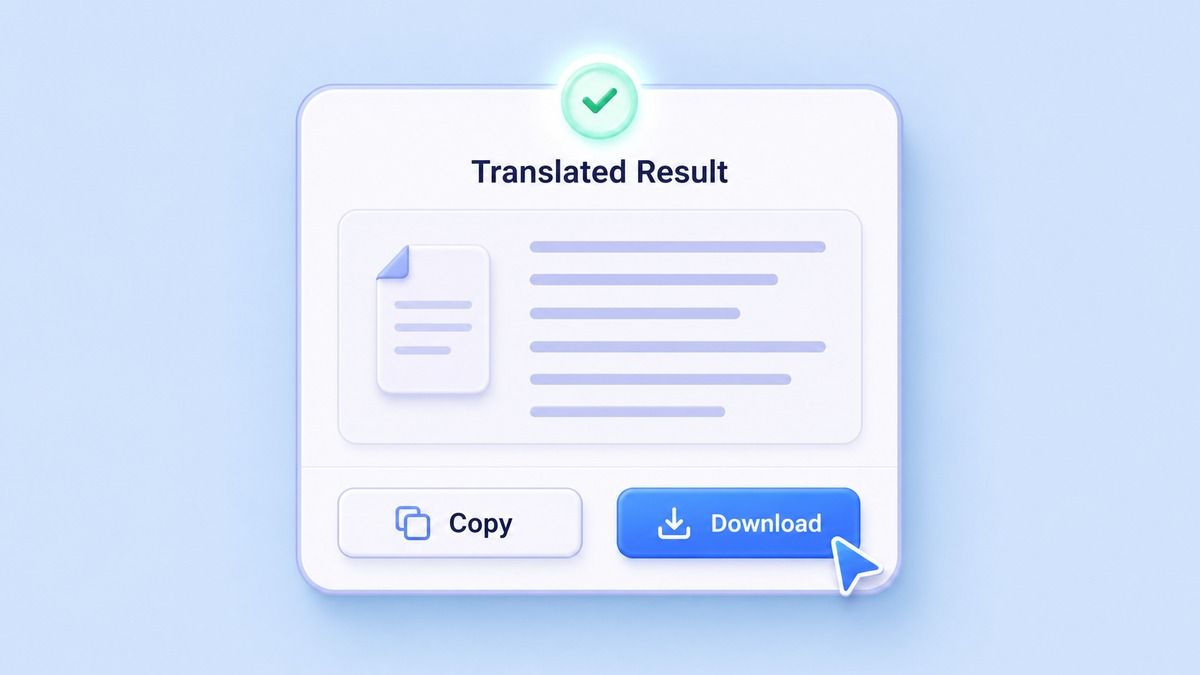
Paso 3. Copia o descarga tu traducción
Revisa el resultado traducido y verifica nombres, términos dialectales, palabras técnicas y el tono antes de usarlo. Copia la traducción para correos electrónicos, documentos, chats, subtítulos, notas de estudio, páginas de productos o mensajes comerciales.
¿Para quién es este traductor de inglés a árabe?

Estudiantes de árabe
Traduce palabras del inglés al árabe, texto del árabe al inglés y frases cortas para comparar vocabulario y estructura de oraciones.

Estudiantes e investigadores
Utiliza la traducción del árabe al inglés para notas, artículos, extractos y materiales de estudio antes de resumir o escribir.

Viajeros y expatriados
Traduce texto del inglés al árabe para direcciones, saludos, mensajes de reserva, instrucciones locales y comunicación diaria.

Equipos de negocios y soporte
Prepara traducciones profesionales del inglés al árabe para correos electrónicos, respuestas de productos, respuestas a clientes y mensajes de servicio.

Creadores de Contenido
Traduce subtítulos, publicaciones, guiones y actualizaciones de la comunidad entre árabe e inglés para audiencias multilingües.

Usuarios de Documentos
Traduce documentos de árabe a inglés o prepara texto de documentos de inglés a árabe para revisión, compartición o edición.
Lo que los Usuarios Dicen Sobre la Traducción de Árabe de Lynote

Estudiante de Idioma Árabe

Uso Lynote para traducir palabras del inglés al árabe y comparar la estructura árabe con mis apuntes de clase. Me ayuda a aprender más rápido.

Jefe de Soporte al Cliente
Nuestro equipo gestiona la traducción de mensajes de soporte de árabe a inglés, y luego redacta respuestas de inglés a árabe. Lynote simplifica el flujo de trabajo.

Escritora de Viajes
Necesitaba una traducción rápida de inglés a árabe para notas de viaje y mensajes locales. Los resultados son fáciles de copiar y revisar.

Asistente de Investigación
Pego pasajes en árabe en Lynote cuando necesito una versión legible en inglés. Me ayuda a entender el punto principal antes de una investigación más profunda.

Gerente de Comercio Electrónico
Usamos Lynote como traductor de inglés a árabe para textos de productos y mensajes de compradores. Nos proporciona un borrador sólido antes de la revisión final.

Estratega de Contenido
Alterno entre árabe e inglés para subtítulos, boletines y campañas cortas. Lynote hace que el proceso de traducción sea mucho más rápido.
Preguntas Frecuentes
Respuestas sobre traducción de inglés a árabe, traducción de árabe a inglés, escritura RTL, nombres, documentos y dialectos.
Sí. Pegue su texto en inglés, elija árabe como idioma de salida y Lynote generará la traducción en línea. Puede usarlo para palabras, oraciones, nombres, mensajes y texto de documentos copiados.
Sí. Lynote admite la traducción de árabe a inglés, la traducción de árabe a inglés en línea y la traducción de idiomas de árabe a inglés. Puede cambiar el idioma de destino según su tarea.
Sí. Puede usar Lynote para la traducción de letras de inglés a árabe o para traducir letras en inglés al árabe. Para nombres y transliteración, revise el resultado porque la ortografía árabe puede variar según la preferencia y la región.
Lynote puede ayudar a crear un primer borrador claro para la traducción profesional de inglés a árabe. Para documentos legales, médicos, financieros u oficiales, siempre revise la traducción con un revisor humano cualificado.
Sí, puede usar Lynote con texto de documentos árabes copiado o contenido de documentos compatible. Si el documento está escaneado, primero extraiga el texto legible y luego traduzca del árabe al inglés.
Lynote puede ayudar con muchas entradas en árabe, pero los dialectos como el árabe egipcio y el árabe marroquí pueden incluir expresiones locales. Para traducir de inglés a árabe egipcio o de árabe marroquí a inglés, añada contexto y revise el resultado cuidadosamente.