

Compresor JPEG

Suelta las imágenes aquí o haz clic para seleccionar
Máx. 50 MB por archivo



¿Por Qué Elegir Nuestro Compresor JPEG?

Compresor JPEG Gratuito Online
Usa Lynote como un compresor JPEG gratuito cuando necesites reducir rápidamente el tamaño de archivos JPG. Sin instalación de software, sin configuración complicada y sin herramientas de edición adicionales.

Diseñado para Archivos JPEG y JPG
Esta página se centra en la compresión de imágenes JPEG, no en la limpieza general de archivos. Está diseñada para fotos JPEG, imágenes JPG, imágenes de sitios web, fotos de productos y archivos de imagen listos para subir.

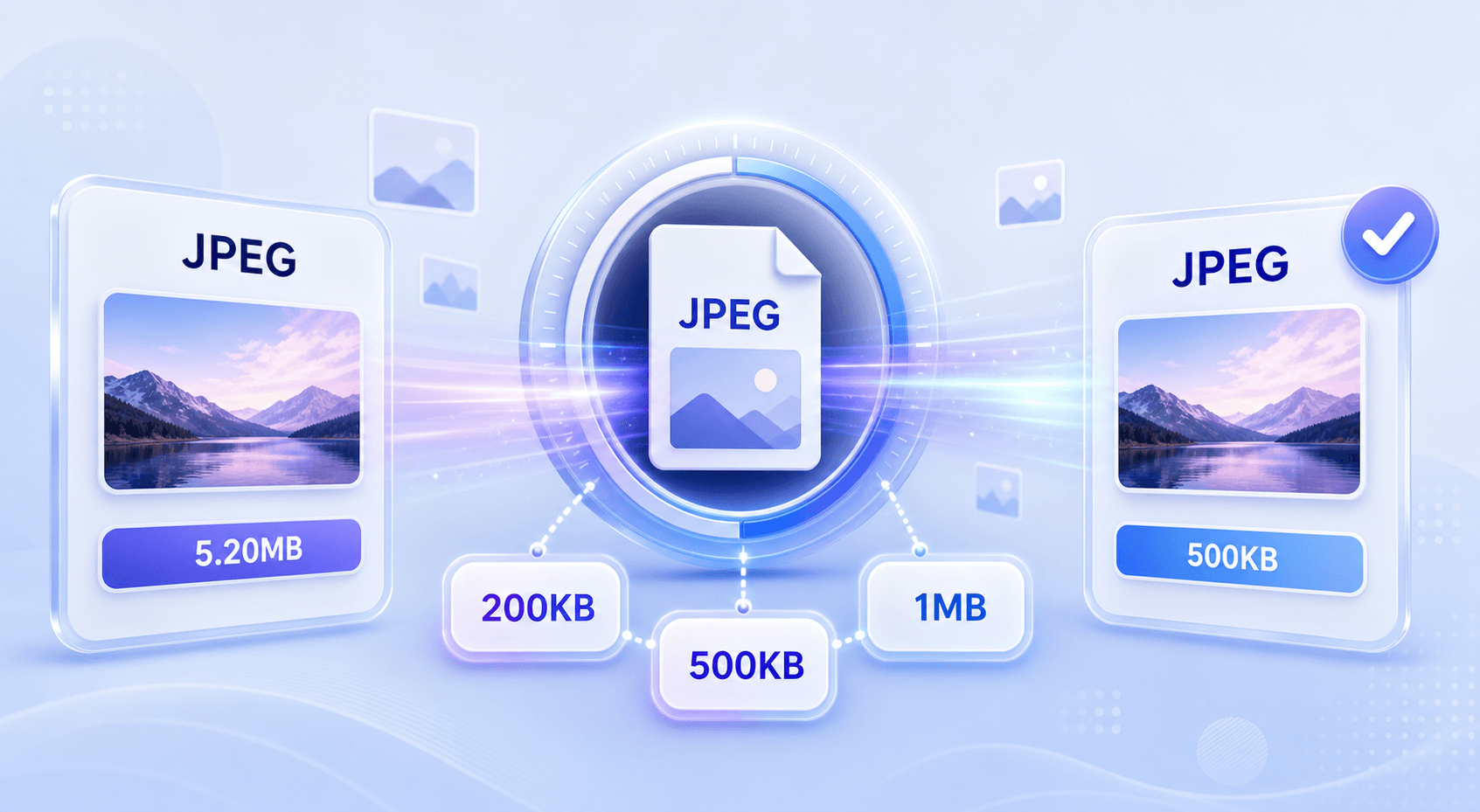
Objetivo 200KB o 500KB
¿Necesitas un compresor JPEG a 200KB o un compresor JPEG a 500KB? Elige un tamaño objetivo y comprime la imagen hacia el límite de subida que necesites.

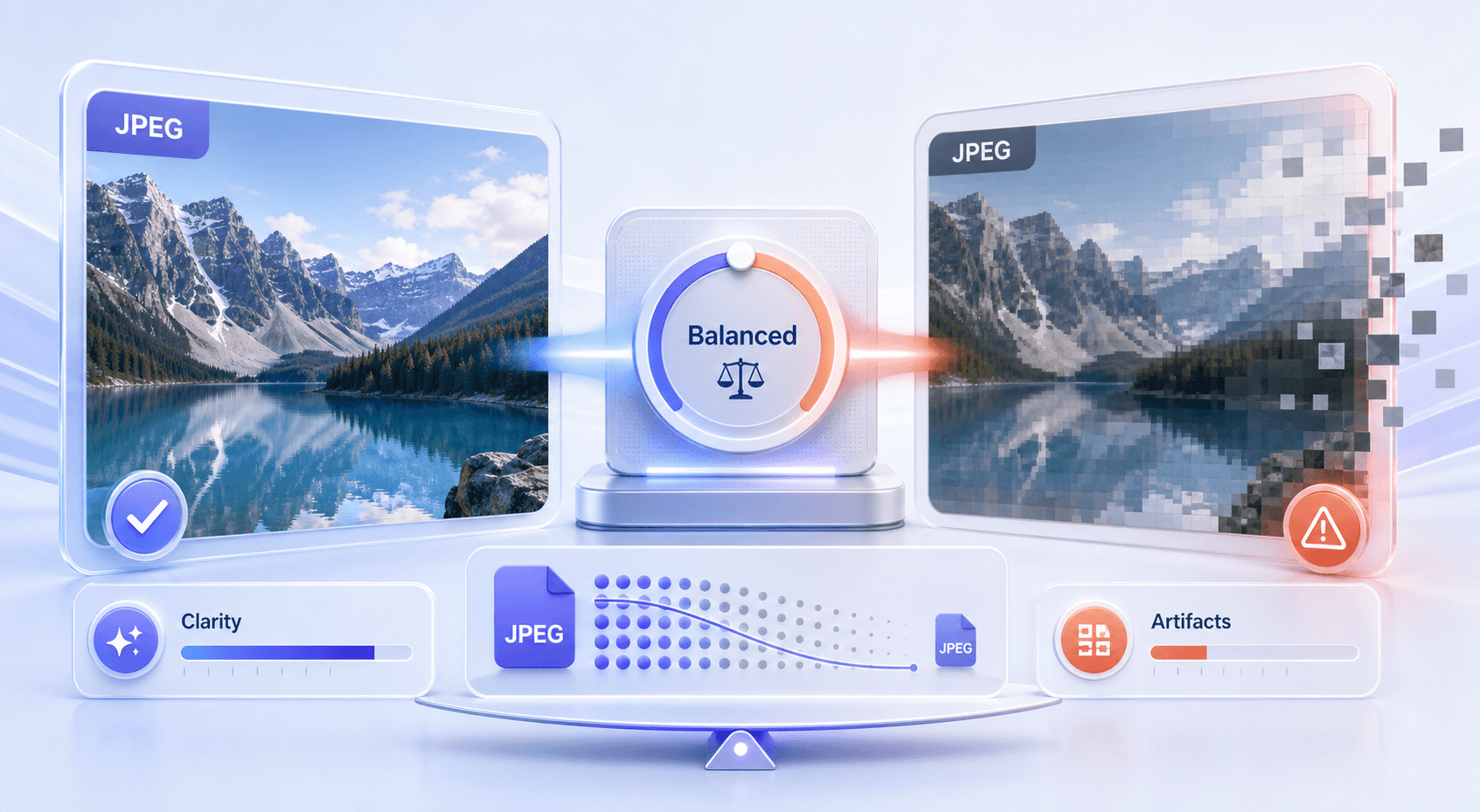
Mejor que la Compresión Aleatoria
Un mal compresor JPEG puede hacer que las fotos se vean borrosas, ruidosas o pixeladas. Lynote te ayuda a reducir el tamaño del archivo manteniendo el resultado práctico para ver y compartir.

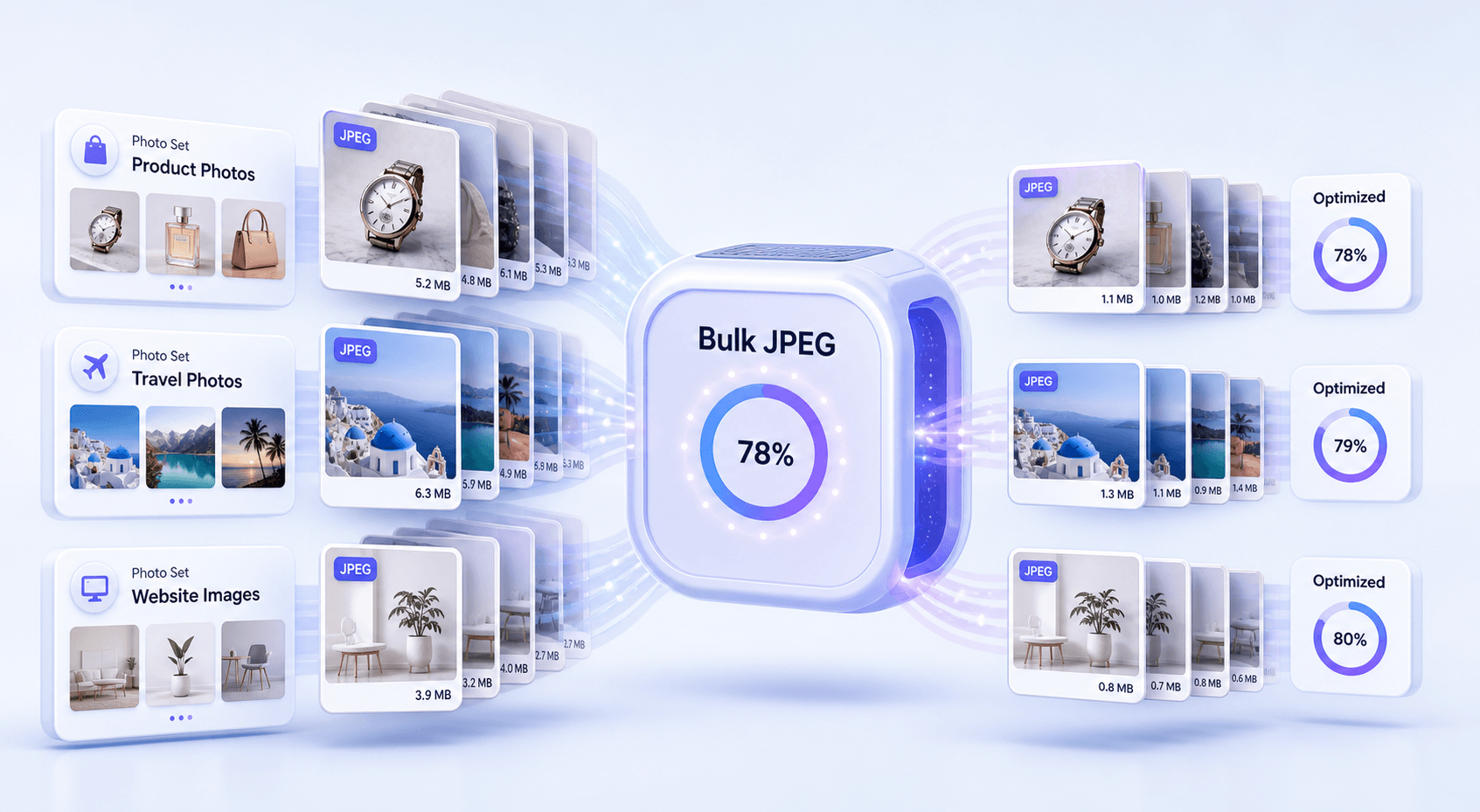
Compresor JPEG Masivo
Comprime múltiples archivos JPEG en un solo flujo de trabajo. Esto es útil para carpetas de sitios web, fotos de productos, subidas escolares, imágenes de clientes y activos de redes sociales.

Control Avanzado de Tamaño JPEG
Usa la herramienta como un compresor JPEG avanzado cuando necesites más control que una reducción con un solo clic. Ajusta el tamaño objetivo para que la salida se ajuste a tu requisito exacto de archivo.

Flujo de Trabajo Rápido Basado en Navegador
Abre el compresor de JPEG en línea, sube tu archivo, comprime y descarga. Funciona en tu navegador sin necesidad de una aplicación de escritorio.

Útil para límites de carga reales
Los archivos JPEG grandes pueden fallar en formularios, solicitudes de empleo, archivos adjuntos de correo electrónico, cargas de CMS y listados de mercado. Lynote ayuda a reducir el tamaño de los archivos JPEG antes de enviarlos.
Compresión de tamaño JPEG para límites de carga exactos
Compresor de JPEG por lotes para conjuntos de fotos
Evita malos resultados de compresión JPEG
Cómo comprimir imágenes JPEG en línea gratis
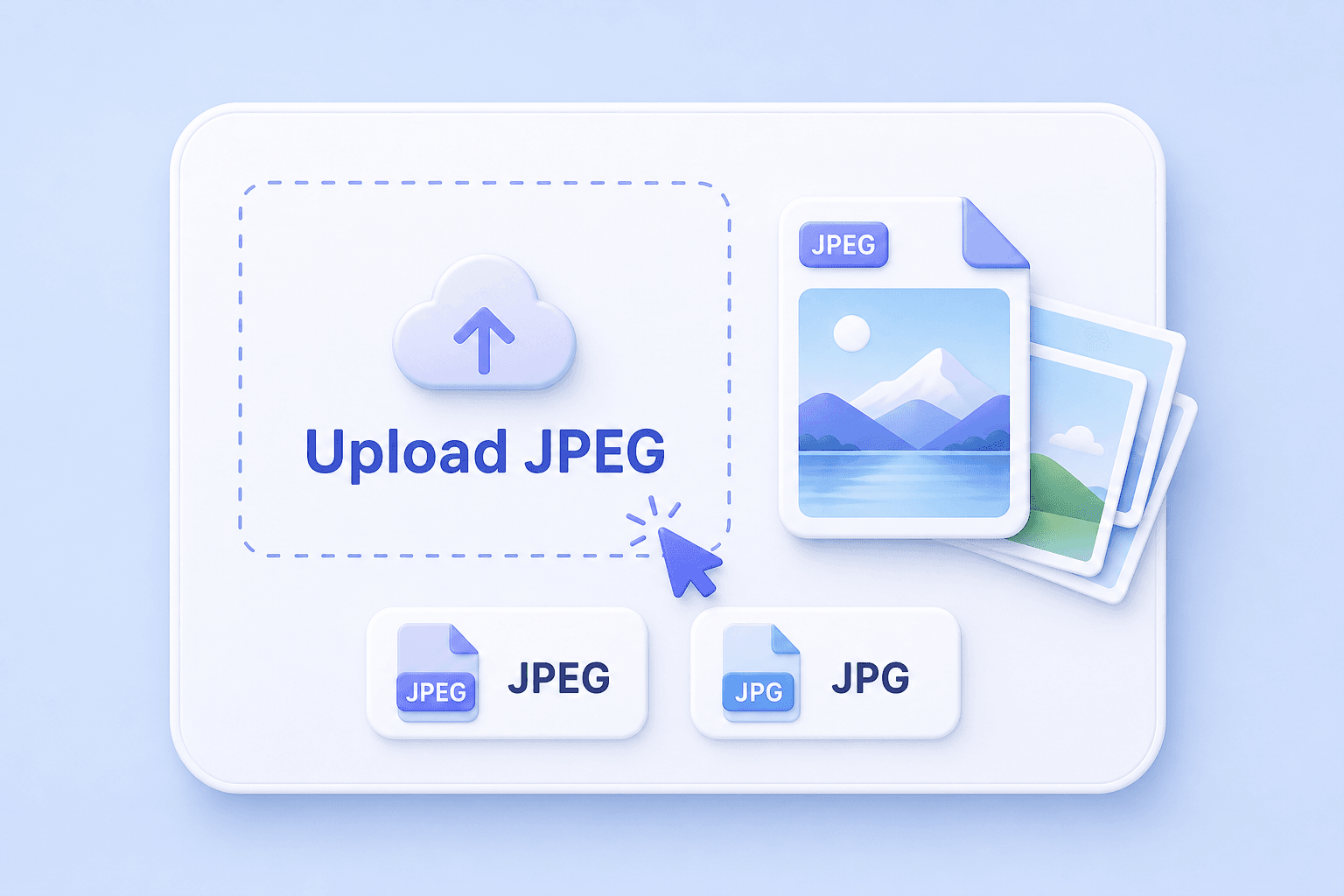
Paso 1. Sube tu archivo JPEG o JPG
Elige una imagen JPEG de tu dispositivo o sube varios archivos JPG para compresión masiva. Puedes usarlo para fotos, capturas de pantalla, imágenes de productos, imágenes de perfil y gráficos de sitios web.
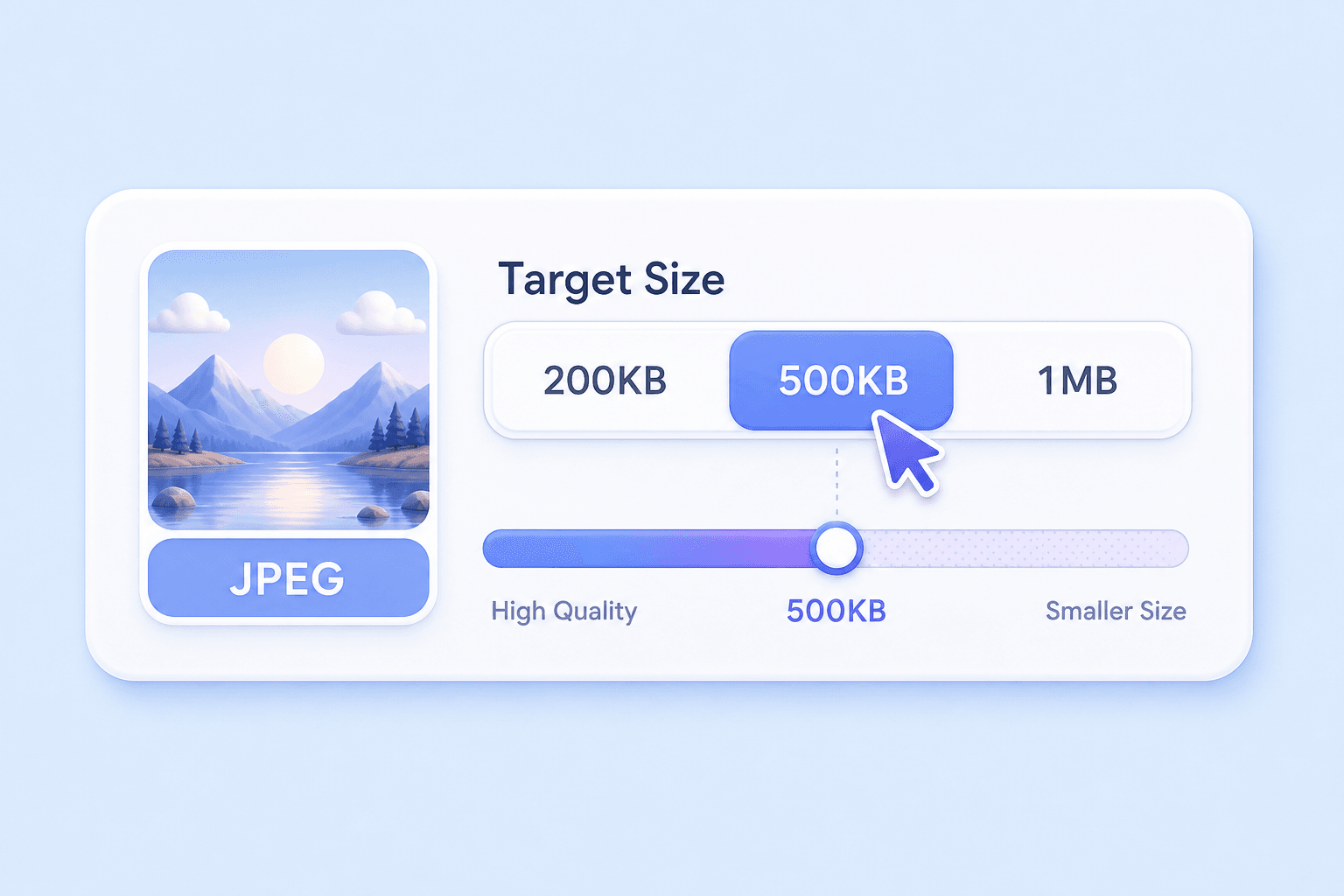
Paso 2. Elige un tamaño objetivo
Selecciona un tamaño objetivo si necesitas un compresor JPEG a 200KB, un compresor JPEG a 500KB o cualquier otro límite amigable para la carga. Si no tienes un requisito estricto, usa una configuración de compresión equilibrada.
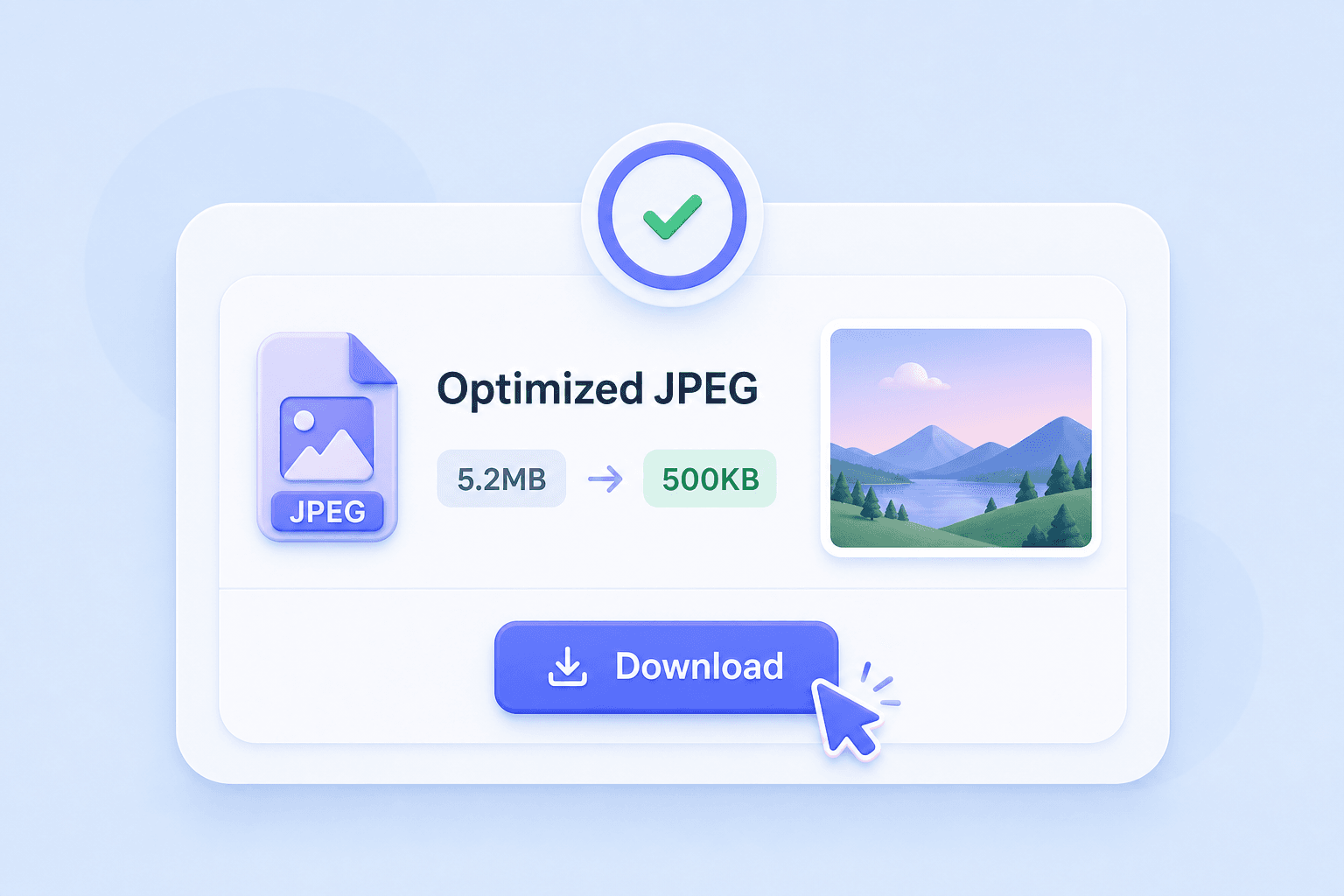
Paso 3. Comprime y descarga
Ejecuta la compresión JPEG, revisa el tamaño de archivo más pequeño y descarga la imagen optimizada. Usa el resultado para correo electrónico, sitios web, formularios en línea, redes sociales o cargas de archivos.
¿Para quién es este compresor JPEG?

Propietarios de sitios web
Comprime imágenes JPEG antes de subirlas a blogs, páginas de destino, galerías y páginas de productos.

Vendedores de comercio electrónico
Reduce el tamaño de las fotos de productos JPEG para mercados, tiendas en línea, catálogos y una carga de página más rápida.

Estudiantes
Haz las imágenes JPEG más pequeñas para portales escolares, fotos de identificación, archivos de proyectos y cargas de tareas.

Fotógrafos
Crea copias JPEG más pequeñas para previsualizaciones, compartir rápidamente, revisión del cliente y entrega en línea.

Especialistas en marketing
Comprime las imágenes de campañas, gráficos de boletines, creatividades publicitarias y elementos visuales para redes sociales antes de publicarlos.

Usuarios cotidianos
Reduce el tamaño de las fotos JPEG para adjuntos de correo electrónico, aplicaciones de mensajería, fotos de perfil, aplicaciones y almacenamiento.
Lo que la gente dice sobre nuestro compresor JPEG

Gerente de Contenido

"Lynote me ayuda a comprimir imágenes JPEG antes de añadirlas a las publicaciones del blog. Los archivos se hacen más pequeños sin que las fotos pierdan calidad."

Vendedor en línea
"Lo uso como compresor de fotos JPEG para imágenes de productos. La compresión masiva me ahorra tiempo cuando actualizo mi tienda."

Estudiante
"El portal de mi escuela tiene límites de carga estrictos. Lynote facilita la compresión de archivos JPEG antes de enviar formularios."

Diseñador web
"Es útil cuando necesito recursos JPEG más pequeños para un sitio web, pero aún quiero que las imágenes se vean nítidas."

Especialista en marketing
"Comprimo las imágenes de las campañas JPEG antes de enviarlas por correo electrónico. El flujo de trabajo es sencillo y rápido."

Freelancer
"Lynote es mi compresor JPEG online rápido cuando un cliente envía archivos JPG de gran tamaño que necesitan ser compartidos o subidos."
Preguntas frecuentes
¿Todavía tienes preguntas sobre cómo comprimir imágenes online? Aquí tienes las respuestas.
Un compresor JPEG reduce el tamaño de archivo de las imágenes JPEG o JPG. Ayuda a que las fotos sean más fáciles de subir, enviar por correo electrónico, almacenar o usar en sitios web.
Sí. Lynote funciona como un compresor JPEG en línea gratuito. Sube una imagen JPEG, reduce el tamaño del archivo y descarga el resultado comprimido.
Sí. Si necesitas un compresor JPEG a 200KB, elige un tamaño objetivo cercano a 200KB antes de comprimir. El resultado final puede depender del tamaño y detalle de la imagen original.
Sí. Lynote puede ayudar a comprimir imágenes JPEG a 500KB para formularios, sitios web, correos electrónicos y límites de carga.
Un compresor de imágenes JPEG se centra en archivos JPG/JPEG y cómo manejan la calidad, el detalle y el tamaño del archivo. Un compresor de imágenes general puede admitir más formatos, pero puede que no explique las necesidades específicas de JPEG con tanta claridad.
Una compresión JPEG fuerte puede afectar la calidad, especialmente en fotos detalladas. Lynote está diseñado para ayudar a equilibrar un tamaño de archivo más pequeño con resultados visuales claros.
Sí. Lynote puede funcionar como un compresor JPEG masivo, para que puedas reducir varios archivos JPEG en un solo flujo de trabajo.
Un mal compresor JPEG puede comprimir demasiado las imágenes, crear artefactos en bloques, difuminar detalles o eliminar demasiada calidad visual. Un mejor flujo de trabajo te permite controlar el tamaño del archivo mientras verificas si el resultado sigue siendo útil.
Sí. JPEG y JPG suelen referirse al mismo formato de imagen. Lynote puede trabajar con archivos de imagen JPG/JPEG comunes.
El mejor compresor JPEG en línea debe ser rápido, simple, gratuito para probar, admitir tamaños de archivo objetivo y mantener las imágenes lo suficientemente claras para tu caso de uso. Lynote está diseñado para una compresión JPEG en línea rápida sin configuraciones complicadas.


