

Comprimir JPEG a 20MB

Suelta las imágenes aquí o haz clic para seleccionar
Máx. 50 MB por archivo



¿Por qué elegir nuestro compresor de JPEG a 20MB?
Reduce fotos JPEG y JPG de gran tamaño para límites de carga, manteniendo los detalles de la foto grande prácticos.

Solución Específica para Cargas JPEG
Comprime JPEG a 20MB cuando tu foto es demasiado grande para un formulario, portal, correo electrónico o carpeta compartida. Lynote ayuda a reducir archivos JPEG de gran tamaño sin forzarlos a salidas de pocos KB.

Control de Objetivo por Debajo de 20MB
¿Necesitas comprimir JPEG por debajo de 20MB para una regla de carga estricta? Elige un objetivo práctico cerca de 20MB o ligeramente por debajo, luego descarga un archivo que sea más fácil de enviar.

Compresión JPEG con Conciencia de Calidad
Las fotos JPEG a menudo contienen caras, detalles de productos, paisajes o texto de documentos. Lynote ayuda a reducir el tamaño del archivo manteniendo la imagen final visualmente útil para situaciones de carga reales.

Vista Previa Antes de Descargar
No descargues a ciegas. Previsualiza el JPEG comprimido, verifica los detalles importantes y confirma que el archivo se ve lo suficientemente claro antes de guardar la versión más pequeña.

Procesamiento por Lotes de JPEG
¿Tienes varias fotos JPEG grandes que superan el límite? Súbelas juntas y prepara múltiples archivos para el mismo requisito de 20MB en un solo flujo de trabajo.

Funciona para JPG y JPEG
Ya sea que tu archivo termine en .jpg o .jpeg, Lynote es compatible con los formatos de foto comunes que la gente realmente sube. También puedes usar PNG o WebP cuando sea necesario.

No se necesita software de diseño
No necesita Photoshop, ajustes de exportación de Vista Previa ni herramientas de compresión de escritorio. Abra Lynote en su navegador, suba la imagen y obtenga un JPEG más pequeño.

Procesamiento seguro en línea
Sus imágenes se procesan de forma segura y no se almacenan permanentemente. Úselo con confianza para fotos de trabajo, imágenes de aplicaciones, fotos de productos y archivos personales.
Comprimir JPEG a 20 MB para cargas de fotos de alta resolución
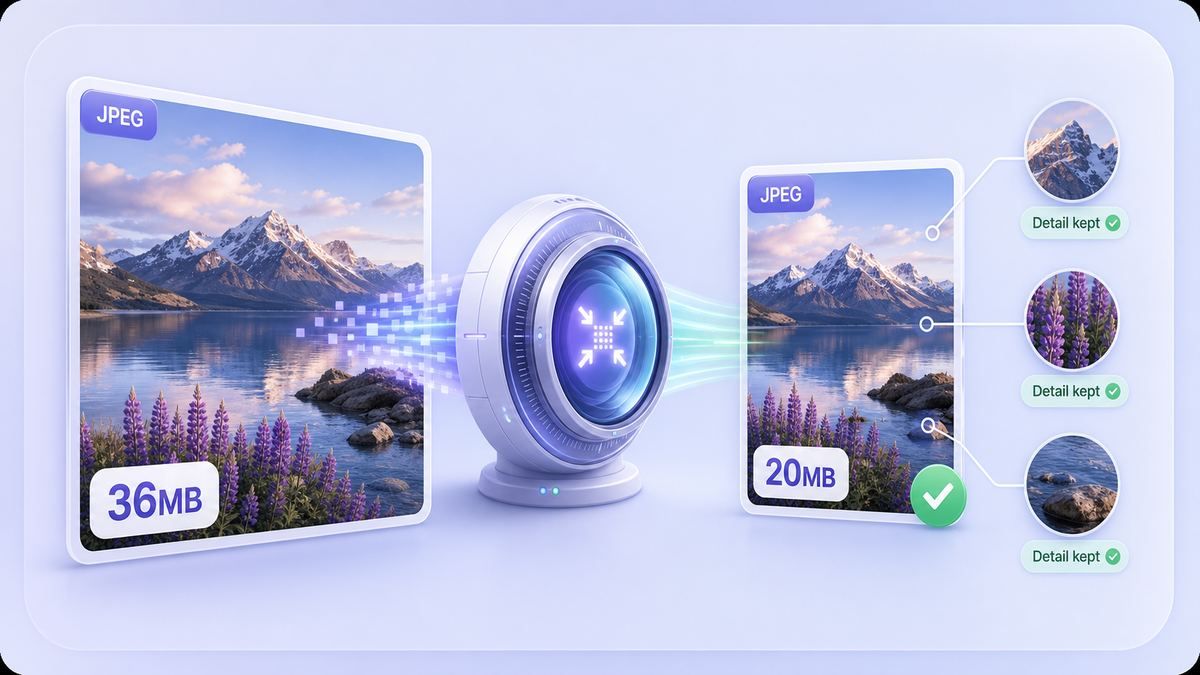
Mantenga los archivos JPEG por debajo de 20 MB sin conjeturas
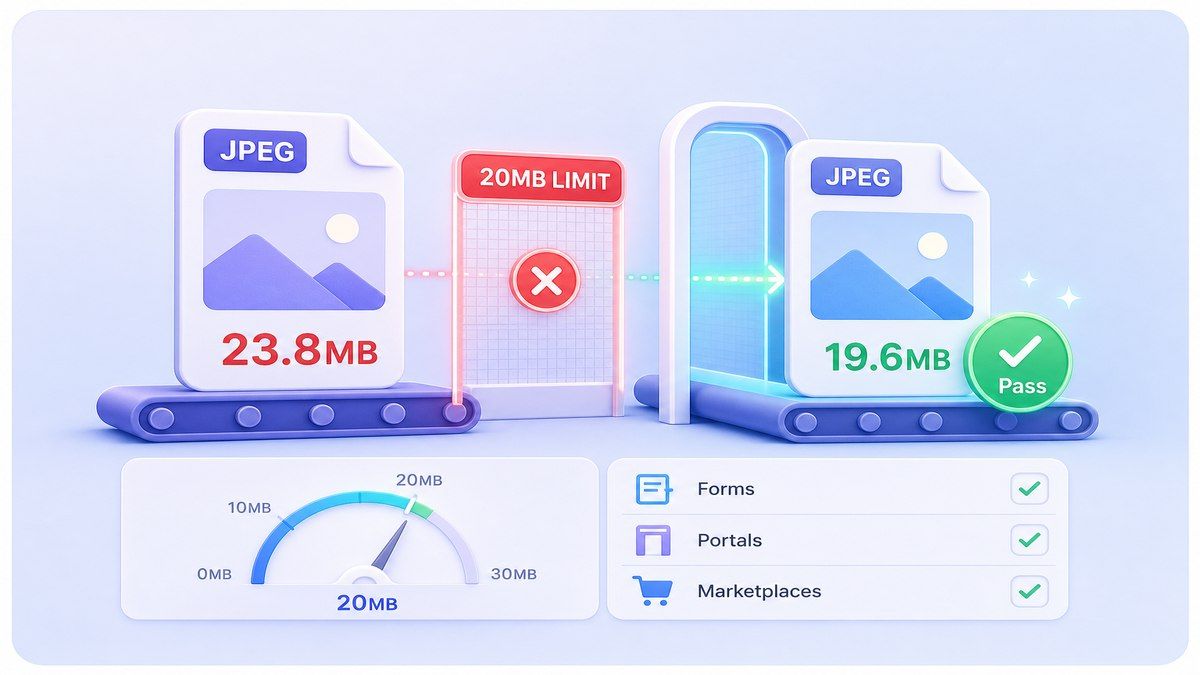
Convertir JPEG a 20 MB como un objetivo de tamaño práctico
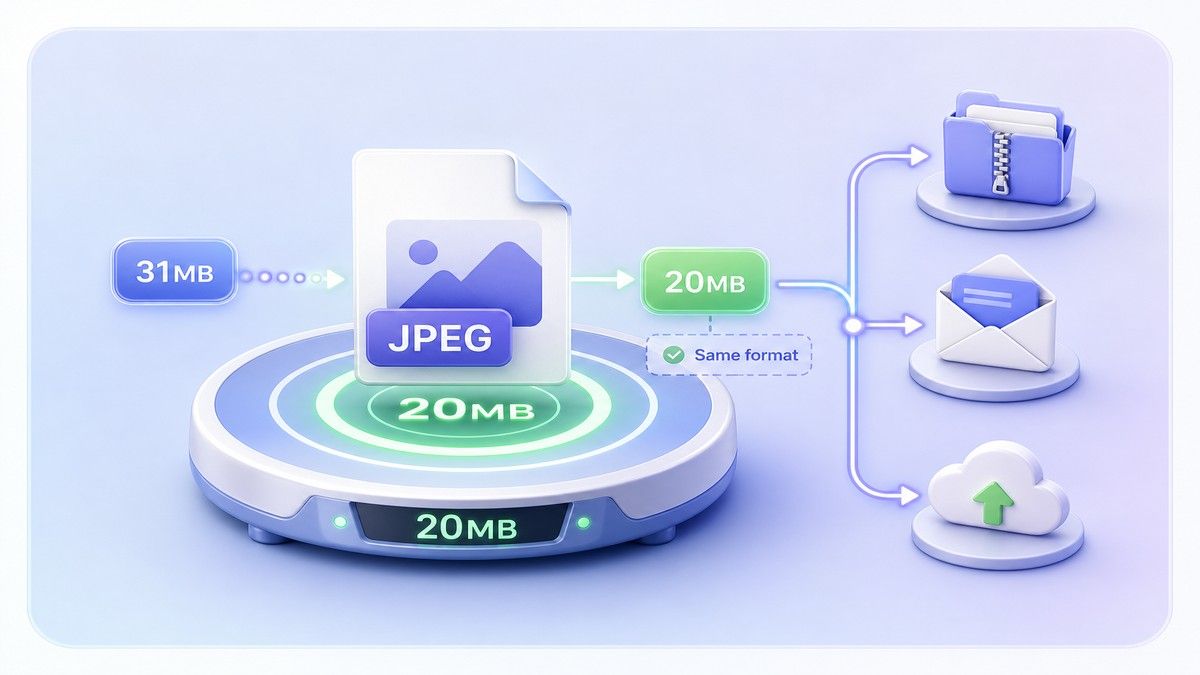
Cómo comprimir JPEG a 20 MB en línea
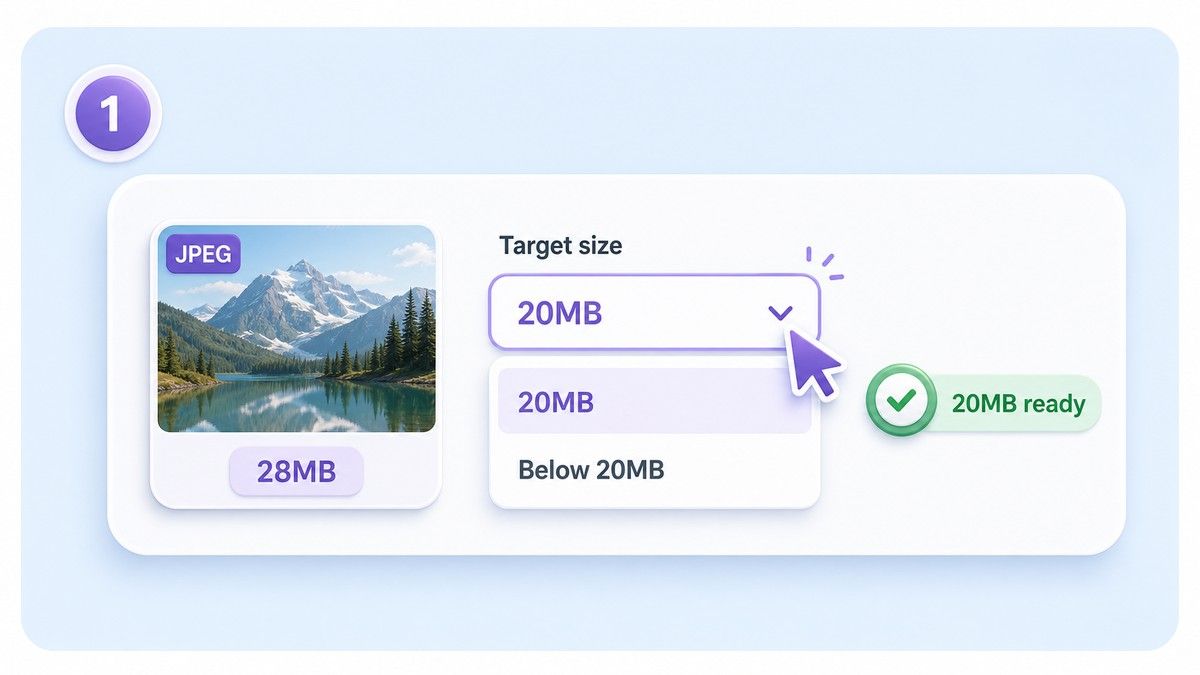
Paso 1. Elija el objetivo de 20 MB
Seleccione un objetivo de alrededor de 20 MB o ligeramente por debajo si su sistema de carga requiere archivos de menos de 20 MB. Esto ayuda a evitar cargas fallidas causadas por pequeñas diferencias de tamaño.
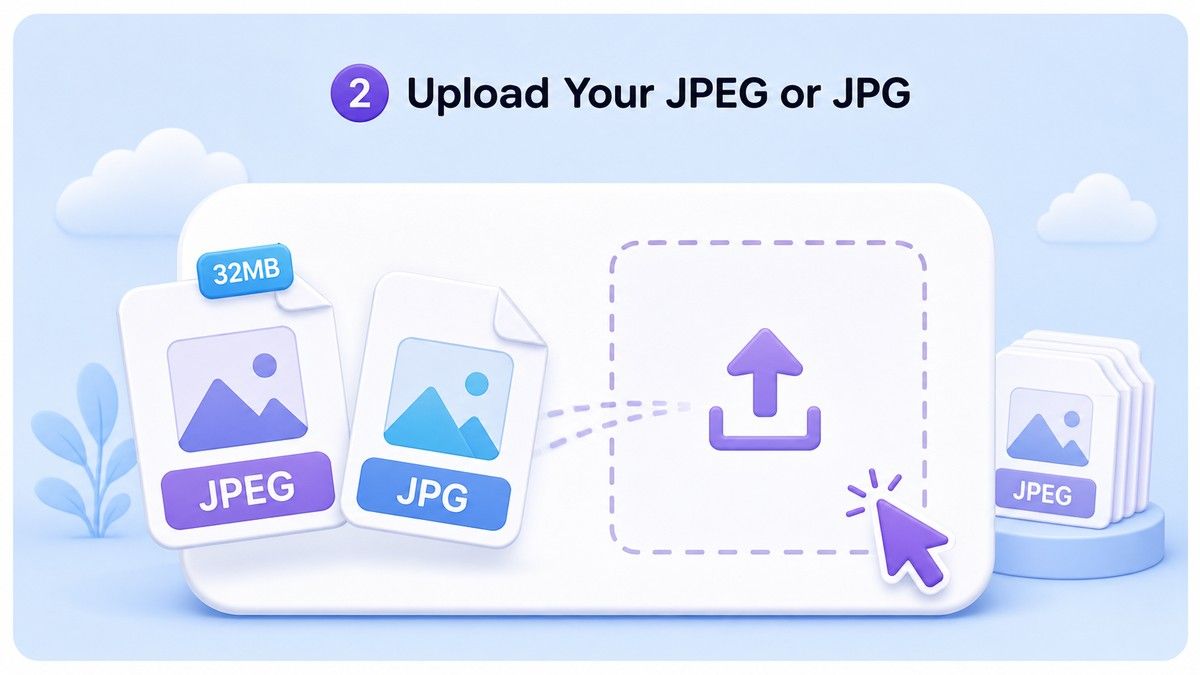
Paso 2. Suba su JPEG o JPG
Arrastre y suelte su imagen JPEG/JPG grande en Lynote. Puede subir una foto o procesar varios archivos JPEG grandes juntos cuando un lote necesita el mismo límite de tamaño.
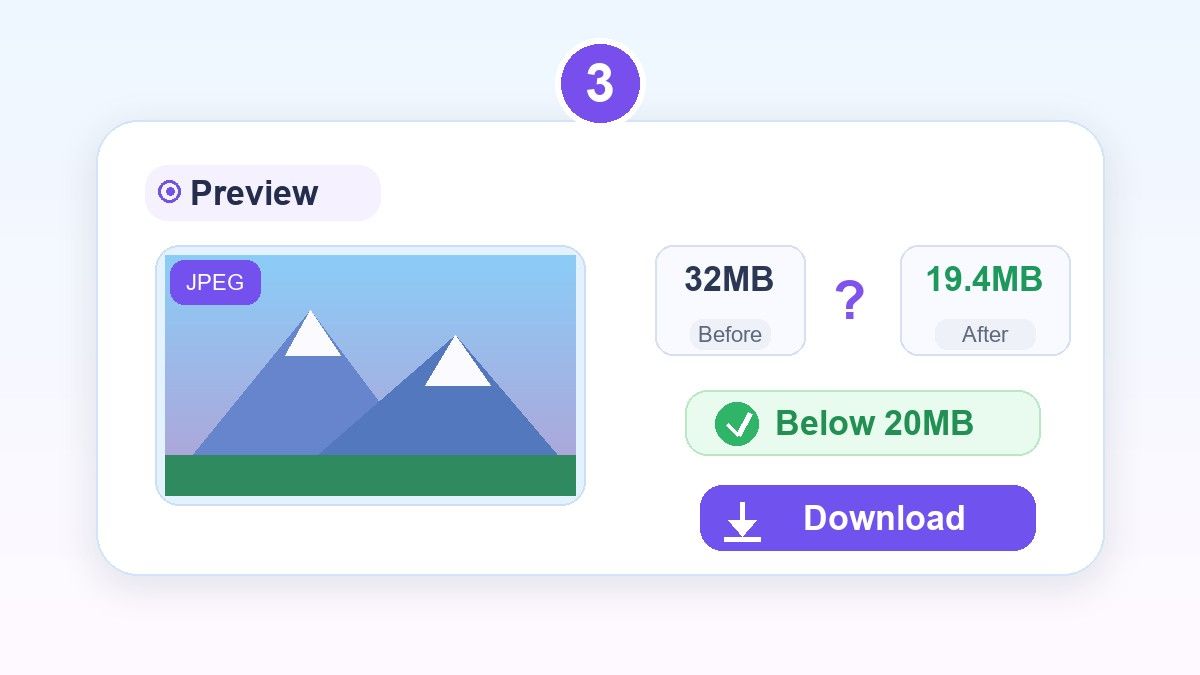
Paso 3. Previsualice y descargue
Revise el JPEG comprimido antes de guardarlo. Si la imagen aún se ve clara y el archivo está por debajo del límite, descárguelo y suba la versión más pequeña donde la necesite.
¿Para quién es este compresor de JPEG de 20 MB?

Fotógrafos y creadores
Reduzca las previsualizaciones JPEG exportadas manteniendo suficiente detalle visual para la revisión del cliente, el intercambio de portafolios o la aprobación de contenido.

Cargas para aplicaciones y portales
Prepare fotos JPEG para sistemas de aplicaciones, portales de visas, formularios escolares, portales de negocios y otras páginas de carga con límites de tamaño de archivo.

Vendedores de comercio electrónico
Comprima los JPEG de productos por debajo de 20 MB antes de subirlos a mercados, catálogos, listados de productos o sistemas de proveedores.

Equipos de Bienes Raíces y Propiedades
Facilita el envío, la compartición y la organización de fotos de propiedades de alta resolución sin convertirlas en archivos pequeños y con pocos detalles.

Equipos de Marketing y Contenido
Prepara fotos de campañas, elementos visuales para sitios web, gráficos para blogs y activos para redes sociales para sistemas que rechazan archivos JPEG de gran tamaño.

Usuarios de Teléfonos Cotidianos
Facilita el envío por correo electrónico, el almacenamiento, la carga y la compartición de fotos grandes del teléfono cuando el JPEG original es demasiado pesado.
Lo que Dicen los Usuarios sobre el Compresor JPEG de 20MB

Vendedor de Marketplace

Mis fotos de productos superaban ligeramente el límite de carga. Lynote me ayudó a comprimir el JPEG a menos de 20MB y a mantener los detalles lo suficientemente claros para mis anuncios.

Fotógrafo
A menudo necesito previsualizaciones grandes, no archivos pequeños. Comprimir JPEGs a alrededor de 20MB me da un buen equilibrio para la entrega al cliente.

Asistente de Admisiones
Los solicitantes envían fotos enormes desde sus teléfonos todo el tiempo. Lynote facilita la reducción de archivos JPEG antes de subirlos a nuestro portal.

Coordinador de Bienes Raíces
Nuestras imágenes de propiedades son de alta resolución y a menudo demasiado grandes. La compresión por lotes nos ayuda a preparar los archivos más rápido sin perder el aspecto general.

Gerente de Contenido
Uso Lynote antes de añadir JPEGs a nuestro CMS. El paso de previsualización me ayuda a evitar subir fotos que parezcan excesivamente comprimidas.

Administrador de Oficina
Necesitábamos una forma sencilla de convertir JPEG a 20 MB como tamaño de archivo objetivo. Esta herramienta es más fácil que explicar la configuración de exportación a todo el mundo.
Preguntas Frecuentes
Respuestas sobre cómo comprimir archivos JPEG a 20 MB, objetivos por debajo de 20 MB, compatibilidad con JPG, calidad y procesamiento por lotes.
Sube tu archivo JPEG o JPG a Lynote, elige un objetivo de alrededor de 20 MB, previsualiza el resultado y descarga la imagen comprimida. Si tu plataforma requiere menos de 20 MB, elige un objetivo ligeramente inferior.
Sí. Lynote ayuda a reducir archivos JPEG grandes a menos de 20 MB, dependiendo del tamaño original del archivo, las dimensiones y el detalle de la imagen.
Normalmente no. En este contexto, convertir JPEG a 20 MB significa reducir o comprimir el archivo JPEG para que su tamaño de archivo se acerque a los 20 MB, manteniéndolo como un archivo de imagen.
Cualquier compresión JPEG puede afectar el detalle si se fuerza demasiado. Lynote te ofrece una vista previa para que puedas comprobar si la imagen comprimida sigue viéndose bien antes de descargarla.
Sí. JPG y JPEG son nombres comúnmente usados para la misma familia de formatos de foto. Lynote es compatible con archivos .jpg y .jpeg.
Sí. Puedes subir varias imágenes JPEG grandes y comprimirlas juntas, lo cual es útil cuando varios archivos necesitan cumplir la misma regla de 20 MB.
Sí, puedes comprimir archivos JPEG en línea con Lynote sin instalar software de escritorio. Sube, previsualiza y descarga la imagen más pequeña directamente en tu navegador.


