

Comprimir Imagen Sin Perder Calidad

Suelta las imágenes aquí o haz clic para seleccionar
Máx. 50 MB por archivo



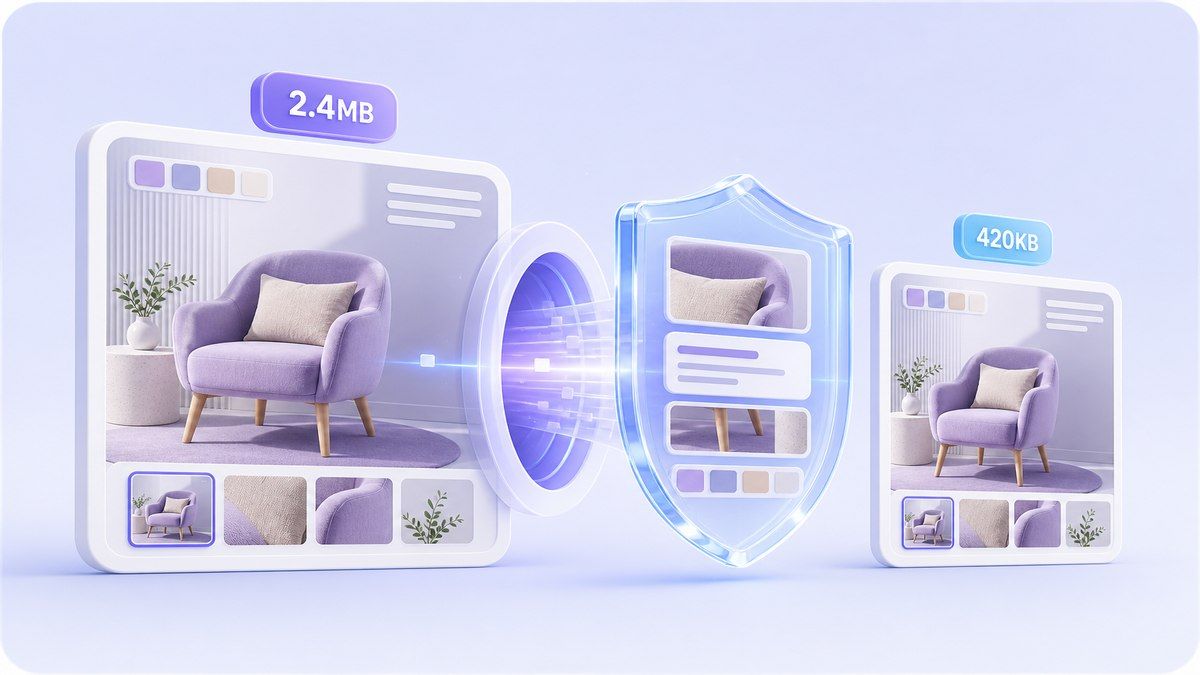
¿Por Qué Elegir Nuestro Compresor de Imágenes que Optimiza la Calidad?
Haz tus imágenes más pequeñas para sitios web, subidas, correo electrónico y compartir, manteniendo el resultado lo suficientemente nítido para su uso.

100% Gratis
Comprime imágenes online sin pagar por soluciones básicas de tamaño de archivo. Haz tus fotos más pequeñas para formularios, sitios web, correo electrónico, redes sociales y para compartir a diario.

No Requiere Registro
Empieza al instante en tu navegador. Sube una imagen, elige tu objetivo de tamaño, previsualiza el resultado y descarga sin crear una cuenta.

Compresión que Optimiza la Calidad
Reduce el tamaño del archivo manteniendo la imagen visualmente clara. Lynote te ayuda a comprimir imágenes sin perder calidad de la manera que la mayoría de los usuarios realmente necesitan: archivos más pequeños que aún se ven nítidos.

Control de Tamaño Objetivo (KB o MB)
Elige un tamaño objetivo práctico antes de comprimir. Esto es útil cuando necesitas comprimir el tamaño de la imagen sin perder calidad para límites de subida, aplicaciones, tiendas online o páginas web.

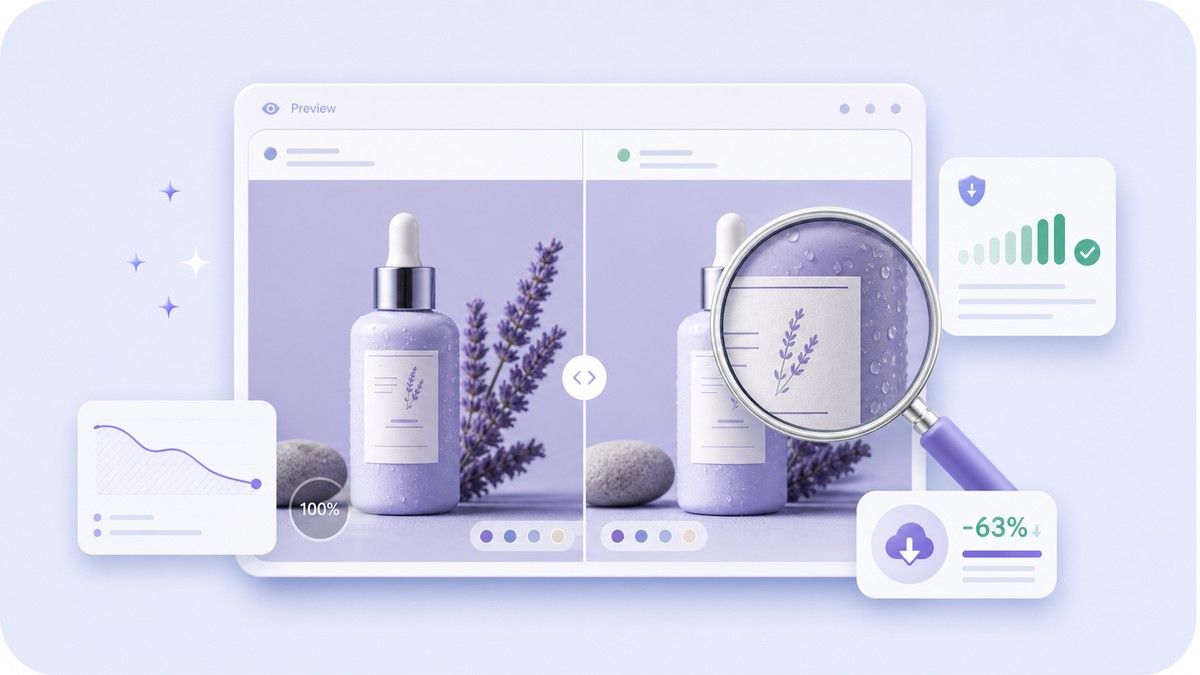
Previsualizar Antes de Descargar
Comprueba la imagen comprimida antes de guardarla. Compara el tamaño del archivo, las dimensiones, el formato, el nivel de calidad y el porcentaje ahorrado para asegurarte de que el resultado sigue siendo utilizable.

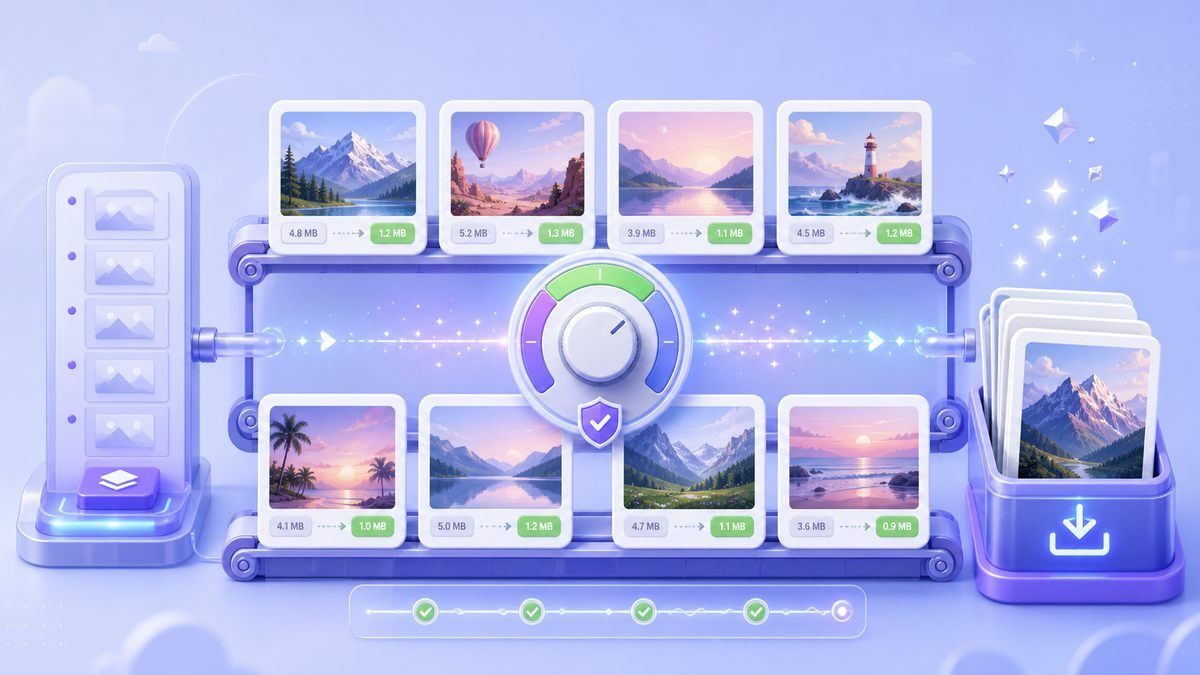
Compresión de Imágenes por Lotes
Sube varios archivos JPG, PNG o WebP juntos. Comprime imágenes sin preocuparte por la pérdida de calidad, revisando los resultados uno por uno antes de descargar.

Funciona en Cualquier Dispositivo
Usa Lynote desde tu navegador de escritorio, tablet o móvil. No requiere instalación de software, plugins ni configuraciones de exportación complicadas.

Procesamiento Privado en Línea
Tus imágenes se procesan de forma segura y no se almacenan permanentemente. Es un flujo de trabajo sencillo para fotos personales, imágenes de productos, archivos escolares y activos de trabajo.
Comprime el Tamaño de la Imagen Sin Perder Calidad en un Sentido Práctico
Previsualiza los Detalles Antes de Guardar
Comprime Imágenes por Lotes Sin Preocuparte por la Calidad
Cómo Comprimir Imágenes Sin Perder Calidad
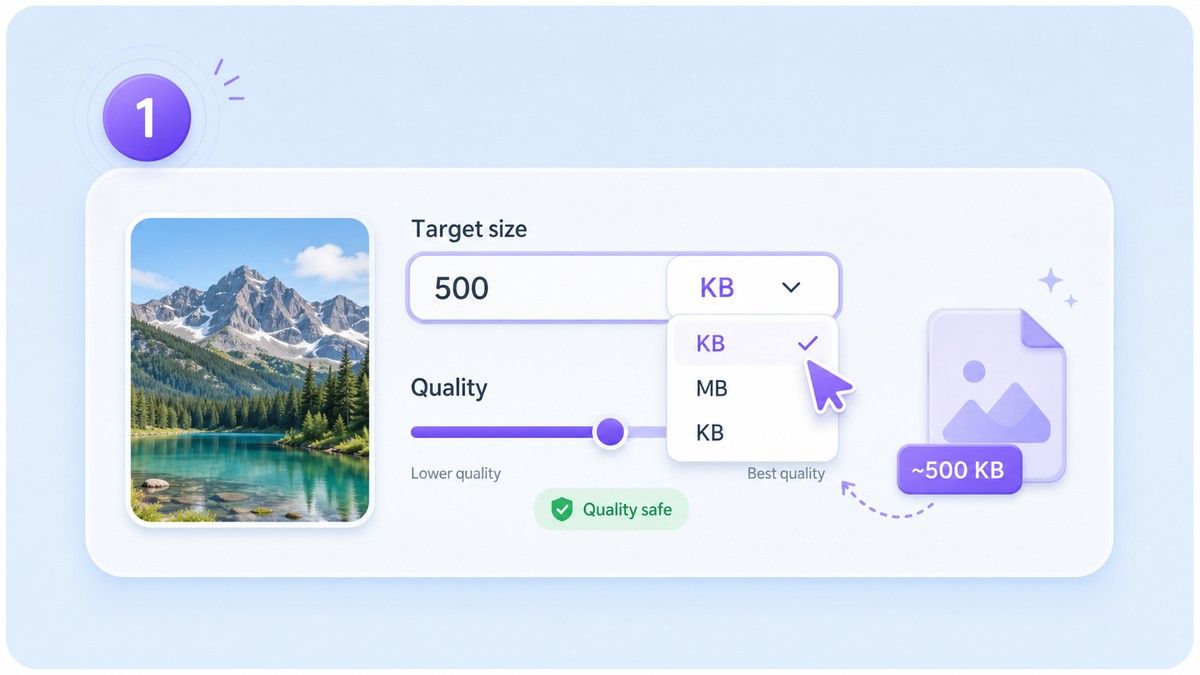
Paso 1. Elige un Tamaño Objetivo Sensato
Selecciona un objetivo en KB o MB según dónde se subirá la imagen. Elige un tamaño más pequeño para formularios o correo electrónico, y un tamaño más grande cuando el detalle visual sea más importante.
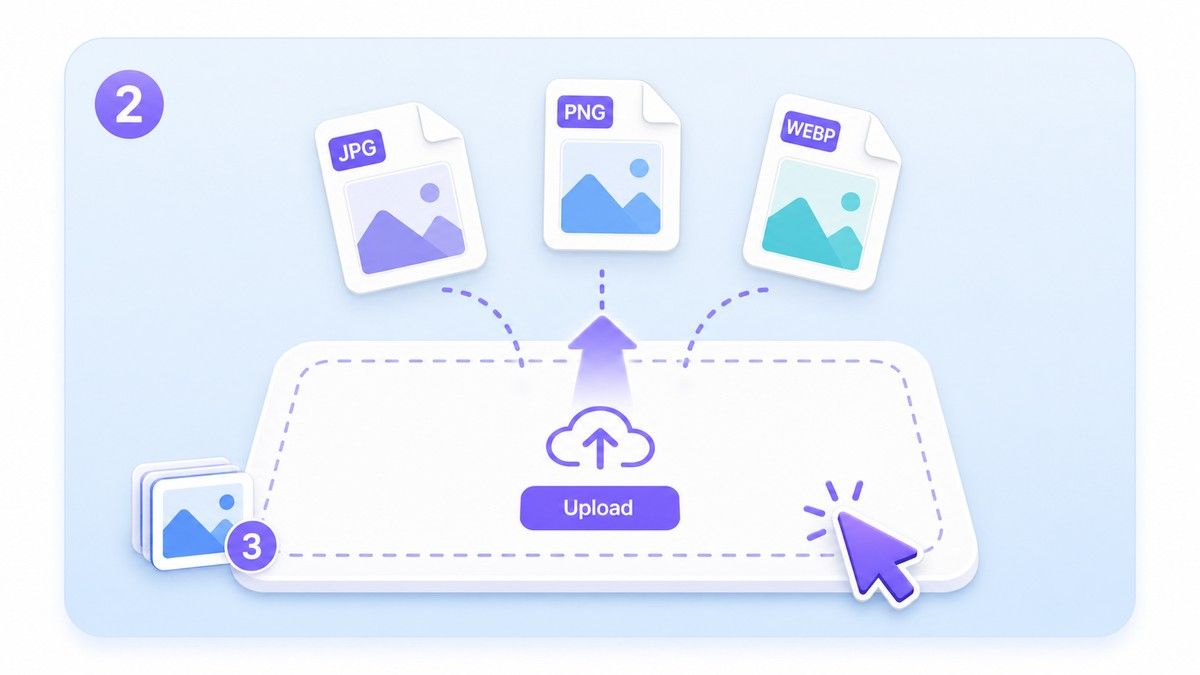
Paso 2. Sube Imágenes JPG, PNG o WebP
Arrastra y suelta tus imágenes o haz clic para elegir archivos desde tu dispositivo. Lynote soporta formatos comunes y puede manejar imágenes individuales o por lotes.
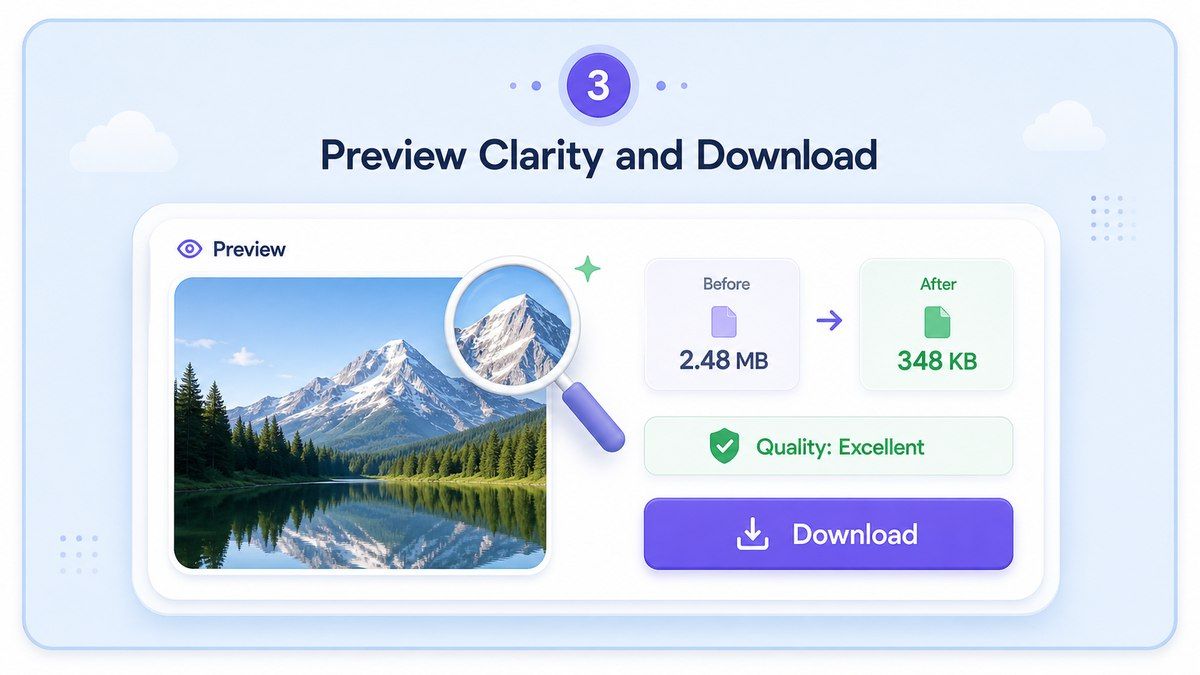
Paso 3. Previsualiza la Claridad y Descarga
Revisa la imagen comprimida antes de guardarla. Si el resultado se ve limpio, descarga el archivo más pequeño y úsalo para subidas, sitios web, mensajes o almacenamiento.
¿Quién Necesita Compresión de Imágenes Consciente de la Calidad?

Fotógrafos y Creadores
Comprime previsualizaciones de portafolios, muestras para clientes y publicaciones en redes sociales, manteniendo la imagen lo suficientemente pulida para representar tu trabajo.

Propietarios de Sitios Web
Aligera las páginas con imágenes más pequeñas que sigan viéndose claras en pantallas de escritorio y móviles.

Vendedores de E-commerce
Reduce el tamaño de las fotos de productos antes de subirlas a tiendas, catálogos, mercados o anuncios sin que los productos se vean baratos o borrosos.

Estudiantes y Solicitantes
Prepara fotos de identificación, imágenes de proyectos, capturas de pantalla y archivos de solicitud para estrictos límites de carga.

Equipos de Marketing
Reduce el tamaño de gráficos de campañas, banners, elementos visuales de boletines y creatividades publicitarias antes de compartirlos o publicarlos.

Usuarios de Teléfonos Cotidianos
Haz que las fotos grandes del teléfono sean más fáciles de enviar, almacenar, cargar y organizar sin abrir software de edición pesado.
Lo que Dicen los Usuarios sobre la Compresión con Conciencia de Calidad

Propietaria de Tienda Online

Uso Lynote antes de subir fotos de productos. Los archivos se vuelven mucho más pequeños, pero los detalles siguen viéndose lo suficientemente nítidos para mi tienda.

Editor de Sitios Web
Necesitaba una forma sencilla de comprimir imágenes sin perder calidad para las fotos del blog. La vista previa me ayuda a evitar resultados borrosos.

Estudiante
Mi portal de solicitud tenía un límite de archivo estricto. Lynote me ayudó a reducir el tamaño de la foto y aun así mantenerla clara.

Diseñador de Marketing
La opción de tamaño objetivo es la razón por la que lo uso. Puedo preparar imágenes de campaña para diferentes canales sin adivinar.

Gerente de Redes Sociales
Comprimo imágenes por lotes antes de programar publicaciones. Ahorra tiempo y mantiene los elementos visuales con un aspecto consistente.

Desarrollador Freelance
Para sitios web, las imágenes más pequeñas importan. Lynote me ofrece una forma rápida de reducir el tamaño del archivo mientras verifico la calidad antes del lanzamiento.
Preguntas Frecuentes
Respuestas sobre calidad de imagen, tamaño objetivo, formatos compatibles, compresión por lotes y privacidad.
Puedes reducir el tamaño de la imagen manteniendo el resultado visualmente claro. La compresión de imagen no siempre es matemáticamente sin pérdidas, especialmente en tamaños objetivo muy pequeños, por lo que Lynote te permite previsualizar la calidad antes de descargar.
Sube tu imagen, elige un tamaño objetivo razonable, previsualiza el resultado comprimido y descárgalo si la imagen aún se ve nítida. Este flujo de trabajo te ayuda a equilibrar el tamaño del archivo y la calidad visual.
Sí. Lynote te permite comprimir el tamaño de una imagen sin perder calidad online gratis para tareas de imagen comunes. Para obtener los mejores resultados, evita elegir un tamaño objetivo extremadamente pequeño cuando la imagen contenga caras, texto o detalles finos.
Lynote es compatible con formatos de imagen populares como JPG, PNG y WebP. Puedes usarlo para fotos, capturas de pantalla, gráficos web, imágenes de productos e imágenes cotidianas.
Sí. Puedes seleccionar un tamaño objetivo antes de subir, como objetivos de KB más pequeños para formularios o objetivos de MB más grandes para uso web y de correo electrónico.
Sí. Puedes subir varias imágenes y comprimirlas juntas. Previsualiza los resultados antes de descargar para que puedas quedarte solo con las versiones que se vean bien.
Tus imágenes se procesan de forma segura y no se almacenan permanentemente. Lynote está diseñado para una compresión online rápida sin una configuración complicada.


