

繞過AI — 將文字人性化以繞過AI偵測器
內容
繞過結果

您轉換後的文字將在此處顯示。若要開始,請將您AI生成的文字貼到上方並將其人性化。



為何選擇Lynote的AI繞過工具?

句子層級重寫
重塑文章的結構和流暢度,而不僅僅是替換單詞。

三種重寫模式
選擇「簡潔」、「標準」或「增強」模式,以達到您的草稿所需的修改深度。

您的原意是重點
同時比較原文和修改後的文字,並保留關鍵事實和術語。

適合的寫作風格
調整可讀性和目的,以符合讀者和文件需求。
專為編輯工作而設計的AI繞過工具
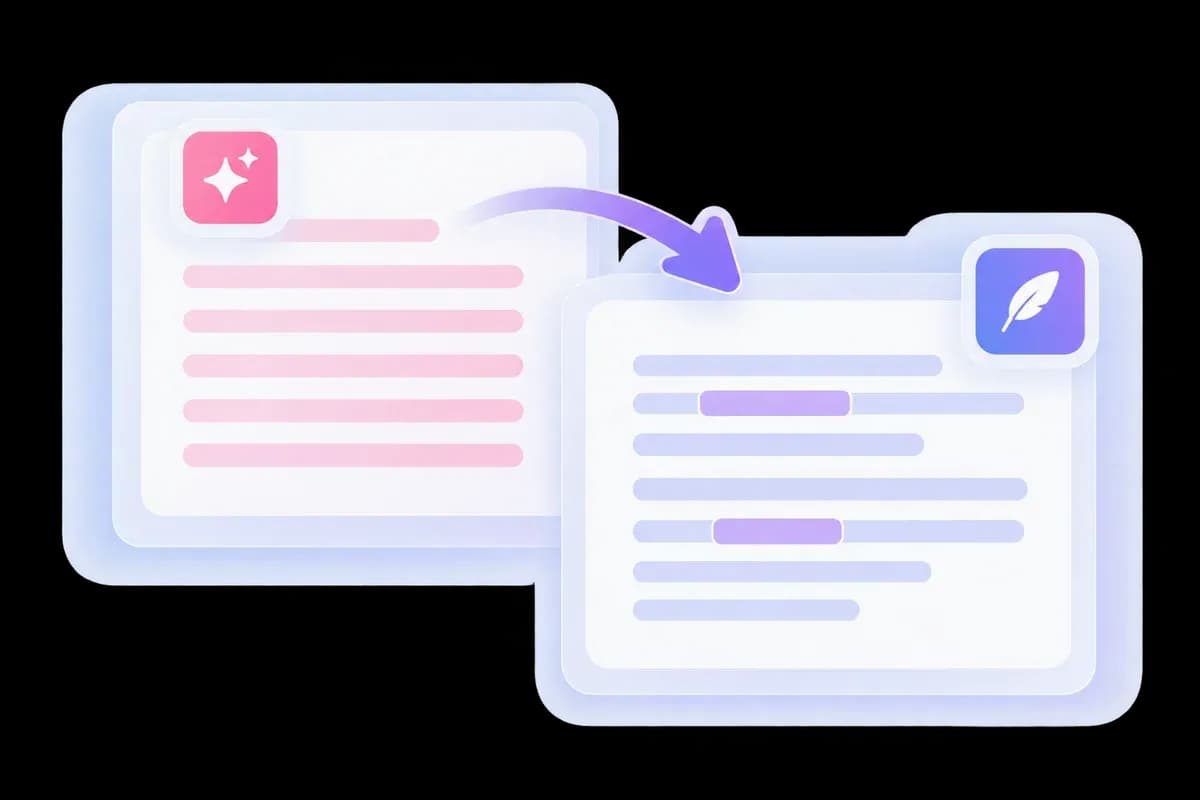
透過聽起來像人類寫的文字繞過AI偵測器
AI生成的段落經常重複相同的開頭、轉折和句子結構。Lynote的AI偵測繞過工具會重寫這些模式,使您的內容在整篇文章中聽起來更自然。
將文章、電子郵件或報告貼到編輯器中,即可在原文旁獲得修改後的版本。對於更廣泛的寫作任務,請探索AI人性化工具。
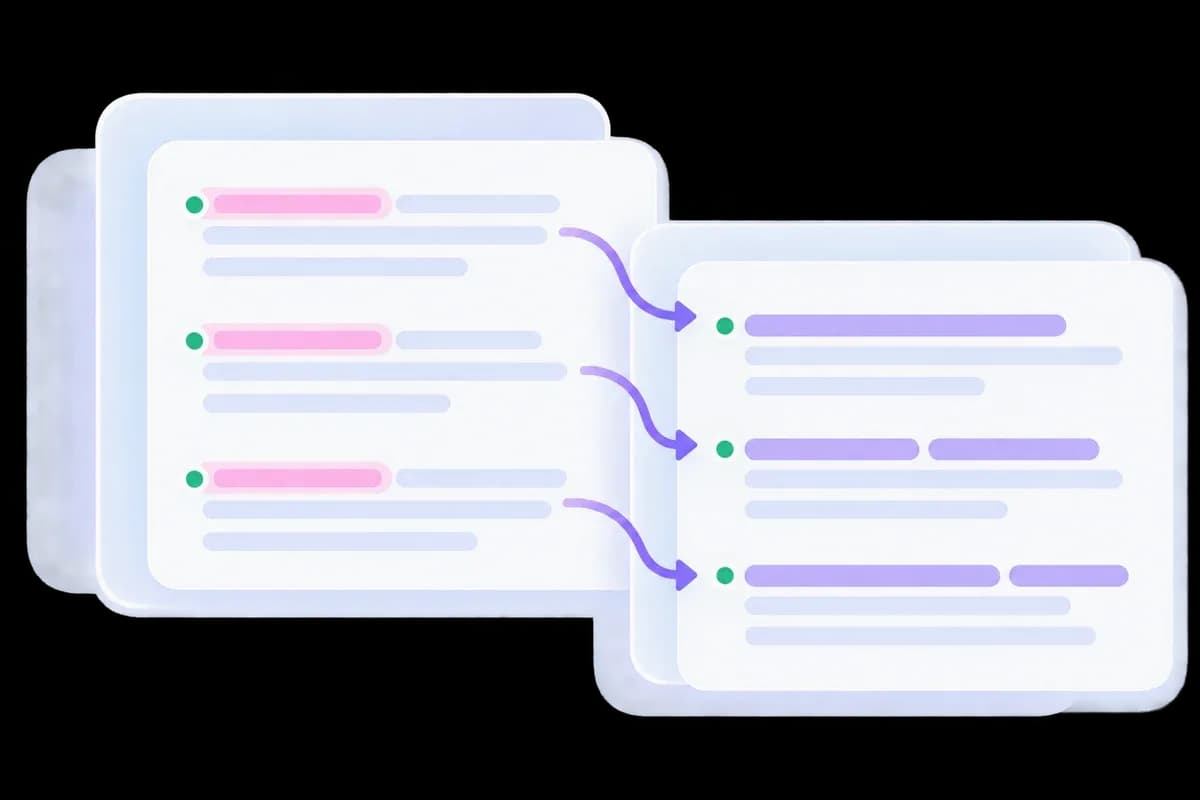
一款重寫文字的AI偵測移除工具
正在尋找AI偵測移除工具嗎?有用的改變發生在寫作本身。Lynote重塑可預測的措辭和段落流暢度,而不是隱藏字符或僅僅替換幾個同義詞。
在語言變化的同時,保留您的範例、主題和關鍵事實。結果應該讀起來像一篇連貫的文章,而不是逐句的單詞替換。
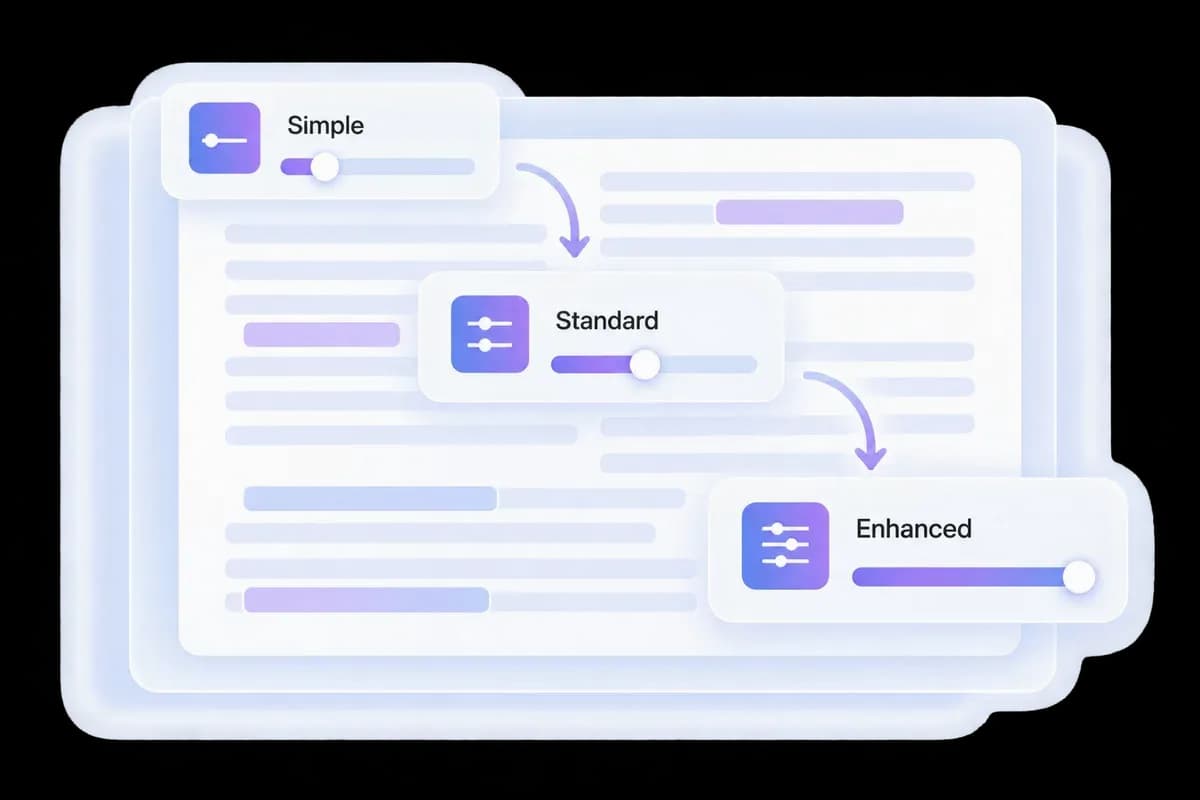
選擇您的AI繞過強度
接近完成的草稿和機器人般的初稿需要不同的處理方式。選擇「簡潔」進行輕度重寫,「標準」進行廣泛重寫,或在需要更改更多措辭時選擇「增強」。
在執行AI繞過之前,為讀者設定「可讀性」和「目的」。這些控制項讓您可以根據您實際撰寫的文件來調整重寫。
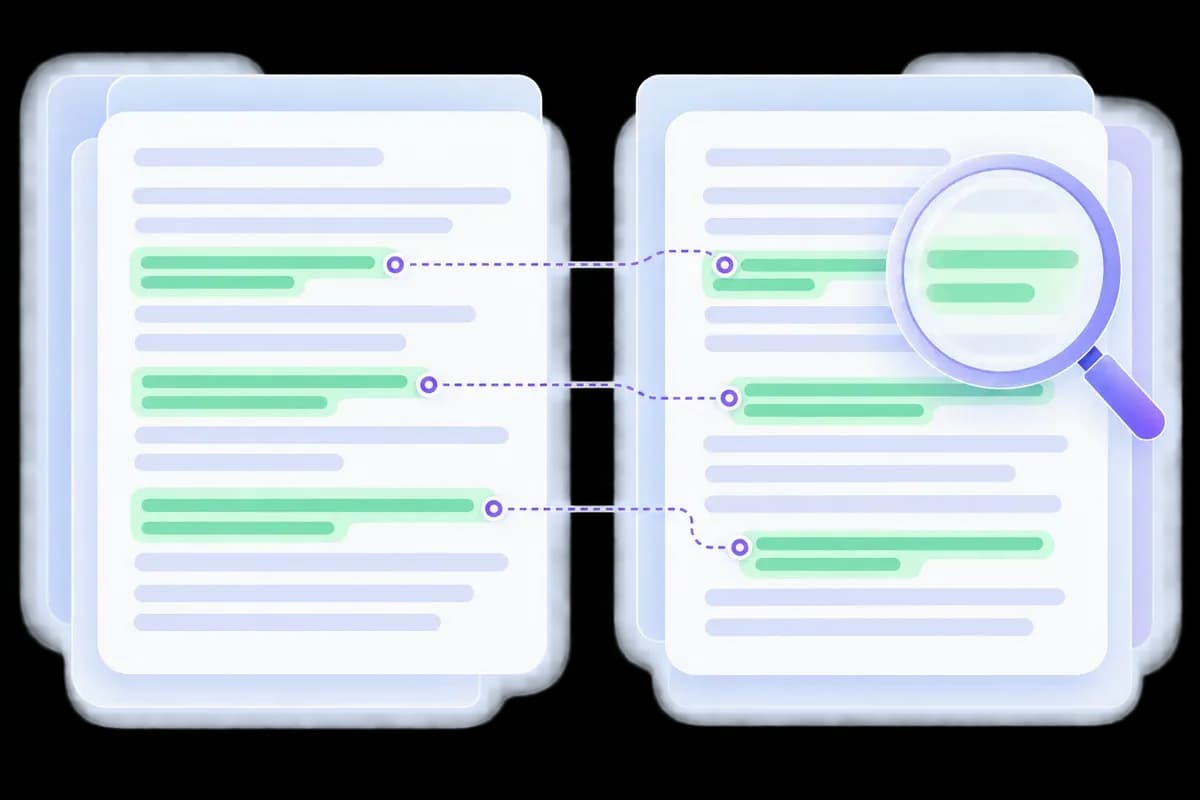
人性化、比較並檢查AI痕跡
How to Use Lynote to Bypass AI-Style Writing

透過更自然的改寫來繞過 AI 偵測器模式
<p>繞過 AI 偵測器的工作始於草稿本身。重複的句子開頭、公式化的轉場和冗長的解釋會讓 AI 輔助的文字顯得機械化。Lynote 的 AI 繞過工具會改寫措辭和句子結構,幫助您擺脫這些模式。</p><p>比較範例:「制定清晰的日程表至關重要」變為「從清晰的日程表開始」。這說明了更直接的編輯,而不是經過測量的偵測結果。對於 GPT 生成的草稿,請探索 <a href="/bypass-gpt">繞過 GPT</a>;對於更廣泛的編輯,請使用 <a href="/ai-humanizer">AI 人性化工具</a>。</p>


繞過 AI 偵測器而不失原意
<p>繞過 AI 偵測器的改寫仍需表達您的原意。隨意替換詞語可能會扭曲技術解釋,或將謹慎的主張變成承諾。Lynote 提供替代措辭,讓您在修改表達方式的同時,仍能保留原始論點。</p><p>在接受結果之前,請比較名稱、數字、引文和限定詞。圖示強調了在編輯後應保留的事實。對於基於文件的草稿,請從 <a href="/ai-humanizer-pdf">PDF 人性化工具</a>開始。</p>

為草稿選擇您的 AI 繞過模式
<p>對於 AI 偵測器繞過工作流程,請從一個具代表性的段落開始。Lynote 提供簡易、標準和增強模式,以及可讀性和目的控制,讓您可以將不同的改寫與原始文本進行比較。</p><p>選擇能改善重複措辭而不損害您語氣的版本。模式名稱並非偵測器通過率:請判斷輸出、檢查其含義,然後決定是否將該方法應用於草稿的其餘部分。</p>
如何使用 Lynote 繞過 AI 式寫作
Choose an editing approach based on what your draft needs. These are workflow differences, not product test scores.
| Editing Task | Lynote + Your Review | Word-by-Word Replacement | Manual Editing |
|---|---|---|---|
| Best starting point | A stiff or repetitive draft | One unsuitable word | An argument needing judgment |
| Sentence structure | Generate alternative phrasing | Usually stays the same | Restructure it yourself |
| Writing controls | Mode, Readability and Purpose | Individual word choices | Your own editorial decisions |
| Facts and quotations | Compare with the original | Check context after each swap | Verify against sources |
| Your personal voice | Make a final editing pass | Check for awkward vocabulary | Shape it directly |
| AI signal check | Separate AI Detector tab | Requires a separate check | Requires a separate check |
| Free access | Check the tool’s current allowance | Depends on the tool | No rewriting tool required |
| Detector outcome | Not guaranteed | Not guaranteed | Not guaranteed |
Illustrative workflow comparison. No method guarantees a detector outcome; check the final text for accuracy and fit.
編輯前後:更直接的段落

Study Notes and Summaries
Simplify a dense explanation without dropping the definition, formula or source it depends on. Keep discipline-specific terms precise.
Simplify a dense explanation without dropping the definition, formula or source it depends on. Keep discipline-specific terms precise.

Website and Product Copy
Replace repeated introductions with a direct answer. Keep product details and useful search terms, then add examples grounded in your actual offering.
Replace repeated introductions with a direct answer. Keep product details and useful search terms, then add examples grounded in your actual offering.

Personal Statements
Edit the wording around your own experiences. Keep the events, motivations and achievements specific; do not let a rewrite invent a stronger story.
Edit the wording around your own experiences. Keep the events, motivations and achievements specific; do not let a rewrite invent a stronger story.

Video and Podcast Scripts
Break up sentences that are hard to say in one breath. Read the draft aloud and keep the phrasing you would actually use on camera.
Break up sentences that are hard to say in one breath. Read the draft aloud and keep the phrasing you would actually use on camera.
Client Emails and Proposals
Make the request or decision easier to find while preserving price, scope and deadlines. Review the tone for the person receiving it.
Make the request or decision easier to find while preserving price, scope and deadlines. Review the tone for the person receiving it.
Social Posts and Captions
Cut an overlong setup and bring the main point forward. Add your own observation so the post has something specific to say.
Cut an overlong setup and bring the main point forward. Add your own observation so the post has something specific to say.
想要更好的最終編輯嗎?
閱讀 Lynote 的 AI 人性化手冊,以取得更多關於修訂 AI 輔助草稿的指引。
觀看 Lynote AI 繞過功能導覽
探索工具工作流程,然後返回編輯器,並嘗試從您自己的草稿中選取一段文字。
寫作者對 Lynote AI 繞過功能的回饋

研究生

Lynote AI 繞過功能幫助我將 AI 輔助的論文重寫成更自然的寫作風格。這讓我在繞過 AI 偵測器檢查時感覺更安全,而且最終結果聽起來仍然像是我自己的作品。

自由撰稿人
我首先喜歡的是 Lynote 提供了一個免費的 AI 繞過工作流程,可以快速測試。我可以貼上草稿,獲得更流暢的重寫,並立即看到差異,而不會浪費時間。

SEO 內容策略師
我測試過幾種工具,但 Lynote 是少數幾個能真正幫助繞過 AI 偵測器訊號,而不會讓文字顯得生硬的工具之一。重寫後的文字感覺清晰、可讀且實用。

內容創作者
很難找到一個免費的 AI 繞過工具,卻仍能提供可讀的輸出。Lynote 的表現比我預期的要好得多,特別是對於標題和短內容草稿。

部落格編輯
當草稿感覺過於機械化時,Lynote 作為 AI 偵測移除工具表現出色。它能軟化重複的措辭,並消除通常會立即顯現的明顯機器寫作語氣。

代理機構創辦人
我們使用 Lynote 作為 AI 偵測移除工具,在最終編輯前進行初步清理。它幫助我們的團隊將生硬的 AI 草稿轉化為更自然的內容,同時不失原意。
AI 繞過重寫會有哪些改變?
句型模式
重複的開頭和統一的句子長度會被重新編排,使其流暢度更自然,不那麼機械化。
重複的開頭和統一的句子長度會被重新編排,使其流暢度更自然,不那麼機械化。
用詞選擇
常用轉折詞和浮誇的詞語會被替換成更符合上下文的措辭。
常用轉折詞和浮誇的詞語會被替換成更符合上下文的措辭。
您的訊息
主題和預期意義引導重寫。在使用結果前,請比較事實細節。
主題和預期意義引導重寫。在使用結果前,請比較事實細節。
觀看 Lynote Bypass AI 逐步教學
How the tool works, what to review, and what an AI detector result can tell you.
將您的草稿貼入 Lynote,選擇重寫模式,然後執行 AI 繞過。將修改後的文本與原文進行比較,然後使用與您的工作流程相關的偵測器進行檢查。
是的。您可以從編輯器中提供的免費額度開始。目前的字數限制和帳戶要求會在產品中顯示;免費使用不代表無限使用。
AI 繞過工具會重寫 AI 生成的文本,以減少機械化的措辭和重複的模式。Lynote 提供重寫模式和寫作控制,使輸出內容能符合您的受眾。
它會重寫可見的文本。AI 偵測並非一個可以從普通段落中移除的單一隱藏標籤。您可以比較輸出內容中措辭和結構的變化。
無法保證對所有偵測器都有效。請審查您的輸出內容,並使用您實際使用的服務進行評估。如需專注於特定工作流程,請參閱我們的 GPTZero 和 Turnitin 人性化工具頁面。
