Article Humanizer for Publish-Ready AI Drafts
Why Choose Our Article Humanizer
Natural Writer Voice
Eliminate repetitive AI transition words like 'furthermore' to restore a genuine, natural writer voice in your editorial drafts.
Direct Document Uploads
Upload your .docx and .txt article drafts directly into the tool to streamline your publishing workflow.
No Account Needed
Try the article humanizer with no account needed. Refine short editorial sections before you commit to a full rewrite workflow.
Global Language Support
Humanize articles in over 80 different languages to support your international content marketing campaigns.
Improved Readability
Enhance your narrative flow to boost overall readability, creating engaging posts that align with search engine quality standards.
Smart Paragraph Analysis
Analyze full paragraph context to prevent the awkward phrasing often caused by blind synonym swapping.
Fast Article Restructuring
Use article restructuring to improve paragraph order, transitions, and flow before editorial review for a smoother publishing workflow.
Private Draft Protection
Keep your unreleased content secure. Your private article drafts are never used to train external AI models.

Preserve Factual Accuracy With Context-Aware Rewriting

Control Editorial Depth With Three Humanization Modes

Review Predicted Detector Scores Before Publishing
How to Humanize Articles in Three Steps

Step 1. Paste Text or Upload Article
Start with the article section you plan to publish. Paste it into the editor, or upload a .pdf, .doc, .docx, or .txt draft.

Step 2. Select an Editorial Mode
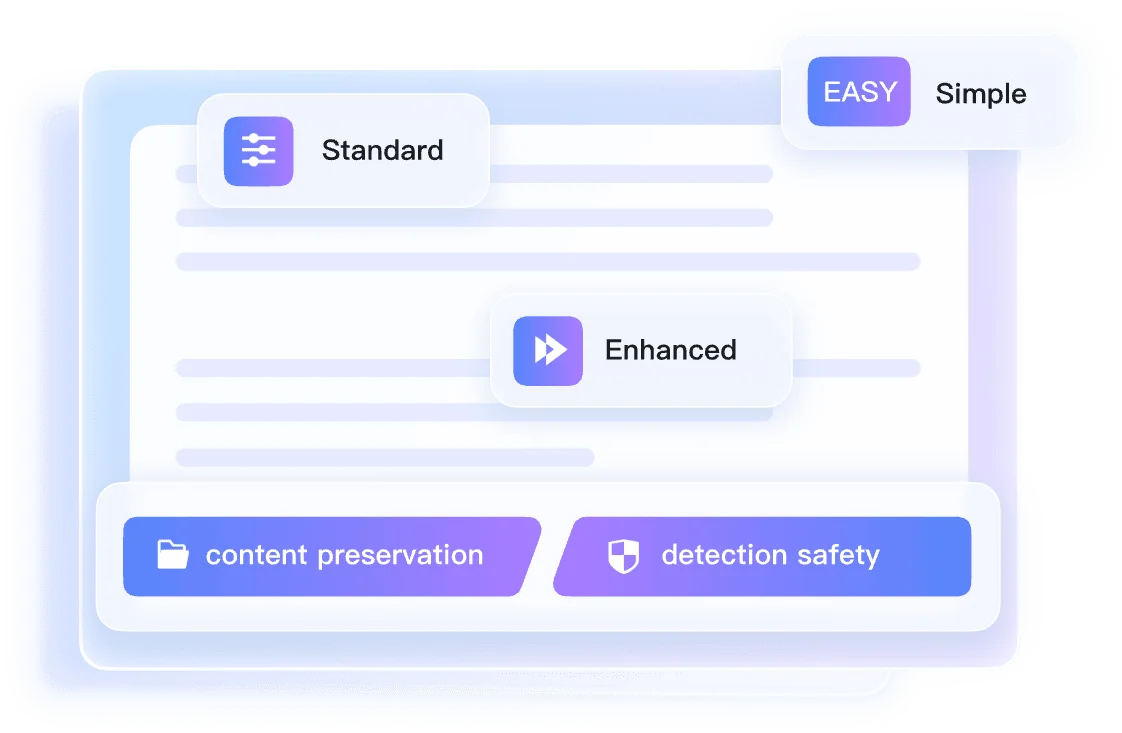
Use Simple for light cleanup, Balanced for smoother paragraph rhythm, or Enhanced when the article needs deeper structural editing.

Step 3. Humanize and Review
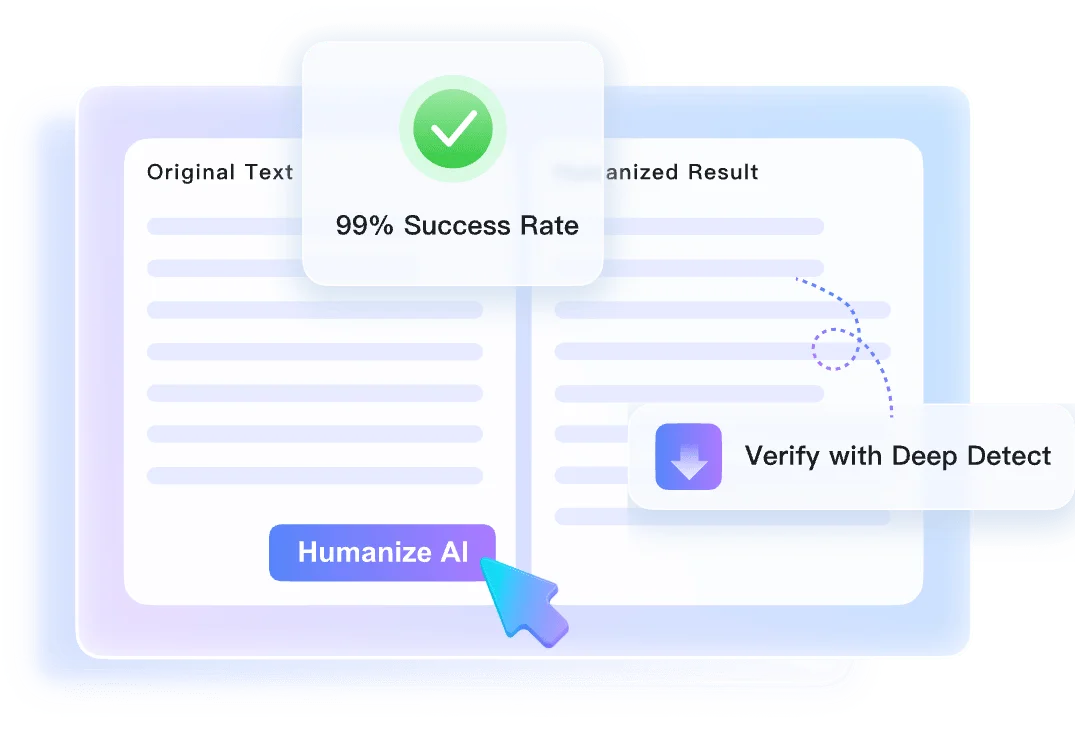
Click 'Humanize' and compare the rewritten article against your original point. Use the Instant Authenticity Report as a final editorial check.
Perfect for Any Long-Form Content Project

SEO Specialists
Humanize AI article drafts one by one so each blog post reads naturally before publication.

Client Article Drafts
Refine AI-generated outlines into natural, client-ready article drafts that maintain a professional freelance writer's voice.

Guest Posts
Restructure stiff, AI-generated guest posts for better narrative flow before content manager review.

High-Volume Publications
Maintain editorial standards across high-volume article publishing workflows so every piece gets a more natural, engaging voice.
Who Uses Our Article Humanizer?

SEO Specialists
SEO specialists humanize AI-assisted blog articles to improve readability and reduce robotic phrasing before publication.

Freelance Writers
Freelance writers use this AI article humanizer to refine robotic outlines into natural, client-ready drafts for their publishing clients.

Content Managers
Content managers rely on our AI article humanizer to restructure stiff guest posts for better narrative flow.

Digital Publishers
Digital publishers maintain editorial standards across high-volume article publishing workflows without losing the human touch.

Bloggers
Bloggers add a personal writer's voice to AI-assisted long-form guides to keep their readers engaged.

Copywriters
Copywriters polish long-form marketing content to remove robotic patterns and connect better with their target audience.
What Our Users Say
Frequently Asked Questions
Still got questions about our article humanizer? Find the answers you need below.
Standard paraphrasing tools simply swap words with synonyms, which often creates awkward phrasing. Our AI article humanizer analyzes the full context of your draft, then restructures sentences and tone so the final piece reads more naturally.
The tool scans your entire draft to understand the core message, tone, and logical flow before making any changes. Instead of editing line by line, it rewrites the text to maintain your original meaning while adding natural transitions and varied sentence structures typical of human writers.
Yes, you can upload your drafts directly. We support .doc and .docx files, as well as .pdf and .txt formats for quick processing.
Yes, the free version allows you to process up to 600 words per request. You can paste text or upload a single document.
No, the rewriting engine is specifically designed to preserve your core message, facts, and intent while only updating the style and readability.
No, we never use your private drafts or uploaded documents to train our models. Your content remains private and secure.
No account is required for basic use. Paste your article section, humanize it, and review the result before creating a workspace.
General AI models often keep predictable rhythms even when prompted to sound natural. Lynote focuses on article-level rewriting, so you can review a cleaner, more publish-ready draft with authenticity signals.
Yes, the system keeps headings and paragraph breaks readable during rewriting, so your article structure is easier to review afterward.
Most short article sections return in seconds. Longer uploaded drafts may take more time, and the Instant Authenticity Report appears with the rewritten text.