Free Paragraph Humanizer Online
Inhalt
Ergebnis
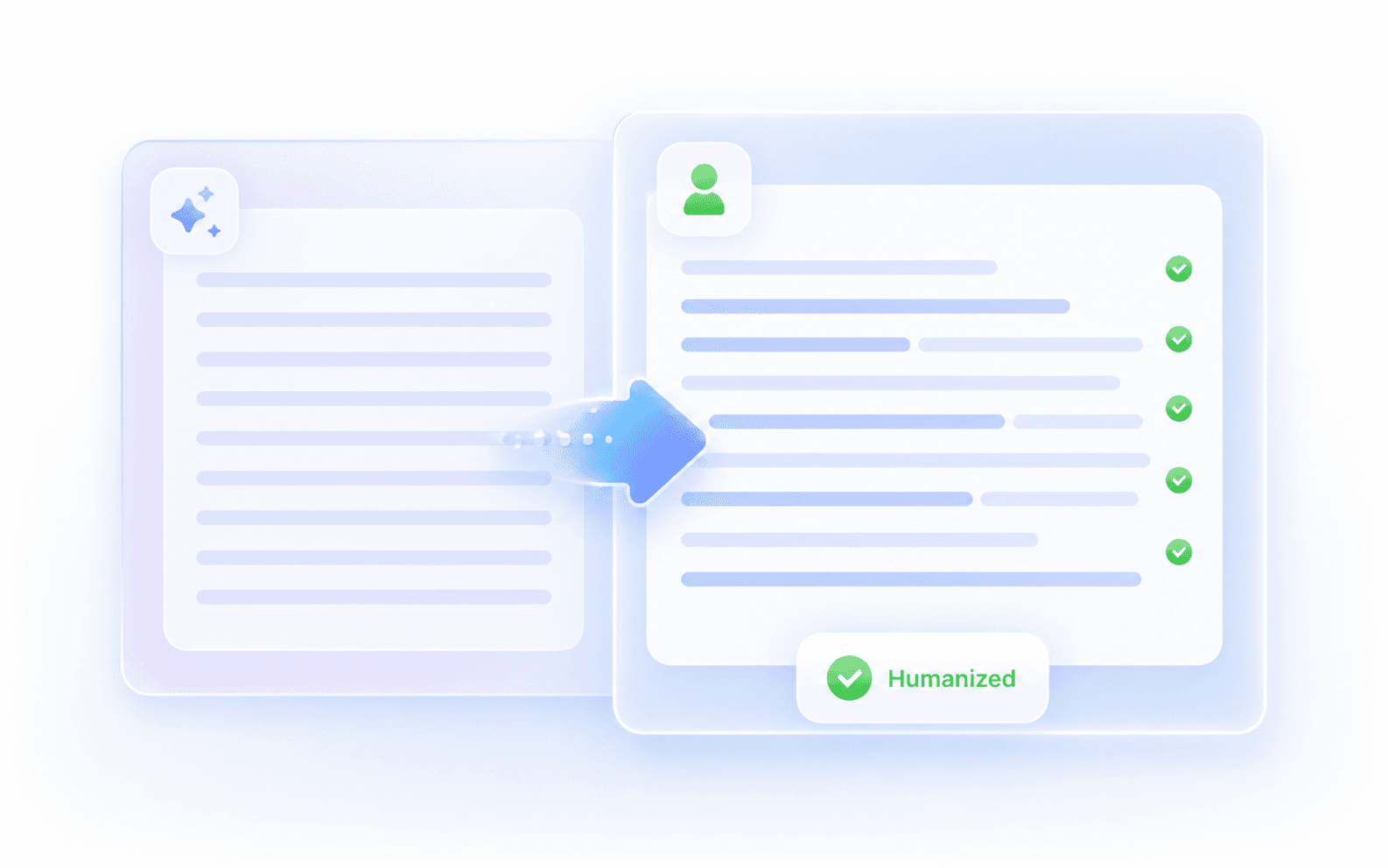
Ihr humanisiertes Ergebnis erscheint hier. Fügen Sie zunächst Ihren KI-generierten Text in das linke Feld ein.
Letzte Aktivitäten
Why Use Lynote's Paragraph Humanizer?
Humanize Paragraphs Free
The paragraph humanizer free limit gives you up to 600 words per request, enough for body paragraphs, email sections, short answers, and AI-generated passages.
Work From Paste or Files
Paste the text you want fixed, or upload a PDF, DOC, DOCX, or TXT file and pull out the passage that actually needs a rewrite.
Humanize Multilingual Paragraphs
Use Lynote in 80+ languages when you need to humanize paragraph free, soften translated phrasing, or make a short section read less literal.
Fix Only the Weak Sections
Use this AI paragraph humanizer free tool when parts of your draft sound automated but the rest already works. Rewrite weak sections without flattening the whole document.
Start Without an Account
When a deadline is close, paste the text and humanize this paragraph without creating an account for basic use.
Feedback After the Rewrite
After rewriting, the Instant Authenticity Report gives feedback on predicted detector signals so you can decide what still needs a human edit.
Repair Sentence Rhythm
This humanize paragraph rewriter breaks up same-length sentences, removes obvious AI transitions, and makes each line move into the next more naturally.
Careful Draft Handling
The paragraph AI humanizer is built for careful handling of pasted text and uploaded files, especially when you are editing school, work, or client drafts.

What Is a Paragraph Humanizer?

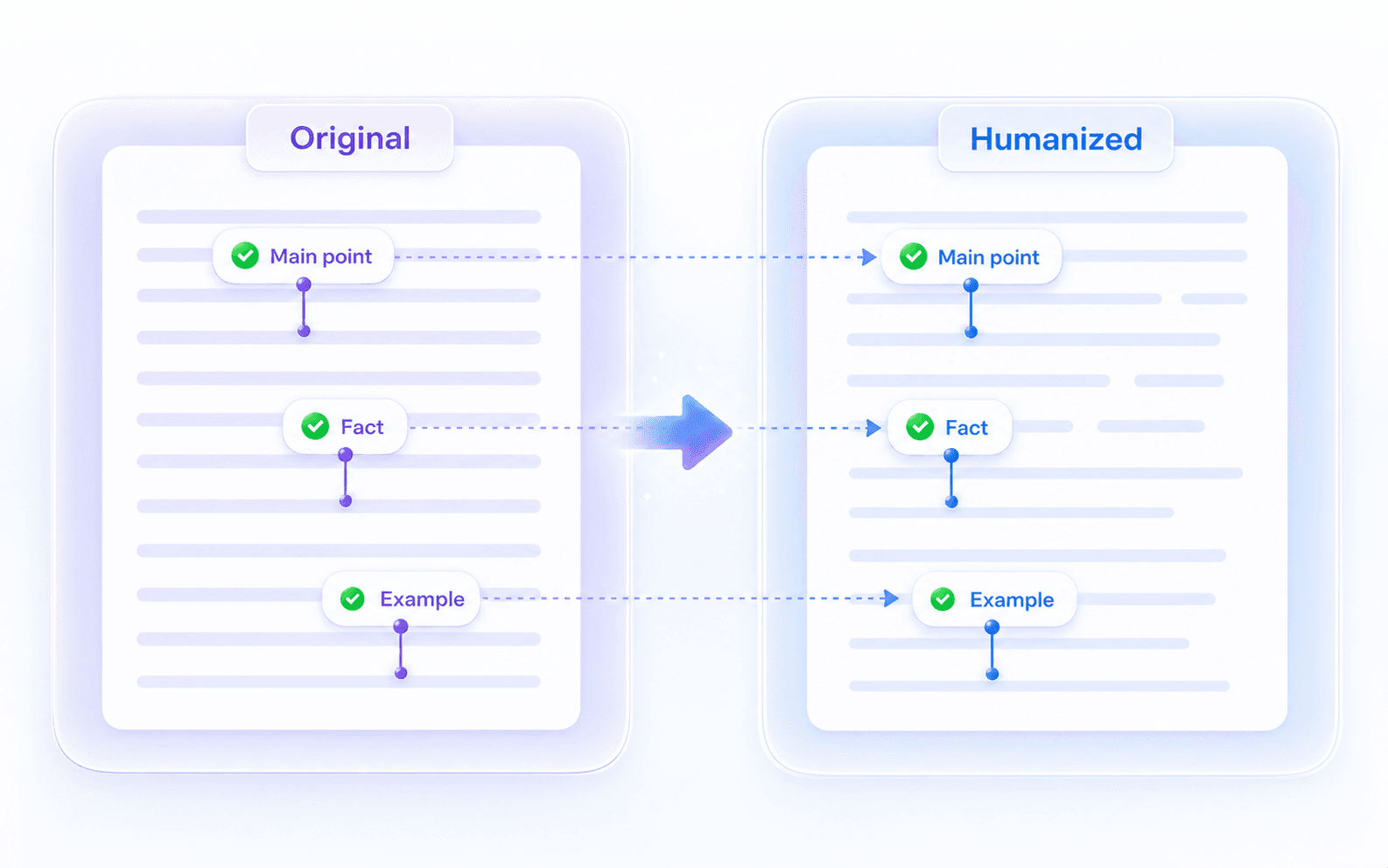
Humanize Paragraphs Without Losing the Point

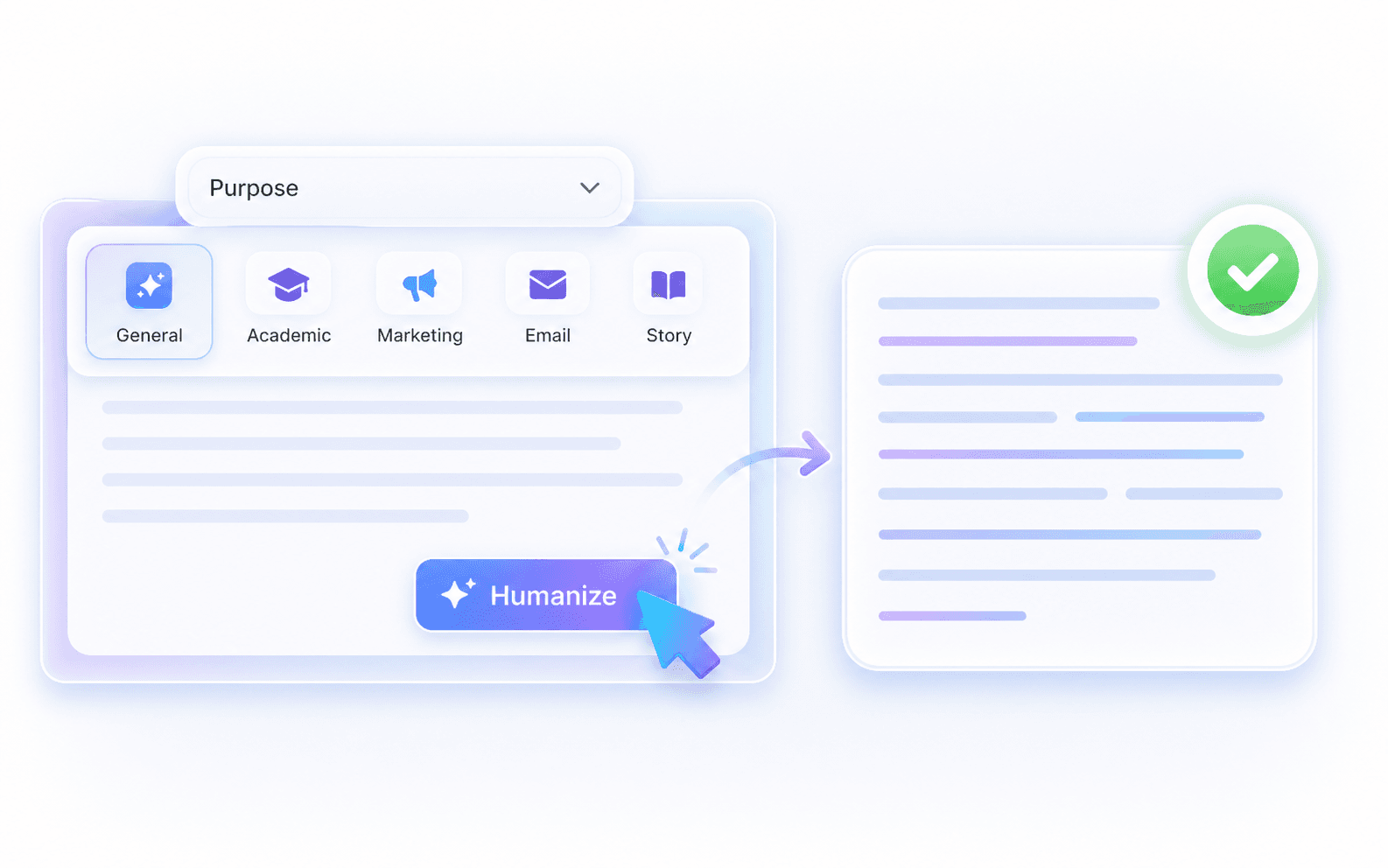
Purpose-Based Paragraph Rewrites
How to Humanize Paragraphs in 3 Steps

Paste Your Text
Paste the text that feels stiff, repetitive, too formal, or obviously AI-assisted. You can also upload a supported file and select the passage within the 600-word free request limit.

Humanize the Text
Choose a purpose such as General, Academic, Marketing, Business, Essay, Email, Legal, or Story, then click Humanize to generate a cleaner version.

Review and Copy
Compare the rewrite with your original text. Keep the stronger phrasing, restore any required wording, then copy the version that still sounds like your document.
Humanize Paragraphs Where One Section Matters

Essay Body Paragraphs
Humanize paragraph free when an essay section has the right evidence but reads too stiff for the rest of the paper.

Blog Intros and Endings
Replace generic openings, repeated transitions, or tidy AI conclusions with a paragraph that feels written for the actual reader.

Product and Ad Copy
Humanize a product description or campaign paragraph so the benefit sounds specific without changing approved claims, prices, or offers.

Cover Letters and Bios
Use this rewrite my paragraph humanizer on experience, bio, or cover-letter sections so they feel confident instead of copied from a template.

Translated Short Text
Humanize paragraph text that was translated too literally, especially when the meaning is right but the English rhythm feels unnatural.

Client-Ready Sections
Clean up one client-facing section before delivery so it matches the surrounding brief, proposal, or brand voice.
Who Uses a Paragraph Humanizer?

Students and Researchers
Use the free paragraph humanizer when research, essay, or assignment paragraphs have solid evidence but need clearer flow.

Content Editors
Use humanize this paragraph when an introduction, summary, or update sounds too generic for your audience.

Ecommerce Marketers
Humanize AI short text in product blurbs, landing-page sections, and campaign paragraphs while keeping commercial details accurate.

Job Seekers
Run an AI paragraph humanizer on sections that explain your experience, achievements, or motivation.

Non-Native Writers
Smooth short English paragraphs when the message is correct but the phrasing feels translated or overly formal.

Freelance Writers
Use a paragraph AI humanizer to align rough sections with a client's preferred tone before you send the draft.
Paragraph Rewrites in Real Workflows
Frequently Asked Questions
A paragraph humanizer is a focused rewriting tool for paragraphs and short passages. It helps when the idea is right but the wording sounds stiff, repetitive, translated, or AI-generated.
Paste your text, choose a purpose if needed, and click Humanize. Then compare the result with the original before replacing the text in your draft.
Yes, basic usage requires no sign-up. The free tier allows you to process up to 600 words per request.
A paraphraser often focuses on alternative wording. A paragraph humanizer focuses on the whole passage: topic sentence, flow, transitions, rhythm, and whether the paragraph fits the surrounding draft.
It is designed to keep your core idea, names, and facts in view while improving the phrasing. You should still review citations, figures, and required terminology.
Yes, it works well for humanizing AI short text like email intros, social media captions, product blurbs, and brief professional bios.
Use General for everyday paragraphs, Academic or Essay for school writing, Marketing for product copy, Business or Email for professional messages, Legal for formal wording, and Story for narrative text.
You can rewrite text in over 80 languages. If you prefer uploading files instead of pasting, we support .pdf, .doc, .docx, and .txt formats.
Your text is handled through Lynote's secure rewriting workflow. Avoid pasting highly sensitive information, and review the final paragraph before using it in public or professional work.
No. While the tool improves readability and removes common robotic patterns, it is an editing aid, not a guaranteed bypass tool. Lynote provides an instant authenticity report so you can review predicted scores and make manual adjustments.