logo
menu

Compress Image to 20MB

Reduce large image files to a 20MB-friendly size. Keep photos clear for uploads, forms, forums, portfolios, and sharing.
目标大小:
100KB
Compress image

拖入图片,或点击选择

单个文件最大 50 MB

JPEGPNGWEBP
20MB
Target Upload Size
Large
Photo Compression
Fast
Browser Processing

Why Choose Our 20MB Image Compressor?

Built for Large Image Files

Built for Large Image Files

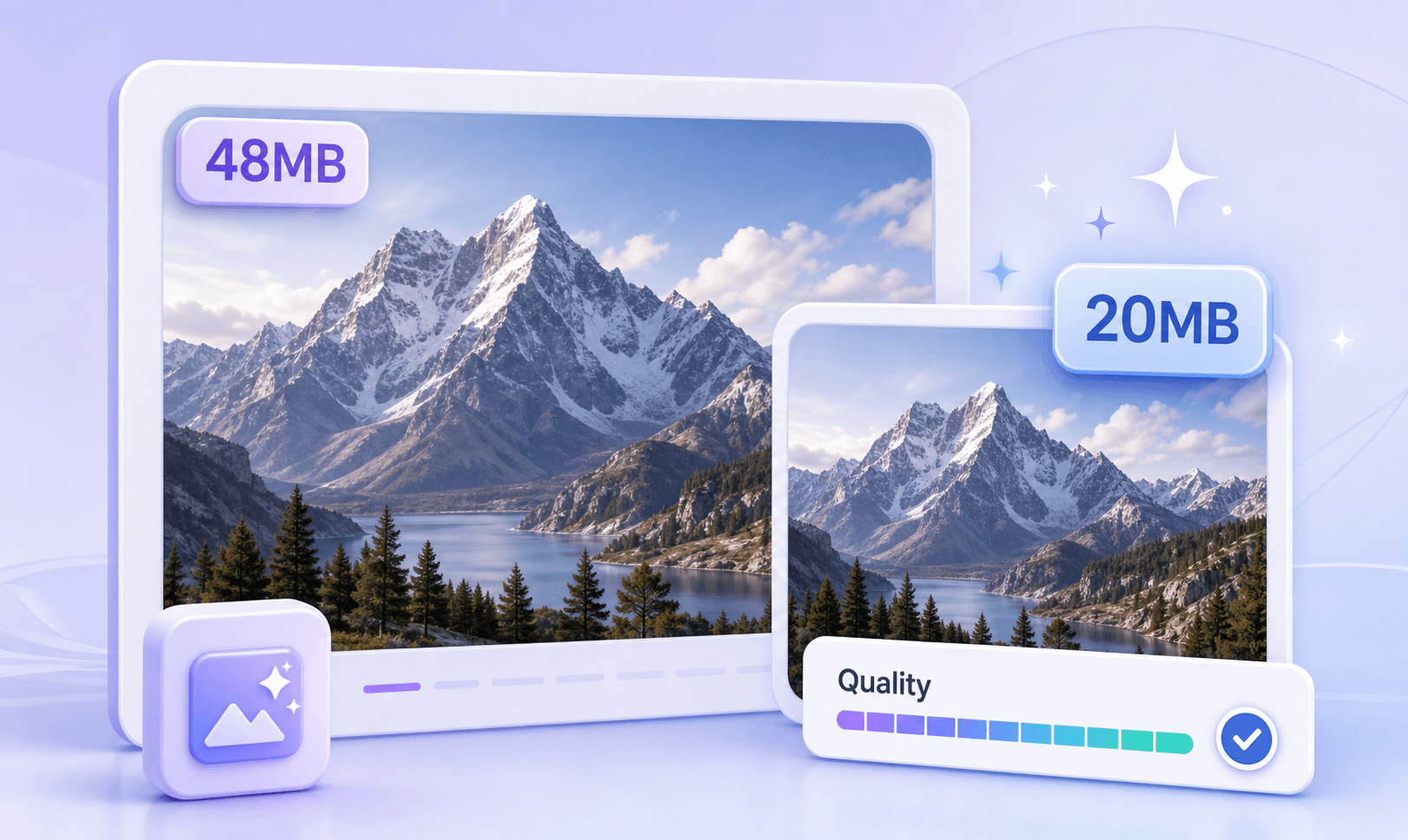
A 20MB limit is usually for bigger photos, high-resolution images, screenshots, design exports, or portfolio files. Lynote helps reduce oversized images without forcing them down to tiny KB targets.

20MB Target Size Control

20MB Target Size Control

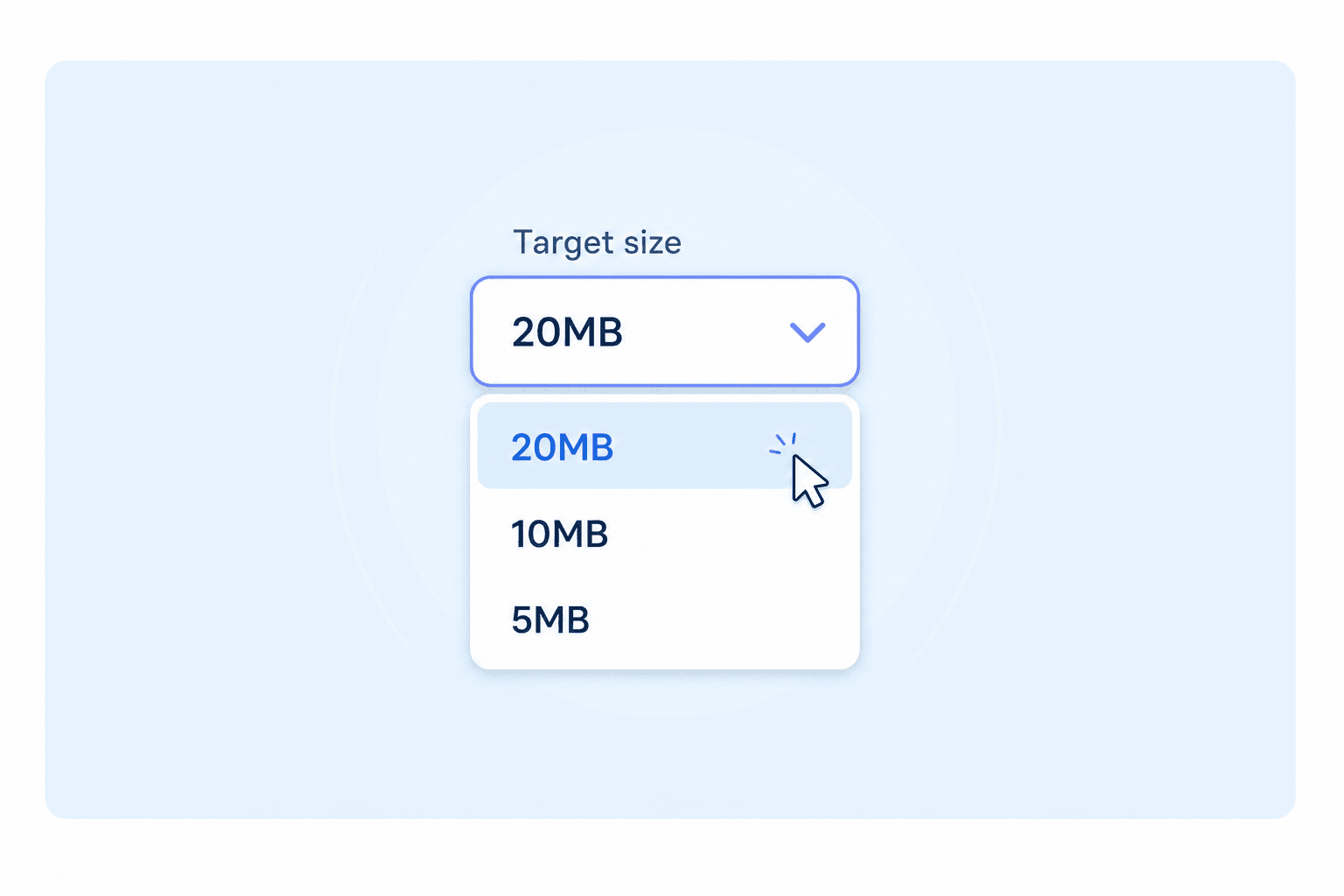
Instead of guessing compression settings, choose a target close to 20MB. This is useful when a platform, upload form, or image portal rejects files above a maximum size.

Works for JPG and JPEG Photos

Works for JPG and JPEG Photos

Need to compress image to 20MB JPG? Lynote can help reduce large JPG and JPEG files while keeping the result practical for online use.

Better Than Over-Compressing

Better Than Over-Compressing

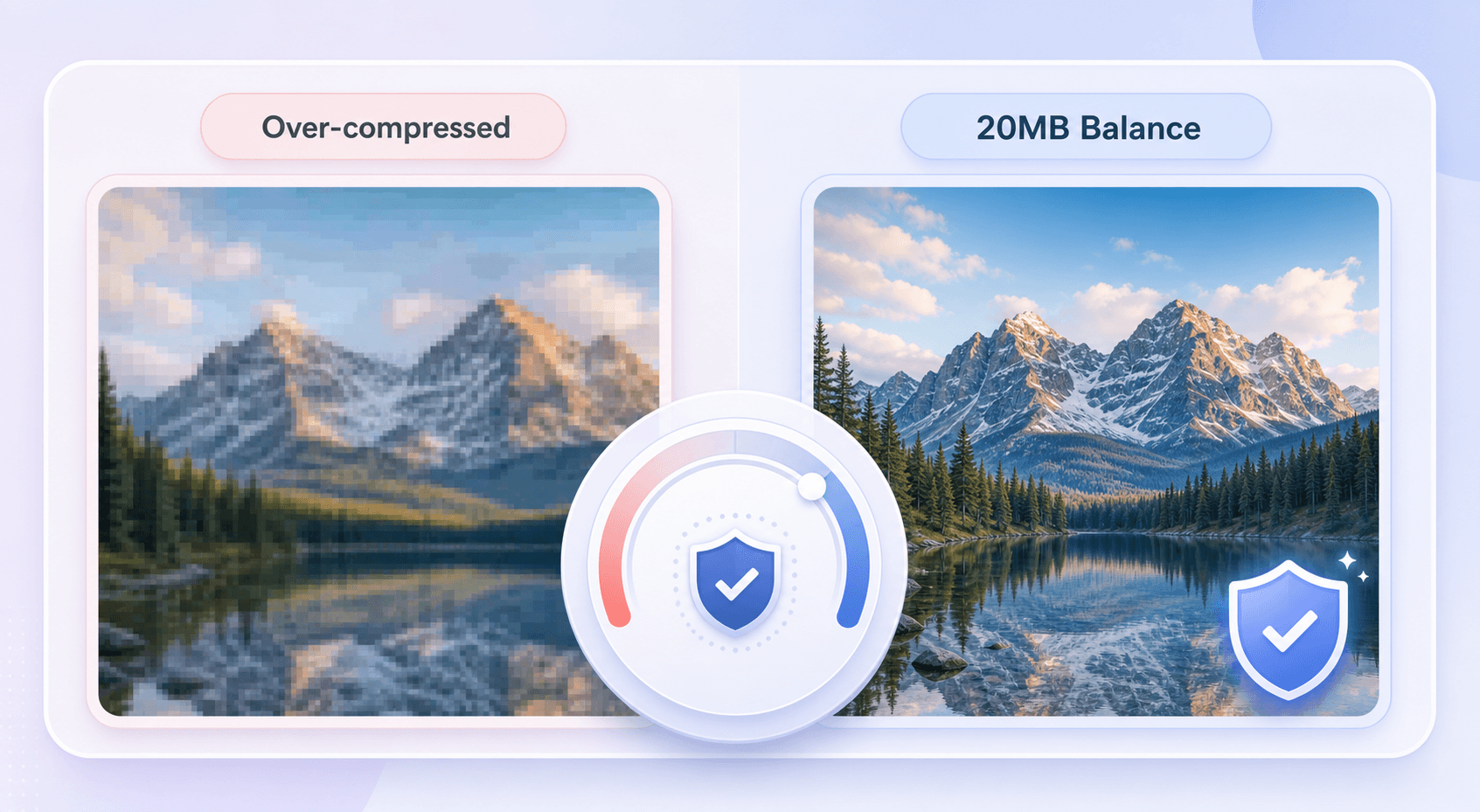
Small KB tools can make a large photo look blurry or damaged. A 20MB target lets you reduce file size while preserving more detail than extreme compression.

Useful for Forums and Community Uploads

Useful for Forums and Community Uploads

Some users search for Reddit or forum image file compression around 20MB because large uploads can fail. Lynote helps prepare images before posting or sharing.

No Software Installation

No Software Installation

Compress large images in your browser without opening heavy editing software. This is useful when you need a quick 20MB image file compressor online.

Upload-Friendly Output

Upload-Friendly Output

Use the compressed result for forms, school portals, job applications, CMS uploads, marketplace listings, cloud sharing, and support tickets.

Simple Workflow for Big Photos

Simple Workflow for Big Photos

Upload the image, set the target, compress, and download. Lynote keeps the workflow direct even when the source image is large.

Compress Large Photos Without Shrinking Them Too Far

Not every image needs to become 100KB or 500KB. When the upload limit is 20MB, the goal is usually to keep a high-quality image while making it small enough to pass the file limit. Lynote helps you compress large photos to a 20MB-friendly size without treating them like tiny thumbnails.

Compress Large Photos Without Shrinking Them Too Far

20MB JPG Compression for Upload Limits

Large JPG or JPEG files from cameras, phones, scanners, and design exports can easily exceed platform limits. Lynote helps compress image to 20MB JPG when you need a smaller version for an upload form, online profile, portfolio, forum post, or document attachment.

20MB JPG Compression for Upload Limits

Avoid Extreme Compression Damage

Over-compressing a large image can create blurry textures, blocky edges, and washed-out color. A 20MB target gives you more room to keep visual detail while still reducing file size. Lynote is useful when you need the file accepted but still want the image to look professional.

Avoid Extreme Compression Damage

How to Compress Image to 20MB Online

Step 1. Upload Your Large Image

Step 1. Upload Your Large Image

Choose a large JPG, JPEG, PNG, or supported image file from your device. This works well for camera photos, phone pictures, screenshots, design exports, scanned images, and portfolio visuals.

Step 2. Choose 20MB as the Target Size

Step 2. Choose 20MB as the Target Size

Set the target size to 20MB or a nearby limit. This helps when a website, form, forum, or upload portal rejects images that are too large.

Step 3. Compress and Download

Step 3. Compress and Download

Run the image compression, review the smaller file size, and download the optimized result. Use the compressed image for uploads, sharing, forms, forums, or online storage.

Who Is This 20MB Image Compressor For?

Photographers

Photographers

Compress large JPEG photos for previews, client review, online sharing, or portfolio submissions.

Designers

Designers

Reduce image exports before uploading them to briefs, CMS platforms, project folders, or feedback tools.

Students

Students

Make large images smaller for school portals, research uploads, class projects, and application forms.

Forum and Community Users

Forum and Community Users

Prepare large images for forum posts, community threads, Reddit-style sharing, and support discussions.

Job Applicants

Job Applicants

Compress ID photos, scanned documents, portfolio images, and application attachments before submission.

Everyday Users

Everyday Users

Shrink oversized images from phones, cameras, screenshots, and cloud downloads without making them tiny.

What People Say About Our 20MB Image Compressor

Emily Carter
Emily Carter

Photographer

starstarstarstarstar

"I needed to reduce a high-resolution JPG without turning it into a tiny file. The 20MB target made the result easier to upload."

Marcus Lee
Marcus Lee

Designer

starstarstarstarstar

"Large design exports often fail on client portals. Lynote helps me compress image files to a usable size quickly."

Rachel Morgan
Rachel Morgan

Student

starstarstarstarstar

"My application form rejected my image because it was too large. I used Lynote to bring it closer to the 20MB limit."

Daniel Brooks
Daniel Brooks

Community Manager

starstarstarstarstar

"I use it before posting large images in community threads. It saves time when a platform has strict file size limits."

Sophie Adams
Sophie Adams

Marketing Specialist

starstarstarstarstar

"It is helpful for big campaign visuals that need to stay clear but still fit upload requirements."

Kevin Miller
Kevin Miller

Freelancer

starstarstarstarstar

"Lynote gives me a quick way to compress large JPG files before sending them to clients or uploading them online."

Frequently Asked Questions

Still have questions about compressing images online? Here are the answers.

It means reducing an image file so the final size is close to or under 20MB. This helps when a website, form, or platform has a 20MB upload limit.

Yes. Lynote lets you upload an image, choose a target size, compress it online, and download the optimized result.

Yes. If you need to compress image to 20MB JPG, upload your JPG or JPEG file and choose a target size near 20MB.

A 20MB target is better for large high-resolution images where you want to keep more detail. Tiny KB targets are better for strict forms, but they may reduce quality more heavily.

Any compression can affect quality if the original file needs a large reduction. A 20MB target usually gives more room to preserve detail than extreme KB compression.

Yes. If a forum or community platform rejects a large image, you can compress the image toward a smaller file size before uploading.

Lynote is designed for common image compression workflows, including JPG, JPEG, PNG, and other supported image files depending on the upload tool.

Yes. This page focuses on users who need a 20MB-friendly output, especially for large files. A general image compressor may not explain this specific upload-size goal.

More Free Online Tools

Need another file-size target? Try more Lynote tools for image and document compression.