


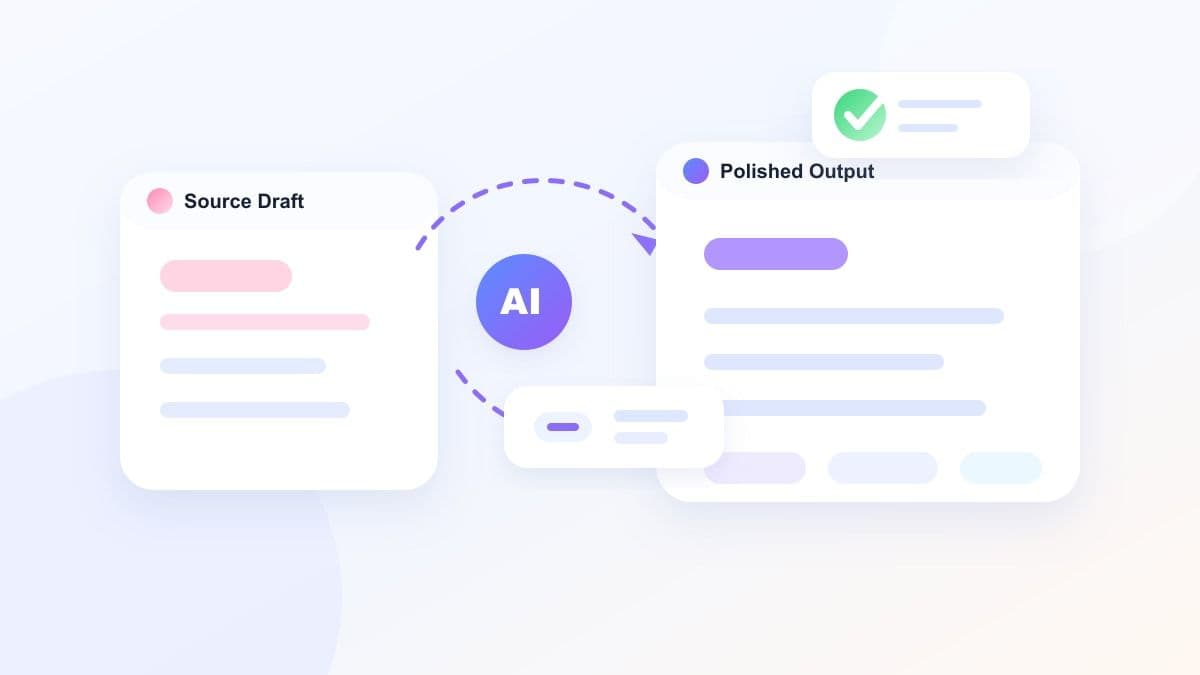



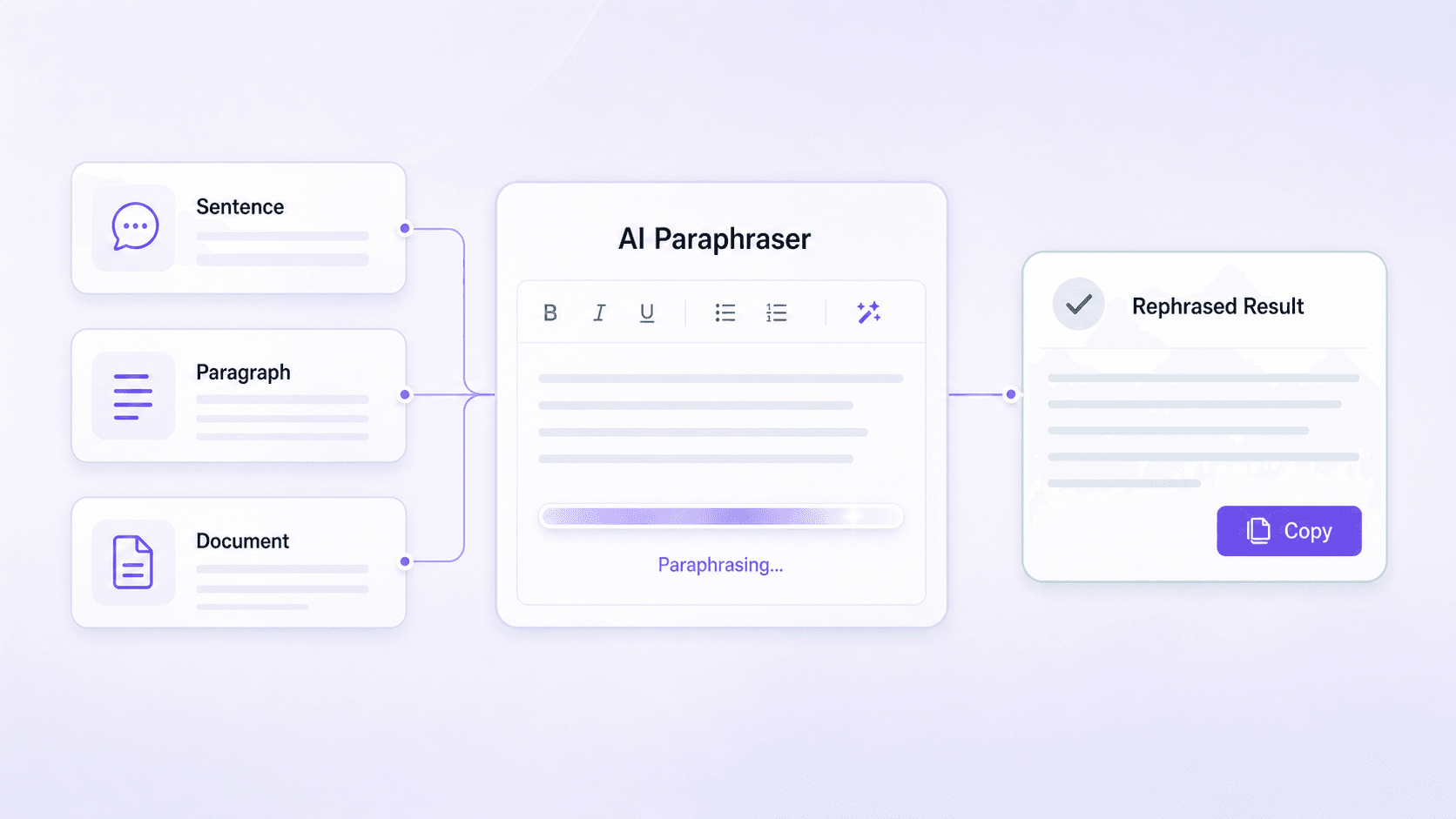
An AI paraphrasing tool helps writers express an existing idea in a new way without changing what it means. It examines the context of the original passage, replaces repetitive wording, and restructures sentences to improve clarity and flow. Writers can use it for essays, emails, reports, blog posts, and other drafts when they need fresh phrasing but want to keep the same message.

เครื่องมือถอดความ AI ฟรี: เขียนข้อความใหม่ทางออนไลน์
เขียนประโยค ย่อหน้า และฉบับร่างที่ยาวขึ้นใหม่ด้วยเครื่องมือถอดความ AI ที่ยังคงความหมายเดิมของคุณไว้ พร้อมปรับปรุงความชัดเจนและความลื่นไหล วางข้อความหรืออัปโหลดเอกสาร เลือกวัตถุประสงค์ในการเขียน และรับเวอร์ชันใหม่ในไม่กี่วินาที—ฟรี โดยไม่ต้องลงทะเบียน

เกี่ยวกับเครื่องมือถอดความ AI

What Does Paraphrasing Mean?
Why Try Our Lynote AI Paraphrasing Tool
การถอดความหมายถึงอะไร?
การถอดความเป็นกระบวนการเขียนแนวคิดใดๆ ใหม่ด้วยคำพูดของคุณเองโดยไม่เปลี่ยนแปลงแนวคิดเดิม ส่วนใหญ่มีประโยชน์ในการปรับปรุงความสามารถในการอ่าน เปลี่ยนแนวคิดที่ซับซ้อนให้เป็นแนวคิดง่ายๆ หรือลบการคัดลอกผลงานออกจากข้อความใดๆ
Improve Writing
Not confident about your writing skills? Use Lynote to write assignments and analyze the changes to improve your skills for the future.
Grammatically Accurate
The Lynote AI Paraphraser ensures every line is grammatically accurate and maintains the original concept. There is no need to use separate tools to check grammar.
Paraphrase in Any Language
Lynote AI Paraphrasing tool is industry-leading when it comes to multilingual support. It can paraphrase text in 80+ languages.
Best for Beginners
With Lynote, you do not need to rely on others to help you with any task. It has a simple interface that can be easily navigated, even by beginners.
No Payments Required
Tired of paying monthly charges for an online paraphrasing tool? Shift to Lynote and get results as good as a professional writer.
Use it Without Signing Up
Our tool does not ask for your personal data or credit card information to paraphrase any text.

ไม่ต้องถอดความด้วยตนเองอีกต่อไป

ปรับปรุงการเขียน

ถูกต้องตามหลักไวยากรณ์
See How AI-Generated Paraphrasing Text Is Detected
We tested a keyword-focused passage about an AI paraphraser and paraphrasing tool with Lynote AI Detector. The live scan returned 100% AI-generated, 0% mixed, and 0% human-written.
Our detector is highly confident that the text is written by AI.
- 100%An AI paraphrasing tool helps writers express an existing idea in a new way without changing what it means.
- 100%Writers can use it for essays, emails, reports, blog posts, and other drafts when they need fresh phrasing but want to keep the same message.
- 100%It examines the context of the original passage, replaces repetitive wording, and restructures sentences to improve clarity and flow.
ดูวิธีการตรวจจับข้อความที่ถอดความโดย AI
เราได้ทดสอบข้อความที่เน้นคีย์เวิร์ดเกี่ยวกับเครื่องมือถอดความ AI และเครื่องมือถอดความด้วย Lynote AI Detector ผลการสแกนแบบเรียลไทม์แสดงผล สร้างโดย AI 100%, ผสม 0% และเขียนโดยมนุษย์ 0%
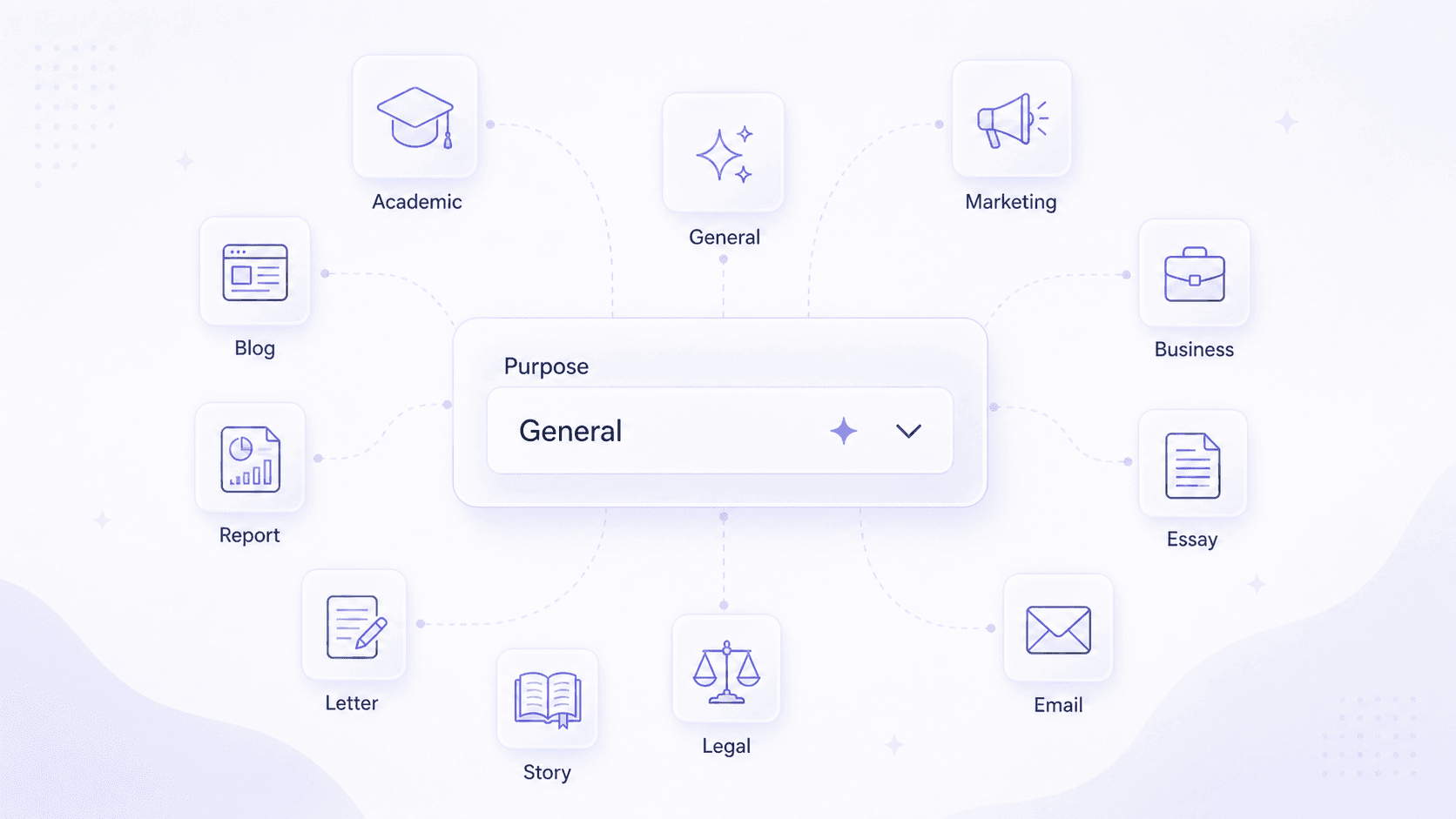
An AI paraphrasing tool rewrites existing text without changing the idea behind it. Lynote studies the context of the full passage, replaces repetitive wording, varies sentence structure, and improves flow. Choose a purpose such as Academic, Marketing, Business, Essay, Email, Legal, Story, Letter, Report, or Blog, then compare the rephrased result with your original before copying it.
เครื่องมือถอดความ AI ของเราทำงานอย่างไร

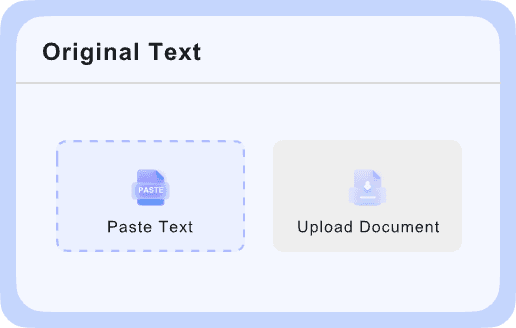
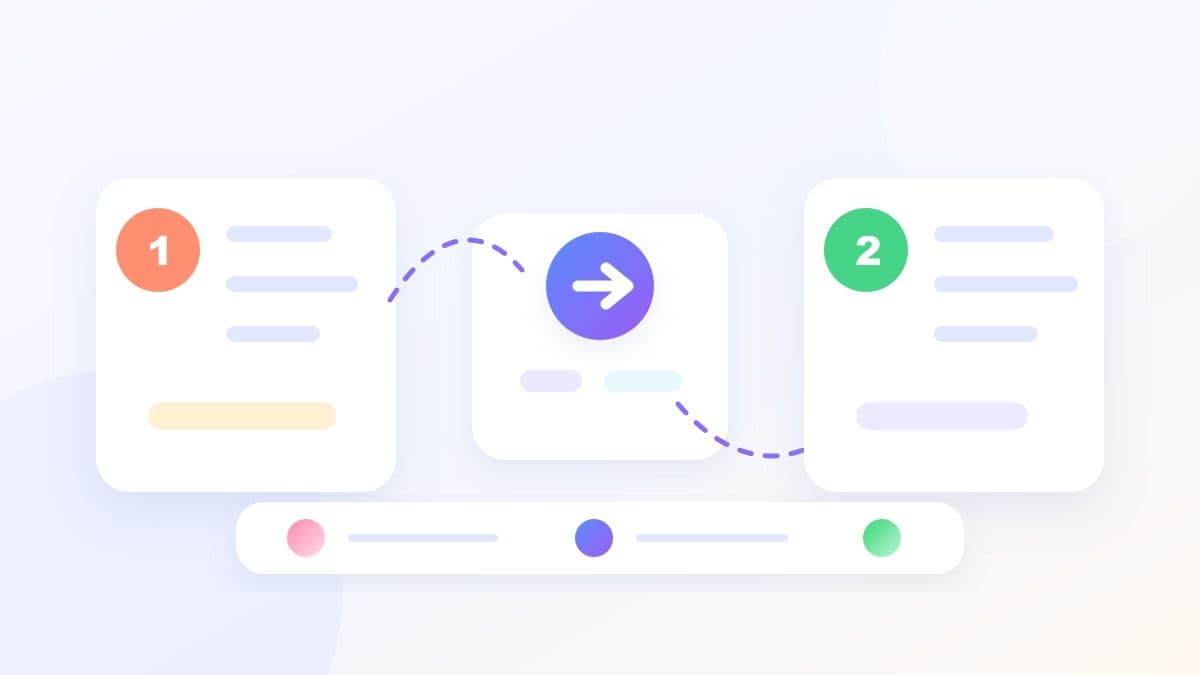
Paste or Upload Your Text
Add the sentence, paragraph, or draft you want to rephrase, or upload a supported document.

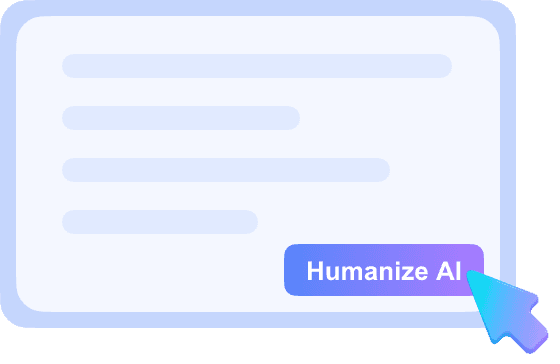
Choose a Purpose and Click Humanize
Select the writing purpose that fits your text, then click Humanize to generate the rephrased version.

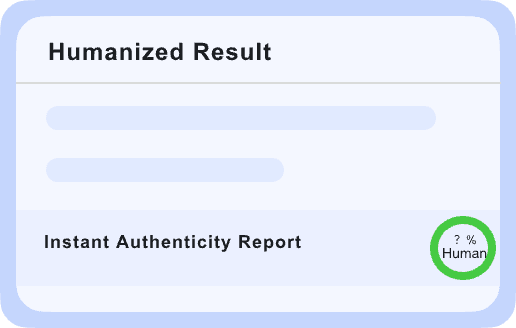
Compare and Copy the Result
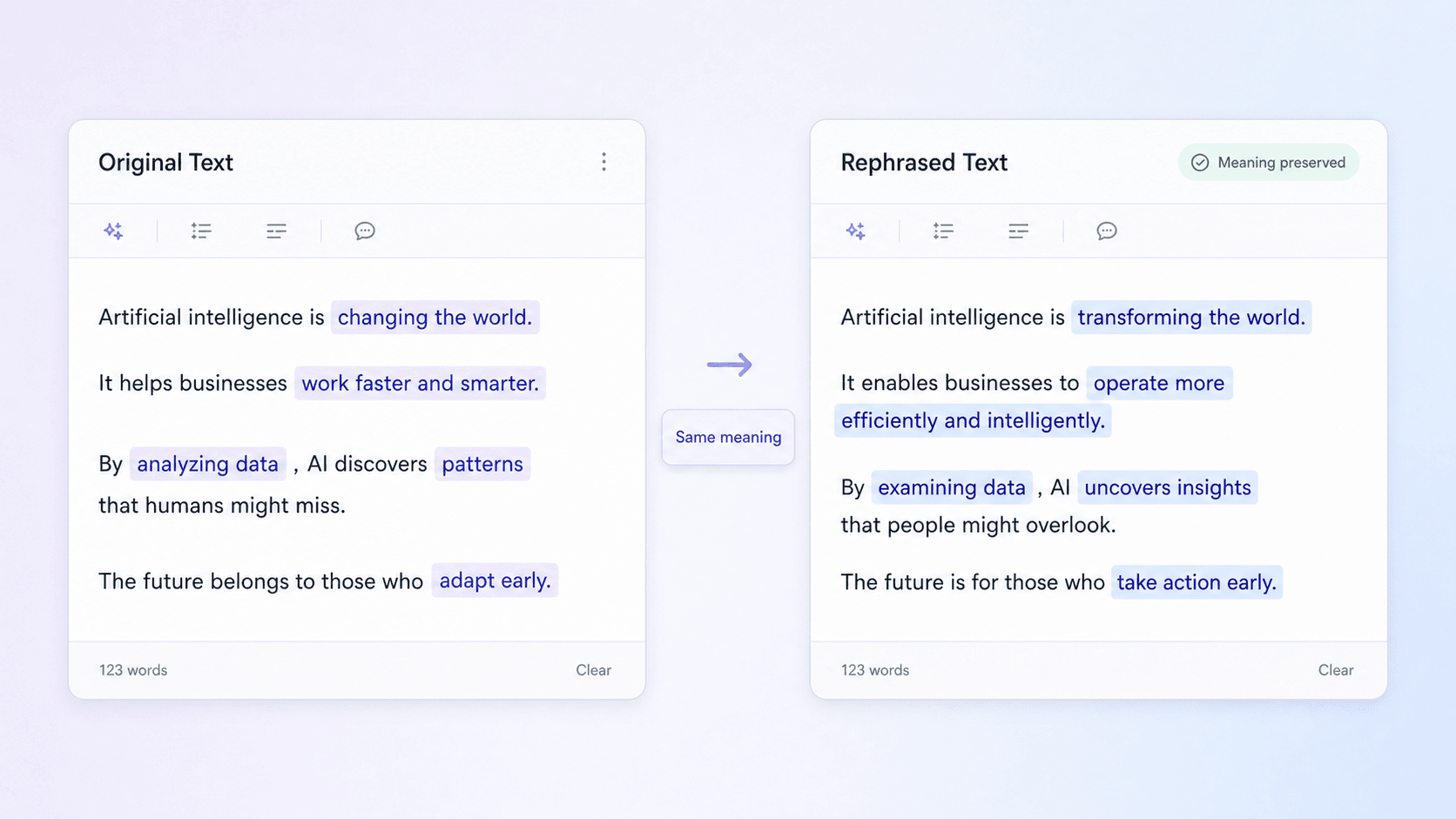
Read the original and rephrased text side by side, restore any wording that matters, then copy the version you want to use.
วิธีถอดความข้อความด้วย AI

วางหรืออัปโหลดข้อความของคุณ
เพิ่มประโยค ย่อหน้า หรือฉบับร่างที่คุณต้องการถอดความ หรืออัปโหลดเอกสารที่รองรับ

เลือกวัตถุประสงค์แล้วคลิก Humanize
เลือกวัตถุประสงค์ในการเขียนที่เหมาะกับข้อความของคุณ จากนั้นคลิก Humanize เพื่อสร้างเวอร์ชันที่ปรับสำนวนใหม่

เปรียบเทียบและคัดลอกผลลัพธ์
อ่านข้อความต้นฉบับและข้อความที่ปรับสำนวนใหม่เคียงข้างกัน กู้คืนถ้อยคำที่สำคัญ จากนั้นคัดลอกเวอร์ชันที่คุณต้องการใช้

Business Emails
Turn rough or overly formal messages into clearer emails while preserving the request, context, and next step.
คุณสามารถปรับสำนวนอะไรได้บ้าง?

ฉบับร่างทางวิชาการ
ปรับสำนวนประโยคและย่อหน้าที่ซับซ้อนในเรียงความหรือฉบับร่างงานวิจัย พร้อมทั้งรักษาข้อโต้แย้งและการอ้างอิงให้ชัดเจน

ข้อความทางการตลาด
สร้างโฆษณา ข้อความบนหน้า Landing Page คำบรรยาย และข้อความแคมเปญเวอร์ชันใหม่ โดยไม่ต้องเริ่มต้นใหม่

เนื้อหาบล็อก
ปรับปรุงย่อหน้าที่ซ้ำซาก ปรับการเปลี่ยนผ่านที่ดูไม่เป็นธรรมชาติให้ราบรื่น และปรับบทความเก่าให้เข้ากับกลุ่มเป้าหมายใหม่

อีเมลธุรกิจ
เปลี่ยนข้อความที่ยังไม่สมบูรณ์หรือเป็นทางการเกินไปให้เป็นอีเมลที่ชัดเจนยิ่งขึ้น พร้อมทั้งรักษาคำขอ บริบท และขั้นตอนต่อไป

International Writers
If you want to expand your services to international levels but feel underconfident about your English, Lynote AI Paraphrasing tool is the solution. Use it to translate any language into English seamlessly.

Editors and Proofreaders
Editing and proofreading multiple documents can sometimes get overwhelming. Lynote AI Paraphraser is the perfect tool that can help improve a document without having to manually edit everything.
ใครบ้างที่ได้รับประโยชน์จากเครื่องมือปรับสำนวน Lynote AI?
ผู้ใช้พูดอะไรเกี่ยวกับเครื่องมือถอดความของเรา
คำตอบเกี่ยวกับการเรียบเรียงประโยคและย่อหน้า, การเข้าถึงฟรี, ภาษา, การใช้งานเชิงวิชาการ, การอัปโหลด, และความแตกต่างระหว่างการถอดความ, การเขียนใหม่, และการทำให้เป็นธรรมชาติ
An AI paraphraser restates text with different words and sentence structures while keeping the main meaning. You can use it to rephrase a sentence, a paragraph, or a longer draft that needs clearer wording or better flow.
Paste your text or upload a supported document, choose the writing purpose that fits, and click Humanize. Lynote returns a rephrased version that you can compare with the original before copying it.
Yes. Use it for one sentence when a line sounds awkward, or add a full paragraph when the ideas need smoother transitions and more varied wording.
Lynote is designed to preserve the central idea while changing vocabulary and sentence structure. Compare the result with the source and restore any names, figures, quotations, citations, or specialist terms that must remain exact.
Yes. You can start with the free AI paraphrasing tool without creating an account. Usage limits may apply to the length or number of rewrites available on the free plan.
Yes. Lynote supports more than 80 languages, so you can paraphrase multilingual text and then review the result for the right local wording, tone, and terminology.
You can use it to improve clarity or explore a different way to express an idea when your school or instructor permits AI-assisted editing. Paraphrasing someone else’s ideas does not remove the need to cite the original source.
Paraphrasing restates the same idea in new wording. Rewriting can make broader changes to structure or style. Humanizing focuses on making AI-generated text sound more naturally written.
Yes. Paste a longer passage into the editor or use Upload Document when the text is already in a supported file. For a very long draft, rephrase it in logical sections so each result has enough context.
Yes. The AI text paraphraser can change the wording and flow of an AI-assisted draft. Choose the tool that matches your next step: naturalize the writing when it still sounds machine-made, or check the rewritten text when you need to review AI signals.
คำถามที่พบบ่อยเกี่ยวกับ AI Paraphraser
Use Lynote AI Paraphrasing tool to find the right words, tone, and structure for your draft. It only needs a few seconds to turn a document into its better version.